
What is superwhisper?
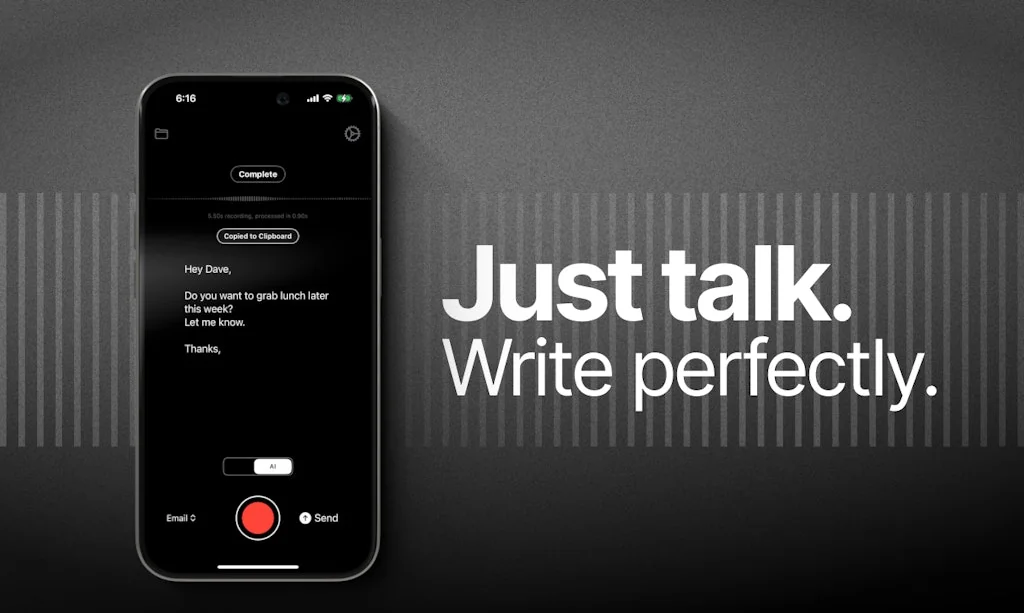
Superwhisper is an extremely accurate, AI powered, voice to text app for macOS.
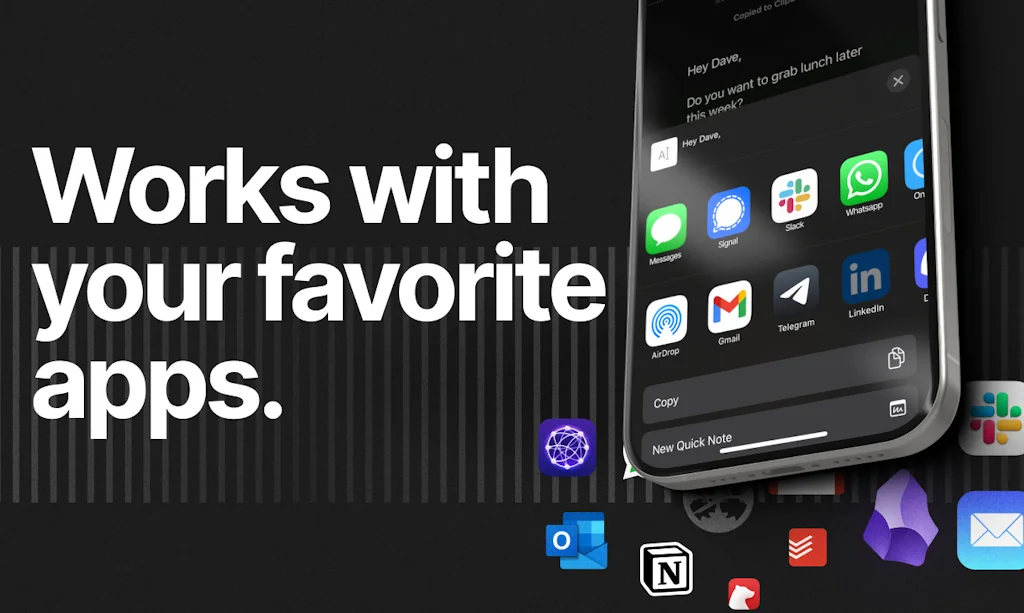
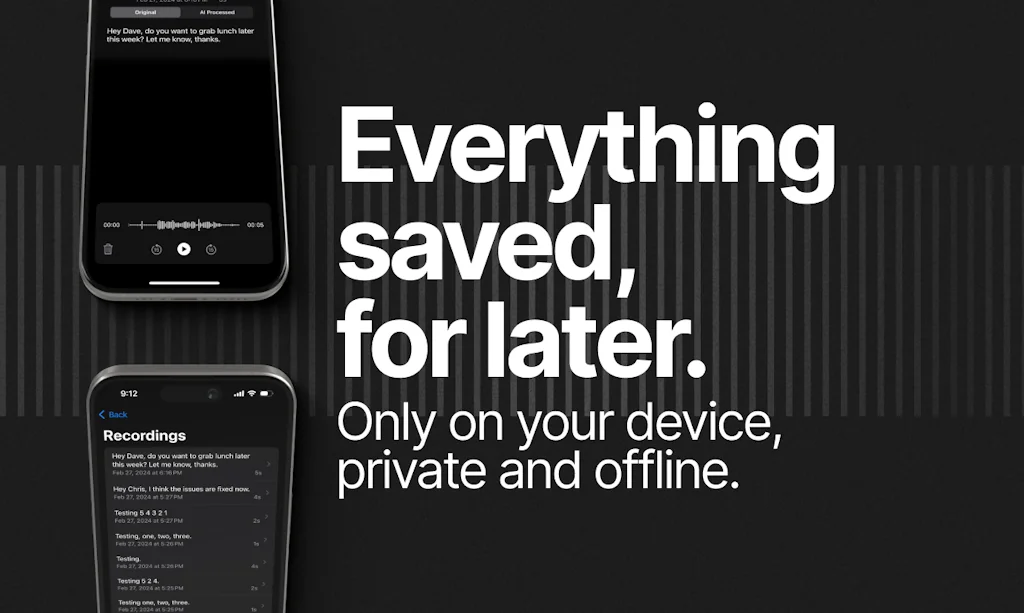
Write emails, send messages and take notes in 100+ languages at super-human speeds. All processing is done on your device, no WiFi needed.
Pros & Cons
Pros
- Daily use
- Voice to text accuracy
- Reduces typing
- AI integration
- Responsive developer
- Customizable modes
- Fast performance
- Multi-language support
- Free tier
- Lifetime purchase option
- RSI relief
- Local processing
- Text formatting
Cons
- No mobile app
Tool Details
| Categories | AI Dictation Apps |
|---|---|
| Website | superwhisper.com |
| Added | July 24, 2023 |
| Platforms | Web |
| Social |
Recent Reviews (13)
I was looking for a solution like SuperWhisper for a long time. A product that you can use daily with any app and across all of the Mac interface. I am so happy that I found just what I needed. SuperWhisper fits the bill and even excels. I am so hooked that I'm going for the pro plan within one day of trying it. Trust me, there's nothing like it in the market. In fact, I'm "writing" this whole review with SuperWhisper. Super cool!
Best and cleanest free whisper (STT) app there is
Makes using our product easier
Before Superwhisper, I was using Voicy, and it works very well. The developer is very responsive and a great guy to talk to. However, Superwhisper beats it because of its ability to create custom modes and choose your AI models. I know that Voicy will get there, but it’s just not there yet.
Superwhisper is just very clearly a product built with care and love. I like the optionality between choosing my own models, the lifetime options so that I can really invest in a single product, the constant updates that make it feel natural and smooth, and the general focus on giving people the ability to choose between whether they want their voices processed locally versus online. This complexity, but I think Superwhisper strikes a great balance between good defaults and an experience that lets power users do what they want to.
Superwhisper is seriously impressive. I’ve been using it across three languages — French, Spanish, and English — and the transcription accuracy blows me away every time. Even with my mix of accents, idioms, and the occasional Englishism thrown into my French, it still nails everything. That level of precision is rare, and it makes a real difference. I also love how you can customize modes depending on what you’re doing — whether it’s writing a message, taking notes, or something else entirely. And the fact that you can layer prompts on top of that? Huge. It really feels like the product adapts to you, not the other way around. Another big plus: the lifetime purchase. It’s becoming so rare to see that model, and honestly, it was one of the main reasons I went for it. You pay once, you’re set — no stress, no subscription fatigue. Can’t wait to see what’s next (especially the Windows and Android versions — that would be game-changing). Massive kudos to the team. This is one of those tools that just clicks. 🚀🔥
Literally use it daily to communicate with AI. So helpful for a world currently where boundaries of capability varies across different frontier models depending on the problem you have in front of you. This tool completely opened up a brand new way of me being able to interact with AI - effectively allowing for me to talk 10 minutes to it at a time in one input, and having the AI have all the context it needs to either 1. help me with the problem/situation at hand, 2. reflect back to me what is it I'm missing or 3. provide value to me simply as a means of organizing and refining my thoughts via speaking. Absolutely love it and the UI is my biggest inspiration right now across all the products I've grown to use and love the past few months. Super sleek.
I use superwhisper daily in both my private life and while working. The biggest advantage is the flexibility it offers; you can choose the voice and language models that best suit your needs, and you program your own modes for different tasks you want to accomplish. Whether you want to write a short story, take notes, or need to draft a memo for work, superwhisper can be adapted to suit any situation. You can also teach it vocabulary that you use if it isn't part of everyday language, which increases the accuracy of the dictation. This adaptability is the greatest benefit of superwhisper, as it can tailored to your needs and effectively integrated into your daily life
SuperWhisper has been a game changer for me. I'm able to move much faster as I work by using my voice instead of typing. I've also discovered that I process concepts better when I verbalize them. Dictating my communications with SuperWhisper has allowed me to do that in ways that I couldn't when I was typing more. The AI integration completely negates the feeling I used to have when using traditional dictation tools (ahem, Siri). I don't have to worry about getting everything said perfectly, nor even worry about having perfect grammar. Neil, the developer, is very responsive, open to suggestions, and welcomes critical feedback.
1. Simulate Keypress – Smarter Typing Automation The current Simulate Keypress feature is powerful, but with just a few tweaks, it could be even more effective: • Custom delay control between keypresses • Option to randomize keypress delays for more human-like typing • Ability to paste plain text that SuperWhisper then types out character by character (like an autotyper) These changes would be great for accessibility, automation, and productivity workflows. ⸻ 2. AI Assistant Mode – Context-Aware Voice Actions Imagine a mode where SuperWhisper becomes a lightweight AI voice assistant that: • Listens for spoken prompts or intent • Automatically executes contextual actions, like launching apps, typing commands, or navigating interfaces Even better: let it interact directly with onscreen text—for example: • Fix punctuation or grammar mistakes on the fly • Rephrase or correct text based on spoken commands • Highlight and edit text fields or documents using real-time context This could make SuperWhisper more than a voice typing tool—it could become a true productivity companion. ⸻ 3. Mini UI Optimization – Use the Notch For newer MacBooks with a notch, it’d be fantastic if the mini recorder UI could use the notch area more effectively. That would give us a sleek, unobtrusive, and more modern visual experience. Loving superwhisper, as a lifetime user. Hands down best in its field.
Such useful software! I find myself writing more and better documentation and emails with it because it makes text entry so fast. I'm more talkative and engaged in Slack too because I can speak and explain my thoughts well. The developer is always improving it and taking feedback. My partner, who has days of bad hand pain, uses it a lot too and is thankful for it.
Has a free tier, works locally, and is extremely fast and accurate even with standard models. Would highly reccomend for tasks like talking to AI and perhaps even vibe coding. One of the key features that sets this apart from basic transcription is the formatting of the text, which is particularly useful for writing emails.
Lifetime purchase option, developer was involved with constant updates, and transparent about vision and security.
Frequently Asked Questions about superwhisper
When did superwhisper become popular?
superwhisper became popular around July 24, 2023.
What are the main advantages of using superwhisper?
The top advantages of superwhisper include: daily use, voice to text accuracy, reduces typing, AI integration, responsive developer.
What are the disadvantages of superwhisper?
Some reported disadvantages of superwhisper include: no mobile app.
What is superwhisper's overall user rating?
superwhisper has an overall rating of 4.9/5 based on 19 user reviews.
What type of tool is superwhisper?
superwhisper belongs to the following categories: AI Dictation Apps.
Related AI Dictation Apps Tools
TalkTastic
Voice Keyboard that Understands Your Personal Context

Whispering
Open-source, local-first dictation you can trust
Spokenly
Type 4x faster with your voice

Re:Connect
Speak with Your Eyes No Special Hardware Needed
AI dication by Snaply
Free, 100% local, AI dictation for Mac

Emra
Type with your voice and always-on transcription
Compare superwhisper :

Don't Get Fooled by Fake Social Media Videos
The world's first fact checker for social media. Paste any link and get an instant credibility score with sources.
Try FactCheckTool Free