

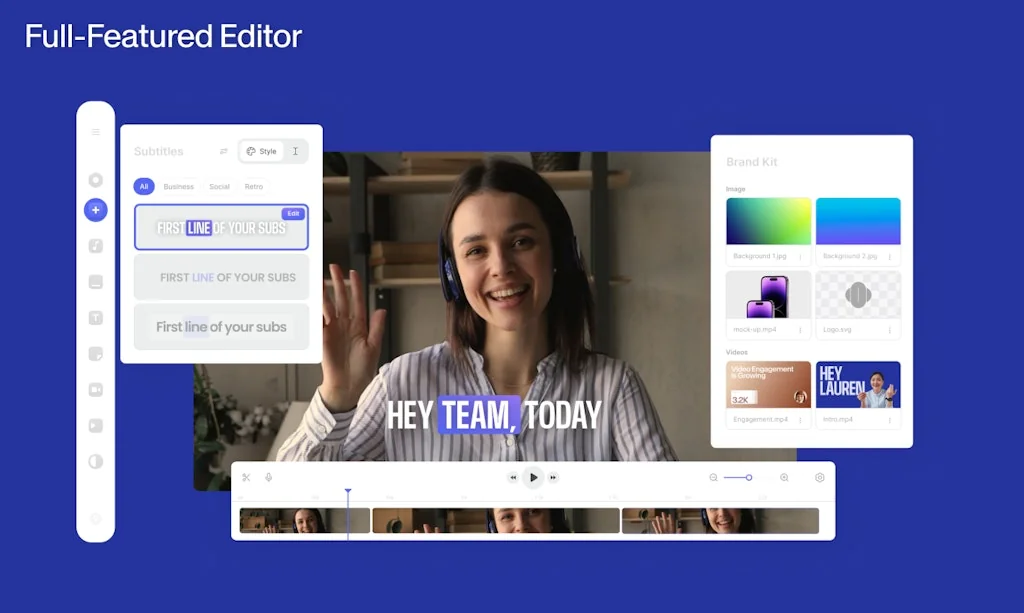
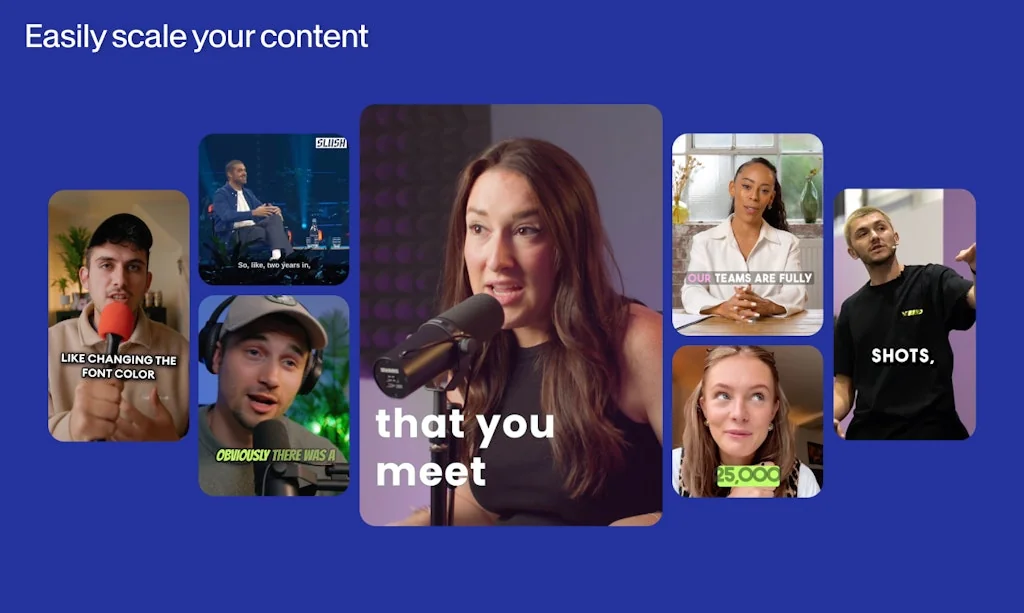
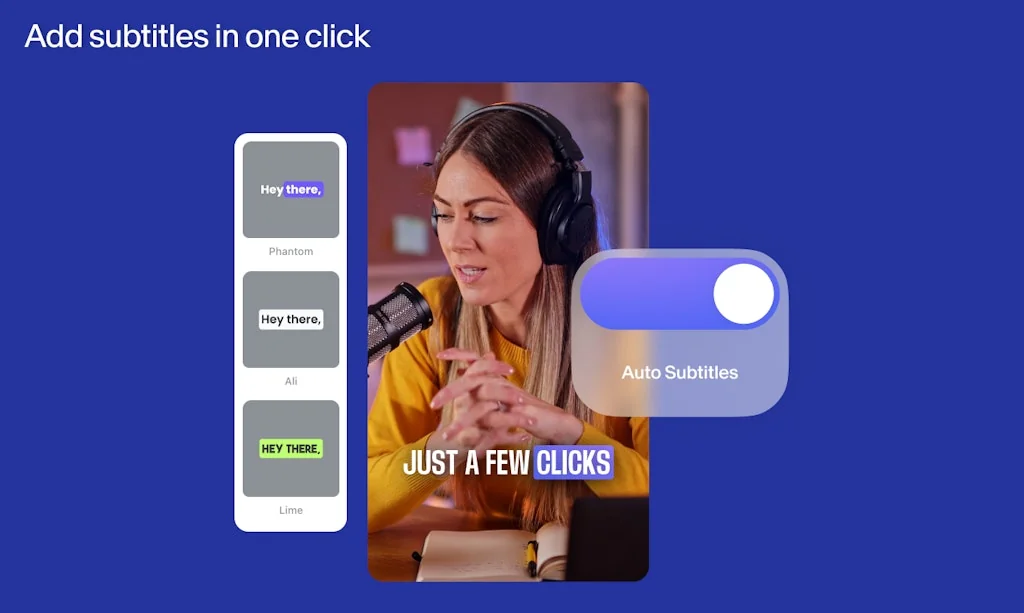
What is VEED?
VEED simplifies video creation. We make it faster and easier - for everyone.
Pros & Cons
Pros
- Easy to use
- Video editing
- AI avatars
- Fast performance
- Screen recording
- Subtitles
- Free tier
- Cloud-based
- Cost-effective
- Templates and resources
- Video/audio transcription
Cons
- AI voiceover
- Branded watermark
- Paid tier value
- Sock media
- Video length limit
Tool Details
| Categories | AI Video Editor |
|---|---|
| Website | www.veed.io |
| Added | July 4, 2018 |
| Platforms | Web · iOS |
| Social | Twitter · Instagram |
Recent Reviews (13)
Literally the best free tool for personal usage for editing and recording, amazing for teams as well, the rendering quality and speed is too good. I shifted from loom to VEED on D1 of using this!
Helped me create a demo video within minutes. Love the editing, love it's web-first, super easy to use.
Great work team!!! These AI avatars are really amazing, super proud of the quick reaction to technology and implementing it. I hope our users will be happy with it too! 💪🏽
I tried out Veed upon a friend's recommendation, and I found it incredibly easy to use. What impressed me the most was the abundance of resources available on the platform. It has a wide range of templates, fonts, and music tracks that helped enhance my videos. Overall, Veed exceeded my expectations as a user-friendly video editing solution with plenty of resources to utilize.
Veed.io is, hands down, one of the most user-friendly yet powerful video editing tools I've had the pleasure of using. From novice content creators to experienced video editors, this platform makes it remarkably easy for anyone to bring their vision to life. So glad to see that they continue to enhance and add new features.
super mediocre product, not worth the paid tier. Their AI coiceover is so poor that I can still hear the original voice in the background. Plus they have a fairly cunning "Lite" tier that has negligible value in terms of benefits. Stay away from this well-marketed yet ordinary platform.
So far I am loving these AI Avatars. As an editor myself, I frequently run into the fact that I want to change a line in my script, but the footage is already shot as we're in post-production. With these AI Avatars that seems to be a thing of the past! So good!
Veed is an amazing platform more like a all rounder for most of editing and video recording tasks. One feature I love the most is the video/audio transcriptions, it's easy and super convenient. Works best for my channel's videos.
I use Veed for giving time codes to the 3rd party video editing agency. It generates subtitles with the time stamps, which is great. Just what i need!
Since CapCut has been getting weird policy-wise, I've been dabbling in VEED. Not bad so far actually.
Hi Here is my feedback on videogpt. 1) Allthough there is an audio section, changing the language there doesnt change the audio which has been embedded from the text to speech. 2) The visuals are completely irrelevant to the subject matter inspite of prompting it to use relevant imagery with suggestions.
Wonderful and easy to use FREE video editor! All the basic features a video editor would want. Quick to upload files and export, share, and transfer final product. The only downside is the video length limit and branded watermark. While these can be removed with a subscription.
Really seamlessly screen recorder integrated with an online editor - simple to use, no need for additional storage in my workstation. Lightweight and powerful!
Frequently Asked Questions about VEED
When did VEED become popular?
VEED became popular around July 4, 2018.
What are the main advantages of using VEED?
The top advantages of VEED include: easy to use, video editing, AI avatars, fast performance, screen recording.
What are the disadvantages of VEED?
Some reported disadvantages of VEED include: AI voiceover, branded watermark, paid tier value, sock media, video length limit.
What is VEED's overall user rating?
VEED has an overall rating of 4.6/5 based on 35 user reviews.
Is VEED available on mobile devices?
Yes, VEED is available on iOS (App Store).
What type of tool is VEED?
VEED belongs to the following categories: AI Video Editor.
Related AI Video Editor Tools

Jupitrr AI
AI video maker that generates B-rolls for creators' videos

Gan.AI
Representing humans in the AI-first world

Wondershare Virbo
Virbo enables users to create AI Avatar video.
Vmaker AI Video Editor & Video Generator
AI that creates and edits videos for you

Synthesia
Create AI videos from text in minutes

KlipML
Create and edit viral shorts with AI agents
Compare VEED :
Don't Get Fooled by Fake Social Media Videos
The world's first fact checker for social media. Paste any link and get an instant credibility score with sources.
Try FactCheckTool Free