

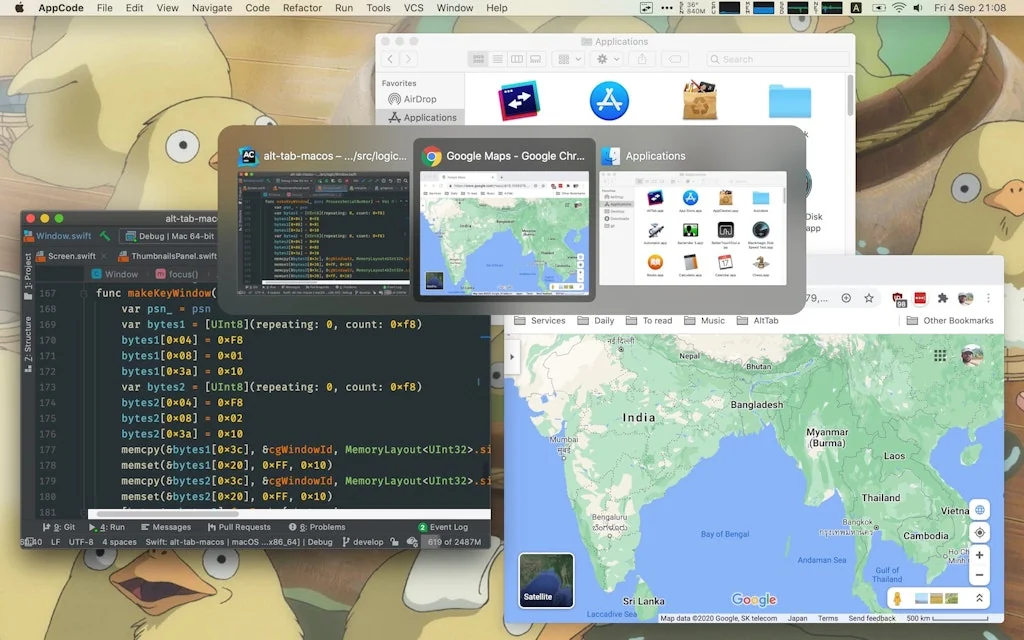
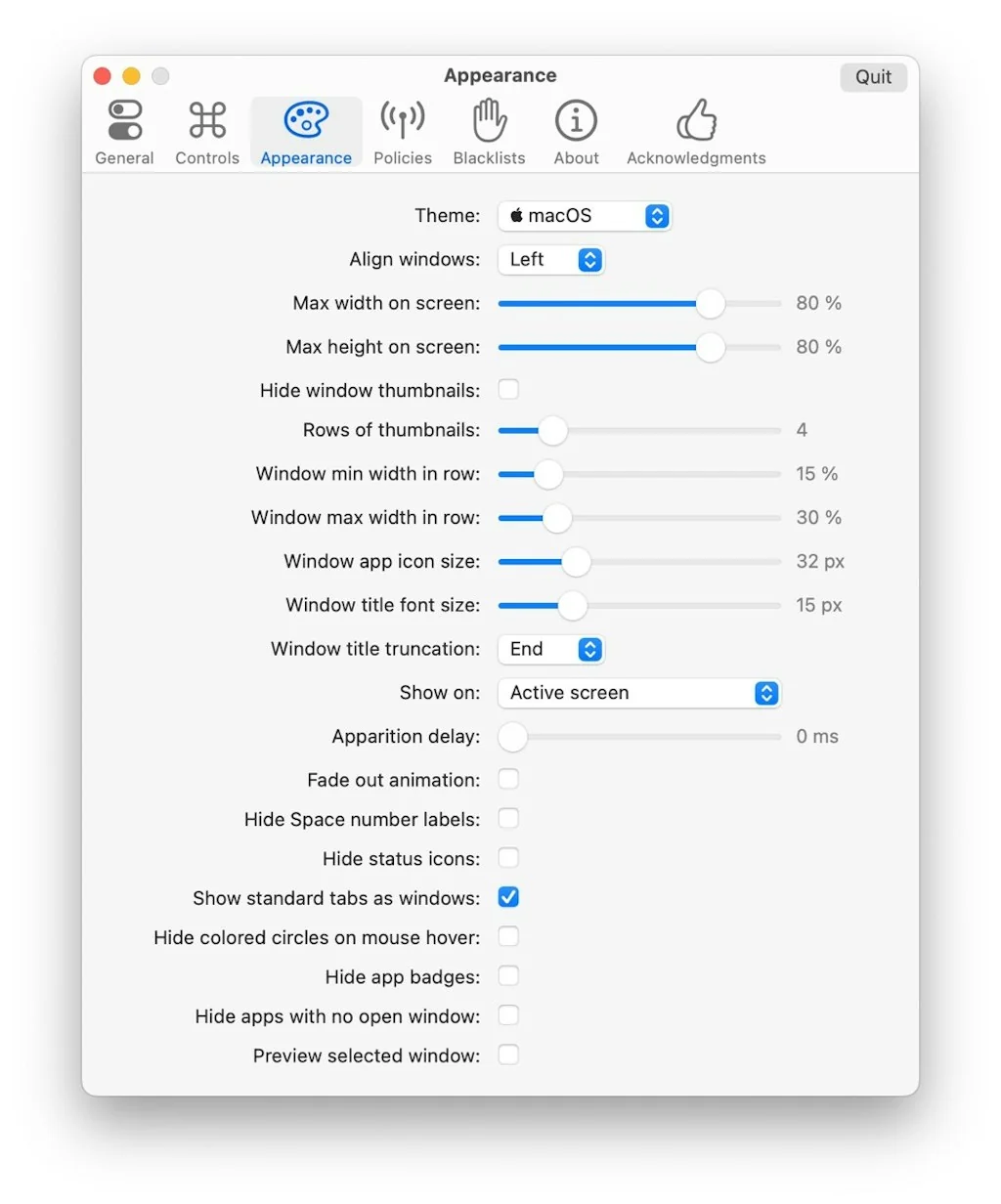
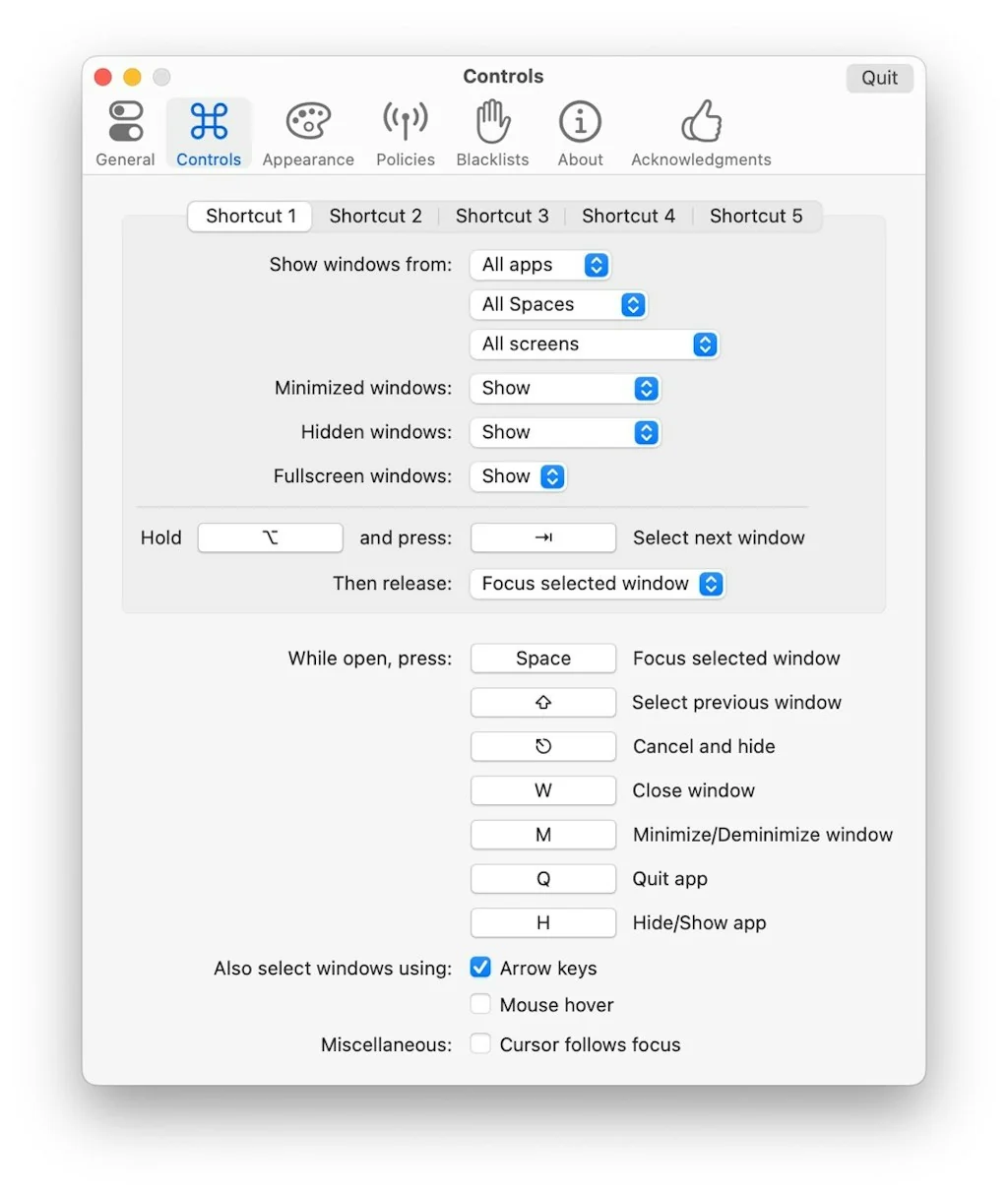
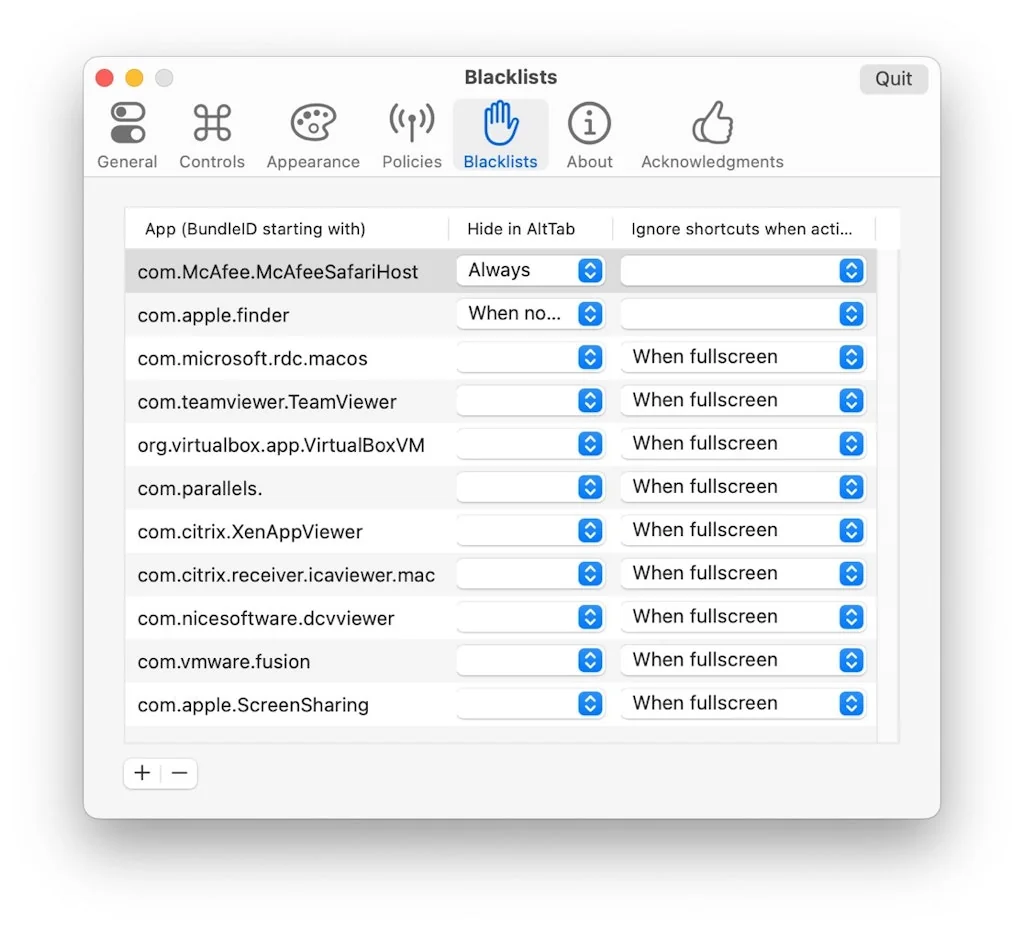
What is AltTab?
Completely customize how you switch between applications on MacOS.
Pros & Cons
Pros
- App switcher
- Customization
- Larger window previews
- Productivity tool
- Windows-like window management
- Free tier
- Quit and minimize from preview
- Support for hidden windows
- Support for minimized windows
- Support for multiple desktops
Cons
- Complex setup
Tool Details
| Categories | App switcher |
|---|---|
| Website | alt-tab-macos.netlify.app |
| Added | June 26, 2023 |
| Platforms | Web |
| Social | GitHub |
Recent Reviews (5)
it is free and it allows for a larger view of the open windows. it allows for quitting and minimizing the app from the preview section itself. which makes it more handy
It's exactly does what we expect and it is a great productivity tool. Easily look at all the windows that are open and switch quickly.
Fun, nice looking, intuitive (but only really intuitive after quite some setup and play)
The best tool that helps you use multiple applications on the same device
Nice app very easy and user friendly
Frequently Asked Questions about AltTab
When did AltTab become popular?
AltTab became popular around June 26, 2023.
What are the main advantages of using AltTab?
The top advantages of AltTab include: app switcher, customization, larger window previews, productivity tool, windows-like window management.
What are the disadvantages of AltTab?
Some reported disadvantages of AltTab include: complex setup.
What is AltTab's overall user rating?
AltTab has an overall rating of 4.8/5 based on 5 user reviews.
What type of tool is AltTab?
AltTab belongs to the following categories: App switcher.
Related App switcher Tools

Wendy Dean
Maker of things

KB Master
Use a keyboard instead of a mouse to avoid wrist pain

SiteBlocker
Block distractions & stay focused | Chrome/Firefox extension
Fuse (Pre-launch)
Android/iOS dev platform

Hidden Bar
Hide menubar items

LinkNotch
Turn your MacBook Notch into a fast access bookmark bar.
Compare AltTab :



Don't Get Fooled by Fake Social Media Videos
The world's first fact checker for social media. Paste any link and get an instant credibility score with sources.
Try FactCheckTool Free