
Xcode
Develop, test, and distribute apps for all Apple platforms
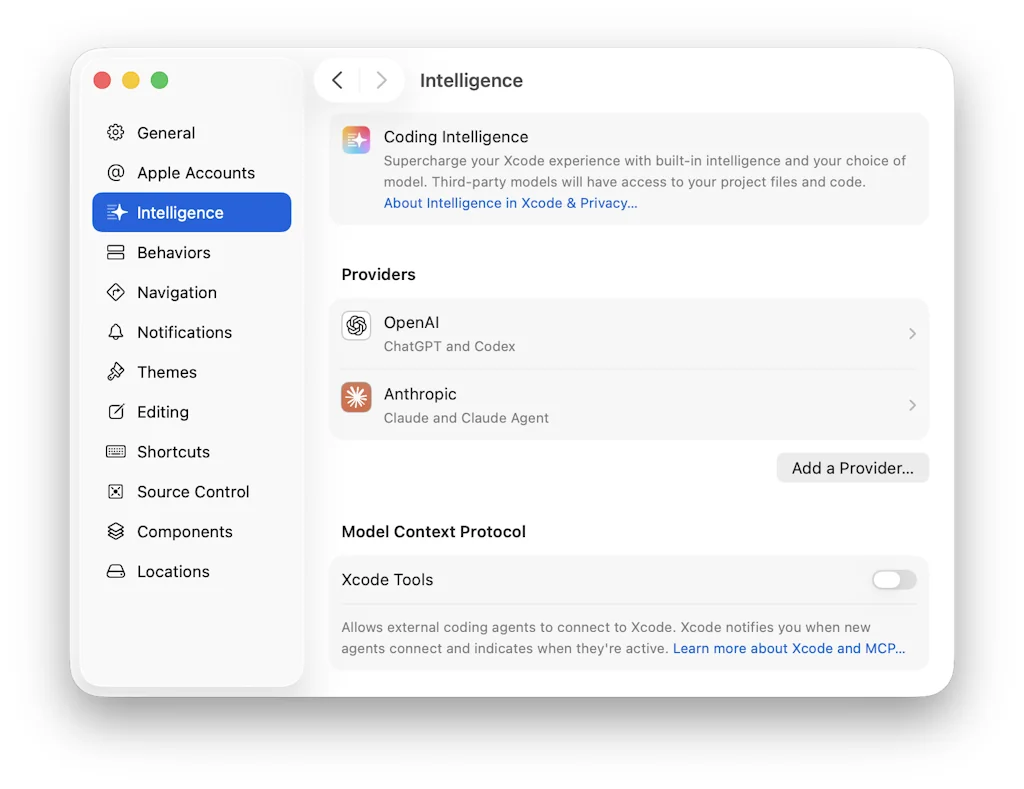
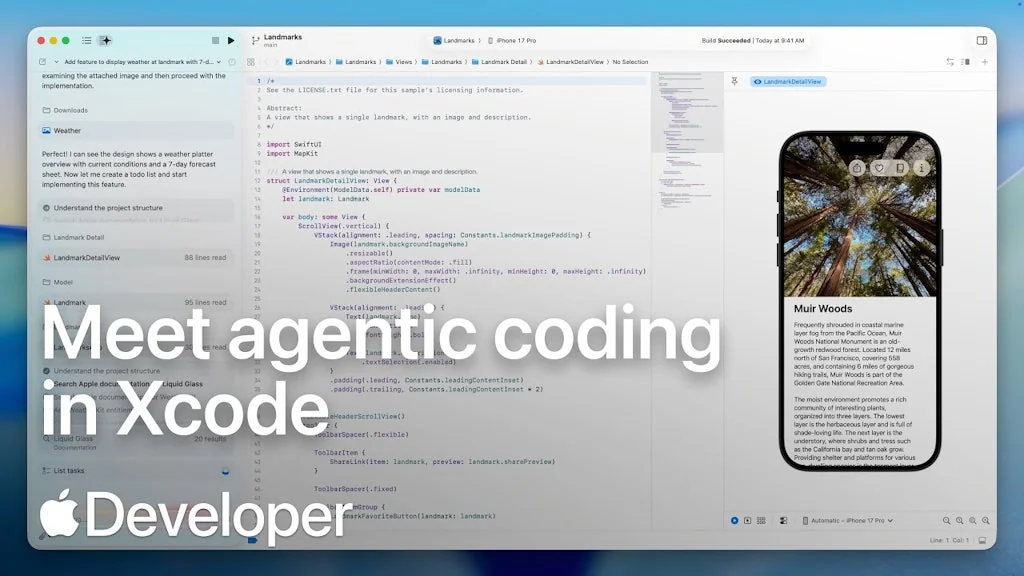
What is Xcode?
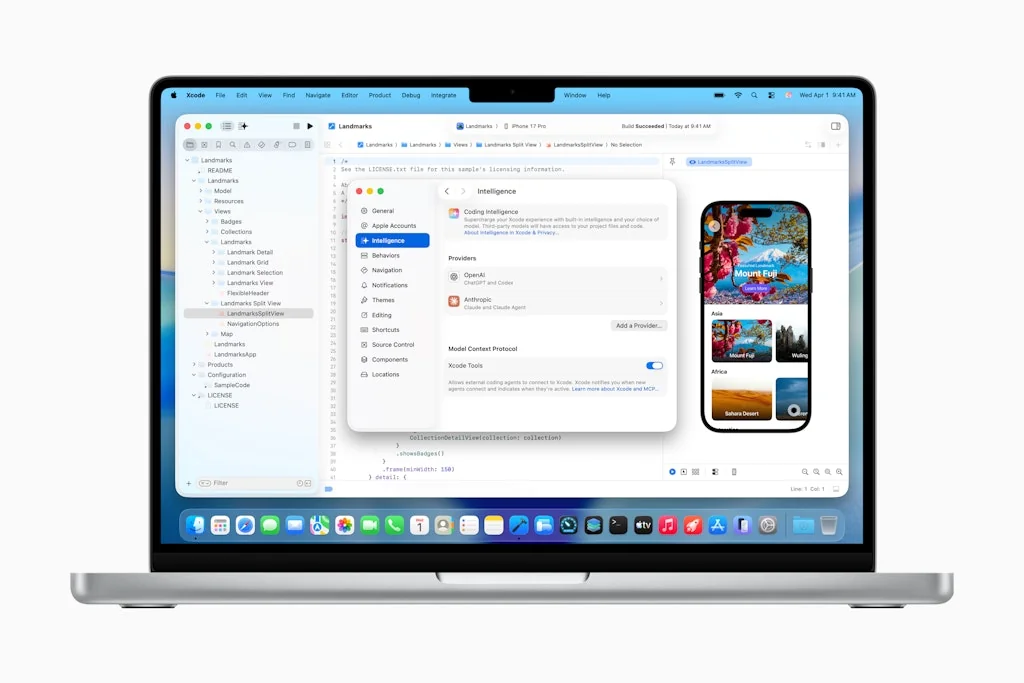
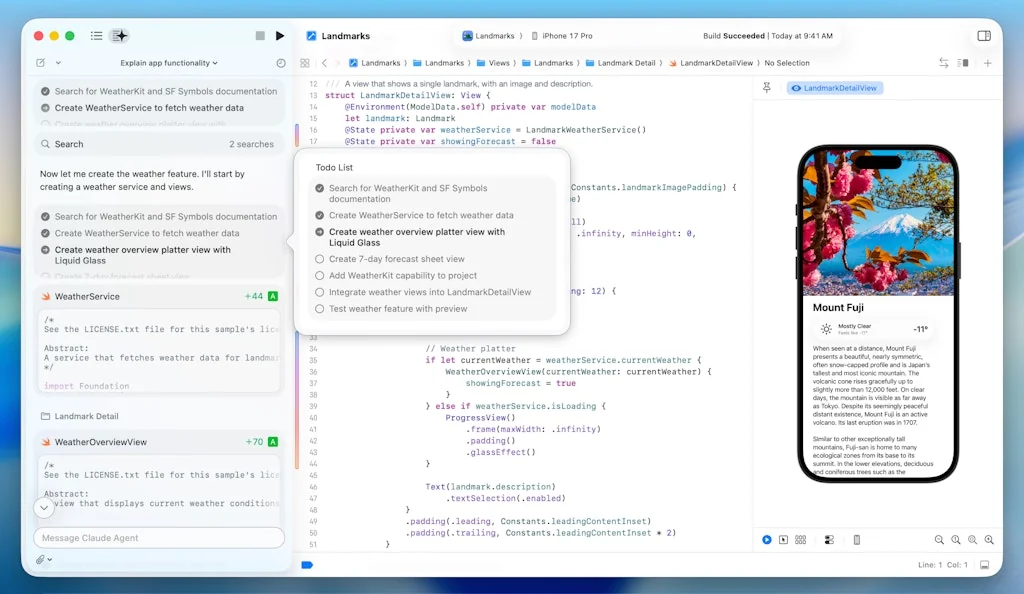
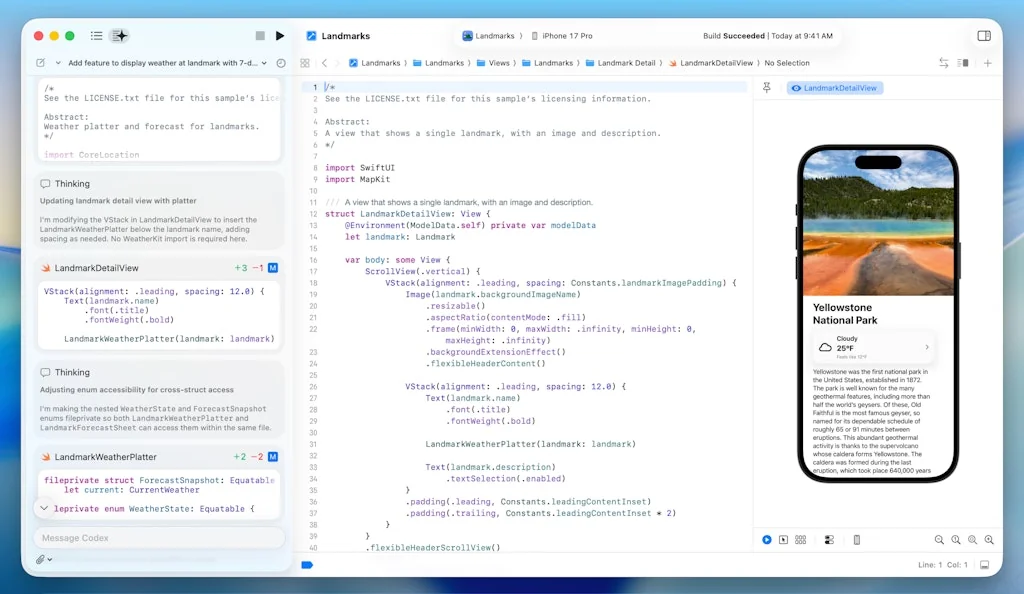
Code and design your apps faster with enhanced code completion, interactive previews, and live animations. Use Git staging to craft your next commit without leaving your code. Explore and diagnose your test results with redesigned test reports with video recording. And start deploying seamlessly to TestFlight and the App Store from Xcode Cloud. Creating amazing apps has never been easier.
Pros & Cons
Pros
- IOS development
- MacOS development
- Apple ecosystem integration
- Debugging tools
- SwiftUI integration
- Comprehensive tools
- Native performance
- Swift integration
- Documentation
- Simulator feature
- Code editor
- Efficient workflow
- Interface builder
- Productivity boost
- TestFlight integration
Cons
- Resource intensive
- Bugs in new versions
- Slow performance
- Limited features compared to other IDEs
Tool Details
| Categories | Code editors, Testing and QA software |
|---|---|
| Website | developer.apple.com |
| Added | September 16, 2015 |
| Platforms | Web · iOS |
| Social |
Recent Reviews (9)
Xcode provided the robust development environment needed to build Maia with privacy and performance in mind. Its powerful debugging tools helped us ensure the app stays responsive and battery-efficient during those crucial overnight feeding sessions.
PeekNote wouldn’t exist without Xcode. It gave us the speed and flexibility to build a polished macOS experience with SwiftUI, seamless StoreKit integration, and reliable performance — far smoother than other IDEs we tested.
Xcode is the go-to for iOS development because it provides an integrated environment designed specifically for Apple platforms, ensuring seamless compatibility and performance optimization. It offers a comprehensive suite of tools, including a code editor, debugger, and Interface Builder, making it efficient and effective for building, testing, and deploying iOS applications.
In my 15+ years of experience, Xcode remains my most-used tool—because nothing beats the joy of crafting iOS apps. Lately, I've been diving into mental health and wellness apps, and Xcode’s built-in shortcuts and documentation have been incredible time-savers. It’s one of the most compact and well-integrated IDEs out there. Sure, it still lags in some areas, but it’s miles ahead of many other IDEs.
It is designed to help developers be productive from day one, with intuitive user interfaces, powerful debugging tools, and comprehensive documentation.
Xcode is an essential app for developers working within the Apple ecosystem. However, Xcode’s unique indexing and file management system rely not only on the folder data itself but also on accumulating data within the Xcode app’s internal storage. While this approach can provide convenience for developers, it often leads to discomfort when it comes to the amount of system storage consumed by this data.
I'm using it for IOS development and I'm happy with most of the features, but I wish it was more friendly (what the hell do you want me to do with the preferences?) Also, I can't ignore the risk of bugs in every new version. It's very brave of your team to be the first to release a version.
Xcode is the backbone of Dock's development. Its powerful integrated development environment made it possible to build a seamless macOS app with robust performance and native design. The intuitive interface and comprehensive tools were crucial in bringing Dock from concept to reality.
Xcode might be heavy and take a while to install, but definitely a go-to tool for development
Frequently Asked Questions about Xcode
When did Xcode become popular?
Xcode became popular around September 16, 2015.
What are the main advantages of using Xcode?
The top advantages of Xcode include: iOS development, macOS development, Apple ecosystem integration, debugging tools, SwiftUI integration.
What are the disadvantages of Xcode?
Some reported disadvantages of Xcode include: resource intensive, bugs in new versions, slow performance, limited features compared to other IDEs.
What is Xcode's overall user rating?
Xcode has an overall rating of 5.0/5 based on 147 user reviews.
Is Xcode available on mobile devices?
Yes, Xcode is available on iOS (App Store).
What type of tool is Xcode?
Xcode belongs to the following categories: Code editors, Testing and QA software.
Related Code editors Tools

ezjson::Easy-to-use JSON comparison tool
JSON Parsing and Formatting, Sorting and Comparing

Codux
Visual IDE for React

Code Blue
A carefully concocted dark theme for VS Code.

Mage
Give your data team magical powers!

nCompass
Debug your system's performance 10x faster

InstaWP
Supercharge your WordPress Development Workflow in seconds
Related Testing and QA software Tools

AutoFlow Studio
Ship Faster and Test Smarter with Simplified AI-Powered QA

Canonical AI
Analytics for Your Voice AI Agent

Vetter
Test if your emails will be spammed, using real accounts.

Papercuts
Deploy AI agents to use your production app like a real user

Hoppscotch
Open source API development ecosystem.

bugbox
Easy way to manage your web project bugs
Compare Xcode :




Don't Get Fooled by Fake Social Media Videos
The world's first fact checker for social media. Paste any link and get an instant credibility score with sources.
Try FactCheckTool Free