

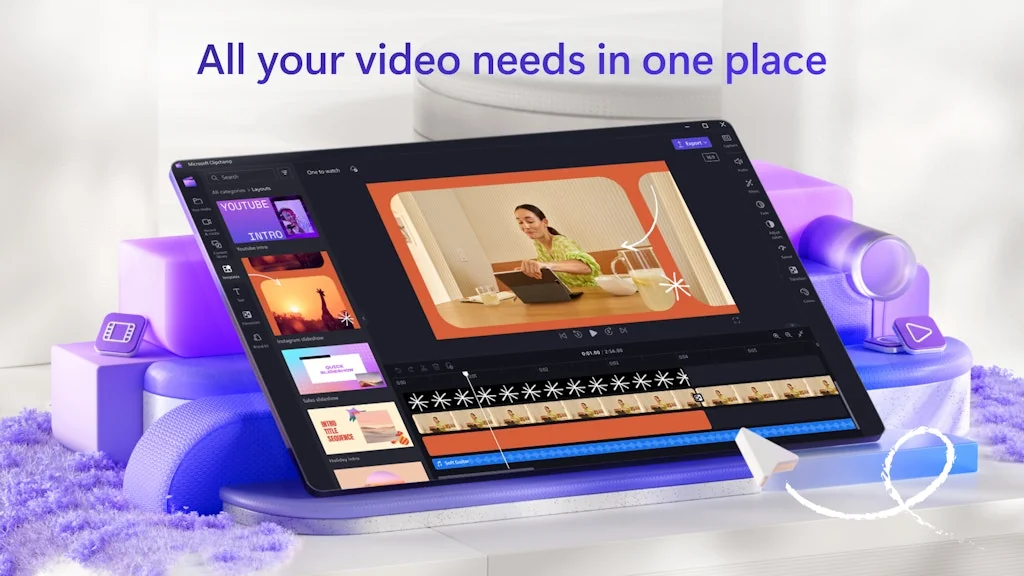
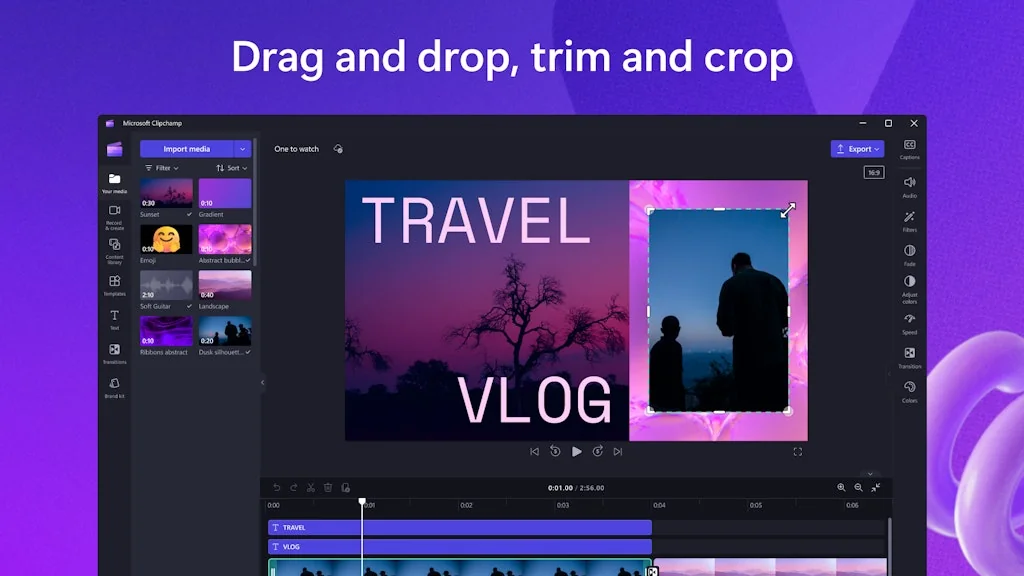
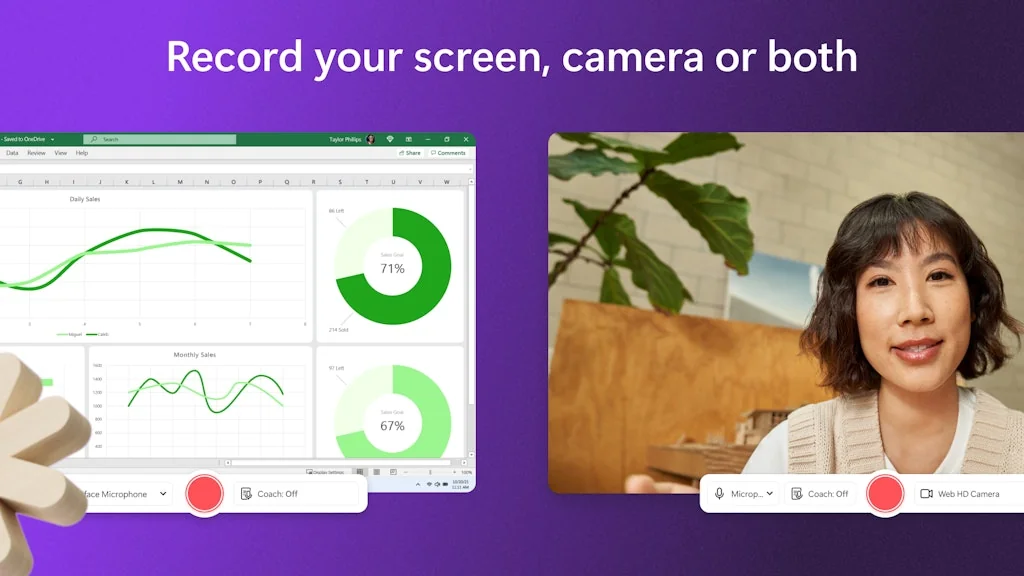
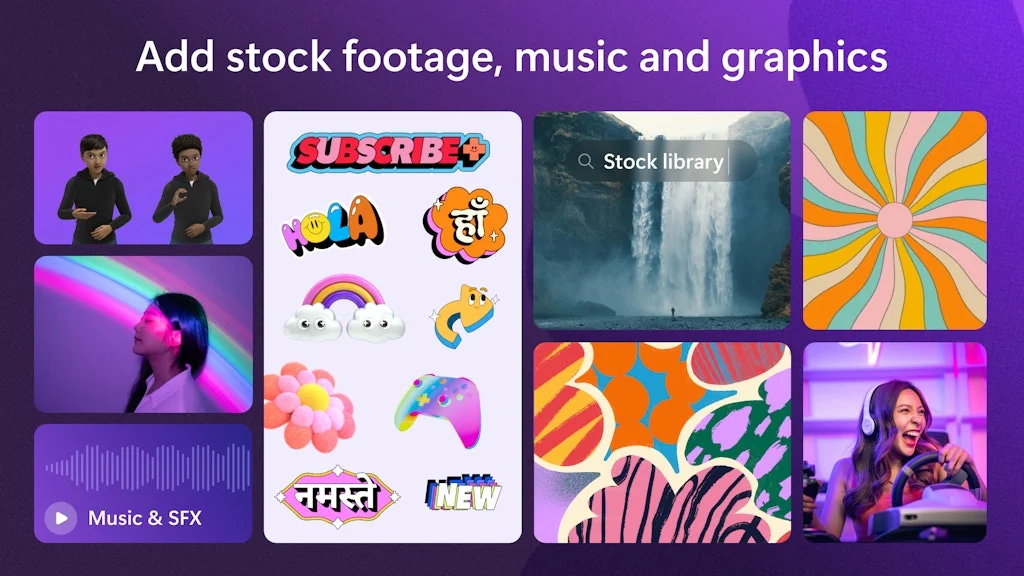
What is Clipchamp?
An online video editor that empowers anyone to quickly and easily create videos.
Pros & Cons
Pros
- User-friendly
- Free tier
- Stock assets
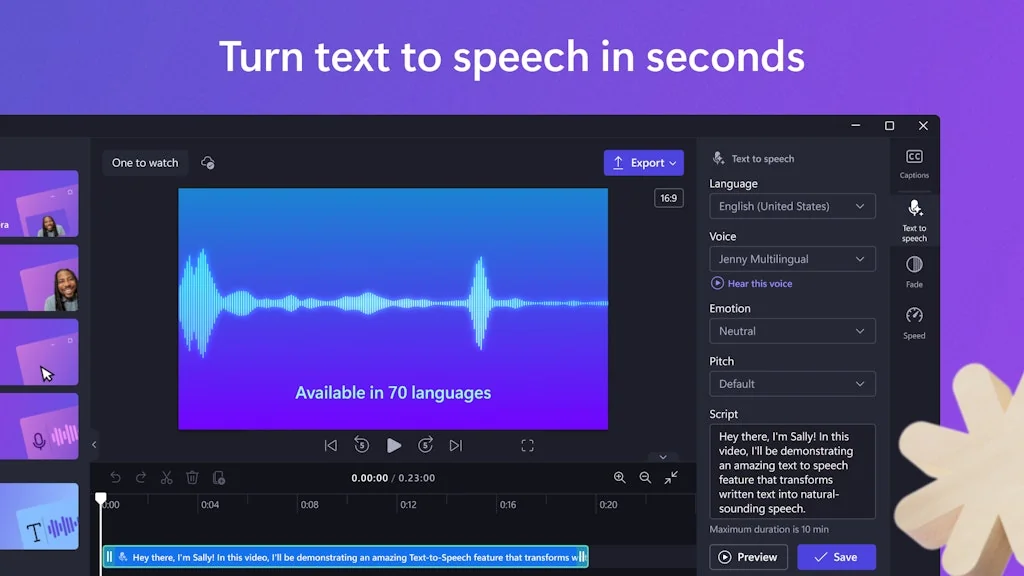
- AI-assisted tools
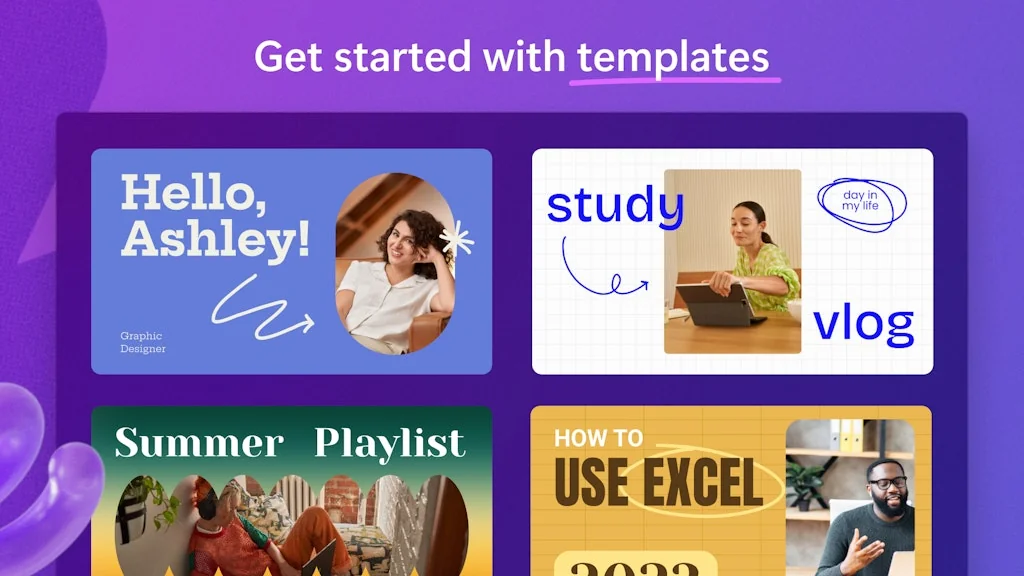
- Templates
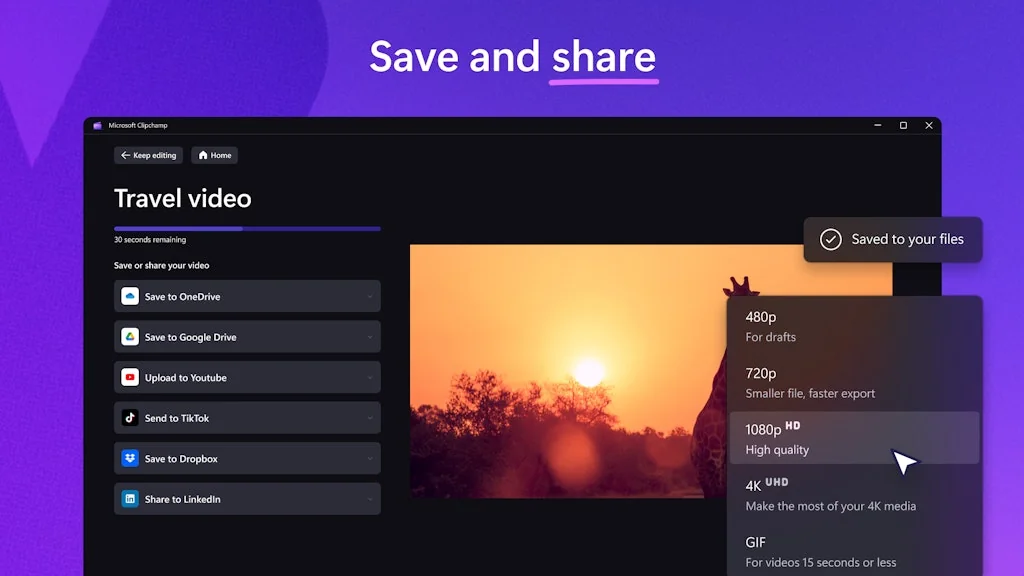
- 1080p free exporting
- Cloud-based functionality
- Easy to use
- Fast performance
- No watermark
Cons
- Limited advanced editing tools
- Poor optimization
- Customer support
- Export issues
- Cloud-based functionality
- File size inflation
- Language support
- Render delays
Tool Details
| Categories | Design & Creative, Video editing, Text-to-Speech Software |
|---|---|
| Website | clipchamp.com |
| Added | September 1, 2015 |
| Platforms | Web · iOS |
| Social | Twitter · Instagram · Facebook |
Recent Reviews (13)
Great to create quick video. I was able to quickly record my steps without needing for a desktop tool.
Super easy to adapt to, free 30 minute videos.
Video editing for our Product Hunt demo. It works seamlessly in the browser!
Clipchamps recent update and the forced switch to onedrive completely destroyed all of my projects in a way that is 100% unsalvageable. Aside from neither google nor microsoft logins working on the app (it just loops back to sign-in) all the files it "uploaded" to one drive? Not there. This includes all the detached audio files. If anything is missing, the entire video is unplayable and without manually retrieving the files (which clipchamp did not actually upload) there is no way to do it without starting completely over from scratch. Clipchamp destroyed a month long project that is due TOMORROW. I have meetings and calls all night, so there is literally no fixing this or recovering from it. If you want a program that will launch updates that completely destroy the entirety of all of your projects just to try and force you to use their cloud instead of your own local files, microsoft Climpchamp has you covered. It's unstable, and data loss has happened on every project, now with COMPLETE DATA LOSS. Would not recommend ANY Microsoft products after this experience, just do it all in google. Try capcut, it's so much better.
While the program is a decent, free video editor, it pales in comparison to the former Video Editor app I had once used prior to it becoming unavailable and forcing its users to install Clipchamp. Several of my files have been dramatically inflated in size despite cutting literal hours off of its original time, already being 1080p prior to the edit (3 hour long video with 2 GB size edited down to 41 minutes with a 7 GB size, not to mention random chunks of hard drive storage space being taken up just downloading the files outside of the intended size) I cannot recommend this as an alternative, with how poorly optimized Clipchamp is at this point in time.
I have been using Clipchamp for about an year now and obviously there are some positives and negatives altogether. Positives-super easy interface, Text-to-speech option, multiple stock videos and photos. Negatives-Very few transition options, some stock music get copyright on youtube even in the paid version, pretty basic features including effects. Overall I give it a 3 star. It's good for basic work.
I will say yes the application for Windows 10 and 11 is very nice and pleasant the website itself is also very nice so my rating on a scale of 1 to 10 is 9 because not all the languages are there I am talking about the website but I hope that in the future there will be more languages and it would be nice if Microsoft would also introduce the possibility of translating the website and the language which is not yet published i.e. there is no possibility yet to change from English let's say to let's say Chinese or the more popular Chinese it is an example language just the one I gave
I’ve enjoyed using Clipchamp for basic video edits. It’s fast and user-friendly, and I love the variety of templates available. The only drawback is that it can feel limiting if you need to work on more complex projects with advanced effects or features.
Excellent tool for small scale editing and for people like me who have less experience with advanced editing. Can move the clips wherever we choose, add images and sound easily and remove gaps easily too. Loved it.
I use Clipchamp for some light video editing for work. I find it really easy to use. Yes, it lacks some features (in my opinion) and there are a few small bugs, but hey, it's free.
Clipchamp is a simple and free video editor that's great for beginners. It's perfect for making social media videos, but it doesn't have advanced editing tools.
Great for 9:16 videos for musicians. Only thing I'd like to see is automation option or fade in/fade out on the uploaded audio file so its more pro.
AI generative clips, lots of resources for shorts and clips, seamless formatting changes. I USE this A LOT for our marketing campaigns!
Frequently Asked Questions about Clipchamp
When did Clipchamp become popular?
Clipchamp became popular around September 1, 2015.
What are the main advantages of using Clipchamp?
The top advantages of Clipchamp include: user-friendly, free tier, stock assets, AI-assisted tools, templates.
What are the disadvantages of Clipchamp?
Some reported disadvantages of Clipchamp include: limited advanced editing tools, poor optimization, customer support, export issues, cloud-based functionality.
What is Clipchamp's overall user rating?
Clipchamp has an overall rating of 4.1/5 based on 14 user reviews.
Is Clipchamp available on mobile devices?
Yes, Clipchamp is available on iOS (App Store).
What type of tool is Clipchamp?
Clipchamp belongs to the following categories: Design & Creative, Video editing, Text-to-Speech Software.
Related Design & Creative Tools
Color Hunt
Color Hunt is a curated collection of beautiful colors

Xspiral
The New-Gen 2D/3D Visualization & Hybrid Design Platform
Atlassian Design
Create straightforward and beautiful experiences

Mind the Graph
Create Beautiful Science Infographics

DeckRobot for PowerPoint
Make your slides shine with one click ✨

Insanely Cool Tools
Discover insanely cool tools for startups founders.
Related Video editing Tools

Moseca
Extract vocals and instrument from any song
Infuse
An elegant video player

Rocketium
Website conversions through creative automation.
Permute
Universal media converter

Vidsell - AI Personalized Video
Make every video a connection 🎥
VidGenesis
Turn your ideas into professional videos in one click !!!
Related Text-to-Speech Software Tools
Flipner AI
Capture your ideas & craft texts with AI's touch
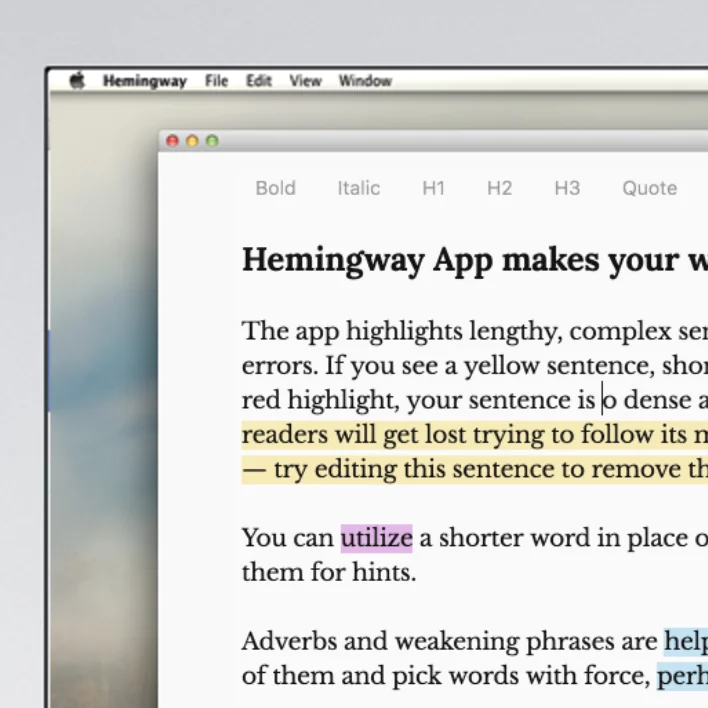
Hemingway Editor
Hemingway Editor makes your writing clear and correct.

MARS5 TTS
Open-source, insanely prosodic text-to-speech (TTS) model

Hoody AI
Every AI, One dashboard, Anonymous.

TalkTastic
Voice Keyboard that Understands Your Personal Context
Lyrebird
Copy the voice of anyone, using a voice imitation algorithm
Compare Clipchamp :


Don't Get Fooled by Fake Social Media Videos
The world's first fact checker for social media. Paste any link and get an instant credibility score with sources.
Try FactCheckTool Free