

Motionity
The web-based motion graphics editor for everyone
What is Motionity?
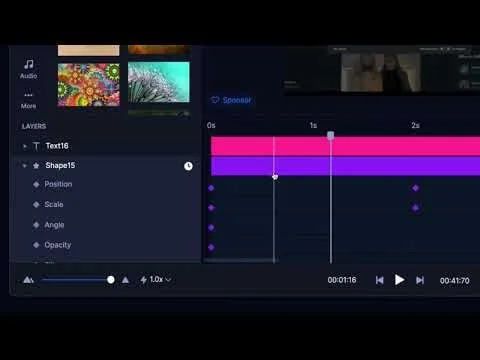
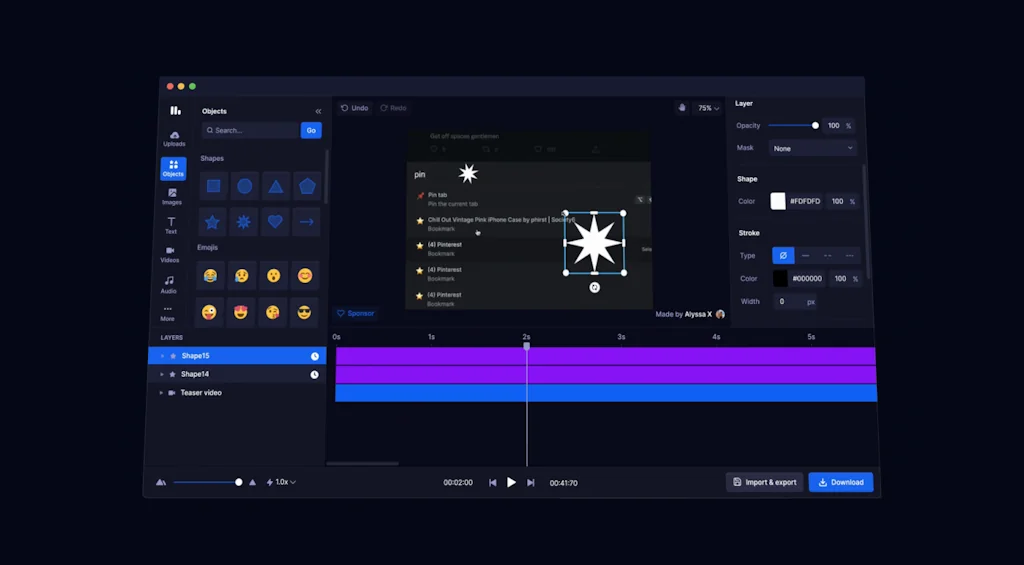
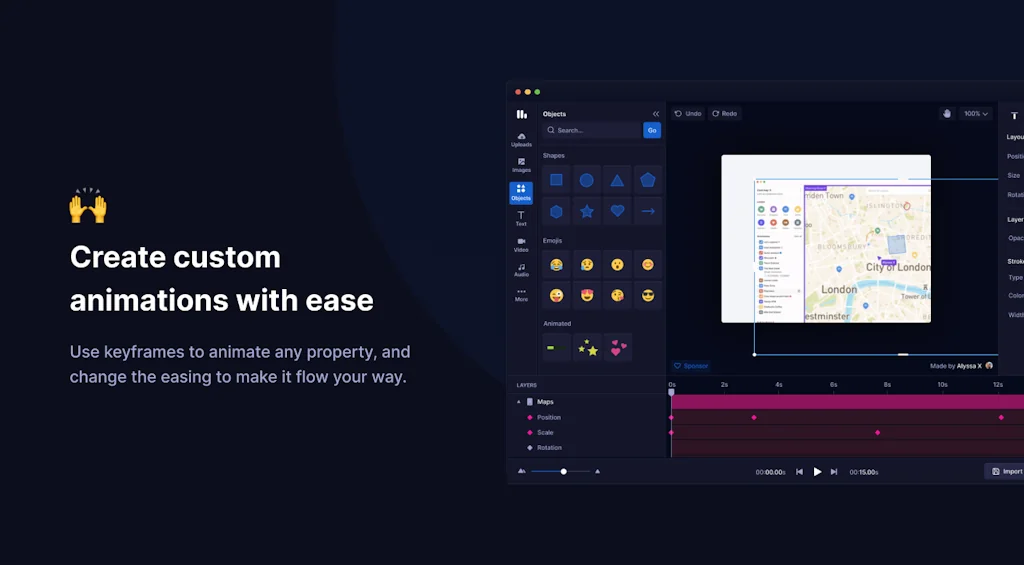
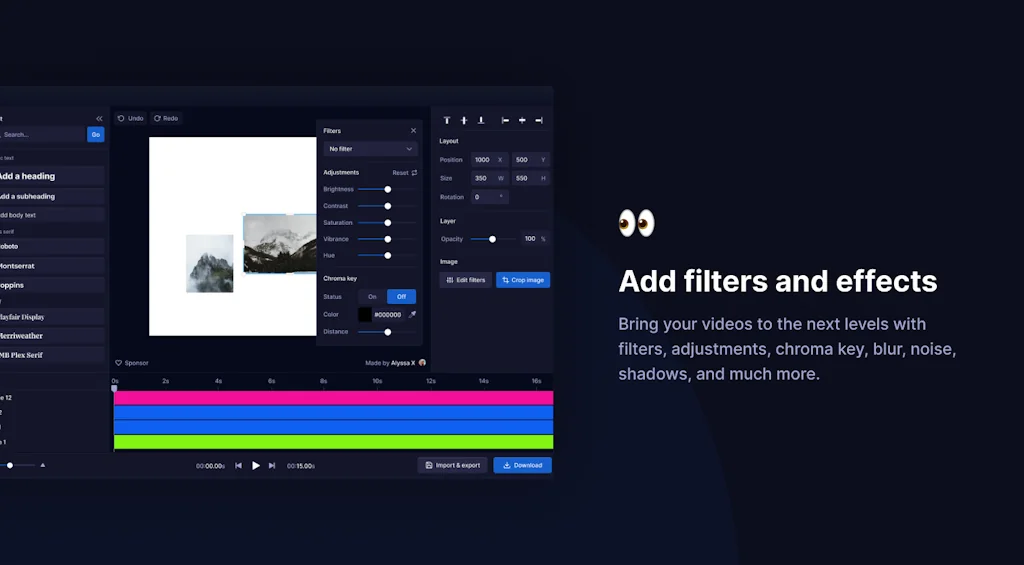
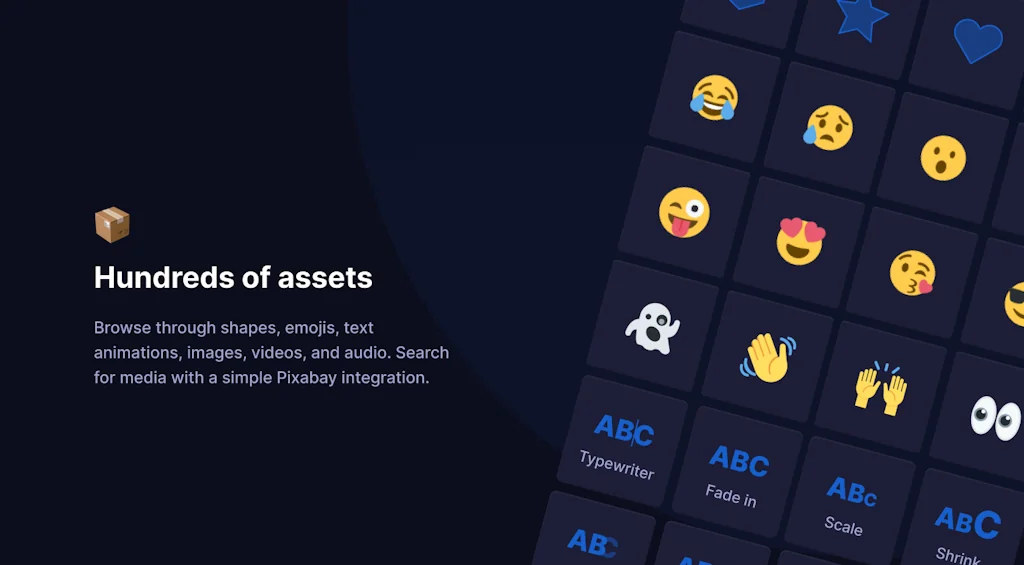
Motionity is an free and open source animation editor in the web. It's a mix of After Effects and Canva, with powerful features like keyframing, masking, filters, and more, and integrations to browse for assets to easily drag and drop into your video.
Pros & Cons
Pros
- Asset import
- Free software
- Lightweight
- Modern UI
- Open source
Cons
- Confusing controls
- Difficult for low-end devices
- Lack of tutorials
- Text editing limitations
- Unreliable performance
Tool Details
| Categories | Design & Creative, Video editing, 3D & Animation |
|---|---|
| Website | motionity.app |
| Added | August 31, 2022 |
| Platforms | Web |
| Social | GitHub |
Recent Reviews (5)
Good, an alternative if I couldn't use Alight Motion to pay fees for watermark deletion. But this? This? Is what I wanted. Free software is always my favorites and I could appreciate it. I used this for the straight 2 months and it didn't came out a single error. Good job.
Motionity's UI is beautiful and modern. Importing assets is quick and easy. It can even import multiple assets at a time. However, It is unreliable and janky at times. It seems user-friendly but proves to be very challenging to use. The controls are very confusing and there is little to no helpful tutorials available. The Notion page that has instructions for the platform aren't very helpful. Even just adding a keyframe is a pain. The problems I had with the ease of use may be because my PC specs are laughable, but even so, developers should keep lower-end devices in mind when creating their programs. If the software's ease of use improved, however, I would definitely consider using it again.
The idea is brilliant. The absolute perfection I was seeking. However, several improvements can be made. I went through it for an hour and have a ton of suggestions. For example, when I add an intro text animation, I need to change the texts color from white to black + I need to set the text through another textbar from the sidebar, I can't edit it on the canvas. Nevertheless, as an opensource app Motionity rocks.
Simple and powerful, nothing to say. I think it's comparable to the greatest.
A Game-Changer for Animation Enthusiasts!
Frequently Asked Questions about Motionity
When did Motionity become popular?
Motionity became popular around August 31, 2022.
What are the main advantages of using Motionity?
The top advantages of Motionity include: asset import, free software, lightweight, modern UI, open source.
What are the disadvantages of Motionity?
Some reported disadvantages of Motionity include: confusing controls, difficult for low-end devices, lack of tutorials, text editing limitations, unreliable performance.
What is Motionity's overall user rating?
Motionity has an overall rating of 4.2/5 based on 5 user reviews.
What type of tool is Motionity?
Motionity belongs to the following categories: Design & Creative, Video editing, 3D & Animation.
Related Design & Creative Tools

BookGraph
Visualize your reading network

CelebrateAlly AI
Your AI companion in celebrating life's moments

Sketch Map Generator (Powered by Google Maps)
Plugin to fill a shape with a map generated from a location

Asteroid
Designing powerful creative software 4 independent business

Timetaco
Create your own countdowns, as easy as 3, 2, 1

Screenpeek
Paste URL, create mockup
Related Video editing Tools

Madlipz
Make an Instant Voiceover parody!

Content Studio AI
Simplify content creation with AI-powered tools

Crello
Anyone is a designer with Crello

BrainrotAI
Create viral content in seconds with BrainrotAI

ScreenRun
beautiful videos from screenshots or recordings in seconds
Ezgif
Animated GIF editor and GIF maker
Related 3D & Animation Tools

PeakVisor
3D Maps & Peaks Identification

PixTeller
Make your own marvelous graphics and animations

Stargazer
Create intros inspired by movies and shows in minutes.

Tomato Timer
Interactive 3D AR Pomodoro timer and clock for Vision Pro

Standard Cyborg
The complete platform for interacting with 3D data.

Mojo
Powerful Animated Visuals
Compare Motionity :




Don't Get Fooled by Fake Social Media Videos
The world's first fact checker for social media. Paste any link and get an instant credibility score with sources.
Try FactCheckTool Free