
What is Typogram?
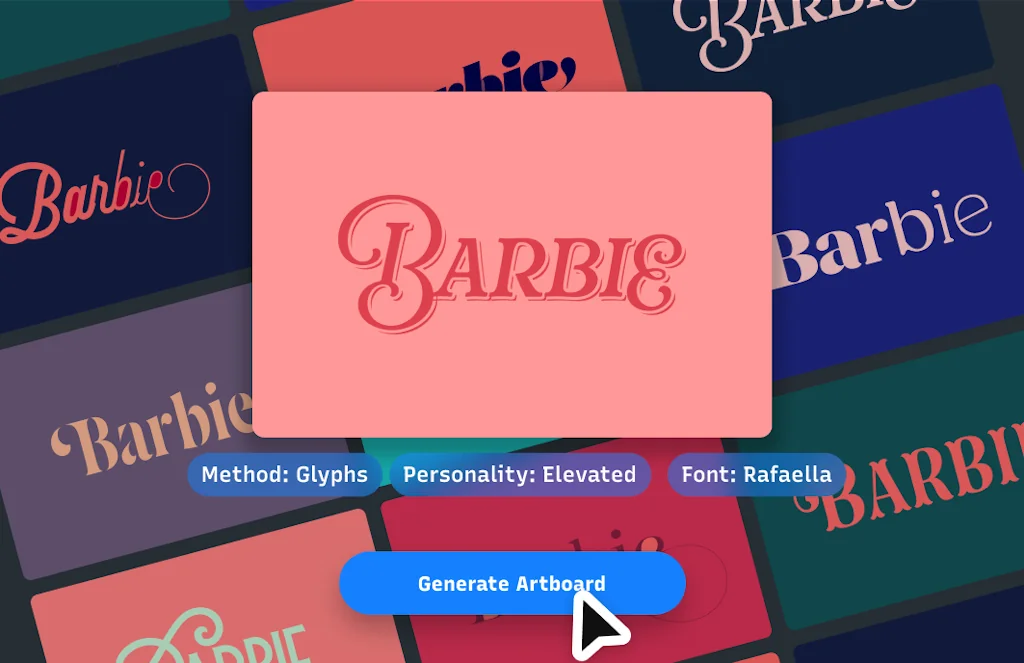
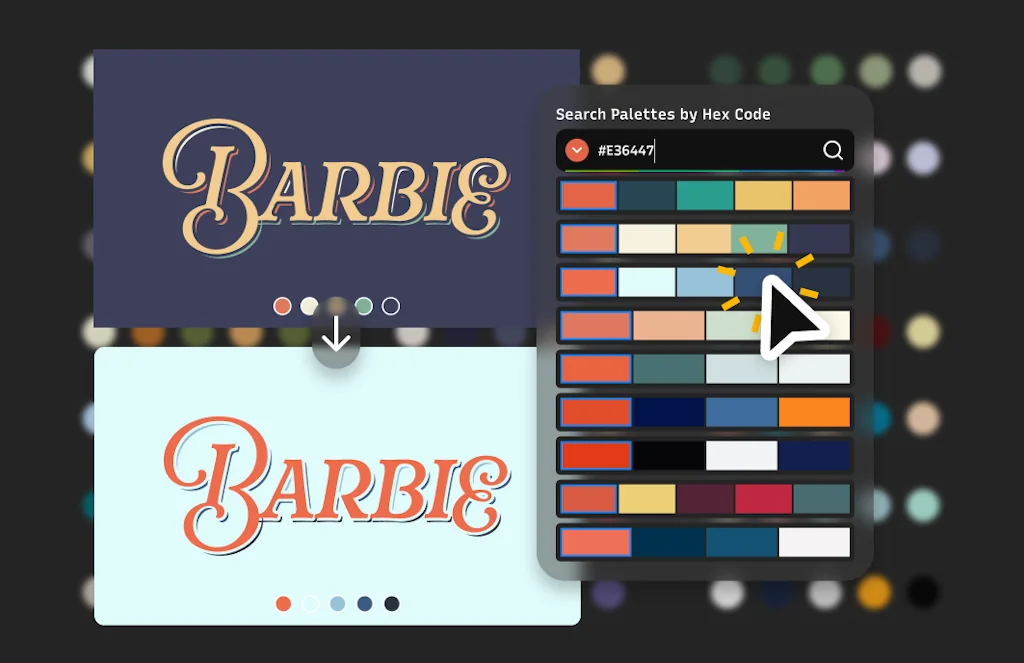
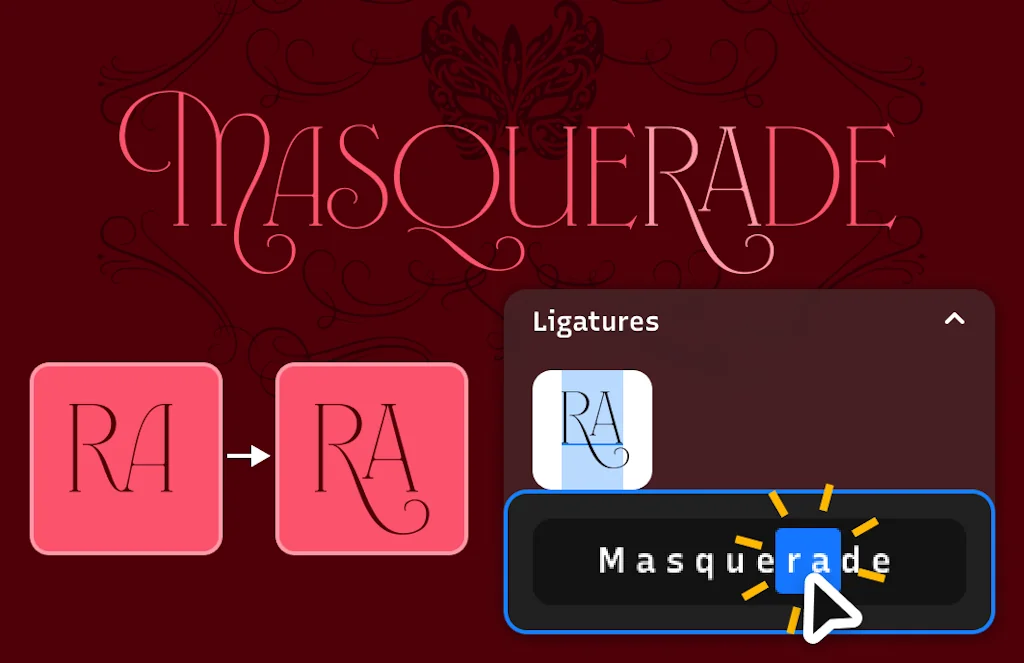
Typogram Studio is a typography design tool! Create stunning graphic design with premium fonts, variable font gradients, AI powered vector icons, ligatures, stylistic alternate glyphs and more, then export or copy/paste your design to any design workflow.
Pros & Cons
Pros
- Curated fonts
- Beginner friendly
- Customizable templates
- User-friendly interface
- Cloud storage
- In-app learning
- Preview mode
- Brand kit features
- Editable icons
- Fast and reliable service
- Logo design guidance
- Responsive support
Cons
- Crashes with large files
- Internet connection required
- Limited free templates
- Site not responsive
Tool Details
| Categories | Design & Creative, Marketing & Sales, Design resources |
|---|---|
| Website | typogram.co |
| Added | March 29, 2022 |
| Platforms | Web |
| Social |
Recent Reviews (6)
🎉Congrats, @wentin and @huashu on the launch of Typogram! 🚀🎨As a former designer, I appreciate the middle-ground approach to logo design. Love the in-app learning, editable icons, and brand kit features.🙌🏼 Highly Recommend for designers✨😇
It's a beautiful tool: way more than just a logo designer, it actually teaches you good design principles and the components of a brand design through the process of using it.
Loved many of the features, especially the "Logo Typeface" segment & how Typogram manages to match my brand tones with with curated fonts. A few design improvements I would suggest - 1. Making the site responsive 2. Ability to change the brand text in the 4th step (after the Logo Typeface step). I wanted to see how my brand name looks in logo in both Uppercase & Lowercase, but could not change the font in this step. Overall, a great product. Thanks.
Typogram is a handy tool for creating graphics for various purposes. I use it to make flyers, posters, logos, and social media posts. It is very easy to use and has a lot of features that make my work easier and faster. Some of the pros of typogram are: - It has a large collection of templates and fonts that suit different styles and themes. - It allows me to customize every aspect of my design, such as colors, shapes, sizes, and alignments. - It has a preview mode that lets me see how my design will look on different devices and platforms. - It has a cloud storage feature that lets me access my projects from anywhere and share them with others. Some of the cons of typogram are: - It requires an internet connection to work, which can be a problem if the connection is slow or unstable. - It sometimes crashes or freezes when I try to load or save large files, which can be frustrating and cause me to lose my work. - It has a limited number of free templates and fonts, which can be limiting if I want more variety or options. Overall, I think typogram is a useful and reliable tool that helps me create graphics that look professional and attractive. I would recommend it to anyone who needs a graphic design solution that is simple and affordable.
I have been using typogram for a few months now and I am very impressed with the quality and versatility of this tool. It has everything I need to create stunning graphics for my website, blog, and social media accounts. The interface is intuitive and user-friendly, and the templates and fonts are amazing. I can easily adjust the colors, sizes, and layouts to fit my needs. Typogram has saved me a lot of time and money, and I would highly recommend it to anyone who wants to boost their online presence with eye-catching graphics.
Typogram is a great tool for anyone who wants to create beautiful and professional-looking graphics without any design skills. I love how easy it is to use and how many templates and fonts are available. I can customize everything to suit my brand and style. Typogram has helped me to improve my social media presence and attract more customers. I highly recommend it to anyone who needs a simple and powerful graphic design solution.
Frequently Asked Questions about Typogram
When did Typogram become popular?
Typogram became popular around March 29, 2022.
What are the main advantages of using Typogram?
The top advantages of Typogram include: curated fonts, beginner friendly, customizable templates, user-friendly interface, cloud storage.
What are the disadvantages of Typogram?
Some reported disadvantages of Typogram include: crashes with large files, internet connection required, limited free templates, site not responsive.
What is Typogram's overall user rating?
Typogram has an overall rating of 4.9/5 based on 10 user reviews.
What type of tool is Typogram?
Typogram belongs to the following categories: Design & Creative, Marketing & Sales, Design resources.
Related Design & Creative Tools
ScreenHint
Always-visible Snapshots
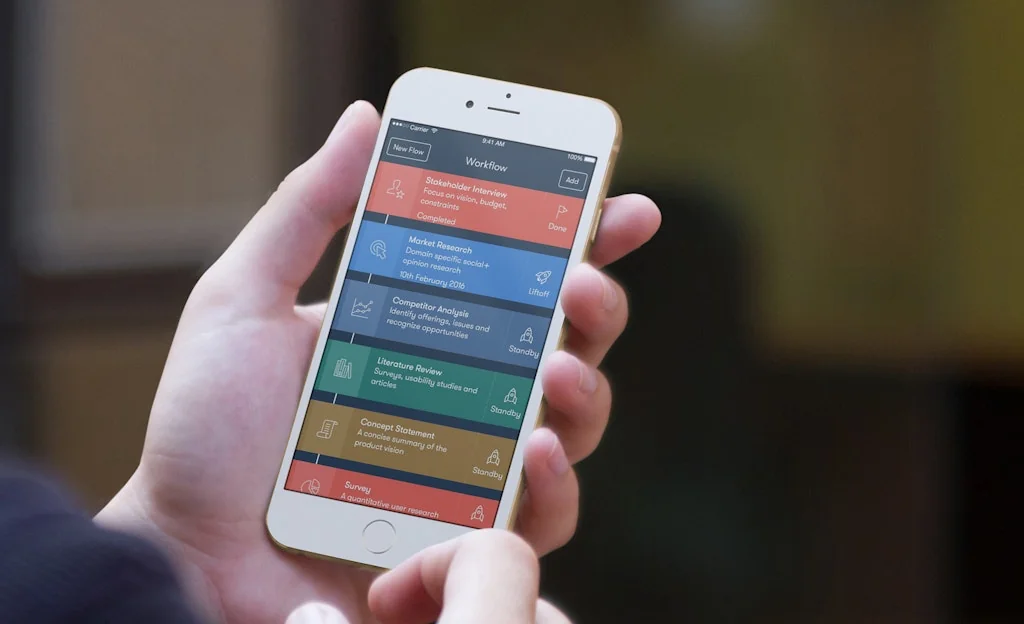
UX Assist
Workflows for designers driven by UX activities
WebSlides
The easiest way to make HTML presentations and long-forms.
Tabbied
Doodle with generated patterns
BookGraph
Visualize your reading network
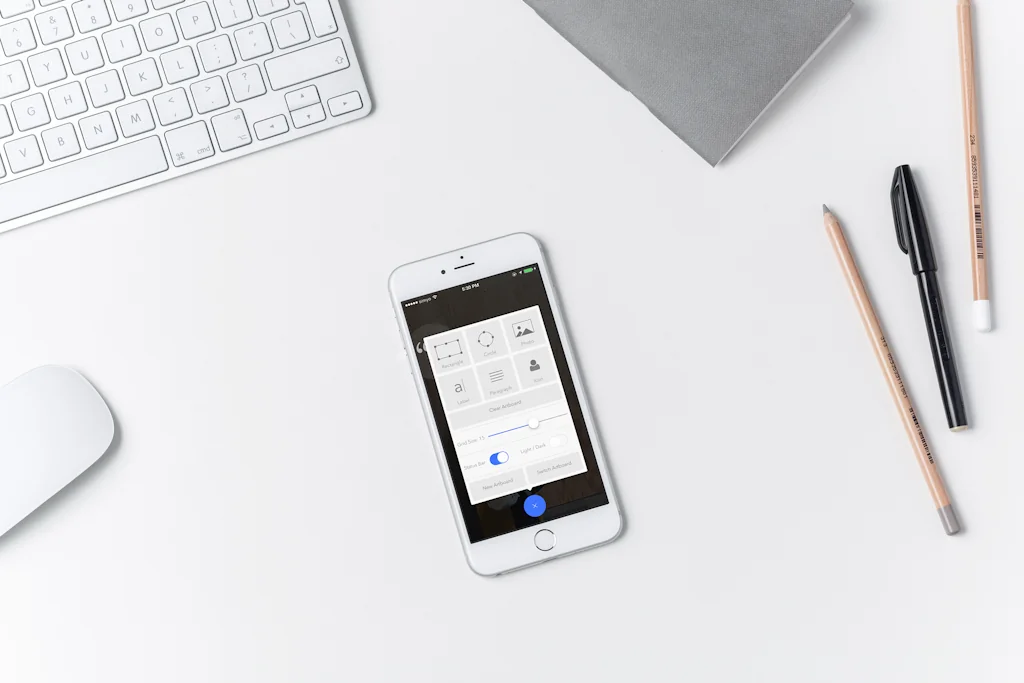
Napkin
Napkin lets you design quick mocks directly on your phone.
Related Marketing & Sales Tools
Arcade
Create interactive demos that convert — in minutes.

Namesnack
The #1 Free Business Name Generator.

AI Launch List
100+ AI directories to showcase your AI products
Faces
Instant sites for decks, docs, landings and more
Sheetlist
Discover free Google Sheets for marketing, finance and more
Qreates
Create studio quality images designed to sell
Related Design resources Tools
Styles, new from Craft and InVision Labs
Create stunning style guides with just a click (Sketch)
Picular
Google, but for colors.

Diya
Create timeline animations directly in Sketch

Horizon UI
Trendiest open source Admin template for react

Curation of Curations
Web's best Curated Sites. Curated for You.
Nice, Very Nice
Design resources featured by our curators
Compare Typogram :

Don't Get Fooled by Fake Social Media Videos
The world's first fact checker for social media. Paste any link and get an instant credibility score with sources.
Try FactCheckTool Free