
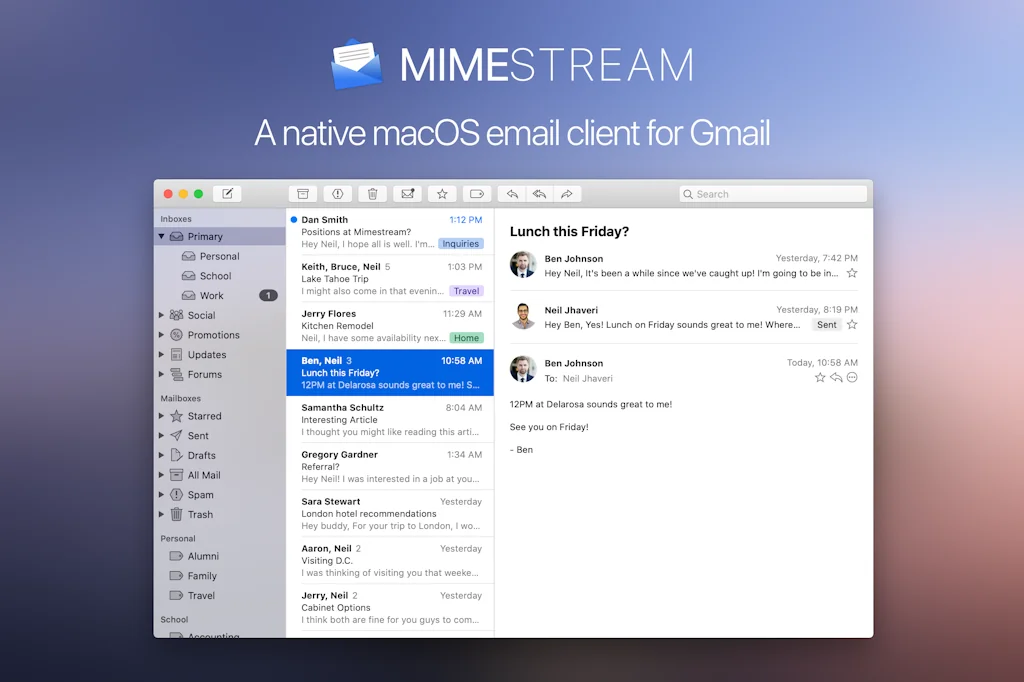
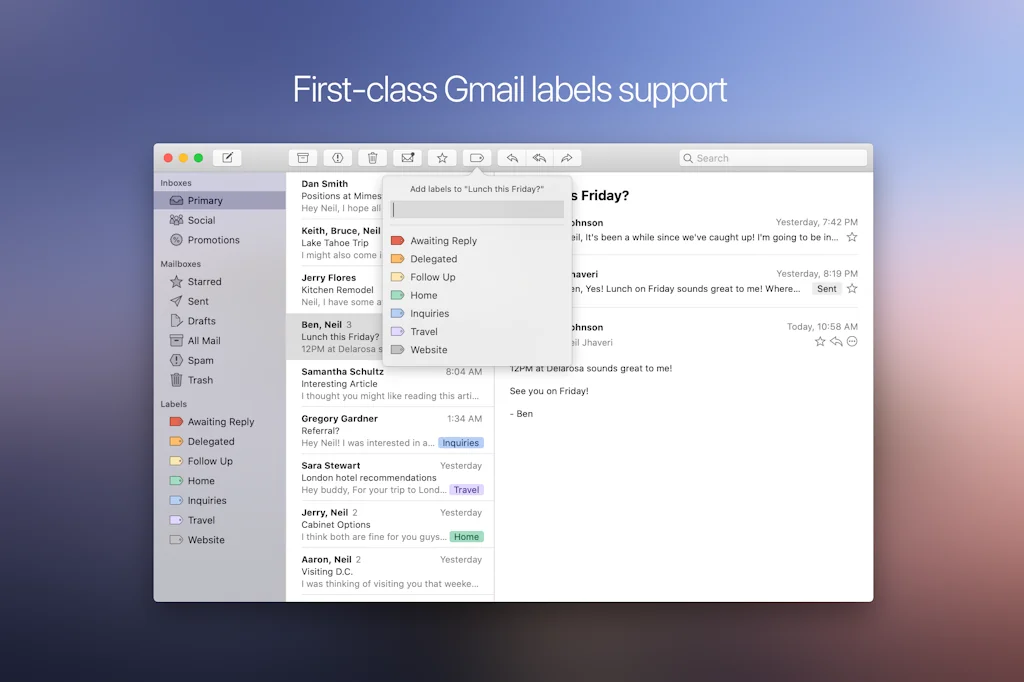
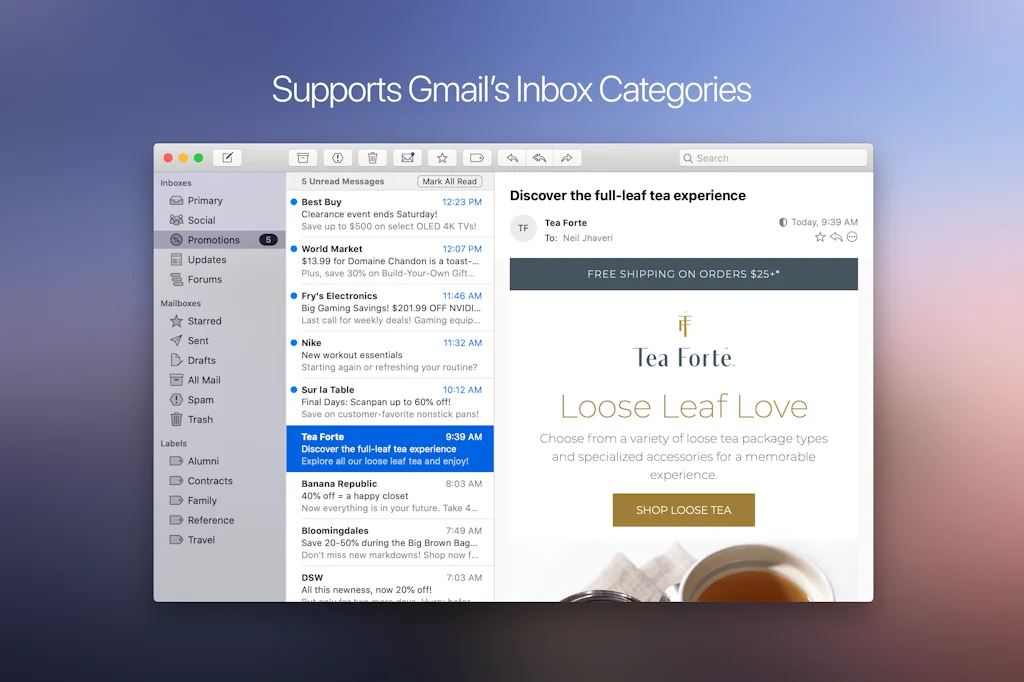
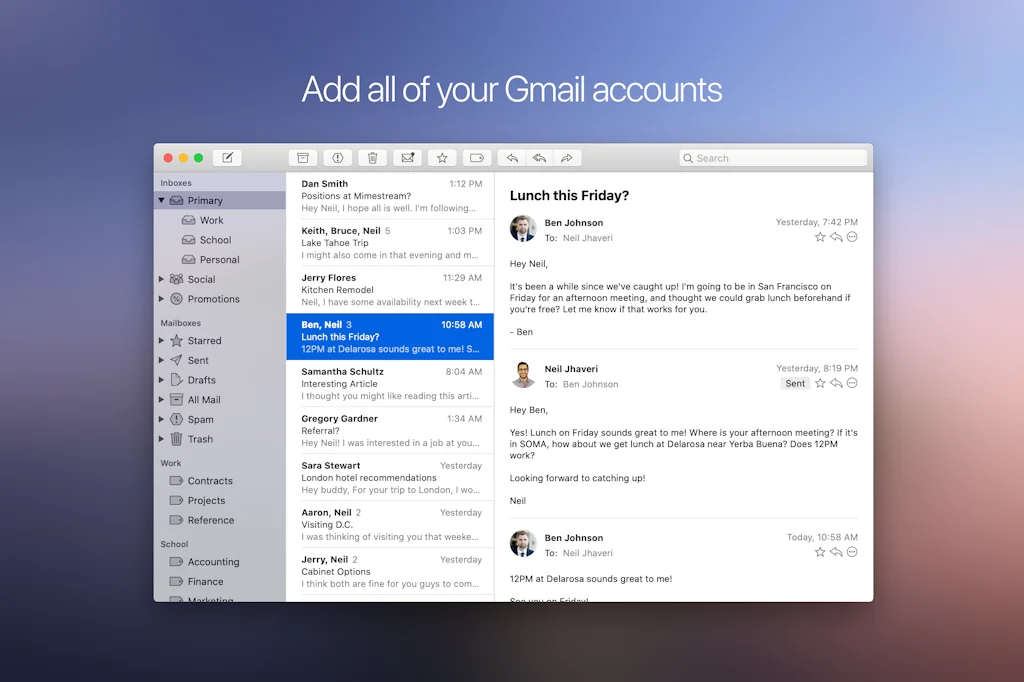
What is Mimestream?
Mimestream combines your favorite Gmail features with the power of a native macOS app so you can move through your email effortlessly.
Pros & Cons
Pros
- Gmail integration
- Native macOS integration
- Fast performance
- Beta stability
- Clean ui
- Customizable interface
- Easy setup
Cons
- Subscription model
- Limited to Gmail
- Account and settings sync
- Advertisement display
- Imap accounts missing
- Lack of light/dark mode toggle
- Send later mail
- Snoozed email
Tool Details
| Categories | Email clients |
|---|---|
| Website | mimestream.com |
| Added | September 11, 2020 |
| Platforms | Web |
| Social |
Recent Reviews (13)
Congrats on the launch folks 🎉 I’ve used Mimestream as my only desktop client since September 2020 and I’ve been impressed with the quality of your work and rigorous approach running this beta for such a long period. Your app feels like one of those “good apps” that were so common back on the Mac OS X Tiger days. Apps where everything feels native but also pushes the envelope here and there to make it a really delightful experience. Mimestream hits that sweet spot 100%. I’ve just subscribed and I only hope you make enough money with this to justify the development of an iOS client so I can get rid of the Gmail app on my iPhone and stop remembering the good old Mailbox days. Congrats again and thanks for creating this little productivity jewel 🙏
A native MacOS email client for Gmail done the right way!!
Great product that works really fast.
Congrats on the launch @neil_jhaveri. I'm an active user of Mimestream and love the deep integration the platform allows between Gmail and Mac OS, offering great sync speed. Gmail Categories is a must for me and Mimestream handles that pretty well. Looking forward to future deployments.
Been using the beta for over a year and never had an issue, so had to support the development. I realise scheduled messaging isn't available via the Gmail API, but I'd love to have support for this (via a mimestream server I guess).
Mimestream is an outstanding email app that I highly recommend. Since I started using it, I have had no problems or issues. It is easy to set up and allows me to consolidate all of my Gmail accounts in one place. The user interface is intuitive and customizable, making it a pleasure to use. With Mimestream, I can easily manage my emails and keep everything organized. It has been a great experience overall, and I would definitely recommend it to anyone looking for a reliable and efficient email client.
Congrats on the release, it's a very impressive piece of software. I've been using the beta on and off or a while and it's clearly very stable, fast and polished. However, I was very disapppointed by the decision to have only a subscription model for an email client, which my local currency exchange rate makes even worse. I miss the times when I could simply save up and purchase some software. Nowadays everyone wants $5 or more a month, which is unfeasible.
Great alternative to the native Mac "Mail"-App for users of Gmail with native integration, that doesn't mess up your folders, tags, or aliases. I see benefits right now that it is free to use in beta, but I'm unsure if I will continue to use it, should they make it a subscription model, rather than a one-time purchase.
Mimestream is a game-changer for email! Its lightning-fast performance, intuitive interface, and seamless integration with Gmail make managing my inbox a breeze. Finally, an email app that delivers both efficiency and joy. Highly recommended!
Can't figure out why, after 2 years, you can't easily switch between light & dark mode. It's not that complicated a fix. I'd be in if it did. But it doesn't. Limiting.
Congrats on launch! This is the best mail client I've ever used. Wish, I could continue to use it with generic IMAP (no longer utilize Gmail service). Hopefully, soon!
Great gmail client for MacOS! It would be great if support some other email providers, but it definitely wouldn't be the same performance:)
Could use some options for a light/dense view of all emails The only app that really plays nice with Gmail
Frequently Asked Questions about Mimestream
When did Mimestream become popular?
Mimestream became popular around September 11, 2020.
What are the main advantages of using Mimestream?
The top advantages of Mimestream include: Gmail integration, native macOS integration, fast performance, beta stability, clean ui.
What are the disadvantages of Mimestream?
Some reported disadvantages of Mimestream include: subscription model, limited to Gmail, account and settings sync, advertisement display, imap accounts missing.
What is Mimestream's overall user rating?
Mimestream has an overall rating of 4.4/5 based on 16 user reviews.
What type of tool is Mimestream?
Mimestream belongs to the following categories: Email clients.
Related Email clients Tools

Mailforge
Cold Email Infrastructure Sorted in Minutes

InboxAgents - Intelligent Unified Inbox
The intelligent unified inbox for creators & builders.

Myko Assistant
Your copilot for conducting internet research

Boomerang for Gmail
The ultimate toolbox to control sending/receiving emails

Say Less
Write shorter, more effective emails with AI

Mailmeteor
Everything you need for better email
Compare Mimestream :





Don't Get Fooled by Fake Social Media Videos
The world's first fact checker for social media. Paste any link and get an instant credibility score with sources.
Try FactCheckTool Free