
What is SaneBox?
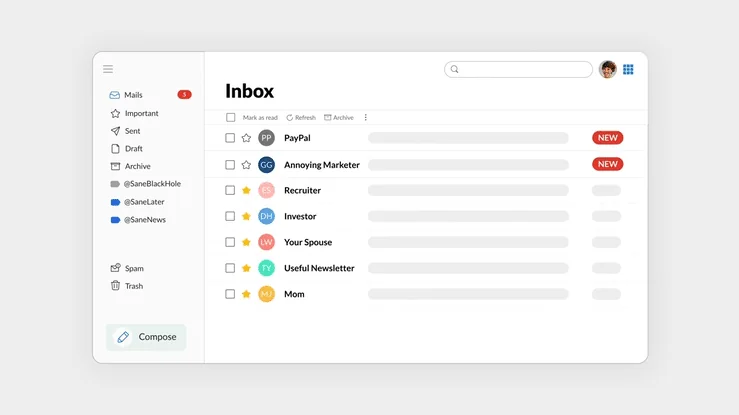
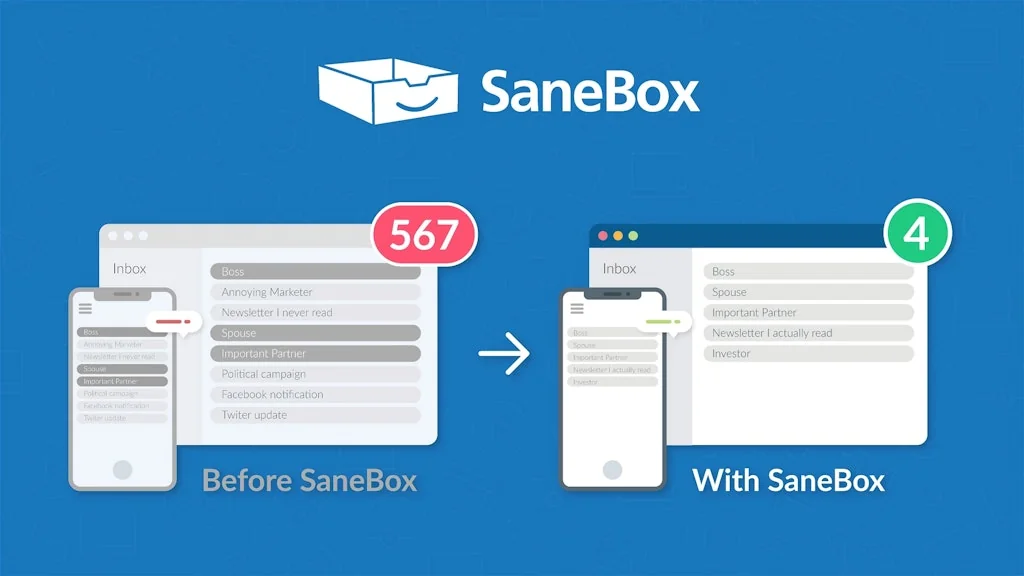
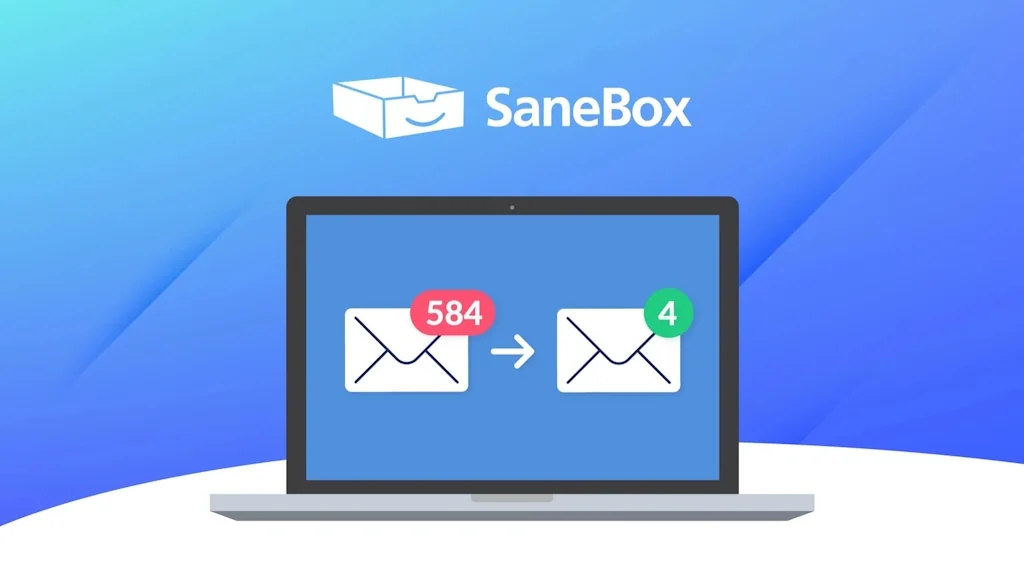
SaneBox is the leading email organization tool for 12+ years. Winner of PCMag Editors' Choice winner naming "It's the top productivity app we've ever reviewed." Its AI keeps your inbox organized, with lots of features to help you save 3+ hours/week. Works wherever you check email - on all clients and devices.
Pros & Cons
Pros
- Email organization
- Email filtering
- Time-saving
- Cross-platform compatibility
- Affordable pricing
- Customer support
- No additional app required
Cons
- Push notification issue
Tool Details
| Categories | Email clients, Customer support tools, AI Chatbots |
|---|---|
| Website | www.sanebox.com |
| Added | January 10, 2014 |
| Platforms | Web · iOS |
| Social | Twitter · Instagram · Facebook · LinkedIn |
Recent Reviews (10)
This has replaced a large number of mail rules I used to have - and more importantly, the time I spent maintaining them. Also adds a bunch of functionality over and above what mail rules can do (even using imapfilter). However, there is a fly in the ointment. With push notifications, I frequently get notified of an email arriving before Sanebox has a chance to 'see' it and files it away for later. So I get a lot more 'nuisance' notifications for emails that Sanebox decides isn't important a few moments later. In other words, there's a race condition between email client notifications and Sanebox processing. Their support folk are aware of this, and their workaround is to turn off push notifications. I wasn't impressed. I've suggested that they add the ability to configure which folder they consider is the 'Inbox', so I can write a single mail rule to put incoming mail there. Then Sanebox would see the email before any email clients, who would continue to monitor the actual Inbox. That way I'd only get notified for emails that Sanebox determined should be moved to the actual Inbox from the secondary one. However, I don't know if this is something Sanebox are considering - the support person said they'd pass the suggestion along, but given how long sanebox has been available, I can't believe this is a new idea to them. So I'm not holding my breath, and I'm still looking for either a way to work around this, or an alternative that doesn't have this flaw.
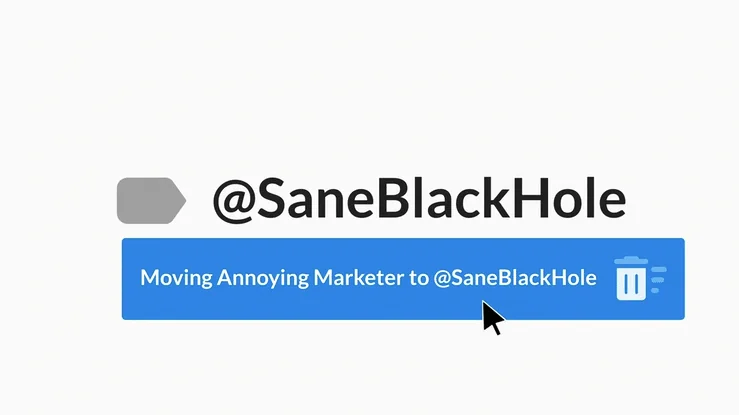
I have been enthusiastically using Sanebox for many years because of its outstanding features. In the past, one would have deleted their email and started over again because the junk email gets so bad. Sanebox has allowed me to keep my same email address for years. I can manage thousands of emails with little effort on my part. Sanebox. has a lot of unique features. There are, however, a few key ones that pop up as favorites to me. One is the ability to sort and clean up mail automatically. There are those things that I am interested in but are not necessarily essential. I don't want to unsubscribe, but I don't have the time to keep up with and delete old ones. For example, I like to subscribe to retail stores and places to eat because they offer promotions and coupons. However, I don't have time to look at all their emails to see what is available and current. Sanebox puts them in a folder for me and deletes them when they are older than two weeks. Then, I always have the latest info/promos, and I don't have to do anything to maintain them. When I need a coupon, I see what is available in my retail folder. This time, the delete feature is another reason I love the SaneBox application. When I started with SaneBox, they did not have that function. I did write to ask if that could be included. I suppose enough people requested it over time, and it was eventually added. As a company, they constantly respond to feedback and improve the product. As the email problem grows, so do their solutions. They have always been helpful and generous when I call in for customer support. Another added feature was the Blackhole, which is nothing short of amazing. I have had my email address for so long that it has gotten out to more places than I would like and has generated tons of unwanted emails. And nowadays, email hackers are cranking out massive amounts of emails to try to phish for info. Even with a new email address, It does not take long to start getting junk. If I get an email from someone (or something) I don't want, I drag it into the blackhole folder, and it remembers that email and any future correspondence from that email is gone forever. In a perfect world, I could maintain a zero inbox, but my current occupation limits email time. If I did not have SaneBox, I would be drowning in email. When time permits, I love to go into the application and update my rules and folders to improve my email management. Sanebox has been a big part of helping me to understand how to think about email. And while I cannot always keep inbox zero, I can keep from drowning only because SaneBox's easy email management has made it possible for me. Thank you, Sanebox!!
I get about 300 emails each day, 95% are just news or offers and definitely are not critical. SB effective moves them to my news folder, and I can deal with only the 5% that truly are something I need to deal with. Training SB to filter my emails works great. SB has many features but really haven’t used them much, such as reminders, a bit confusing to me. I’ve used SB for about 3 years and plan to continue using this wonderful service.
SaneBox is completely effortless and makes handling email a breeze. I immediately know what needs the quickest response and what can wait. And SaneBlackHole -- sometimes it takes a couple of repetitions -- consigns unwanted emails to oblivion, their senders never to be heard from again. SaneBox is inexpensive and I'm informed ahead of time when I'll be billed. I've used it for years. I wouldn't think of abandoning it.
I'm the CIO at a community college and interact with many other schools in our system and our parent organization. Sanebox helped me to focus on the emails I needed to see and only glance at the rest. It gives me the right amount of focus and control and has made my email work reasonable, whereas before, it was too much to handle well. Highly recommended.
SaneBox saves me hours each week and lets me read emails that are topic-specific. In other words, when it interests me to read a certain kind of email, I can make a cuppa tea and dive into those rather than having a variety of topics randomly interrupting my day. SaneBox is essential to my business, and their customer service is excellent too.
I've been using Sanebox for a while now, and I love the snooze feature and reminders. The snooze feature temporarily hides emails I don't have time to deal with immediately and brings them back to my inbox when I'm ready to tackle them. The reminders help me ensure that I never forget to follow up on important emails or tasks. Sanebox is a valuable service that has made my email experience more stress-free and convenient.
Like most, I use to allow my inbox to control my day. Which is not productive. SaneBox really helps with quickly getting rid of the emails that I either don't need at all or can defer to later. It takes a bit to get the habit going. But once you do, it is a game changer. Also, they have great staff. Never had a bad interaction.
I have been using SaneBox for several years. I get hundreds of emails daily. SaneBox organizes them all. I especially love the Black Hole folder; "unsubscribe" does not always work. I highly recommend SaneBox to anyone who has nesting folders and like to be organized.
I would drown under all the newsletter and vendor spam I get at work without Sanebox. I spend a lot of my day in email and if I had to constantly be filtering through what Sanebox hides automatically for me I would be burning so much more time each day.
Frequently Asked Questions about SaneBox
When did SaneBox become popular?
SaneBox became popular around January 10, 2014.
What are the main advantages of using SaneBox?
The top advantages of SaneBox include: email organization, email filtering, time-saving, cross-platform compatibility, affordable pricing.
What are the disadvantages of SaneBox?
Some reported disadvantages of SaneBox include: push notification issue.
What is SaneBox's overall user rating?
SaneBox has an overall rating of 4.9/5 based on 26 user reviews.
Is SaneBox available on mobile devices?
Yes, SaneBox is available on iOS (App Store).
What type of tool is SaneBox?
SaneBox belongs to the following categories: Email clients, Customer support tools, AI Chatbots.
Related Email clients Tools

Inbox Zero
Clean up your inbox in minutes. Open source.

Kiwi for Gmail
All your Gmail accounts in one place, at the ready.
Birthdays Reminder
So now you can finally delete your Facebook account

Reeder 4
Mostly announcements and updates here. Please use email for support and other questions.

Brain Mimic
Your thoughts to email in one click

Ellie - Your AI Email Assistant
AI that can write replies to your emails in your style
Related Customer support tools Tools

Slackmin
Slack superpowers for business ops

Syncly (YC W23)
Unlock hidden insights from customer feedback
Hey GPT
Turn ChatGPT into your assistant and support voice wake-up.

Quo (formerly OpenPhone)
Never lose a customer with Quo

Groove
Support, Simplified.

Clipboard Canvas v2.0
A Designer’s Toolkit for Your Clipboard
Related AI Chatbots Tools

Anthropic's Claude in Raycast
Interact with Claude, right from your command bar

Excel Dashboard Ai
From Data to Report with Ai in seconds

Outfindo
AI-driven product guides that simplify product selection.

Chai
A platform for building and interacting with chat bots

Tablize
Grab Results Anywhere, Chat build Table

Wudpecker
Truly Personalized AI notes for your meetings
Compare SaneBox :




Don't Get Fooled by Fake Social Media Videos
The world's first fact checker for social media. Paste any link and get an instant credibility score with sources.
Try FactCheckTool Free