
CleanShot
A superior way to capture your Mac's screen
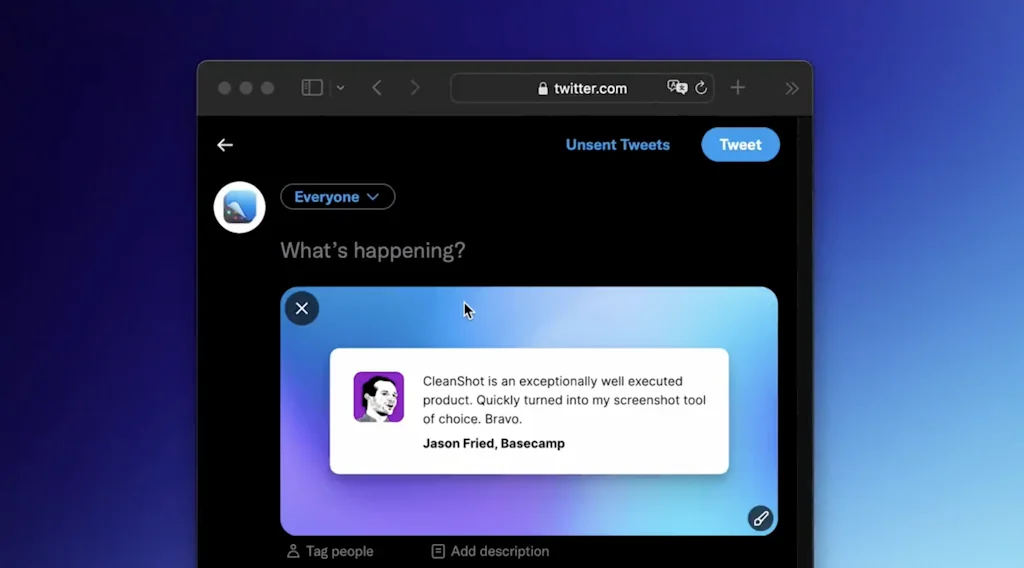
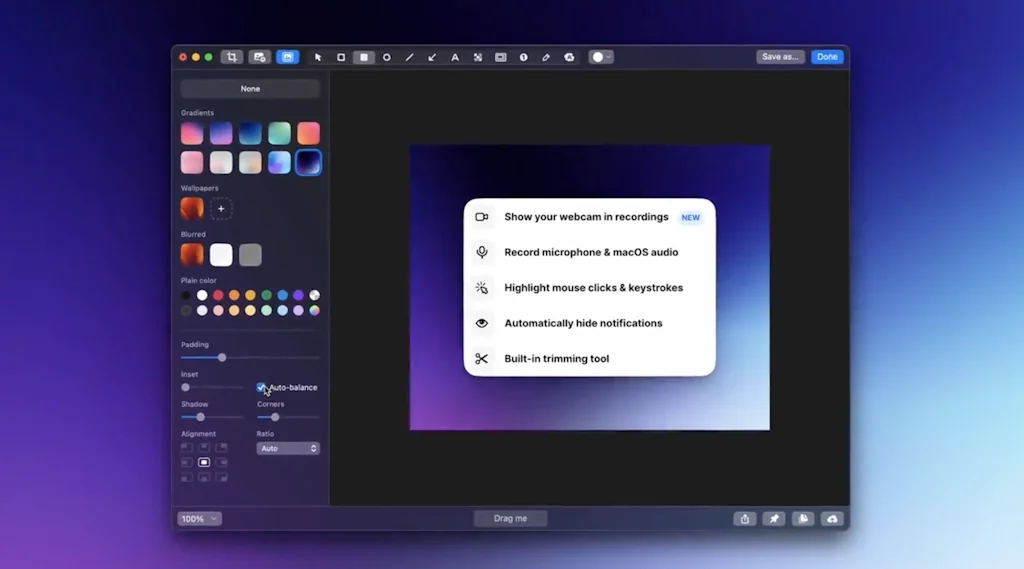
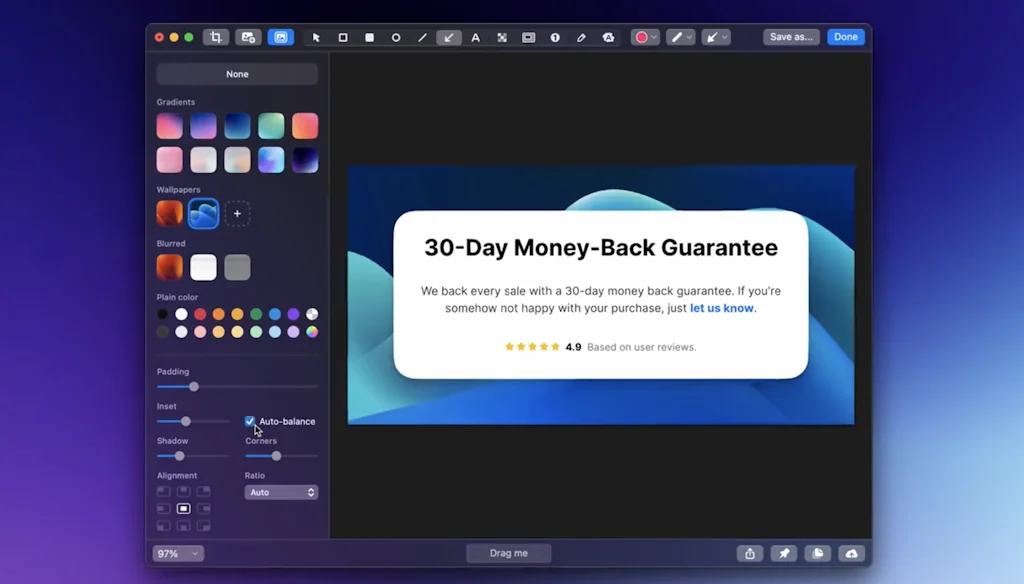
What is CleanShot?
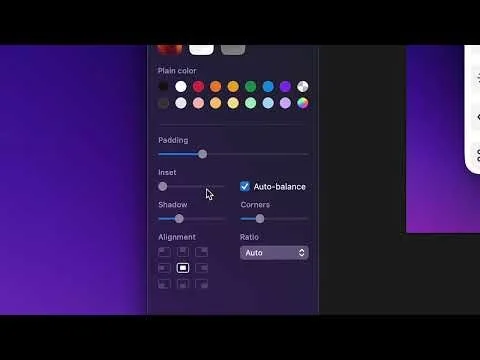
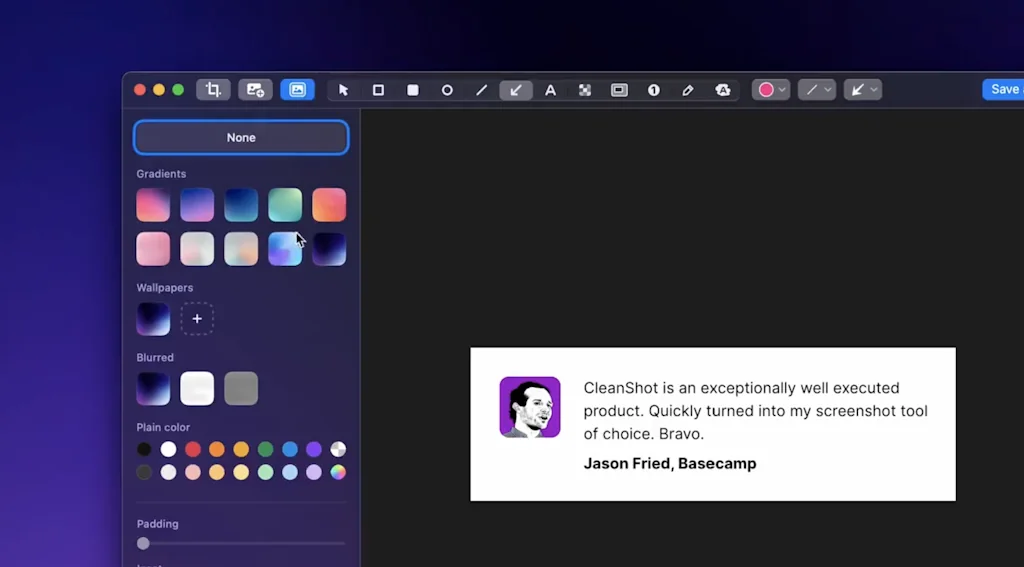
Discover a superior way to capture your Mac's screen with built-in annotation and amazing Quick Access Overlay.
Pros & Cons
Pros
- Easy to use
- Built-in annotation
- Video recording
- Fast performance
- Screenshot editing
- Scrolling capture
- One-time purchase
- Cloud upload
- Quick access overlay
- Custom shortcuts
- GIF export
- OCR
- Polished screenshots
- Custom domain feature
- Efficient workflow
- Floating thumbnail
- Integrated editor
Cons
- Inflexible workflow
- Forced cloud usage
Tool Details
| Categories | File storage and sharing apps, Screenshots and screen recording apps |
|---|---|
| Website | getcleanshot.com |
| Added | July 23, 2018 |
| Platforms | Web |
| Social |
Recent Reviews (13)
I've become a great fan of CleanShot to quickly grab screenshots or small videos. I love the annotation tools and some of the small features when capturing video. Something I would love for CleanShot to add are simple "highlight" tools, especially when editing video. For example, I would love it if I could record a video of me using some product and then edit it so that I can add a nice zoom-in at some point to highlight me doing something, then zoom back out, etc. I currently do those kinds of videos with CleanShot + ScreenFlow (or just ScreenFlow), but I feel it could be a lot simpler and I trust CleanShot would do a great job with the UX of that.
Cleanshot took my screenshots to the next level. My team is constantly surprised by "how good they look," as the app allows customization in a variety of ways. Apart from that, the built-in tools make it easy to make a simple screenshot something informative. I use it all the time to share quick tutorials and information. As a video creator, I also appreciate the video recording options, 4k, amazing quality. Love it.
I have been using this for about two months now as a marketing tool, and it has dramatically increased the quality of designs we share out across email, social, and our change log. The screenshots look so clean, and it's easy to use (it even integrates with keyboard commands). For a small team with limited design resources, it's a must!
Because of the attention to detail and aesthetics. It’s the only app that understands that a screenshot is a form of visual communication. The ability to automatically round corners, add padding, and drop shadows saves me hours of work in Figma. Plus, it works incredibly fast and feels like a native part of macOS, not third-party software.
I love cleanshot. As a customer facing, product person I can snap a shot, mark it up and send it where I need it. Also the the video cepturing is great. You feel how well thought through the flows and product as such is. Only thing that I would like to see is easier access to images I have already used once. Its no biggie, but it takes a few steps to restore an images that has been used before. Money well spend. Warm recommendation.
It took me a long time to decide to pay for something that is already "free" on my computer, but now that I've been using Cleanshot for weeks I don't have an ounce of regret. The thing I love the most : great annotations tool, floating thumb that don't disappear automatically, and the capture OCR. If you routinely capture around 5 screenshot per day you should try it.
I use CleanShot all day every day it replaces and augments Apple's built-in screenshot tools, with an easier more straight forward user experience. The pinning and annotating tools make it a must-have. Like TextSniper I install this immediately on every new Mac.
Speeds up my design workflows considerably. Especially grabbing screenshots and annotating them for Slack. Also handy for record videos for async updates and making presentations pretty.
This is my best app in 2022. The new features are great and keep up with the trends. I wish Cleanshot X will be more useful and capable in 2023. First I bought basic license for 2 devices, but I always use it for work and home, I did upgrade to PRO. PRO have unlimited cloud storage for share and access from Windows device, so really convenience for multi device user.
1. Forcing your own cloud should be illegal in this day and age. And for something the cost of clean shot x? There is no way to hide it in the interface. This is primary driver for 1 star. 2. No option to auto-dismiss a screenshot have copy text. This and their cloud are examples of how inflexible the workflow is. For the price I feel this I unacceptable.
As a product designer, taking screenshots of various things is just part of our day-to-day. While other products also do that, CleanShot helps me organize all of it, go through history, and centralize not only the screenshots but also quick videos that I record during the product development cycle. Keep up the excellent work!
CleanShot makes screenshots and screen recordings effortless. It’s fast, intuitive, and packed with thoughtful touches—like instant annotations, quick sharing, and clean visuals. Easily one of the best Mac utilities I use every day.
This app has truly elevated my screen capture game. With its built-in annotation features and Quick Access Overlay, capturing and editing screenshots on my Mac has become a breeze. Highly recommended for anyone looking for a superior screen capture experience
Frequently Asked Questions about CleanShot
When did CleanShot become popular?
CleanShot became popular around July 23, 2018.
What are the main advantages of using CleanShot?
The top advantages of CleanShot include: easy to use, built-in annotation, video recording, fast performance, screenshot editing.
What are the disadvantages of CleanShot?
Some reported disadvantages of CleanShot include: inflexible workflow, forced cloud usage.
What is CleanShot's overall user rating?
CleanShot has an overall rating of 4.9/5 based on 54 user reviews.
What type of tool is CleanShot?
CleanShot belongs to the following categories: File storage and sharing apps, Screenshots and screen recording apps.
Related File storage and sharing apps Tools
MacOS Desktop Declutter
Open-source Tinder for desktop files on MacOS. 100% Free.

TransferRocket
Your fast, secure and affordable way to transfer files

ArDrive
Pay once store indefinitely

Noid
Noid – Smart, Fast & Secure File Management

Hazel
Your personal housekeeper

Wormhole
Simple, fast, and private file sharing ✨
Related Screenshots and screen recording apps Tools
Keep it shot
Rename, Organize, Quickly find your screenshots on Mac
Airsketch
Simple screenshots + annotations for Mac 🖥️

Scre.io - Screen Recorder
Record videos from the camera or capture from the screen.

Supa Screenshot
Snap and share beautiful screenshots instantly. For free.

NeetoRecord
Skip the meeting. NeetoRecord it!

Dashcam
The screen recorder for developers
Compare CleanShot :




Don't Get Fooled by Fake Social Media Videos
The world's first fact checker for social media. Paste any link and get an instant credibility score with sources.
Try FactCheckTool Free