

Jitter
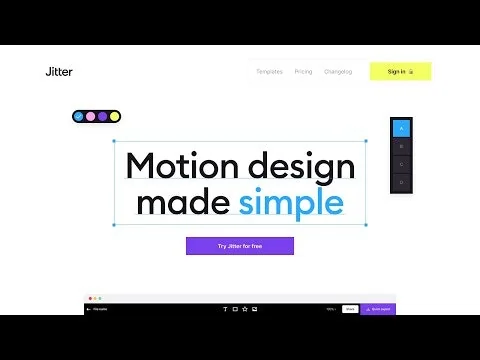
💫 Fast and simple motion design tool on the web.
What is Jitter?
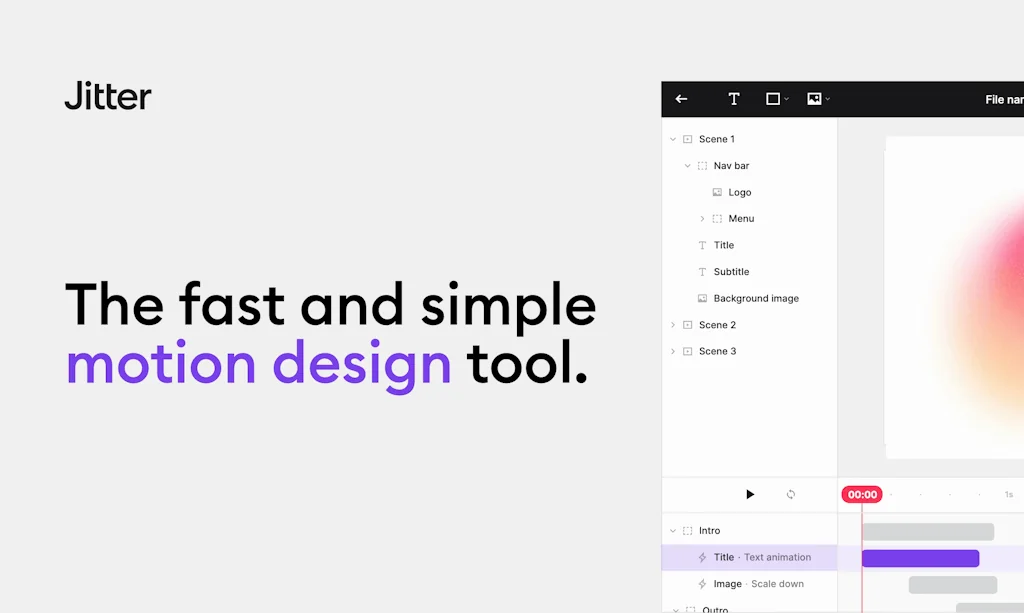
Jitter is like Figma for motion design: it makes it easy to create animations for your videos, websites or apps, all in the browser.
Pros & Cons
Pros
- Easy to use
- Quick animation creation
- Beginner-friendly
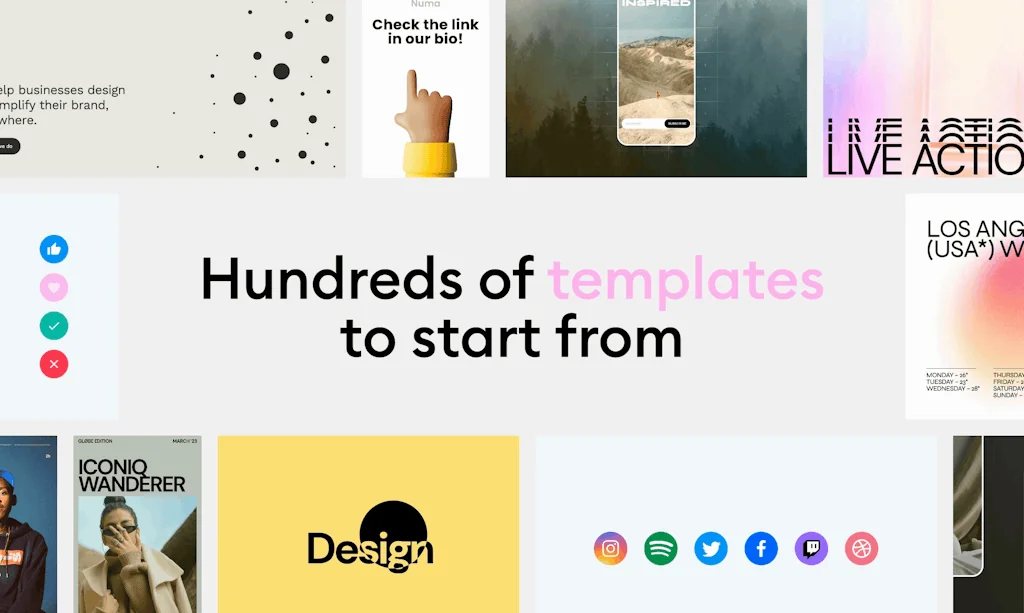
- Templates
- Browser-based platform
- Designer-friendly interface
- Fast performance
- Effortless animation creation
- Figma integration
- Real-time capabilities
- Saves time
- Cross-platform compatibility
- Variety of export types
- Clean interface
- Collaborative workflows
- Complex animations simplified
- Export options
- No steep learning curve
- Support for Figma plugins
Cons
- Missing key features
- Lack of sound support
- Limited Figma plugin functionality
- Limited file organization
- Designer-friendly interface
- Limited template variety
Tool Details
| Categories | Interface design tools, 3D & Animation, Design resources |
|---|---|
| Website | jitter.video |
| Added | February 9, 2021 |
| Platforms | Web |
| Social | Twitter · Instagram |
Recent Reviews (13)
Very easy to use, and I can export the useful motion file very quick compares to other alternatives
Jitter helps us simulate future use scenarios during the product design phase and quickly and easily transform them into eye-catching mockup videos. This allows users to get a preview of the Minduck product. Jitter is an excellent tool for designers, with support for Figma plugins, making it perfect for product design-driven teams.
Jitter has made motion graphics easy. It has allowed us to collaborate on complex animations, while producing polished videos faster than ever. We've considered Adobe After Effects, however collaboration and ease-of-use was a key feature it lacked.
I think some key features are still missing such as being able to add sound, easier copy and paste in projects, a more intuitive file organizer, being able to drag templates within a project, improvements to the Figma plugin to be able to recognize more elements and being able to edit them, being able to adjust the size of several objects at the same time, being able to select several elements at the same time instead of having to select one by one to edit them, among others. I think that the tool has very good bases and the mission of the brand can be seen from the interface that is clean and very intuitive, but for this to really take off, a bunch of things have to be added and improved.
When it came out I was amazed with the ease of use through the Figma plug in so I started using it to present my designs to stakeholders. Today I still use it and consider that it is still a good option to animate easily between others but the truth is that not many new functions have been added since then despite the fact that it recently had a redesign in its interface. I think some key features are still missing such as being able to add sound, easier copy and paste in projects, a more intuitive file organizer, being able to drag templates within a project, improvements to the Figma plugin to be able to recognize more elements and being able to edit them, being able to adjust the size of several objects at the same time, being able to select several elements at the same time instead of having to select one by one to edit them, among others. I think that the tool has very good bases and the mission of the brand can be seen from the interface that is clean and very intuitive, but for this to really take off, a bunch of things have to be added and improved.
Love the tool, I use it from time to time, and making animations has never been easier. Thanks to the team for giving me the tool for 2 years free, I asked them if they have one-time payment pricing for people living in third-world countries they decided to give me the tool for free with a student card for the next 2 years. Feedback: The only thing It would be cool to add in future updates it's 3d transforms :)
Jitter makes motion design feel effortless. The interface is intuitive, the workflow is smooth, and being able to create animations directly in the browser is a huge win. It’s perfect for everything from quick social assets to polished UI animations. If you’ve ever wished Figma had built-in motion tools, this is exactly what you’ve been looking for.
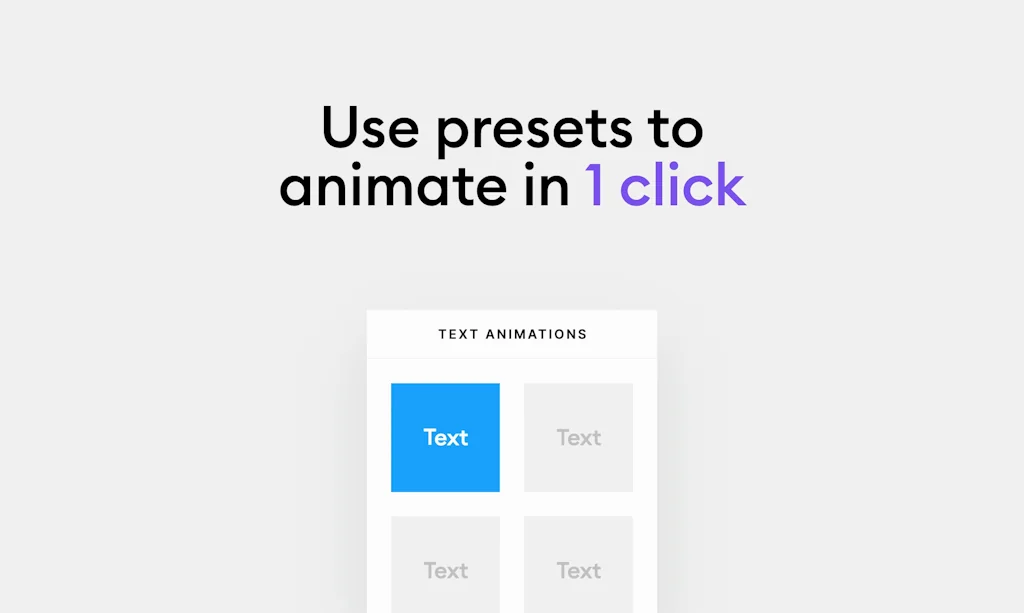
I really like the intuitiveness of this tool. In comparison with other motion softwares it is really easy to understand and enables you to create beautiful animations which may help to make your product stand out. There is freedom in the creation of animations while changing some parameters of the elements but there are also some pre-made ones such as animations for images or for texts. There are also different complex templates to get started.
So it was a great experience using Jitter! It’s super intuitive, versatile, and perfect for creating quick motion designs. Looking forward to seeing more templates in the future!
In comparison with other motion softwares it is really easy to understand and enables you to create beautiful animations which may help to make your product stand out.
Need a community and more pre made templates. As the UI is super easy, pre made animations can be easily customized or the assets can be easily changed with a click
easy, fast, and intuitive motion web tool that drastically speeded up and changed our workflow with motion content.
I really like the intuitiveness of this tool. In comparison with other motion softwares it is really easy to understand and enables you to create beautiful animations which may help to make your product stand out. There is freedom in the creation of animations while changing some parameters of the elements but there are also some pre-made ones such as animations for images or for texts.
Frequently Asked Questions about Jitter
When did Jitter become popular?
Jitter became popular around February 9, 2021.
What are the main advantages of using Jitter?
The top advantages of Jitter include: easy to use, quick animation creation, beginner-friendly, templates, browser-based platform.
What are the disadvantages of Jitter?
Some reported disadvantages of Jitter include: missing key features, lack of sound support, limited Figma plugin functionality, limited file organization, designer-friendly interface.
What is Jitter's overall user rating?
Jitter has an overall rating of 4.9/5 based on 47 user reviews.
What type of tool is Jitter?
Jitter belongs to the following categories: Interface design tools, 3D & Animation, Design resources.
Related Interface design tools Tools

Tailwind UI
Beautiful UI components, by the creators of Tailwind CSS
KK UI Store
Easy-to-Use Toolkits & Freebies for UI/UX Designers.
Componly
The design system OS

Dank Mono
The coding typeface for aesthetes

Cloneify
Copy any design style with a click, on Figma

Polaris for Admin Figma UI kit
Shopify Polaris UI kit now available in Figma
Related 3D & Animation Tools
Rendetone
Virtual Solutions for Real Estate and Construction

FuryPage
Design your unique 3D portfolio

Marble by World Labs
A frontier multimodal world model

Superscene 3D Constructor 3
3D constructor updated with a lot of cute objects

Pose
A simple web app for character posing

Krikey AI
Create 3D AI Animations with Lip-Sync in Seconds
Related Design resources Tools

Wicked Templates
Responsive HTML templates ready to customize out of the box.

SVG.io
Free AI - Text prompt to SVG illustration

Mockly
Stunning ebook mockups in minutes

Struct Illustrations
Create your own unique story with editable illustrations

Space Figma Design System and UI Kit
Ultimate Figma Design System for SaaS and Admin Panels

PDFJourney
The easiest way to generate PDF documents
Compare Jitter :





Don't Get Fooled by Fake Social Media Videos
The world's first fact checker for social media. Paste any link and get an instant credibility score with sources.
Try FactCheckTool Free