
Arcade
Create interactive demos that convert — in minutes.
What is Arcade?
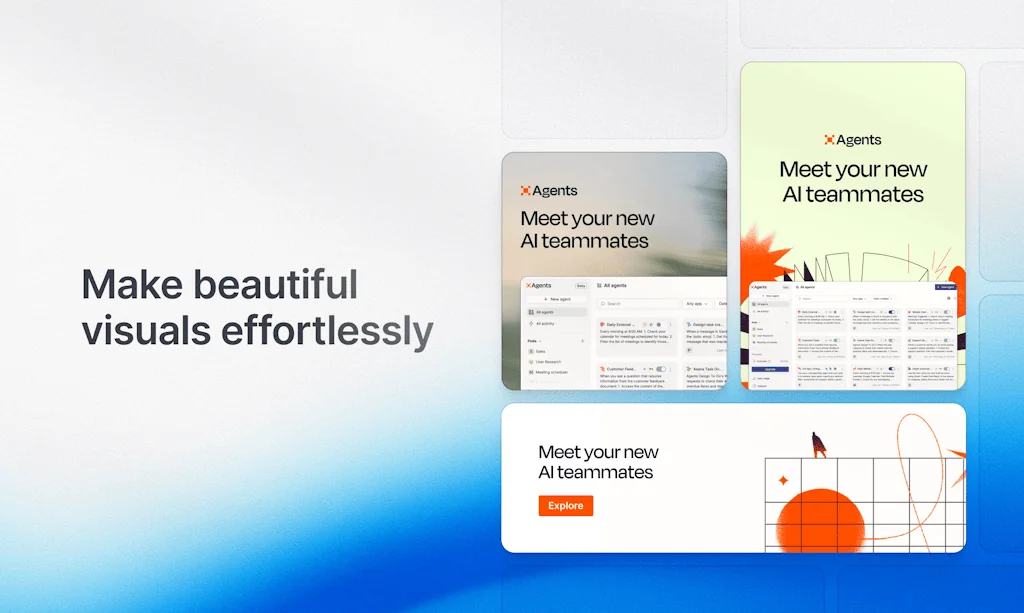
Showcase your product with interactive demos that fit anywhere.
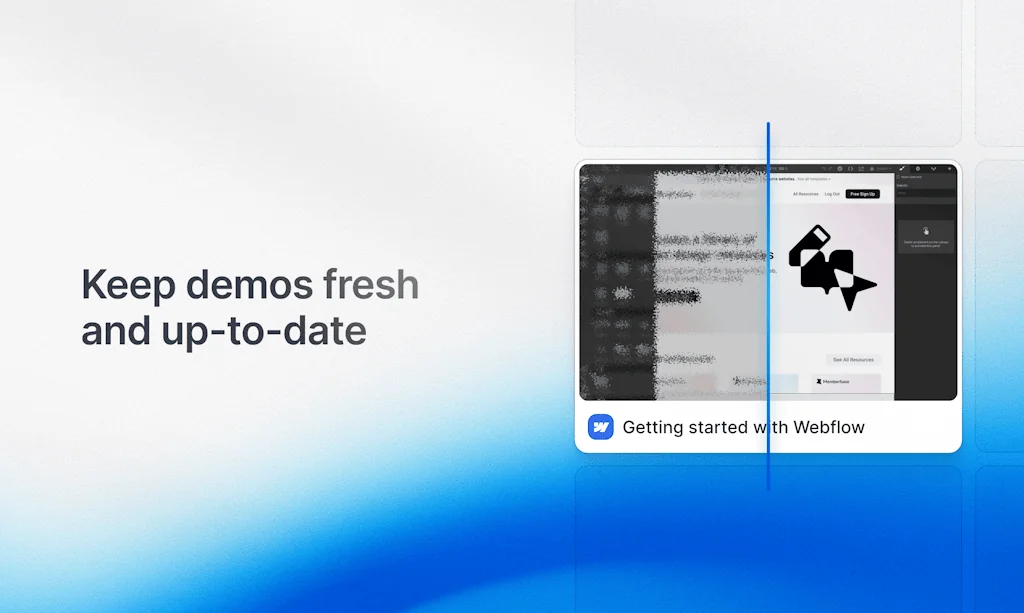
Arcades are fast to create, effortless to embed, and easy to update — whether you’re sharing them in a blog post, dropping them into a website, or posting them on social.
Pros & Cons
Pros
- Interactive demos
- Easy to use
- Fast setup
- Engaging presentations
- Onboarding support
- Customization options
- No design expertise required
- Video export
- Conversion improvement
- Free tier
- Playful user experience
- Quick updates
- Chrome extension
- Desktop app
Cons
- Lag issues
- Slow performance
- Unsupportive service
Tool Details
| Categories | Marketing & Sales, Design mockups, Product demo |
|---|---|
| Website | arcade.software |
| Added | January 11, 2022 |
| Platforms | Web |
| Social | Twitter · LinkedIn |
Recent Reviews (13)
I found Arcade from a search on Product Hunt. We were struggling with making eye-catching videos on our LP. Arcade overwhelms other competitors in the following points. - Free plan: You can try for a long time. This is very helpful when the schedule is unstable, such as when you release the first version. - Video export: You can export the demo as mp4/gif. These two options cover almost all the places you want to put the demo on. Besides, you will find most of the features you need for your demo!
We’re gearing up to launch Tila, and Arcade is already our go-to for user education. It turns raw screens into interactive walkthroughs, step-by-step onboarding flows, and snappy marketing videos in minutes. With Arcade, we can show future users exactly how Tila works before release and cut post-launch support. A must-have for anyone explaining a complex product on a tight timeline!
I love this product. I was looking for an easy way to make an interactive tutorial for my web app, and really didn't want to implement something myself. I randomly found this here, and thought it would be perfect to make and embed an arcade as my tutorial. I put the tutorial together in under 20 minutes and it works so well for my site. Thanks :)
Arcade empowers me to create interactive, engaging demos effortlessly, making my presentations and product showcases more dynamic than ever. Imagine transforming my ideas into fully interactive experiences that captivate the audience. With Arcade, that’s exactly what I can achieve. Whether I’m demonstrating software, onboarding new users, or pitching to potential clients, Arcade brings my vision to life. Arcade combines ease of use with powerful features. With just a few clicks, I can craft step-by-step guided tours, highlight key functionalities, and ensure my message is clear and impactful. No coding or design expertise required—just my creativity. I integrate Arcade with tools like D-ID and other video platforms to create even more immersive demos. Pairing Arcade’s interactivity with D-ID’s AI-generated video capabilities takes my presentations to the next level, delivering a professional and polished experience.
As a Data Strategist, Arcade offers a unique way to engage users with interactive demos that are easy to create and embed. It’s a powerful tool for showcasing products in a playful, engaging manner, enhancing user experience and conversion. Perfect for brands looking to capture attention and drive engagement!
Huge Arcade fan! Have been using Arcade at 2 companies now and it makes creating content easy for sharing and displaying internally and to customers. Thank you for helping me make my job easier and listening to your customers for continuous improvements. Great job Arcade team!
Big fan of Arcade. It makes everything look slick with no effort at all. I'm a marketing team of 1 at my company, and Arcade has been a magic tool for creating the level of content I'd like to create without the need for intensive design and video editing workflows behind it.
Finally, a demo tool that doesn’t feel like a hassle. The desktop app is a genius move—recording terminal or desktop apps is something I’ve wanted forever. Plus, free to start means there’s no excuse not to try it. Perfect blend of innovation and accessibility.
You can create and share an interactive demo in 2 minutes. But if you start to use the cool editing features you'll end up creating fully interactive and engaging onboarding/sales/marketing/training materials in 10-15 minutes.
Arcade gives me the ability to quickly get interactive demos up and running. I was able to create demos for every tutorial in our documentation in one workday which would be impossible with other tools.
This is a must-have, a Loom replacer for us. The alternative to Arcade is to have a really good presenter on your team or to use a text-to-speech tool + Loom. Both take time and are hard to update.
Arcade is such a fun and interesting way to get users to learn or just interact with the product. The Chrome Extension makes it easy to capture recordings, too.
I love how it combines visuals and animations to create an immersive experience for viewers. It’s become a go-to tool for our team.
Frequently Asked Questions about Arcade
When did Arcade become popular?
Arcade became popular around January 11, 2022.
What are the main advantages of using Arcade?
The top advantages of Arcade include: interactive demos, easy to use, fast setup, engaging presentations, onboarding support.
What are the disadvantages of Arcade?
Some reported disadvantages of Arcade include: lag issues, slow performance, unsupportive service.
What is Arcade's overall user rating?
Arcade has an overall rating of 4.9/5 based on 60 user reviews.
What type of tool is Arcade?
Arcade belongs to the following categories: Marketing & Sales, Design mockups, Product demo.
Related Marketing & Sales Tools

Startup Collections
Resources and tools for entrepreneurs

One Word Domains
Database of 1.2M+ available one-word domains

Userflow
Your product experience, on autopilot

The Copywriting Bible
100 viral outlines for your copy 🚀

Videobolt
Everyone's video maker

Swipe Files
Content, community, and courses to master marketing
Related Design mockups Tools

Web Gradients
Curated collection of 180 free fresh background gradients 🚀

iPhone 3D Mockups
A collection of 40 iPhone 3d mockups for your iOS products✌️

Flowstep
Generate real UI in seconds

Screenhance
Make product screenshots look launch-ready in minutes

Launch Shots
Create stunning App/Play Store screenshots in minutes

Bootstrap Magic
Create your Bootstrap 4.0 themes easily with magic
Related Product demo Tools

Fluidworks
Interactive User onboarding that talks, shows, and converts.

LeadrPro
Tinder for Sales

Portal
Links to try any product at any moment with no setup

ScreenRun
beautiful videos from screenshots or recordings in seconds

ScreenSpace
Make complex products clear, compelling, and unforgettable

Trupeer
Create product videos and guides from a screen recording
Compare Arcade :





Don't Get Fooled by Fake Social Media Videos
The world's first fact checker for social media. Paste any link and get an instant credibility score with sources.
Try FactCheckTool Free