

What is Retool?
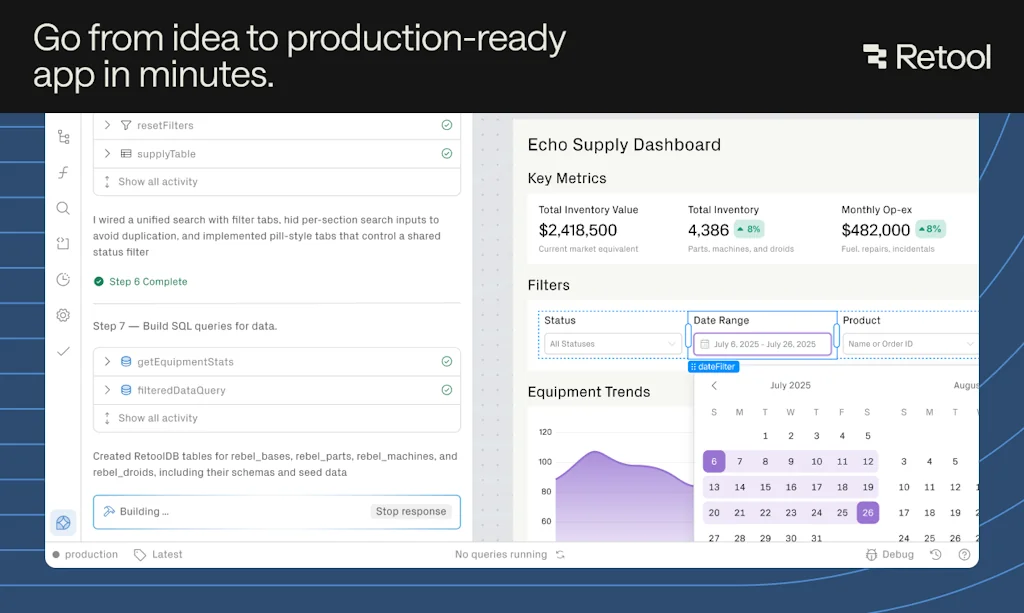
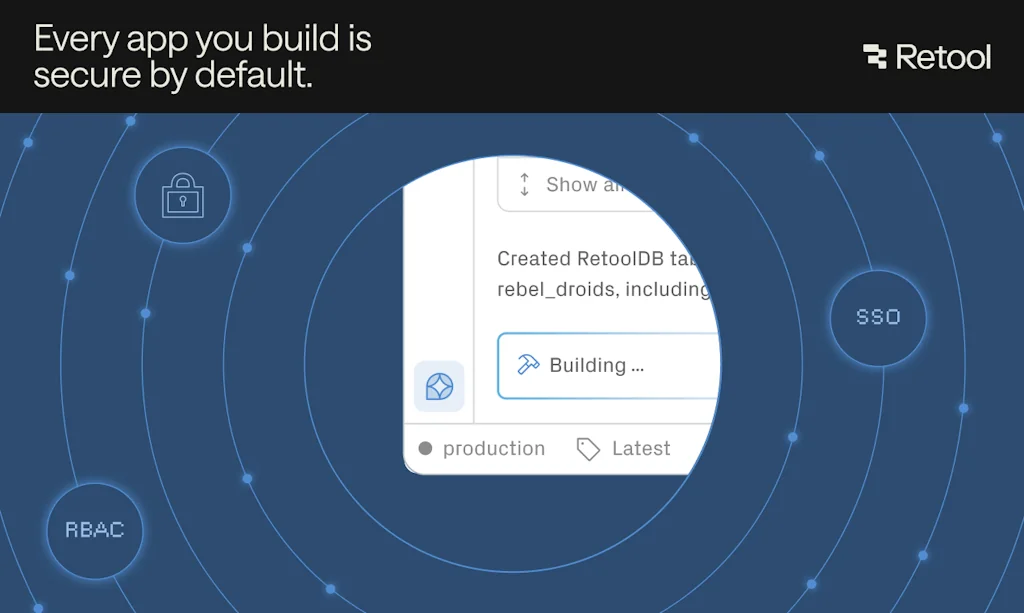
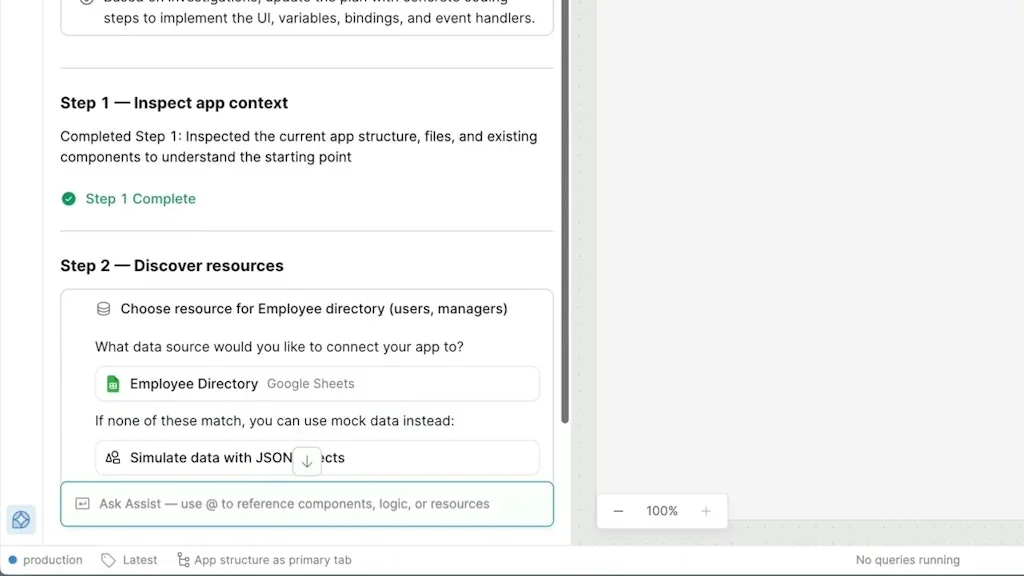
The first enterprise AppGen platform that turns natural language into production-ready internal apps—built on your live data and deployed in your environment. Secure from day one.
Pros & Cons
Pros
- Internal tools development
- Time saving
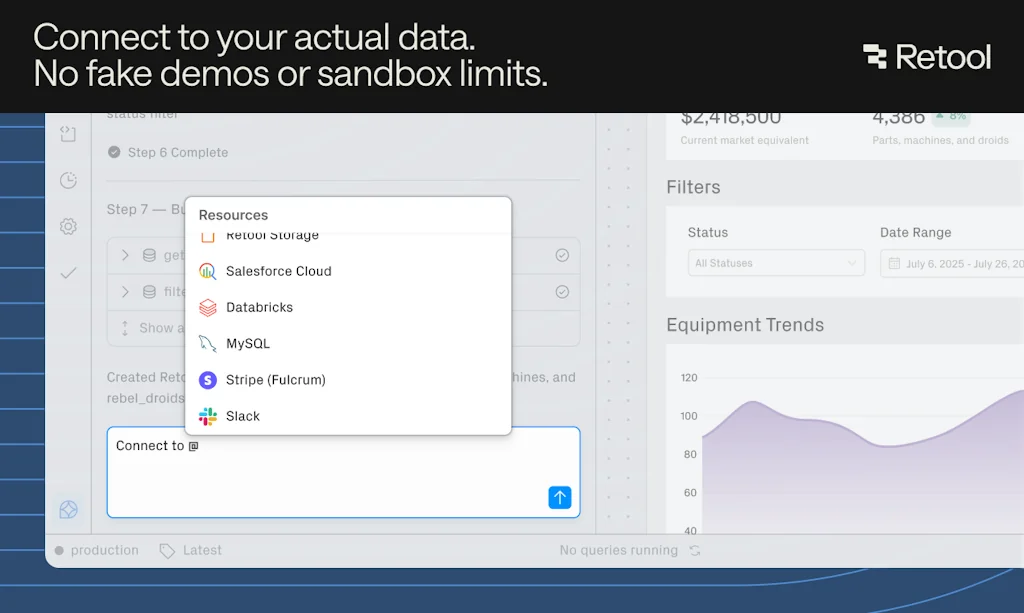
- Connect to any data source
- Fast deployment
- Flexibility
- Low-code
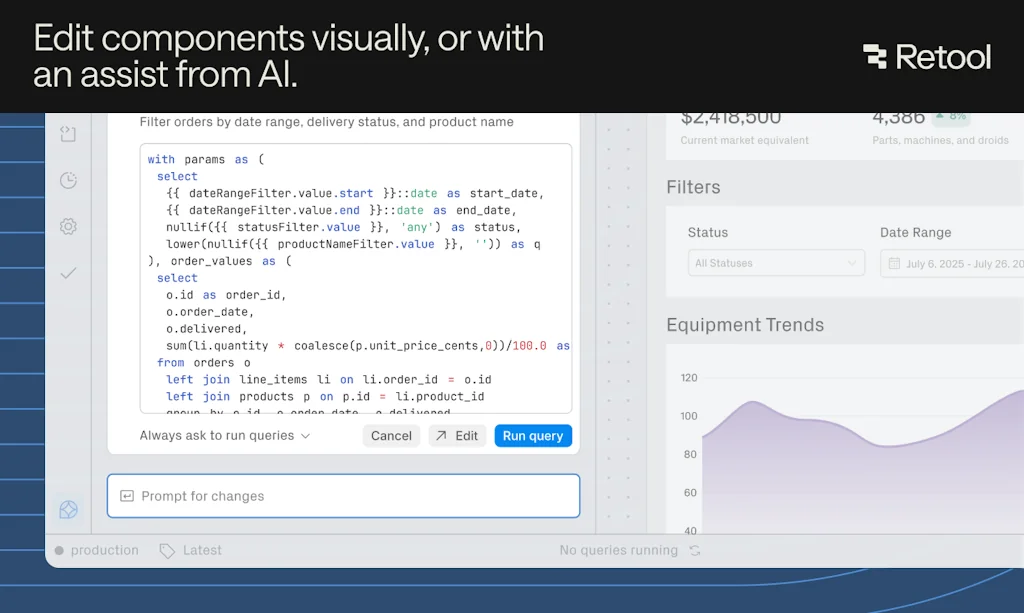
- Drag-and-drop UI
- Non-developer friendly
- Admin dashboards
- Free tier
- Scalable
- Custom code support
- Integrated Postgres database
- Pre-built components
- Program for startups
- Analytics
- ETL automations
- Workflow automation
Cons
- Complex setup
- Learning curve
- Slow performance
- Undocumented bugs
- UX inconsistency
- Email marketing spam
Tool Details
| Categories | No-code Platforms |
|---|---|
| Website | retool.com |
| Added | August 10, 2018 |
| Platforms | Web |
| Social | Twitter · Facebook · LinkedIn |
Recent Reviews (13)
At daily.dev, we use Retool to speed up our internal tooling and build admin dashboards with minimal effort. What’s great about Retool is that it gives us the flexibility to create complex, functional apps without having to reinvent the wheel every time. The drag-and-drop interface lets us quickly build UIs, but it’s still powerful enough to handle custom code when we need it.
Retool stands out for its ability to quickly build custom internal tools without needing extensive coding knowledge. Unlike traditional development environments, Retool integrates seamlessly with data sources, enabling rapid iteration. Its drag-and-drop UI elements and pre-built components allow for flexibility, which accelerates time-to-value compared to other solutions.
We use it to manage client content queues, generate deep business insights, and even rely on Retool DB to host and organize our data. Having everything in one platform saves us time, reduces complexity, and lets us focus on building for our customers instead of reinventing internal tools.
A Game-Changer for Building Internal Tools Fast I’ve been using Retool for several months now, and it has genuinely transformed how our team builds internal dashboards and operations apps. What I love: The drag-and-drop UI + built-in data integrations let me prototype in minutes rather than days. You still have full access to code when needed, which means you never lose power or flexibility. It connects seamlessly to all our data sources (Postgres, APIs, etc.), so there’s minimal “glue code.” Security is baked in — SSO, permissions, audit logs — which makes it viable even for regulated environments. The team is responsive and continuously shipping improvements. Impact: We’ve cut our internal tooling time by more than half. Tasks that used to require backend developers and weeks of work can now be handled by a small team in a matter of hours. That agility has let us iterate faster and focus more on product features, not infrastructure. Room to improve: For complete non-technical users, there’s still a bit of a learning curve. On very large, complex apps, performance can occasionally lag. Documentation in some edge cases could be clearer. All that said, Retool strikes a rare balance: approachable yet powerful, fast yet secure. It’s become a cornerstone in our stack, and I highly recommend it to any team that needs internal tooling without reinventing everything from scratch.
I will say that what I initially expected to be the biggest issue -- Connecting a database to Retool -- Turned out to be the easiest part of this entire experience. I even found and reported a little bug! One issue I ran into a lot was UX Inconsistency between documentation and the end-user experience. To a lesser extent, instructions were often only written for a certain flavor of SQL -- and it would be foolish to expect documentation based upon the myriad of ways we can connect our data -- but when it came to 1:1 following a guide, it wasn't unusual to run into slight difference in menus that made it frustrating. Customer Support is very busy but also very kind and willing to walk me through some changes; Changes we're still working on. Saving a DB change is turning out to be a herculean task; Unfortunately, not enough people use Retool to get help, (Although there is a community forum!), because we're all confused. Again, to its credit, I can add users through Retool very easily, and was delighted, hopeful that this would be a quick way to build an app. I wonder why it wasn't possible to make it a GUI option; a checkbox that says "Save changes to connected database?". There is both a SQL and a GUI Option, the latter of which is touted as the option that's less prone to error, but I ran into a handful of errors trying to do the option, so it's not simple at the end of the day. If you have more experience building front-facing tools, using APIs, you may find it easier than someone like me, who comes from using back-end cloud services, but still knows enough to teach themselves most things.
Very useful tool, with a robust feature set. I've run into a handful of undocumented or poorly documented bugs in my short time using the product however, so I can't give it 5 stars. Also, there are a few UX things that are a little annoying (such as all form elements, in any form, sharing the same namespace for data keys).
It's a really great application and has saved us a ton of time getting internal admin pages written for our applications. We're a team of three and things like admin pages always get pushed aside for revenue-generating features. Retool allowed us an easy way to stand up needed tooling.
Retool is a really impressive platform — it makes building internal tools so much faster and easier by letting you connect databases, APIs, and UI components without needing to code everything from scratch. It’s flexible, powerful, and saves tons of development time, which makes it a favorite for teams who want to focus more on solving problems and less on reinventing the wheel.
Been using Retool for a while now and honestly, it’s a lifesaver! 🙌 Building internal tools used to be such a headache — now it’s drag, drop, and done. The new AppGen feature that turns text prompts into working apps is just next-level. 💡 If you want to move fast without worrying about security or setup, Retool is the way to go. 🚀
We rely on it to streamline our client content pipelines, uncover valuable business insights, and securely manage data using Retool DB. By bringing everything together on a single platform, we save time, reduce complexity, and stay focused on delivering real value to our customers—rather than constantly rebuilding internal tools
Retool keeps raising the bar for internal app development by turning natural language into production-ready tools. This sounds like a real game-changer for enterprise teams who want speed without losing control over their data. How well does it handle complex workflows and security integrations in real-world use?
High quality usability oriented low-code tool to create hassle free full stack progressive react applications. Very versatile in data fetching alternatives, with several build-in options, and even more in data management through interface components. I am very pleased with the features so far.
I'm using it to build a small back office tool, using the Free version and it is fantastic. Mainly using it to integrate via API and no issues at all. It offers great flexibility and you can do "whatever you want" in terms of customisation. Great low code tool - highly recommended.
Frequently Asked Questions about Retool
When did Retool become popular?
Retool became popular around August 10, 2018.
What are the main advantages of using Retool?
The top advantages of Retool include: internal tools development, time saving, connect to any data source, fast deployment, flexibility.
What are the disadvantages of Retool?
Some reported disadvantages of Retool include: complex setup, learning curve, slow performance, undocumented bugs, UX inconsistency.
What is Retool's overall user rating?
Retool has an overall rating of 4.9/5 based on 33 user reviews.
What type of tool is Retool?
Retool belongs to the following categories: No-code Platforms.
Related No-code Platforms Tools

Twitter Bots
Make smart Twitter bots without coding

Streamlit
Turn python scripts into beautiful ML tools

stdlib
Standard Library of the Internet — Build/Share Microservices

UniDeck
No-Code Dashboards For Everyone

StorySDK
Open source SDK for Stories and Onboardings

Note API Connector
Import and sync data from any API into Notion
Compare Retool :





Don't Get Fooled by Fake Social Media Videos
The world's first fact checker for social media. Paste any link and get an instant credibility score with sources.
Try FactCheckTool Free