

What is Joplin?
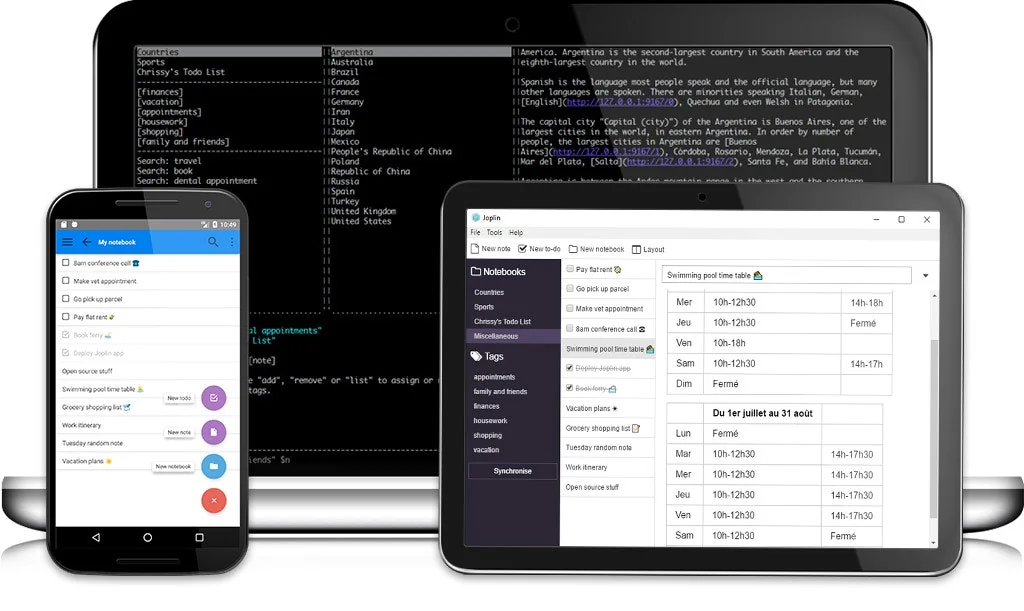
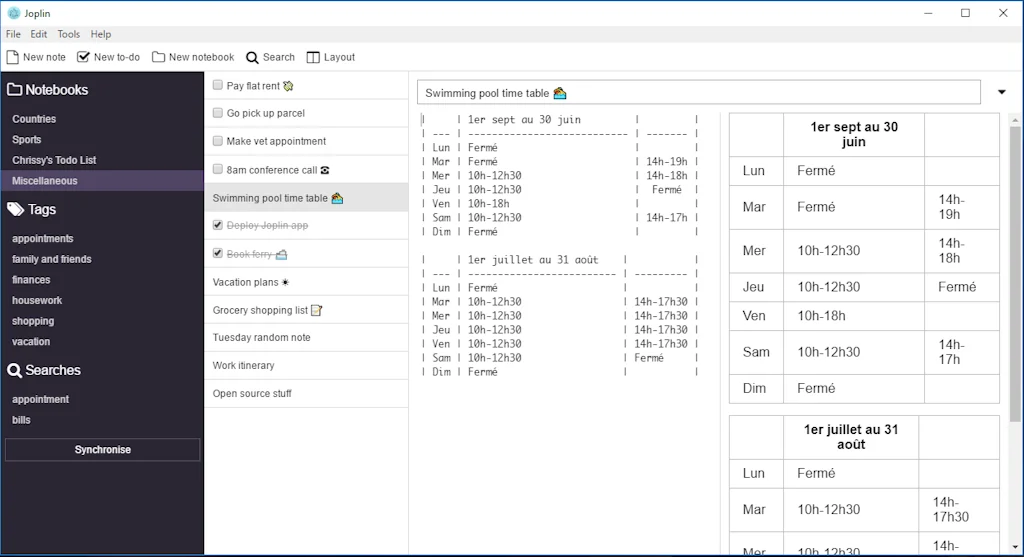
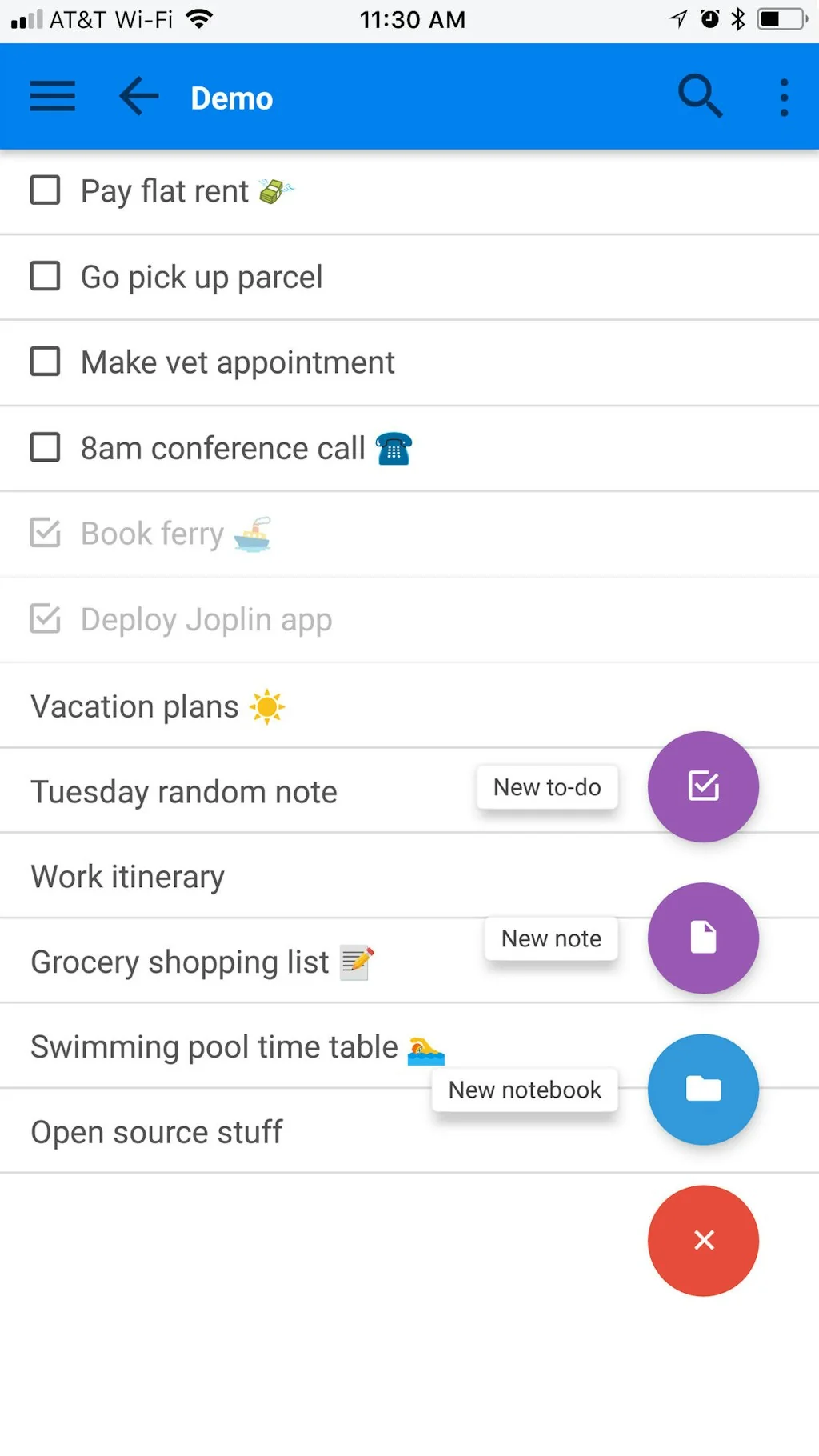
Joplin is a free, open source note taking and to-do application, which can handle a large number of notes organized into notebooks.
Pros & Cons
Pros
- Cross-platform sync
- Open source
- Markdown support
- Community plugins
- Evernote alternative
- Note-taking
- Privacy focus
- Free tier
- Nextcloud integration
- Simple interface
- Web clipping
- Active development
- Clean interface
- Notion alternative
- Self hosting
- Task management
Cons
- Limited search functionality
- Manual sync trigger
Tool Details
| Categories | Note and writing apps |
|---|---|
| Website | joplinapp.org |
| Added | November 30, 2017 |
| Platforms | Web · iOS · Android |
| Social | Twitter · GitHub |
Recent Reviews (10)
This is one of my favorite open source projects! Also, if you're looking to get better at markdown, this is the app to do it. The free sync is fantastic - because it integrates with dropbox, and because most of what you're syncing is just text, you can use this for quite a while before reaching the dropbox free-tier limit. I can keep a journal at work and have it sync to my phone, personal workstation, and other devices. It's really quick and most importantly - a decent community and still actively developed!
Open-Source, efficient, and a lot of possibilities to share and sync notes. Awesome app!
I really love this! One feature that stood out to me is the seamless sync between my laptop and phone. There have been so many times when I was away from my laptop—maybe enjoying a coffee or chai—and wished I could glance at my notes. Earlier, I used to miss out. With Joplin, all my notes stay in sync across devices. Now I can access them anytime, anywhere—whether I’m on my laptop or on my phone. ☕ Another feature I really appreciate is its flexible formatting support. Whether it’s a Mermaid diagram, JSON, or snippets of any programming language, Joplin handles it with ease. It adapts seamlessly to different formats, making note-taking much more powerful and versatile.
In my opinion, Joplin is the best open-source note-taking app available. It’s free, prioritises privacy with end-to-end encryption and gives you complete ownership of your data (no vendor lock-in). It works on all major platforms (Windows, macOS, Linux, iOS and Android) and syncs via your preferred service (Joplin Cloud, Dropbox, Nextcloud, etc.). Its clean interface, excellent Markdown support, web clipper and rich plugin ecosystem make it highly customisable and perfect for boosting productivity. If you value privacy, flexibility and control over your notes, Joplin is my go-to choice.
After using it on three devices for several months, I'm delighted with it. All store locally and sync to my Nextcloud. Powerful, stable, open and interoperable - what more could you ask for?
I have been using Joplin for several years, on mobile devices, Windows and Linux. It is great. On mobile devices, it may be that the sync has to be triggered more often so that all notes are synchronized. On mobile devices, the sync may need to be triggered frequently to synchronize all notes. This is especially true if you have a lot of notes.
There are so many knowledge management systems like logseq, mymind, roam, obsidian etc. I find the simplicity of joplin to be very attractive. It works for me. I want the search system to be more powerful something akin to obsidian perhaps.
Take your notes anywhere: on your phone, laptop, tablet, etc and have them synced to each other. Plenty of plugins to make your work even easier. Save websites as html, markdown or images. Create todos from your notes.
It's simple to use, and provides basic functionality like markdown support. Doesn't force features you don't want on you
Joplin is what Evernote should be. I used it to replace my clunky use of Evernote and haven't looked back. Huge bonus for me is the ability to self host on my Synology NAS. There are lots of other self hosting options as well. The workflow is Markdown based, but has a world of add-ons that enhance both Markdown and client functionality. It's a tremendous ecosystem and very powerful. That it's open source is a huge plus. It's obviously cost-effective, but I recommend a monthly donation to keep this one moving along. Either way, if you're considering any other note storage system, look at Joplin first.
Frequently Asked Questions about Joplin
When did Joplin become popular?
Joplin became popular around November 30, 2017.
What are the main advantages of using Joplin?
The top advantages of Joplin include: cross-platform sync, open source, markdown support, community plugins, Evernote alternative.
What are the disadvantages of Joplin?
Some reported disadvantages of Joplin include: limited search functionality, manual sync trigger.
What is Joplin's overall user rating?
Joplin has an overall rating of 4.9/5 based on 10 user reviews.
Is Joplin available on mobile devices?
Yes, Joplin is available on iOS (App Store) & Android (Google Play).
What type of tool is Joplin?
Joplin belongs to the following categories: Note and writing apps.
Related Note and writing apps Tools

reMarkable
The paper tablet for people who prefer paper.

Mind Studio
A visionOS app to expand your mind into your space
LilysAI
Don’t miss the sources that change your performance

Unfriction
Instant local notes for macOS to capture thoughts in <400ms

ProseMirror
A toolkit for building rich-text editors on the web

Lifelight:AI Journal/Note for Vision Pro
A modern take on AI for quick note. Also on iPhone and Mac.
Compare Joplin :


Don't Get Fooled by Fake Social Media Videos
The world's first fact checker for social media. Paste any link and get an instant credibility score with sources.
Try FactCheckTool Free