

Milanote
The tool for organizing creative projects
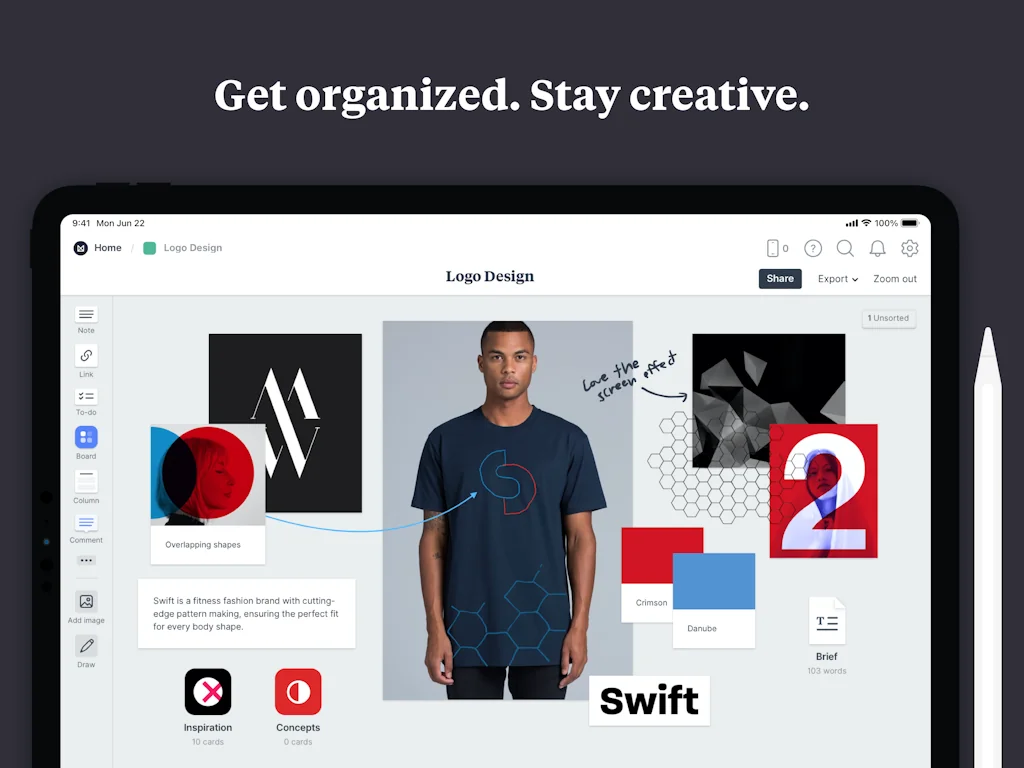
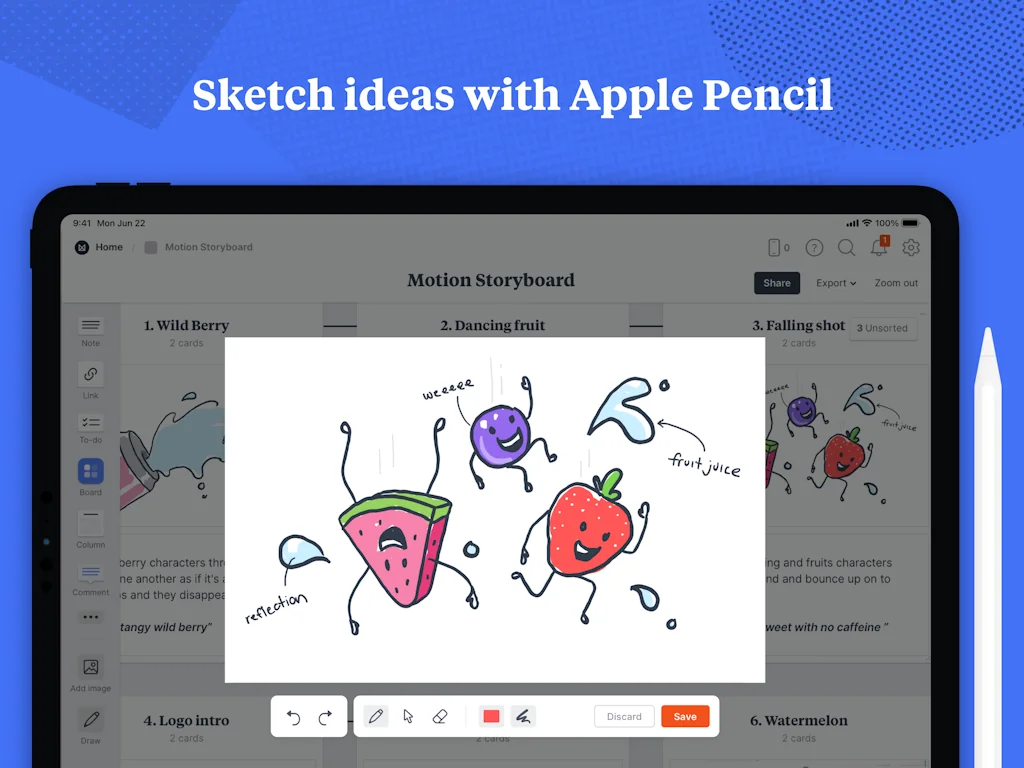
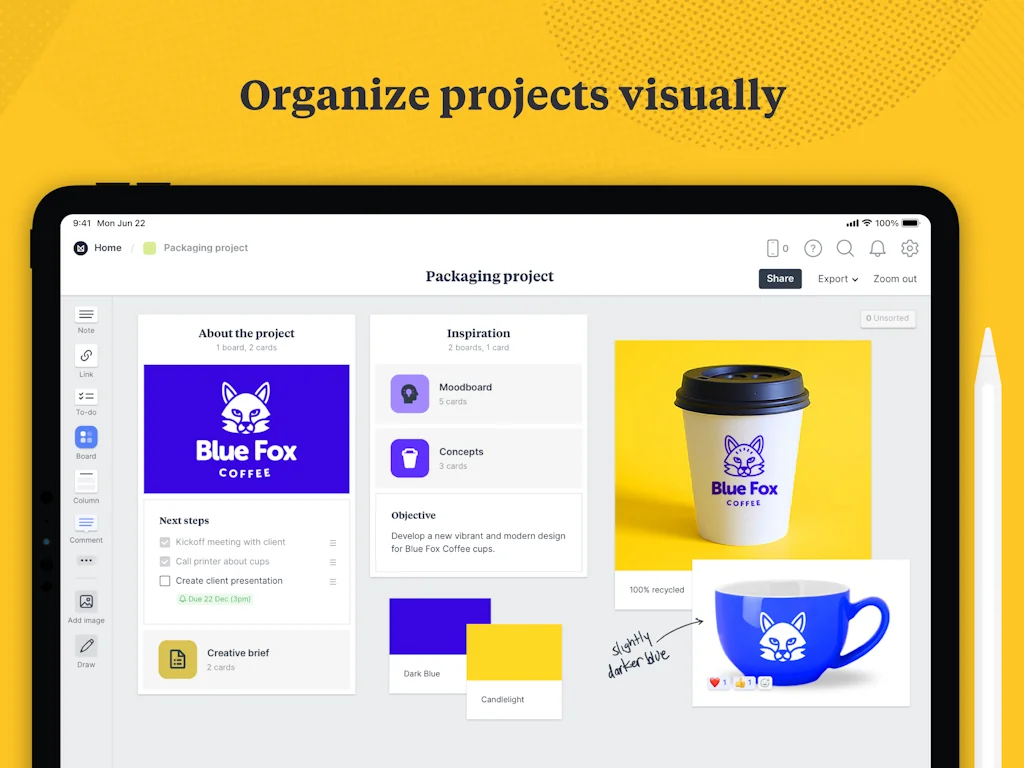
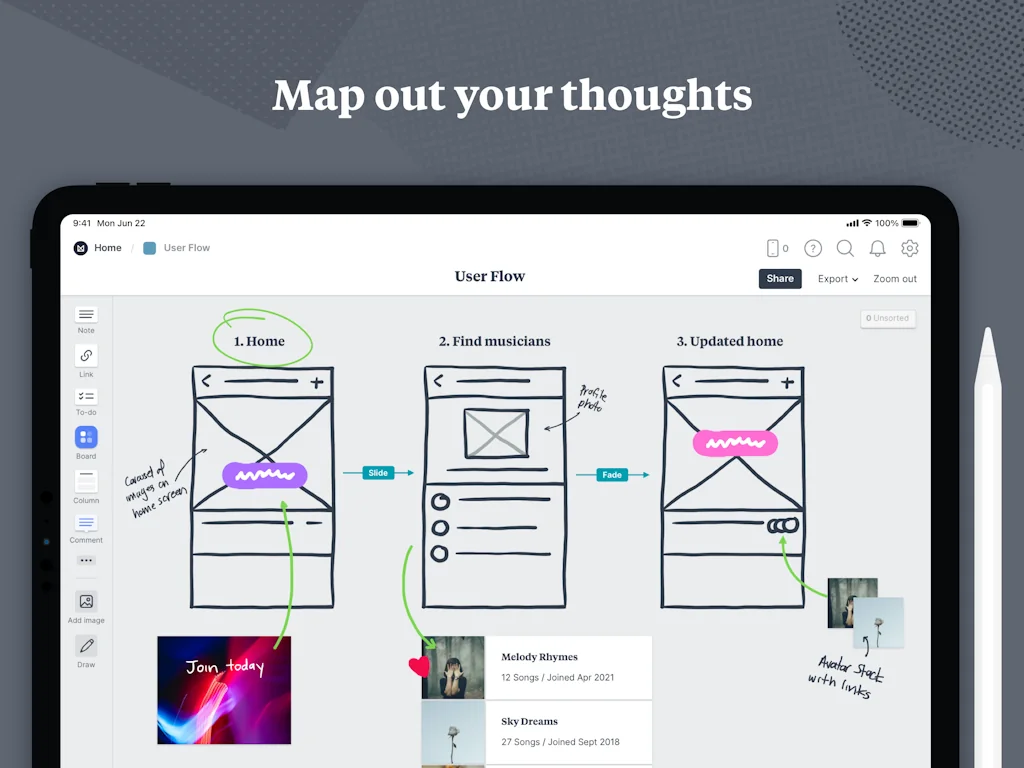
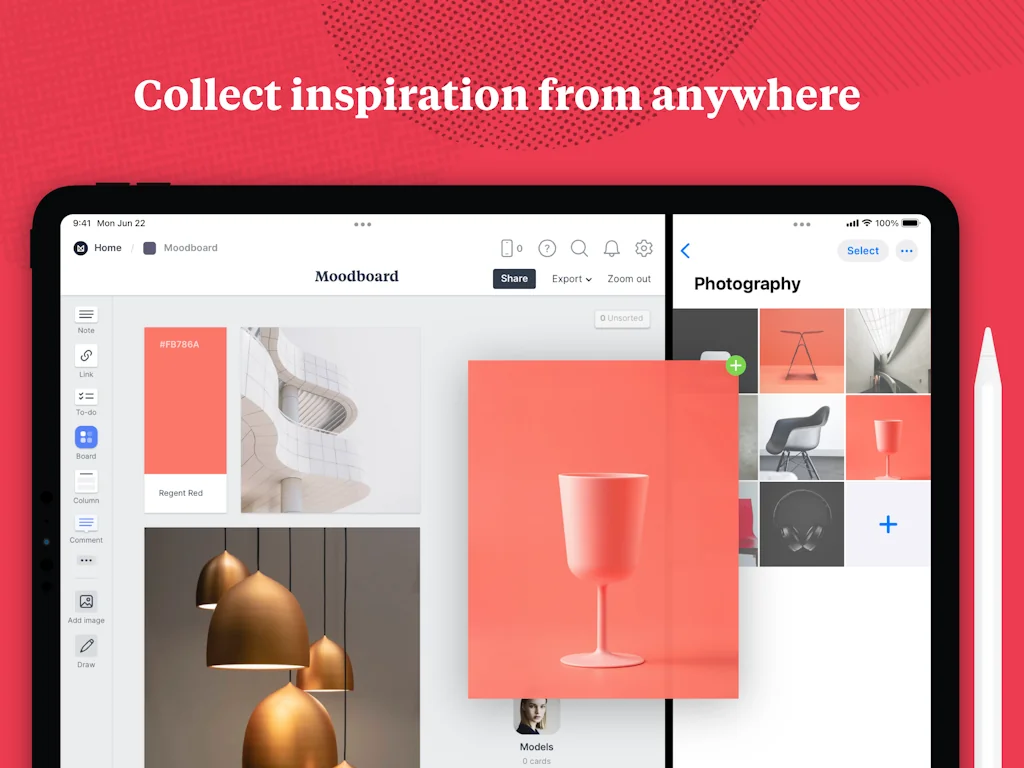

What is Milanote?
Organize your ideas and projects into visual boards.
Pros & Cons
Pros
- Visual organization
- Collecting inspiration
- Note-taking
- Brainstorming
- Design workflows
- Desktop version
- Easy to use
- Templates with example data
- Wide open canvas
- Collaborative design projects
- Digital whiteboard
Cons
- Mobile app limitations
- Free version limitations
Tool Details
| Categories | Note and writing apps, Project management software, Design resources |
|---|---|
| Website | www.milanote.com |
| Added | February 7, 2017 |
| Platforms | Web · iOS |
| Social | Twitter · Instagram · Facebook |
Recent Reviews (12)
A good tool for working with graphics. It is convenient to organize mudboards, but the number of available images in the free version is disappointing
We love using Milanote daily! It helps us stay on track with its intuitive interface and easy-to-use functionalities.
A kindred spirit tool: visual folders with different types of collectible ideas. Great tool!
We chose it for the balance between structure and freedom
The templates with example data is what first drew me in, but I've been hooked ever since! It not only lets me collect links and text, but also photos, videos, color swatches, hand drawn notes and more. The visual board display isn't available on the mobile version which is kind of a bummer, but honestly I use it more on the Desktop than anything else. The only thing that could make it better in 2025 would be implementing AI search and insights that would bubble up connections between previous content or board collections or items that are related or seem relevant. I have tried so many note-taking apps, but this one is the one that I'm currently loving the most!
I love the visual aspect of this note taking tool. The templates with example data is what first drew me in, but I've been hooked ever since! It not only lets me collect links and text, but also photos, videos, color swatches, hand drawn notes and more. The visual board display isn't available on the mobile version which is kind of a bummer, but honestly I use it more on the Desktop than anything else. The only thing that could make it better in 2025 would be implementing AI search and insights that would bubble up connections between previous content or board collections or items that are related or seem relevant. I have tried so many note-taking apps, but this one is the one that I'm currently loving the most!
I really like this app, very good for taking notes, but also great for collecting inspiration around the internet and organizing it. I do creative work and it has helped me a lot. The only downside to it is that on mobile its close to unusable. The app only shows the cards of a board, sometimes not even in the right order, and it completely misses the whole point of Milanote. If not editing, at least let us see it as a canvas, like on desktop.
I've been using it for years now in the daily design process in my agency. There is nothing better for web/app IA planning, content writing and ideation, articles, reviews and many more. Miro is not a substitute because they don't have inlayed boards.
Love Milanote. It's where I can visually organize my research, ideas, design workflows and of course the good old to-do list. I enjoy having a wide open canvas for my ideas to flow onto.
Milanote has been my go-to for planning creative projects. It’s like a digital whiteboard where I can easily lay out ideas, images, and notes in a visually appealing way.
I love how perfectly designed it is for design projects - I use this for brand design projects in collaboration with my client and it is just perfect.
ファミリープランがあると嬉しい。子供にも使わせたい
Frequently Asked Questions about Milanote
When did Milanote become popular?
Milanote became popular around February 7, 2017.
What are the main advantages of using Milanote?
The top advantages of Milanote include: visual organization, collecting inspiration, note-taking, brainstorming, design workflows.
What are the disadvantages of Milanote?
Some reported disadvantages of Milanote include: mobile app limitations, free version limitations.
What is Milanote's overall user rating?
Milanote has an overall rating of 4.8/5 based on 14 user reviews.
Is Milanote available on mobile devices?
Yes, Milanote is available on iOS (App Store).
What type of tool is Milanote?
Milanote belongs to the following categories: Note and writing apps, Project management software, Design resources.
Related Note and writing apps Tools

Porcupine
Distraction-free, cross-platform screenwriting app
Therapeze
Note taking app designed for therapy clients

Spaceli
Turn Google Docs into a knowledge base

Journal App
A beautiful journal app for macOS
Paperr
An elegant writing tool for web
Todo
A simple all-in-one todo list app for tasks and projects.
Related Project management software Tools
fotoClient
beautiful business management software for photographers

Userdoc
Build better software requirements with AI

Almanac
Structured collaboration for remote teams

Outlign
Process-driven project management for agencies & clients

SaaS Product Stack for Startups
Find SaaS products to help grow your startup or side project

Summit
Run your meetings like a boss!
Related Design resources Tools
Isometric Love
Cute isometric objects for designers

Pixel Art Studio
A purpose-built drawing tool for pixel artists

Frontitude
One place for your UX content from design to production

Email Timer
Create free e-mail countdowns that don't look like 💩

Botroast.io
Design feedback in 1 click.

Tremor
The ReactJS open-source library to build dashboards fast
Compare Milanote :




Don't Get Fooled by Fake Social Media Videos
The world's first fact checker for social media. Paste any link and get an instant credibility score with sources.
Try FactCheckTool Free