

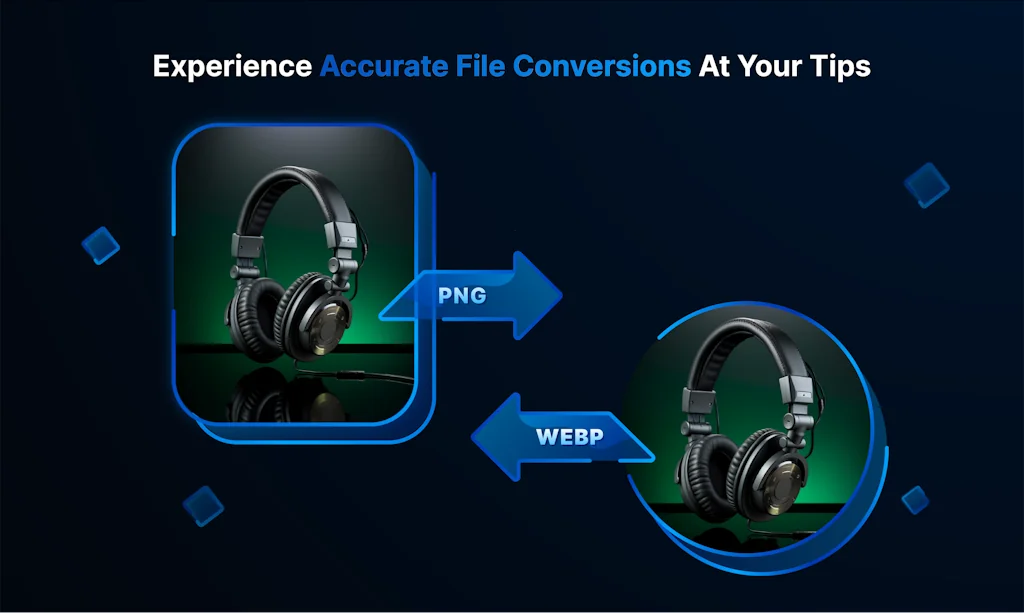
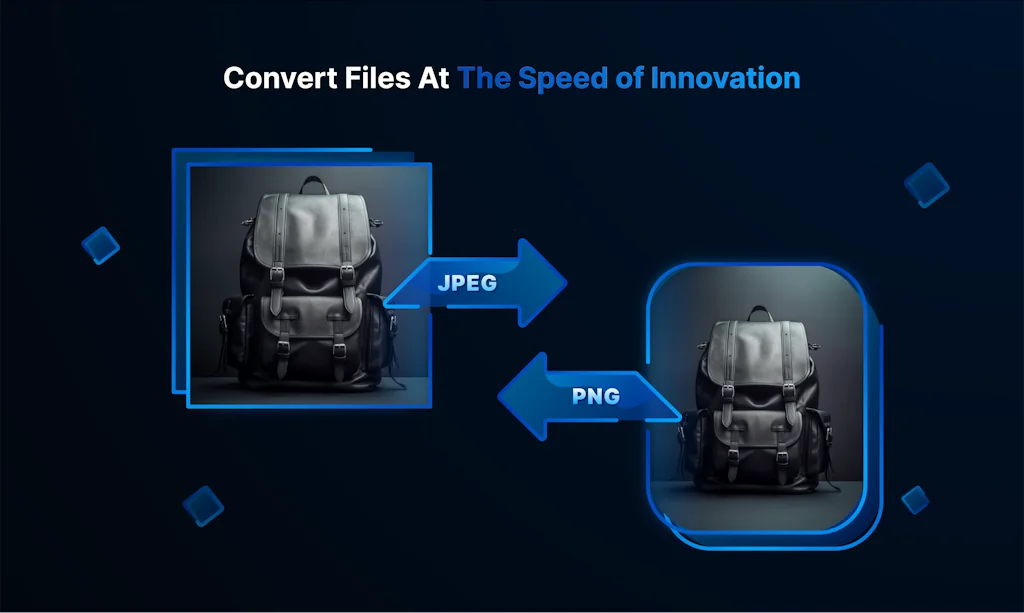
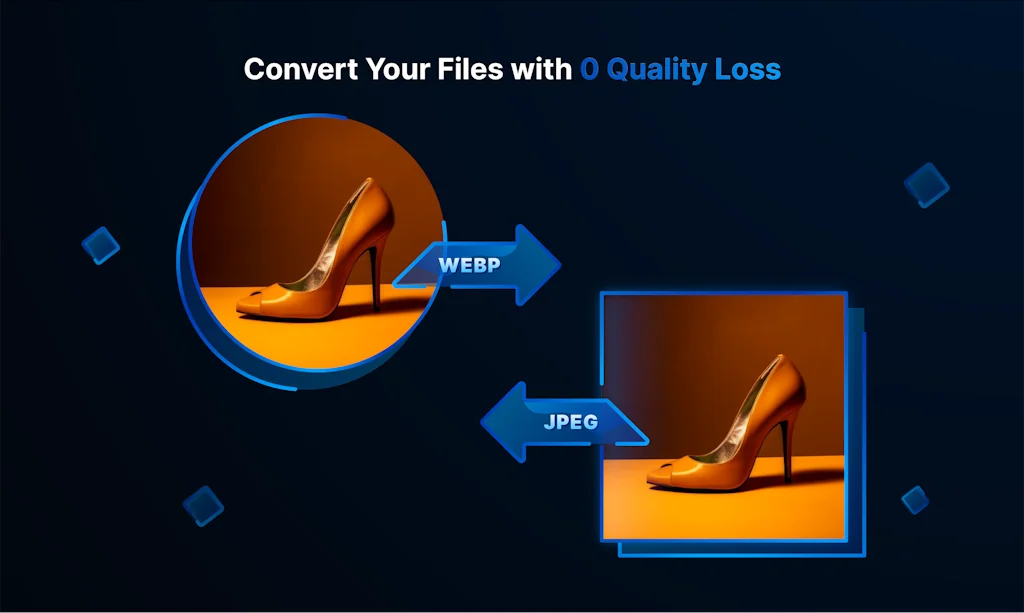
What is Convertfiles.ai?
Convert your image files into different formats for free using the all-new ConvertFiles.ai. 💻 Quick Conversion 💻 Easy To Use 💻 Multiple Format Support 💻 No INstallation Required
Pros & Cons
Pros
- Easy to use
- User-friendly interface
- Multiple format support
- Quick conversion
- Free tier
- Blazing-fast conversions
- Convert multiple images simultaneously
- Preserves image quality
- Versatile file conversion
- No disruptive advertisements
- No installation required
- Simple upload process
Cons
- Format conversion error
Tool Details
| Categories | Photo editing |
|---|---|
| Website | www.convertfiles.ai |
| Added | July 6, 2023 |
| Platforms | Web |
| Social | Twitter · Instagram |
Recent Reviews (6)
I have used it for my D2C brands. I used to remove the watermark and change the background with their other products. We had to use other software to convert the file formats. Glad that they have launched the product for the same. Team, keep up the good work. Please launch some products for the videos.
WHY TRANSFIGURATOR IS BETTER THAN ONLINE CONVERTERS PRIVACY & SECURITY Unlike online converters that upload files to servers, Transfigurator processes images locally on your Mac. Your files never leave your device - no cloud uploads, no data transmission, no breach risk. WORKS OFFLINE Online converters require internet and may be unavailable. Transfigurator works offline - convert anytime, even without connection. Perfect for travel or poor internet areas. NO FILE SIZE LIMITS Online services limit file sizes (10-50 MB). Transfigurator handles any size - from icons to huge professional photos. No limits, no compromises. MAXIMUM SPEED Local processing means no upload/download delays. Uses your Mac's full power - hundreds of files in seconds, not minutes of waiting. MORE FORMATS Supports AVIF and TIFF - formats many online converters lack. AVIF offers superior quality, TIFF is essential for professional printing. BATCH PROCESSING Process hundreds of images simultaneously. Online services limit batch size or require paid subscriptions. In Transfigurator - everything included. SMART PRESETS & FLOATING DROP ZONE Create custom presets for frequent tasks and apply with one click. Unique floating drop zone accessible from anywhere on your Mac. Convert without opening a browser. ONE-TIME PURCHASE Many online services require monthly subscriptions for full features. Transfigurator is a one-time purchase - buy once, convert unlimited forever. NATIVE macOS APP Native macOS app that integrates with your system. Works with Finder, supports Drag & Drop, uses system dialogs, follows Apple design. Your images deserve better - privacy, speed, and control. Choose Transfigurator.
🎉 🚀 Huge congrats to the team for launching Convert Files AI on ProductHunt! Transcending boundaries in effortless image conversion, preserving quality like no other! 👏 📸 🔄 Well done!
Congratulations on the launch. Thanks to all makers and Hunter for creating this product. Amazing and very helpful product. I tried a few images to convert from jpg to png , png to webp. This site converts those images within seconds and are ready for download. - Easy to use - Looks clean - Quick results - Convert multiple images at the same time - No installation Being a digital creator, I need to convert a number of image files daily. This site is very helpful for me to perform daily work activities. Kudos 🚀
Good afternoon, ConvertFiles.ai has not been working properly for 3 days now. When I load an image in PNG format, and set the output to JPEG format, the image does not change and remains in PNG format, and not JPEG. Solve this problem, because now it is not possible to work.
Good job, been using the beta for sometime now! Good thing that team keeps same UX with their other tools: https://www.erase.bg/ https://www.upscale.media/ https://www.watermarkremover.io/
Frequently Asked Questions about Convertfiles.ai
When did Convertfiles.ai become popular?
Convertfiles.ai became popular around July 6, 2023.
What are the main advantages of using Convertfiles.ai?
The top advantages of Convertfiles.ai include: easy to use, user-friendly interface, multiple format support, quick conversion, free tier.
What are the disadvantages of Convertfiles.ai?
Some reported disadvantages of Convertfiles.ai include: format conversion error.
What is Convertfiles.ai's overall user rating?
Convertfiles.ai has an overall rating of 4.8/5 based on 16 user reviews.
What type of tool is Convertfiles.ai?
Convertfiles.ai belongs to the following categories: Photo editing.
Related Photo editing Tools

Image to Cartoon
Best AI cartoonizer online for free

Snapclear
Upscale & Remove Image Background with IA Offline

Tweetlet
Create appealing images from tweets and text in a snap

Pixelied
Photo Editor: Free Online Graphic Design Suite

Renderform
Image generation and editor

Snaplight for iOS and Mac
Spotlight the most important part of an image in seconds.
Compare Convertfiles.ai :





Don't Get Fooled by Fake Social Media Videos
The world's first fact checker for social media. Paste any link and get an instant credibility score with sources.
Try FactCheckTool Free