

Luminar Neo
Award-winning AI-powered photo editing software Luminar Neo.
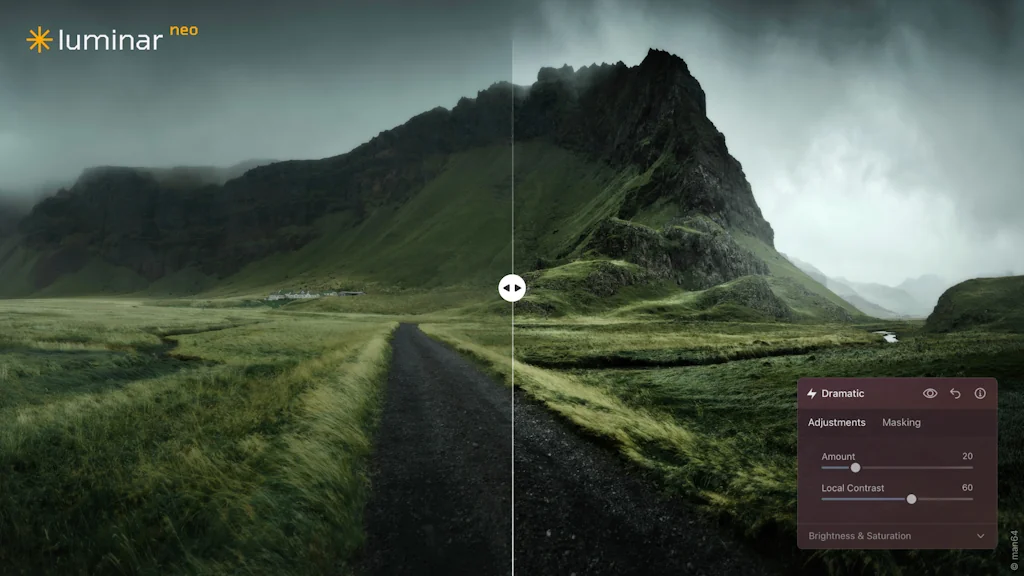
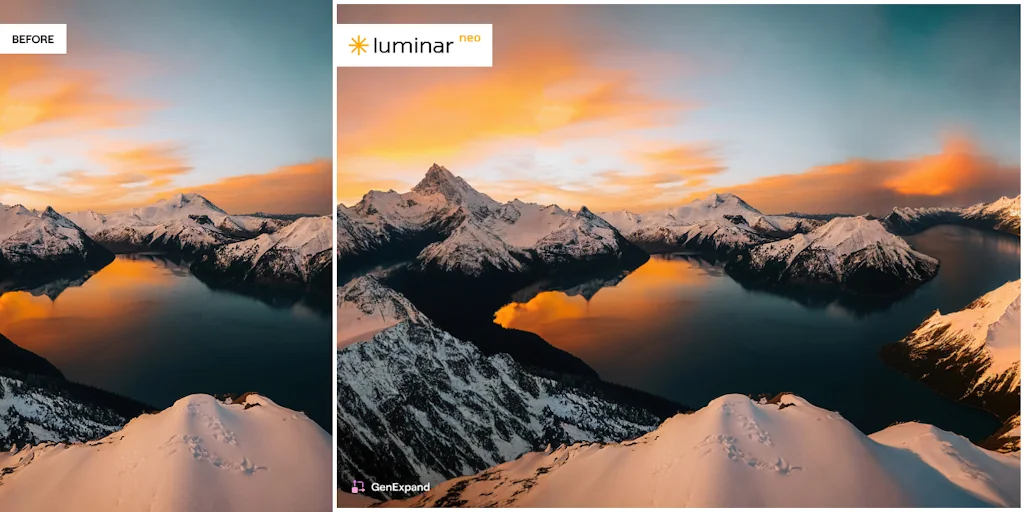
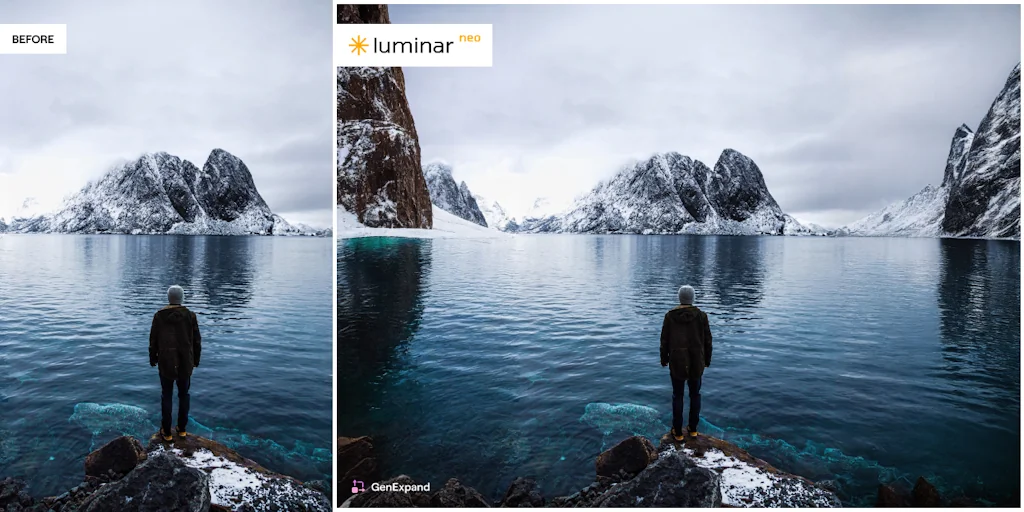
What is Luminar Neo?
Luminar Neo empowers photographers of all skill levels to unleash their creativity and transform their visions into reality with advanced AI-based technologies while providing the artist with complete control over the final image. Luminar Neo has won the Red Dot Award and TIPA's Best Imaging Software 2022 and 2023.
Pros & Cons
Pros
- Batch editing
- User-friendly interface
- Enhance AI
- Noise reduction
- Sky replacement
- Cache management
- Automatic night shot processing
- Catalog management
- Perspective correction
- Relight function
- Smart presets
- Structure AI
- AI structure
- Auto adjust
- Automatic background removal
- Color temperature control
- Customizable filters
- Geometry AI
- History of edits
- LUT support
- Minimalistic interface
- Plugin compatibility
- Time-saving
- Wire removal
Cons
- Slow performance with large files
- Stability issues
Tool Details
| Categories | Photo editing, AI Generative Media, Graphic design tools |
|---|---|
| Website | skylum.com |
| Added | February 19, 2018 |
| Platforms | Web |
| Social | Twitter · Instagram · Facebook · LinkedIn |
Recent Reviews (10)
I looked at several alternatives: Lightroom, Photoshop, and other AI-powered editors. They're all great, but most are too complicated for a beginner or take too much time on routine edits. Luminar Neo stood out for its simplicity and speed. It lets you quickly process a series of photos without losing quality, and its AI tools are a real time-saver—for example, replacing a sky or enhancing lighting in one click. The interface is intuitive, allowing you to get started right away without a lengthy learning curve. Plus, the one-time license, rather than a subscription, was a nice bonus. Ultimately, Neo proved to be a perfect balance between a powerful editor and a convenient, fast tool for real-world work and creativity.
Most photo editors have problems with architecture and interiors. But Luminar Neo pleasantly surprised me with how well Geometry AI works. Even with strong distortion of wide-angle lenses (I have a Canon 16-35mm), the tool corrects distortions without “torn” corners and loss of detail. The analog in Lightroom copes worse, especially with high verticals. They also added excellent control of color temperature in shadows and highlights separately. This is important when shooting with different light sources (daylight, lamps, LEDs) - now you don’t need to manually mask areas of the frame: Neo itself separates everything and applies the desired balance.
I shoot a lot of city scenes and facades, and I was always annoyed by how hard it is to manually align the perspective of buildings. In other editors, it's a torment with rulers and masks. But in Neo, everything is done surprisingly simply: a couple of sliders — and the horizon line and verticals become straight. The program itself "understands" where the straight line should be. And this works not only with skyscrapers, but also with ordinary streets, parks, even interiors. It turns out neat, but not unnatural — as if that's how you shot it. For architectural and urban photography — a must have.
I often shoot in low light conditions - in the evening outdoors, indoors without a flash, while traveling, where I just don't want to waste time on a tripod. And with Luminar Neo, this is now possible. Automatic processing of night shots works great: noise is muffled, but detail does not disappear, and all this - without having to manually tinker with each setting. Photos literally "come to life" - you can see the texture of the walls, the texture of clothes, even subtle details in the shadows become noticeable. I especially like that the program does not make the picture too bright - the balance is preserved. It is very convenient that you can get a professional result in a couple of clicks.
I've already completed three full projects with Luminar Neo, and I can honestly say that for the first time in many years, I felt like I wasn't wasting hours on basic operations. I especially want to highlight Smart Presets, which adapt to the type of scene. They don't just apply a template, but actually analyze the composition and lighting. For example, the same preset on a portrait and a landscape gives completely different and appropriate results both times. The new version allows you to flexibly work with LUT files and custom styles. I import a LUT, and then I can manually tweak it through the color correction module (HSL, Color Harmony, Supercontrast). Tone processing after that is at the level of Capture One, but much faster. I was also pleased that Neo now works better with the catalog: tags, ratings, filters, and search have become more responsive. I compared: keyword search works 2-3 times faster than in the previous version. This became especially important when loading projects with hundreds of folders. Integration with noise reduction (Noiseless) in low-light mode is another must-have. I tested shots with ISO 3200 and higher - the result is better than in Lightroom. Moreover, the detail is preserved, and there are fewer artifacts.
After the spring 2025 update, Luminar Neo has really changed: Auto Adjust appeared, which automatically sets the exposure, white balance and contrast - a great start before manual fine-tuning. Clearing the cache in the settings now frees up space and speeds up the catalog, especially when working with hundreds of RAW files. It is very pleasing that interest in user convenience is noticeable even in such trifles.
After the spring 2025 update, Luminar Neo has really changed: Auto Adjust appeared, which automatically sets the exposure, white balance and contrast - a great start before manual fine-tuning. Clearing the cache in the settings now frees up space and speeds up the catalog, especially when working with hundreds of RAW files. It is very pleasing that interest in user convenience is noticeable even in such trifles.
Photos are an important part of my content, but I spend less and less time on each shoot. What I liked about Neo is that you can take a series of photos and process them in the same style without spending an hour on each one. The retouching is soft, the colors are natural, the result is stable. Even when I add a slight vignette or export for Instagram, everything looks uniform.
Switched over from Lightroom and am genuinely impressed. The Enhance AI and Relight AI tools bring out vivid colors and beautifully balanced lighting in portraits and landscapes with just one slider. Sky AI effortlessly swaps out dull skies and blends new ones seamlessly into complex scenes, even around tree branches—adding cinematic flair in seconds.
After years of avoiding auto-enhancement tools, it was surprising to find a program that doesn’t ruin images with over-processing. Luminar Neo keeps things clean and tasteful. The way it handles RAW files — especially with color depth and clarity — deserves praise. While speed could be improved, the tool itself is powerful and reliable.
Frequently Asked Questions about Luminar Neo
When did Luminar Neo become popular?
Luminar Neo became popular around February 19, 2018.
What are the main advantages of using Luminar Neo?
The top advantages of Luminar Neo include: batch editing, user-friendly interface, enhance AI, noise reduction, sky replacement.
What are the disadvantages of Luminar Neo?
Some reported disadvantages of Luminar Neo include: slow performance with large files, stability issues.
What is Luminar Neo's overall user rating?
Luminar Neo has an overall rating of 5.0/5 based on 37 user reviews.
What type of tool is Luminar Neo?
Luminar Neo belongs to the following categories: Photo editing, AI Generative Media, Graphic design tools.
Related Photo editing Tools
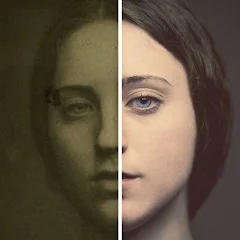
Refresh bot
Turn your old, pixelated photos into HD with just one tap
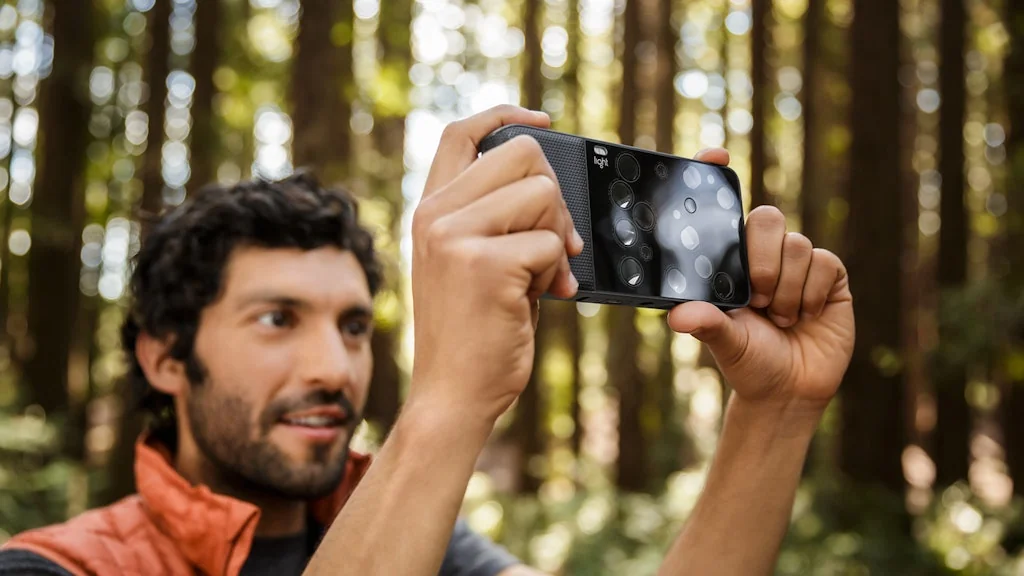
Light L16 Camera
Computational camera deliver on its promise of DSLR image

Animate Old Photos
AI turns your old photos into 5-second videos

DPTH
Add depth to your photos

AI image extender
AI expand your photos naturally

Pixelvibe
Find high-quality, curated AI-generated stock images
Related AI Generative Media Tools

Grid it™
The first Logo Grid Generator™

Stunning.so
Build Fullstack WebApps 10x Faster with AI

Picsart
AI-Powered Photo and Video Editor

Packify.ai
Unpack Creativity, Packaging design with AI.

AI Interior Designer
AI Interior Designer in minutes

KlipLab
AI celebrity voice generator & lip-syncing tool
Related Graphic design tools Tools

Provector
A free yet powerful online vector graphics editor

PixiEditor
Universal 2D graphics editor

Replace Cover
Create beautiful cover art for your Spotify playlists

Creatify
Easily build your professional portfolio in seconds

Jector AI
AI tool for stunning product photos

What Font Is
Find any font from any image (commercial or free)-WhatFontIs
Compare Luminar Neo :





Don't Get Fooled by Fake Social Media Videos
The world's first fact checker for social media. Paste any link and get an instant credibility score with sources.
Try FactCheckTool Free