

What is Photopea?
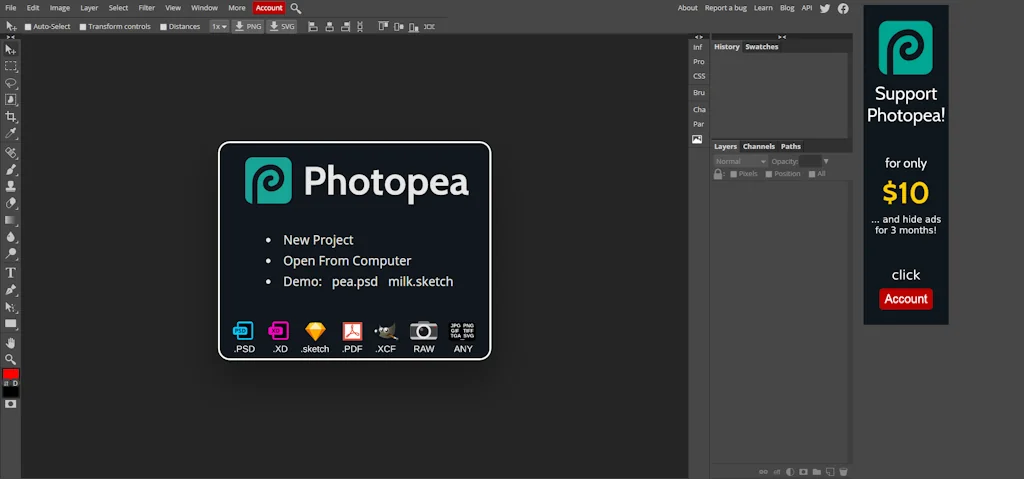
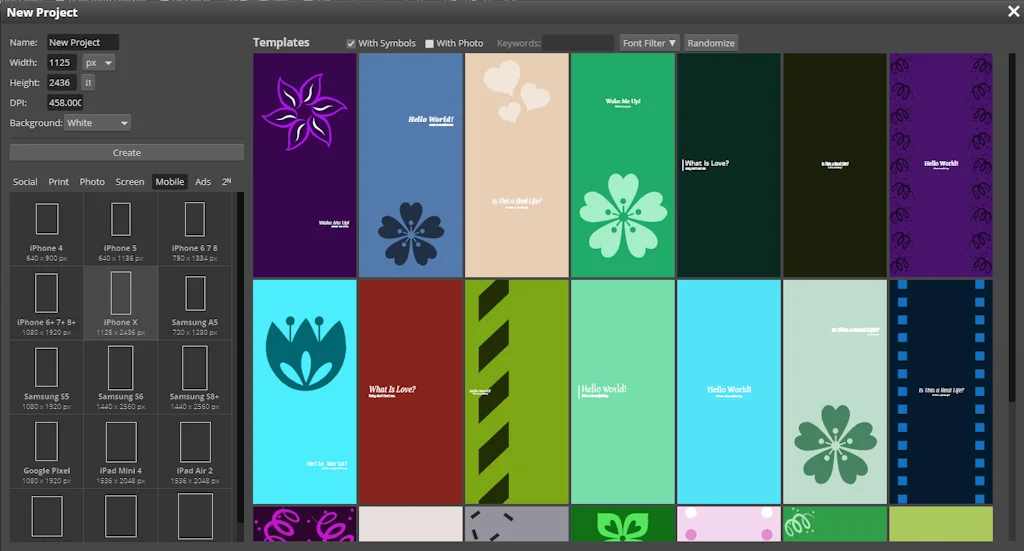
Photopea is an advanced image editor, which can work with both raster and vector graphics. You can use it for simple tasks, such as resizing images, as well as complex tasks, such as designing webpages, creating illustrations, processing photographs and more.
Pros & Cons
Pros
- Photoshop alternative
- Advanced features
- Free tier
Tool Details
| Categories | Photo editing, Graphic design tools |
|---|---|
| Website | photopea.com |
| Added | April 18, 2016 |
| Platforms | Web |
| Social | Twitter · Facebook · GitHub |
Recent Reviews (8)
Photopea powers the FusionOS in-browser ad editor, and also enables exporting/importing to Photoshop and Figma from our platform. Layered AI generated images are available for editing in app.
Photopea is a solid free alternative to Photoshop, especially for those who need advanced graphic design tools but don’t want to pay for expensive software.
Photopea is as powerful as Photoshop & easier to use than MS Paint. If you're looking for a dependable image editing tool but don't want a full Adobe CC subscription, Photopea is for you.
It's a solid image editor. It gives you most of the functions that photoshop has, but for free. If you're new to the program it is a little bit hard in use but after a little trying and maybe a tutorial on YouTube you will be able to make your photos/images in to masterpieces!
A wonderful tool for those that maybe can't afford Photoshop. Great for quick edits on the fly, cross-platform compatible, and easy collab tools build right in. Consider making a donation to get rid of the ad-space for optimal workflow.
Photopea has a learning curve and should have a tutorial. Some key features that I like In other programs such as the ability to use an object or objects to negate a piece of the image
I use Photopea as plugin for Figma and the overall experience is great. The flow feels so natural to be able to quickly jump back and forth between Figma and Photoepa.
It is indeed a fantastic program and is considered one of the strongest alternatives to Photoshop.
Frequently Asked Questions about Photopea
When did Photopea become popular?
Photopea became popular around April 18, 2016.
What are the main advantages of using Photopea?
The top advantages of Photopea include: photoshop alternative, advanced features, free tier.
What is Photopea's overall user rating?
Photopea has an overall rating of 4.8/5 based on 17 user reviews.
What type of tool is Photopea?
Photopea belongs to the following categories: Photo editing, Graphic design tools.
Related Photo editing Tools

Lensa
AI powered photo editing app
Shrink.media
Reduce size of your images for free

My Slack Emoji
Turning team photos into #slack emoji has never been easier.
Dual Shades
Keep your subject in color, fade the background to B&W

Palettte App
Create, analyze and edit smooth color palettes

Deep Agency
Virtual photo studio and AI modelling agency
Related Graphic design tools Tools

MarqueeKit
Create engaging, customizable image marquees instantly.

bananotate
Your Screen. Your Canvas.

IconKitchen
Cook up app icons for any platform
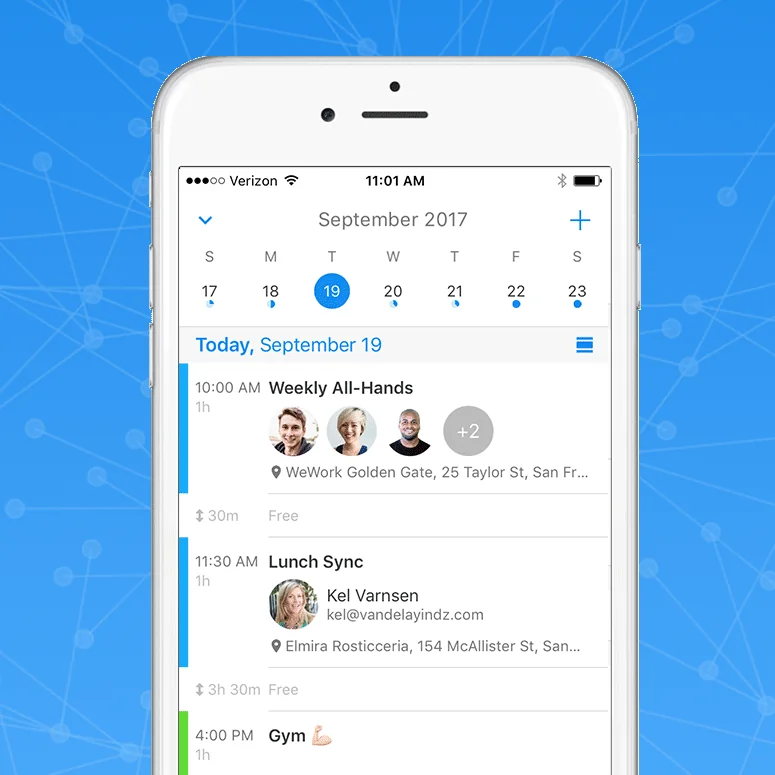
Canvas
Animate in Xcode without knowing how to code
chaosMachine
One-click unique graphics generator
Toy Faces Library
A fun diverse library of 3D avatars for your design mockups.
Compare Photopea :



Don't Get Fooled by Fake Social Media Videos
The world's first fact checker for social media. Paste any link and get an instant credibility score with sources.
Try FactCheckTool Free