
iA Writer
Plain text. Full ownership. Total focus.
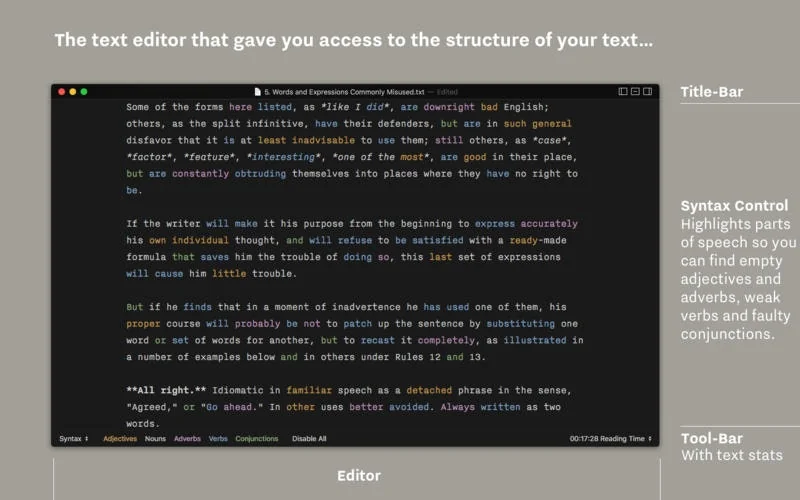
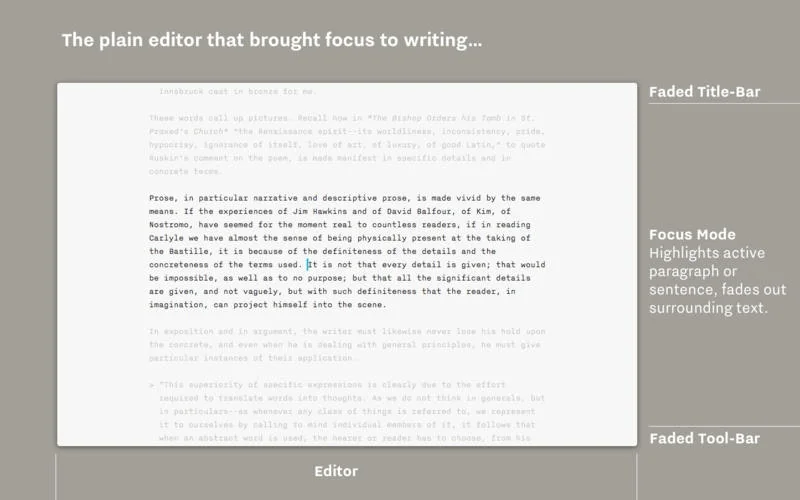
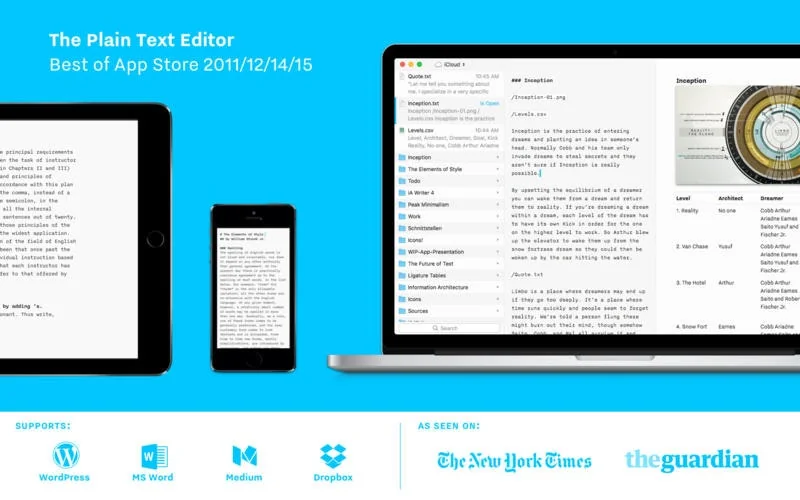
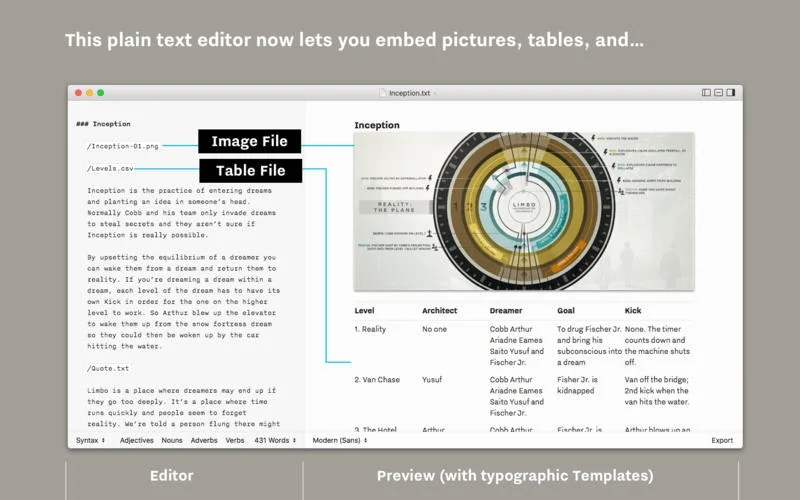
What is iA Writer?
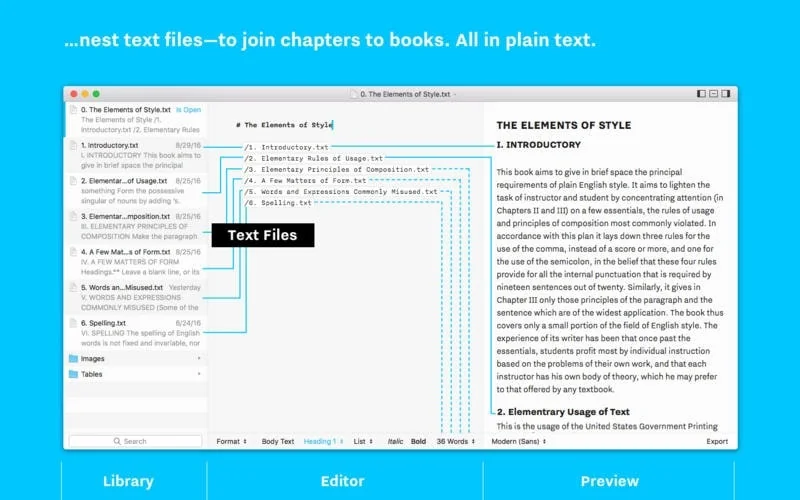
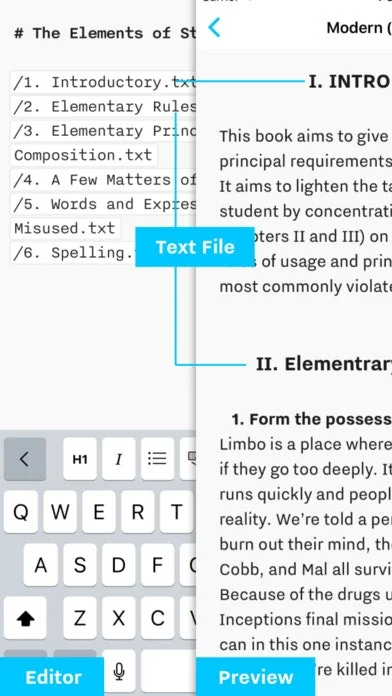
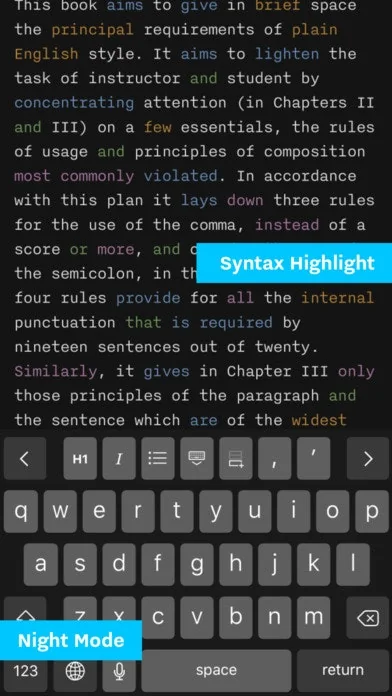
“iA Writer creates a clean, simple and distraction-free writing environment for when you really need to focus on your words. It’s delightful to use.” – The New York Times
Pros & Cons
Pros
- Simple interface
- Markdown support
- Minimalist design
- Distraction-free writing
- Easy to use
- Attention to detail
- Cross-platform
- Export options
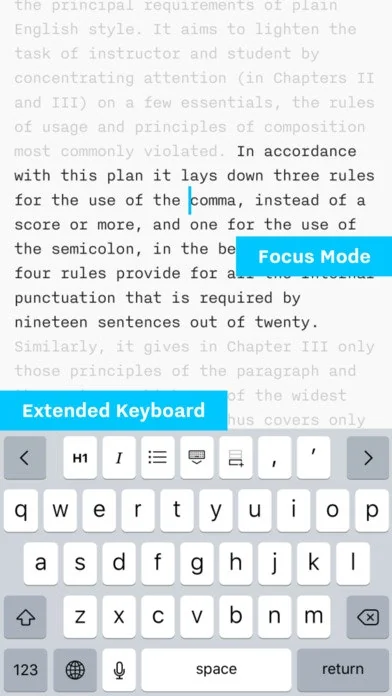
- Focus mode
- Real-time preview
Cons
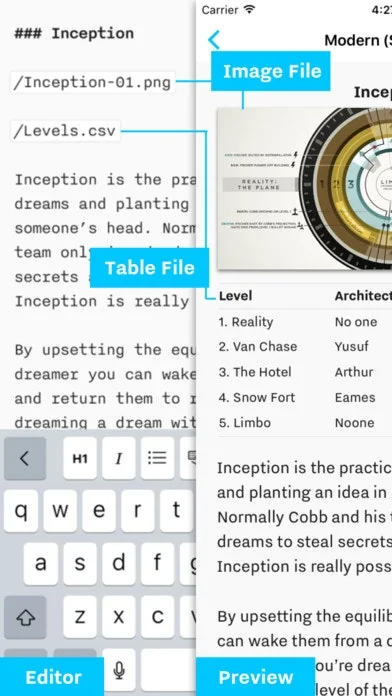
- Limited visual handling
Tool Details
| Categories | Productivity, Note and writing apps, Writing assistants |
|---|---|
| Website | ia.net |
| Added | September 11, 2015 |
| Platforms | Web · iOS |
| Social | Twitter · GitHub |
Recent Reviews (10)
iA Writer is where all written copy begins, and it also serves as my project management system and PKM. I have over 25 Markdown documents that begin with the word "Mattebox," ranging from to-do lists to marketing copy.
Simple, clean, and pleasant writing experience.
Beautiful, simple, flawless
Unexpected, as I never thought about having a Keynote/Powerpoint app, that "just" use text to input everything, and Markdown in particular. As a regular user of Obsidian, I immediately could use it quickly. I really like that the designs are independent of screen size and that I can export to html and store presentations on my own website, with the exact same look. Looking forward to use this a lot!
Used this throughout my school career. There are many similar apps that don't put in quite as much attention to detail or overthink the problem by trying to address it with too many features (killing the minimalism, which is the point). iA Writer is quite literally a game changer and simplicity at its finest.
I am very satisfied using iA Writer over Absurd Design. The platform is very intuitive and easy to use, allowing me to focus on writing without unnecessary distractions. Additionally, the real-time preview functionality is very useful for seeing how content will look on the final page.
iA Writer is very useful simple text editor for Mac, iPhone, iPad, Android and Windows. Very useful simple UX. I use iA Writer on iOS and macOS. Please add polish language and dictionary
I wish there was a better way to handle visuals. i.e. select multiple ones to delete them after use, have the option to see them in other views such as a list or icons in a grid.
I remain more focused, less distracted. iA Writer is the most opened app on my Macbook.
So far the best Markdown editor I've used. Has been used for a variety of purposes - whether notes, protocols or even technical documentation. Simply brilliant.
Frequently Asked Questions about iA Writer
When did iA Writer become popular?
iA Writer became popular around September 11, 2015.
What are the main advantages of using iA Writer?
The top advantages of iA Writer include: simple interface, markdown support, minimalist design, distraction-free writing, easy to use.
What are the disadvantages of iA Writer?
Some reported disadvantages of iA Writer include: limited visual handling.
What is iA Writer's overall user rating?
iA Writer has an overall rating of 4.8/5 based on 12 user reviews.
Is iA Writer available on mobile devices?
Yes, iA Writer is available on iOS (App Store).
What type of tool is iA Writer?
iA Writer belongs to the following categories: Productivity, Note and writing apps, Writing assistants.
Related Productivity Tools
Cosmil
The Finder alternative from the future.

Verbally for Google Meet
Improve your meeting productivity in seconds

Knowtex
Voice AI billing for clinical notes, ICD-10 and E&M codes

Smile App Launcher
A Free Minimal IOS Launcher App Widget

TrendVideo AI
AI video generator can make monetizable videos
OffScreen
Less phone, more focus.
Related Note and writing apps Tools
Scraib.app
AI writing partner in every app on your Mac
Writty
An open-source text editor to help you focus on what matters

MindMatrix
Free AI Mindmap Generator
Scrivener
My favorite writing tool

Porcupine
Distraction-free, cross-platform screenwriting app
i Hate Regex
regex cheatsheet for the haters
Related Writing assistants Tools

Scriber
Get summaries and transcripts from YouTube

👰 Maid of Speeches
Your Personal Maid of Honor Speech Assistant! 🎉

Posts 2.0
Glorious paragraph creator from Slack

Summerian
Book summaries that make you go

StackifyMind
Chat with documents

Ellie - Your AI Email Assistant
AI that can write replies to your emails in your style
Compare iA Writer :





Don't Get Fooled by Fake Social Media Videos
The world's first fact checker for social media. Paste any link and get an instant credibility score with sources.
Try FactCheckTool Free