

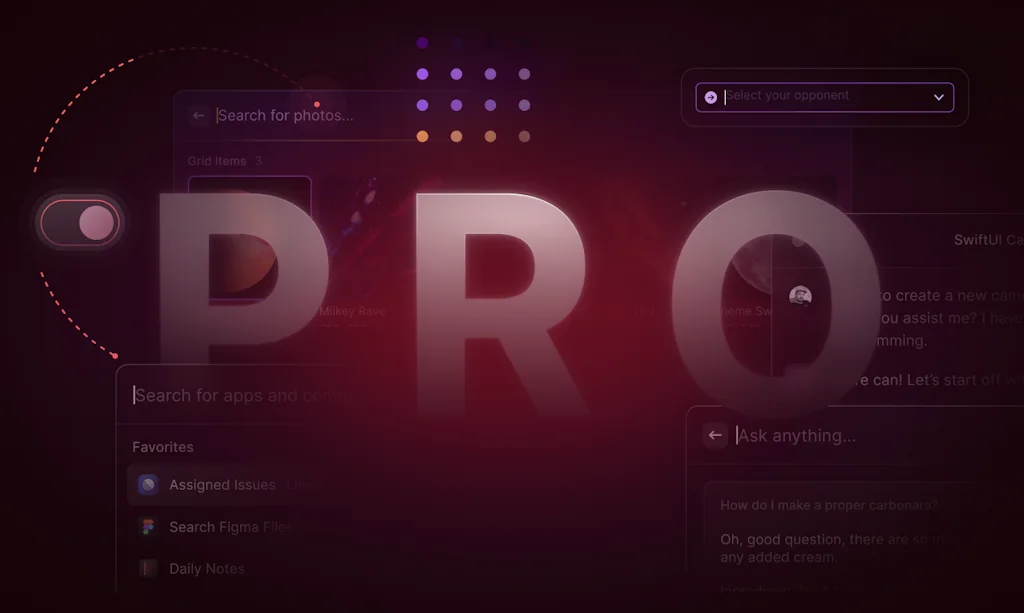
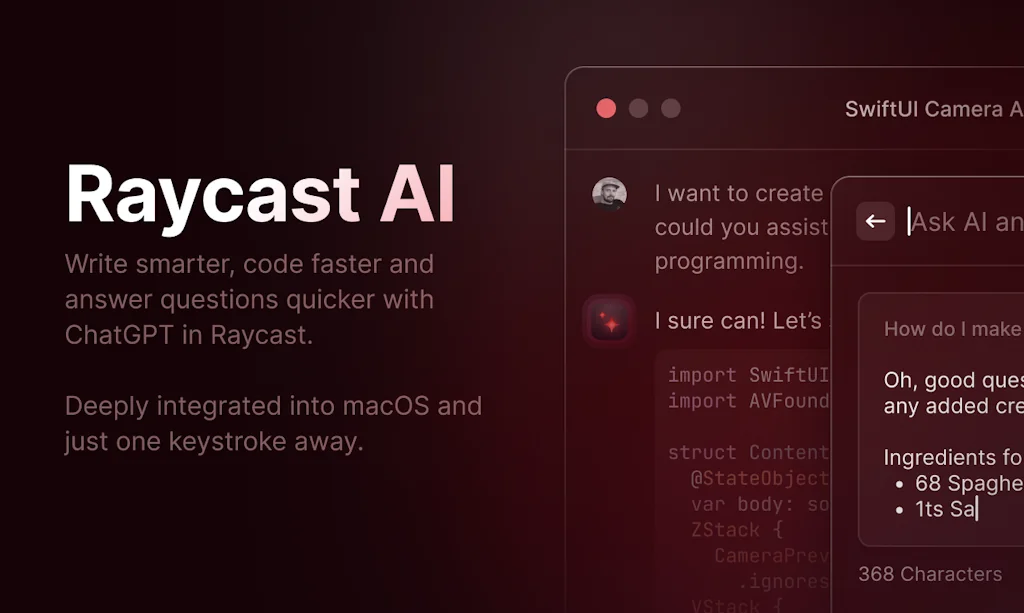
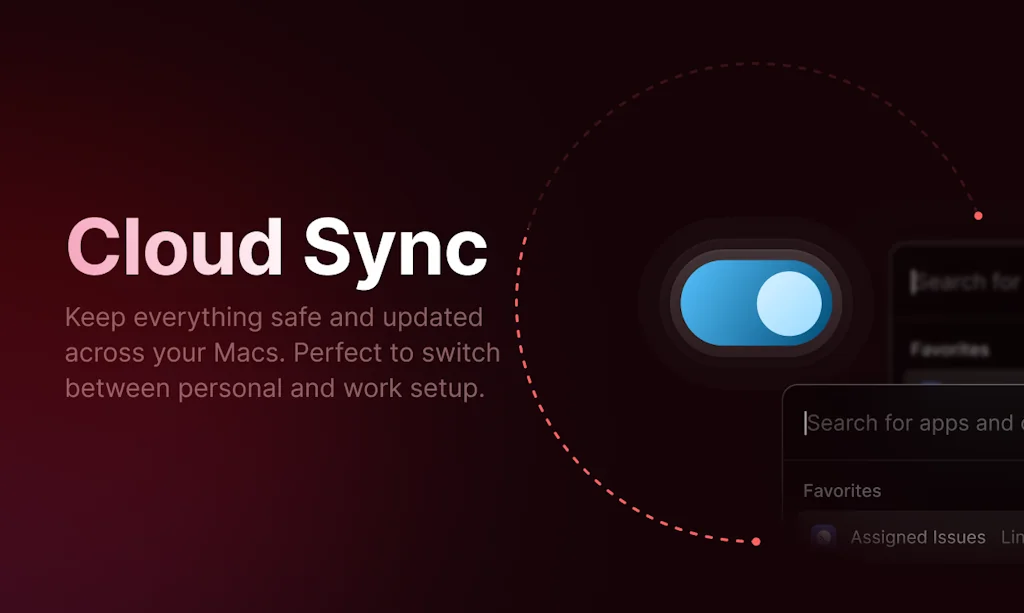
What is Raycast?
A collection of powerful productivity tools all within an extendable launcher. Fast, ergonomic and reliable.
Pros & Cons
Pros
- Productivity boost
- Fast performance
- Spotlight replacement
- Community plugins
- Keyboard shortcuts
- AI integration
- MacOS integration
- Customizable
- Clipboard manager
- Active development
- Intuitive interface
- Extension marketplace
- Free tier
- Notes management
- Script commands
- Seamless app-switching
- Window management
- Context aware
- Easy setup
- Excellent support
- Emoji
- Emoji picker
- Notes feature
- Rich extension library
Cons
- Limited to macOS
- AI subscription cost
- Complex extension creation
Tool Details
| Categories | Productivity, Automation tools, App switcher |
|---|---|
| Website | raycast.com |
| Added | October 29, 2020 |
| Platforms | Web · iOS |
| Social | Instagram · LinkedIn · GitHub |
Recent Reviews (13)
I use Raycast for everything. It's what I expected from Apple and their OS, but instead, we get something much more robust than Apple would ever dare attempting to integrate. My team and collaborators live in different cities, and I have saved so much time and cognitive load just using Raycast to find out the time difference between where I am, and where the person I'm writing an email to is. Not to mention, I have integrated Raycast with Linear, and it is super helpful to create issues without having to leave the context window I'm in.
I started using Raycast around 3 months ago. It now serves as my general software interface for macOS. My productivity gains have been considerable. - Saved time: I'd estimate Raycast saves me at least 30 mins per day by accelerating hundreds of my small interactions (combined with the custom scripts that I've written, which Raycast calls). - Extra functionality: Raycast's AI provides extra functionality. It is my mode way to communicate with LLMs. I send 10s of request per day, which I activate with a shortcut. While very good, Raycast AI could be improved. I'd like Raycast to allow the user to specify which model the AI can use with more control (e.g., allow the user to specify the AI endpoint, so allowing the user to use the latest model as soon as the model is released). In short, Raycast is superb. I recommend Raycast to anyone with a macOS do wants to do more in less time.
I've been using Raycast for a few months now, and it's freakin awesome... As a tech enthusiast with a knack for productivity tools, this app has drastically improved my workflow. One of the standout features for me has to be its speed. This thing is quick. It's impressive how snappy it responds to commands. This speed alone has saved me so much time during my workday. (less clicking around and searching for crap) The second feature worth mentioning is the Script Commands. I love how I can customize commands to fit my workflow better. It's like having a personal assistant on your computer, taking care of the nitty-gritty so you can focus on the big picture. Pumped to explore their new features.
I started with Raycast because of a friend who recommended it to me. And although I tried similar apps like Alfred and Monarch, I kept coming back to Raycast. Not necessarily because it's better (the other two are incredibly powerful too), just because at that point I had already developed a habit. So yeah, just be careful which one of these do you try first. There might not be a way back.
What a delightful little app. I made an extension to help with blockchain development (blockchain explorer search) and was surprised how easy local dev was. the review process also went well with a few helpful tips and got approved. The person I chatted with in slack was great and I'm a fan of their twitter presance as well. An essential mac app, and while there is now a paid plan, it's also free! How cool is that. H/t to the team, you've made a slick product!
Terrible experience, sure there are a tons of useless features than less than 2% users will need but the basics (finding files and folders) are terrible. Couldn't find a single folder even with the proper extension (cause yes, you need an extension for that, it's like word asking you an extension to bold or underlining a text...) But even worse, even after I uninstalled it through app cleaner, the moment I restarted my mac, I got an endless influx of notifications from the finder telling me it couldn't open raycast.app cause it was in the bin and to remove it from the bin. There was one notification every 10 seconds interrupting everything I was doing and even if I left the old one opened it still kept on coming enlessly. I tried everything but in the end the only way I found to stop it was to reinstall raycast after 1 hour losing my sh*t over this. Ridiculous...
By far my favorite productivity tool. Can do almost anything with tons of super powerful extensions for creating todos, github issues, starting/stopping Docker images, searching VS Code projects, control smart home lighting, quick access to meeting, on and on... All without ever leaving the app you're currently working with. And with Raycast Pro the quickest AI access there is, CMD + space -> type prompt -> tab and there you go. Love it!
Raycast is one of those rare tools that instantly feels essential. It’s fast, clean, and highly customizable. From launching apps to managing tasks and integrations, it streamlines everything. I’ve replaced both Spotlight and Alfred with it, and haven’t looked back. The steady updates and strong community make it even more valuable over time. It’s a must-have for anyone serious about productivity on macOS.
Without a doubt, I use Raycast more than any other app in my daily workflow. This is because it replaces spotlight and turns it into a hub where you can interact with any app you have. All from cmd+space, just like spotlight without leaving whatever you're doing, you can search for and pull up a contact profile from hubspot, or use ChatGPT, read a PDF, update a task in Notion, and then find a file deep in your folders.
Raycast has become an essential part of my daily workflow. I rely on it for accessing clipboard history, maintaining daily logs, engaging with AI chat, and retrieving saved text snippets. The Raycast notebook is also very handy because I can access it from within any application. It's a great way to quickly write notes and save them, as well as being able to search the notes from within the Raycast command window.
Raycast is one of the best tools available for Mac users. Once you get used to its shortcuts, aliases, workflows, floating notes, and integrated chat, it becomes indispensable. It truly feels like a Swiss Army knife for productivity! Their support service is also excellent and has been really helpful in resolving my issues.
I really like Spotlight on macOS, but Raycast adds a bunch of great features. I've tried Alfred, and although I like it, I can't really justify the price. I like that I can pretty easily write my own Raycast extensions, but I've found that I haven't really needed to since those that are already available cover my needs.
Way better search that built-in spotlight and integrated (and very good!) clipboard history manager make this *extremely* useful out of the box. I'm not a big fan of complicated self-configured tooling, but the plugin system looks clean, too, and there is quite interesting stuff in the library of plugins.
Frequently Asked Questions about Raycast
When did Raycast become popular?
Raycast became popular around October 29, 2020.
What are the main advantages of using Raycast?
The top advantages of Raycast include: productivity boost, fast performance, spotlight replacement, community plugins, keyboard shortcuts.
What are the disadvantages of Raycast?
Some reported disadvantages of Raycast include: limited to macOS, AI subscription cost, complex extension creation.
What is Raycast's overall user rating?
Raycast has an overall rating of 4.9/5 based on 148 user reviews.
Is Raycast available on mobile devices?
Yes, Raycast is available on iOS (App Store).
What type of tool is Raycast?
Raycast belongs to the following categories: Productivity, Automation tools, App switcher.
Related Productivity Tools

FollowUp
Upgrade your inbox

untools
Tools for better thinking
Bjango
Makers of iStat Menus, Skala and other great apps.

Flowdrop
Playground For Agents And Workflows

QuickMock 2.0 – AI for Hot Interviews
Practice real interviews from LinkedIn with insider Qs
MacPlus Software
Useful Mac Applications, Utilities for Mac Desktop, etc.
Related Automation tools Tools

UFO²
The Desktop AgentOS for Windows Automation

AI Clips
Your AI co-pilot to turn long videos into viral shorts

Infinity Shortcuts
Supercharge your iPhone with Shortcuts and AI

Bashnode
Build code-free custom CLIs

MeshifAI
Text-to-3d generation platform for developers

Actiondesk
Access and explore all your live data in one place.
Related App switcher Tools

Displaygo
One shortcut to control your dual monitors instantly
Setapp
The frontier platform that packs 250+ Mac apps into just one

BrowserScan
Check your browser fingerprints and IP address

Omni
The all-in-one tool to supercharge your productivity

Relayer
Designer
Hide My Bar
macOS app to turn off and disable the Touch Bar at will
Compare Raycast :





Don't Get Fooled by Fake Social Media Videos
The world's first fact checker for social media. Paste any link and get an instant credibility score with sources.
Try FactCheckTool Free