

Sidekick Browser
The fastest browser built for work.



What is Sidekick Browser?
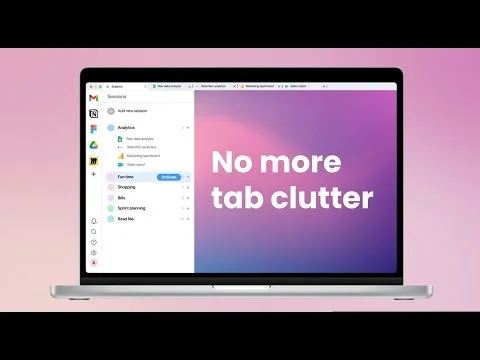
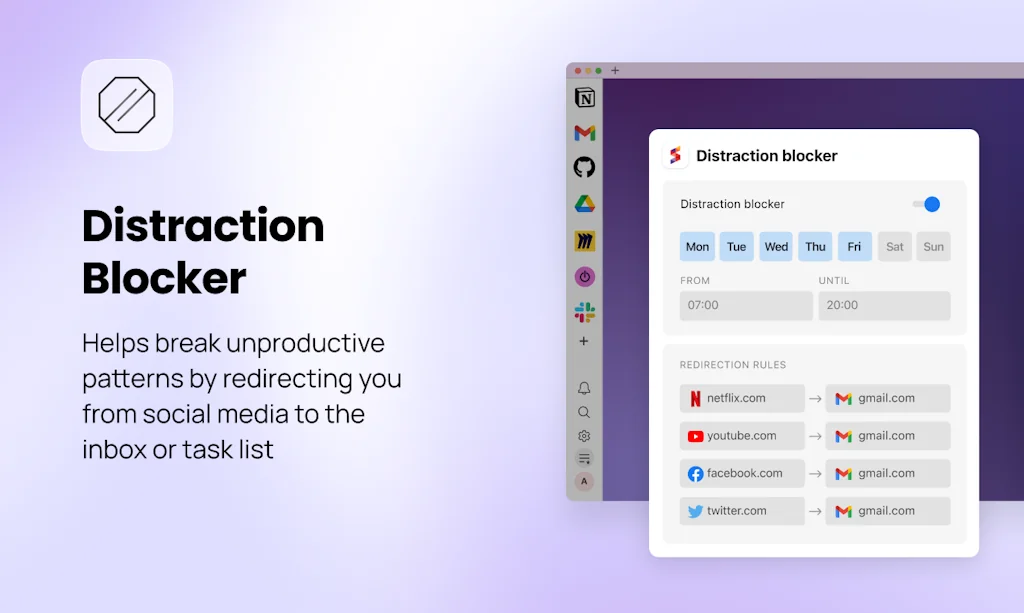
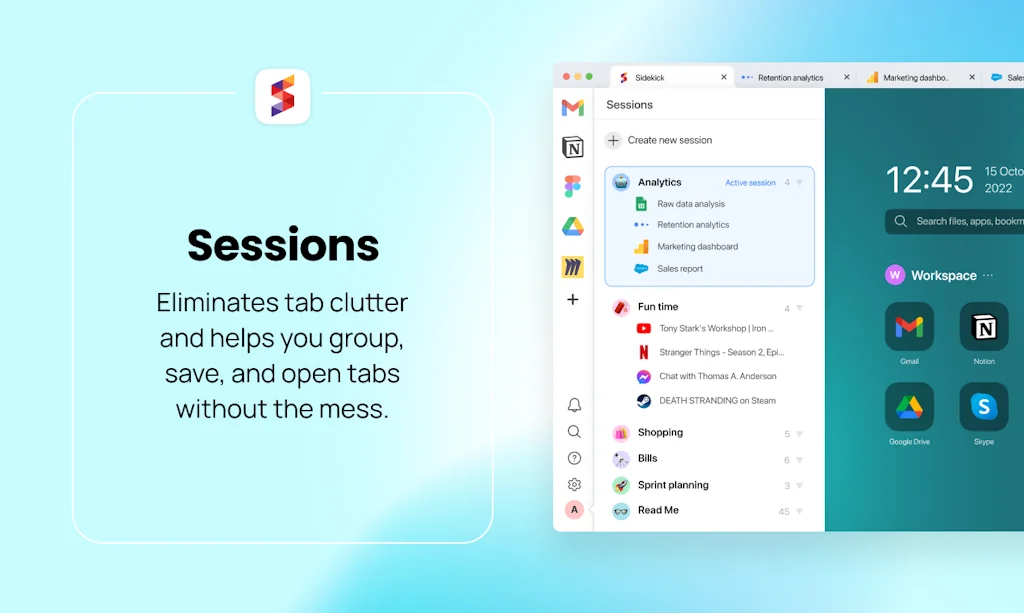
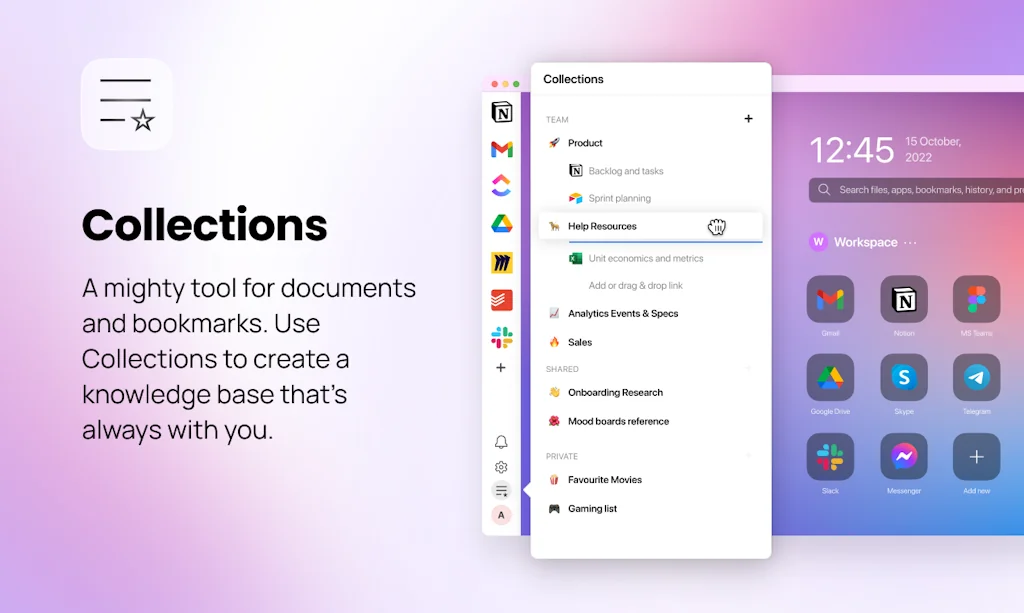
Sidekick is a new browser based on Chromium. ⠀ Designed to be the fastest online work experience, its UX is built around the most popular web apps, supports multiple logins, and uses workspaces to keep tab clutter under control. ⠀ And did we mention search?
Pros & Cons
Pros
- Fast performance
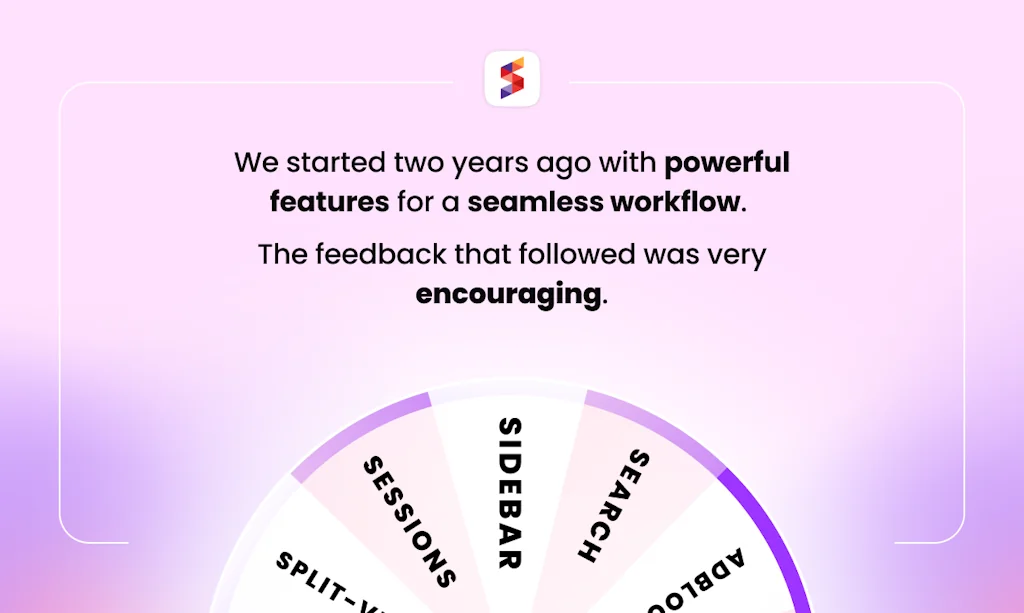
- Sessions feature
- Tab management
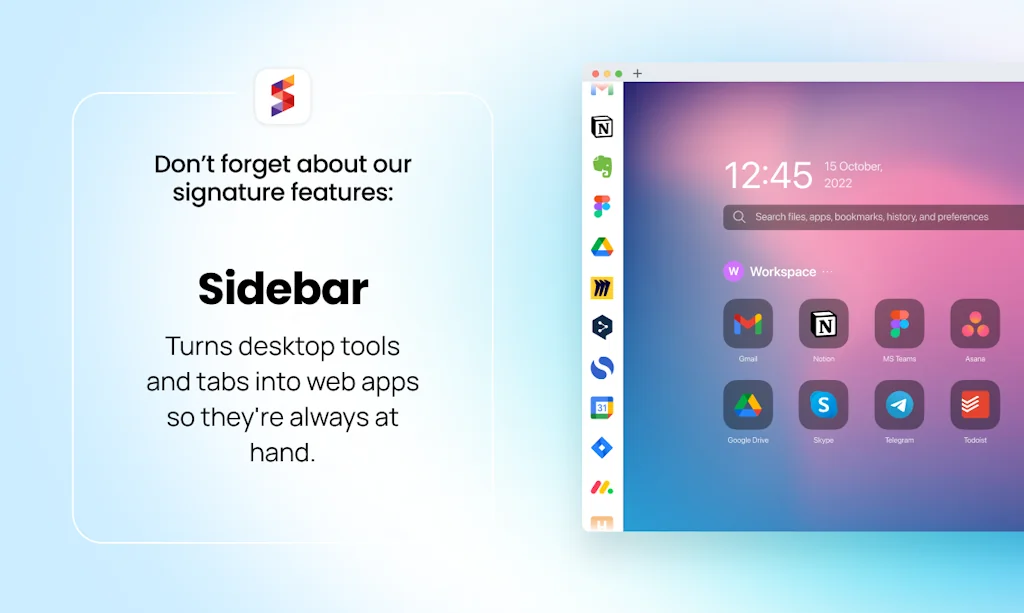
- App sidebar
- Workspace management
- Multiple account support
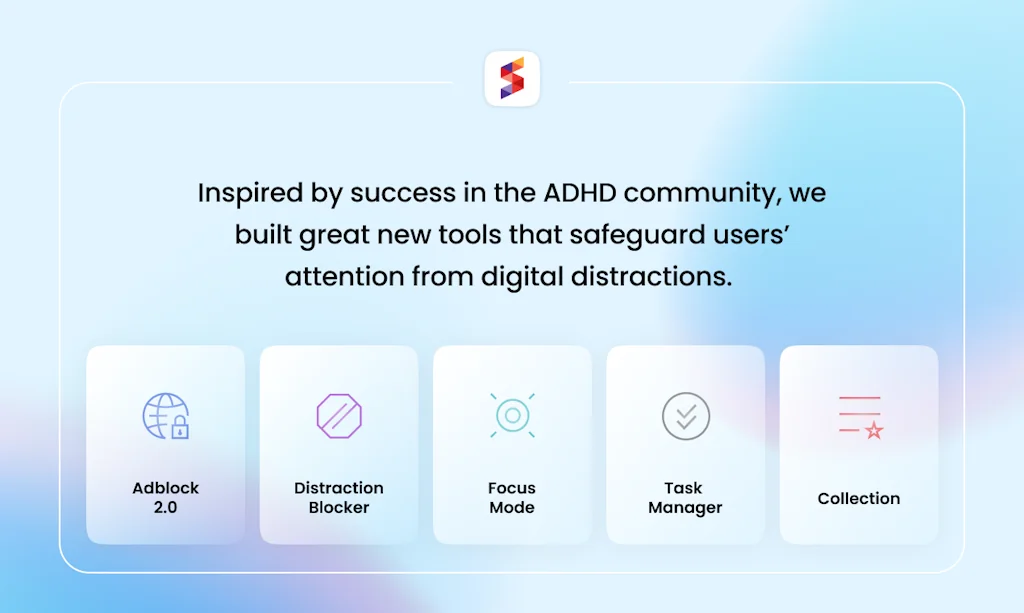
- Distraction blocker
- Memory management
- Focus mode
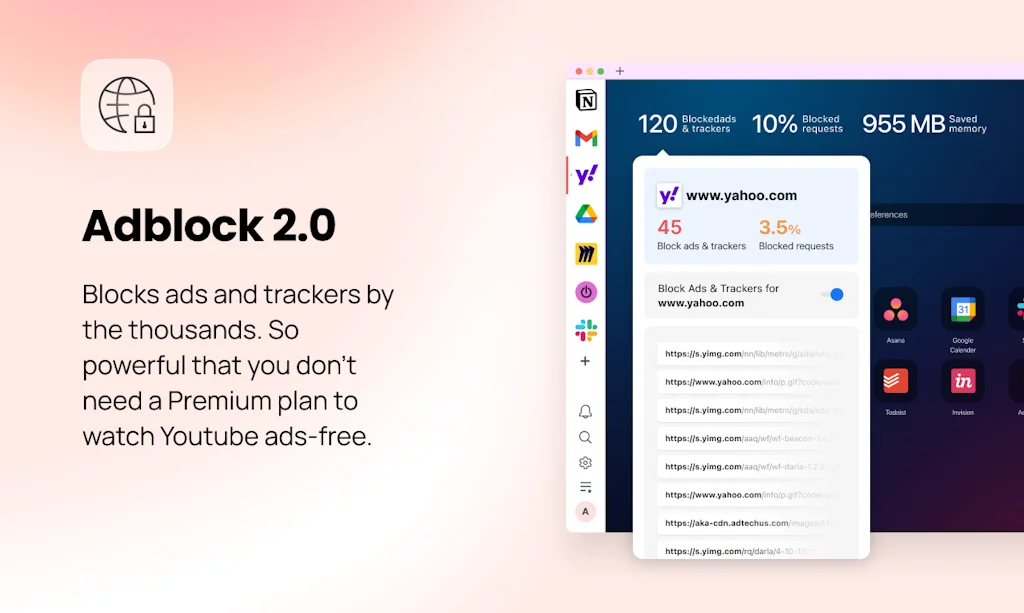
- Ad blocker
- Split-view
- Built on Chromium
- Easy setup
- Free pro accounts for students
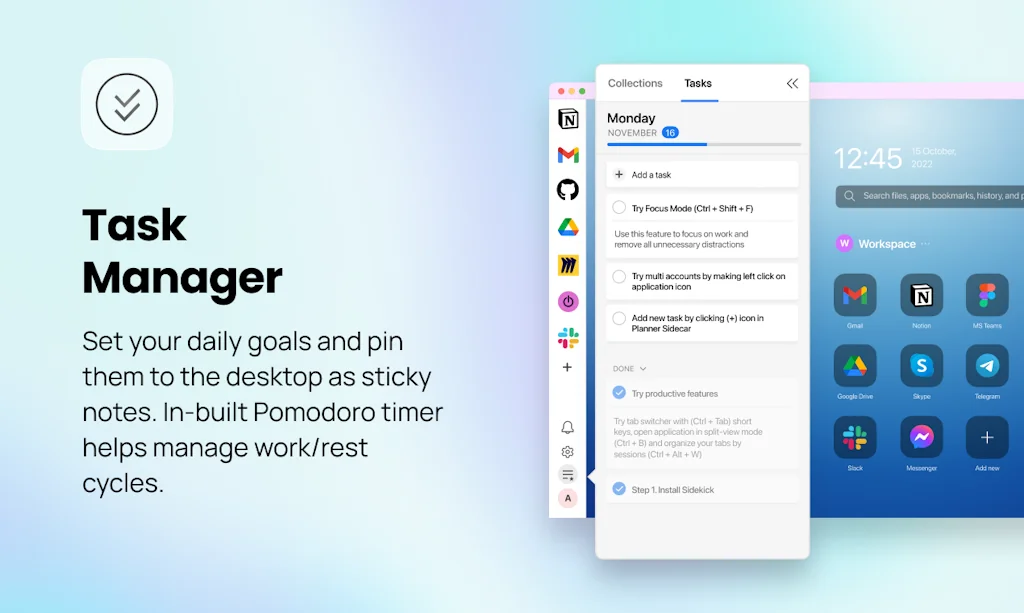
- Tasks
- VPN integration
Cons
- High pricing
- Bugs and issues
- Intrusive status changes
- Lack of support
- Limited platform availability
- Slow performance
- Discontinued by end of 2024
- Outdated Chromium version
- VPN integration
Tool Details
| Categories | Productivity, Web browsers, Remote workforce tools |
|---|---|
| Website | meetsidekick.com |
| Added | November 30, 2020 |
| Platforms | Web |
| Social | Twitter · Instagram · Facebook |
Recent Reviews (13)
I started using Sidekick because I really wanted to try out Arc but wasn't a Mac user. Even if Arc does come out with a Windows version, I may still stick with Sidekick. It's made me far more productive in school (plus students get free pro accounts). It's like my brain works differently in Sidekick compared to any other browser. The discord is super active, which is helpful. Overall, it definitely lives up to its "distraction-free" marketing.
I have been using this browser since its first launch, and I must say I am thoroughly impressed with all the new features. The focus mode has been a game-changer for me, allowing me to work distraction-free and be more productive. The addition of tasks has also been extremely helpful in keeping me organized and on track with my daily to-dos. I highly recommend this browser to anyone looking for a more streamlined and efficient browsing experience. Keep up the great work!
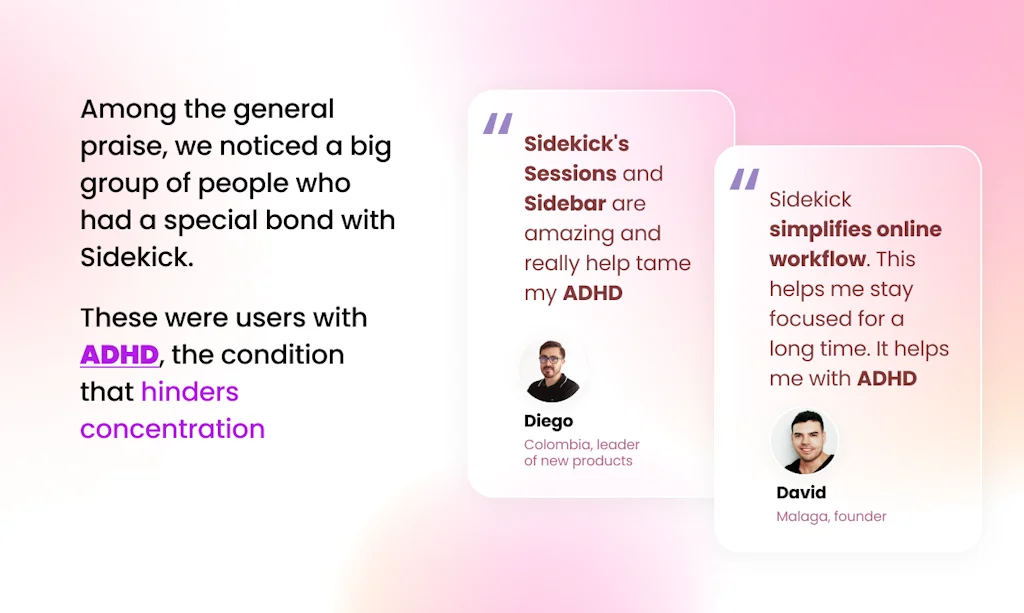
Congrats on the launch! I've been using Sidekick for almost 2 years now and fell in love with the product. I don't have ADHD but still love the way it helps me stay focused :)
Having used it as a Pro user for more than 1.5 years, I have decided to cancel my subscription for the following reasons - 1. Lack of proper support 2. Constant regression 3. Lack of communication 4. Asking users to manually download the upgrades 5. Updating statuses without user consent 6. Multiple issues with url redirections 7. Broken apps with multiple user accounts(eg: gmail with personal and corporate accounts) 8. Tabs and groups getting disorganised when switching from one session to the other With that being said, I've really enjoyed the following features which have improved my productivity - 1. Ability to convert commonly used URLs to apps 2. Sessions have been amazing 3. Option + F to search is a lifesaver Downgrading my rating to 1 star after they converted my yearly Pro subscription to a monthly subscription without my consent and decided to charge 15$ per month compared to 49$ per annum. Quite predatory and unjustifiable.
I've really enjoyed using Sidekick the last month, but find the pricing a bit too expensive to add onto the other subscriptions needed for my business. I was interested in how it might help with my ADHD tab-hoarding tendencies, and the "tab sessions" feature has been great for keeping my never-revisited-bookmarks to a minimum. The other feature I *LOVED* is the split-view, and having different workspaces has also been useful. I think the shortcuts are intuitive and the ad blocker has been effective. I didn't make use of the task center because I already have a project management system and it felt redundant to set everything up in Sidekick, and I think that's why I have a hard time justifying the price -- I don't use all the features, and the ones I do use, don't add up to the cost. Overall, it's a good browser, and I'll probably keep using the free version for the tab sessions, but won't be subscribing to Pro for now.
It has great chance of replacing or complementing my current default browser. But unfortunately I think the referral invite system for free pro version is seriously flawed. When I shared the link and people signed up but was not recorded at all. I brought this up in the Discord support group but was not resolved. At first support pointed me to an article link about making sure people are not signing using same IP or same device. After i pointed out that it cannot be so because I sent to my social media groups. Then next suggestion is to ask those whom I sent the invitation link to TEST my referral code in their browser. But I don't know who have signed up. Another user also had the same problem but was asked instead for emails of those who signed up for cross checking. How ridiculous! Thats close to violating privacy. Please make the referral process smooth like how giveaways contests are done.
Sidekick has a great browser they've put together. My journey began with Chrome Canary then Franz then Station (RIP). Eventually, I was glad to find and stick with Sidekick as my daily driver. It is the browser I switched to and have advocated for time and time again (I put a link to it in our onboarding manual for my firm). What I appreciate is how it saves me installing 5-10 different Chrome extensions because they're natively baked into the browser (tab management, RAM management, and general organisation). It also assists greatly with its keyboard shortcuts, ad blocker, and distraction blocker. I recommend it.
Maybe the only truly innovative browser I've seen in recent years, Sidekick combines a ton of useful features with a UI that has helped me, a notorious collector of Tabs, keep my browser interface clean for once. So yeah, this has replaced Vivaldi as my Browser of choice and I can only recommend Sidekick to anyone looking for a "cleaner" and more focused browsing experience without sacrificing functionality. I do however wish it was available for Chrome OS/Android as well without a Linux workaround.
I'm a front end web developer and designer and I live in the browser 8 to 10 hours/day working on multiple ongoing projects and clients. Sidekick has changed everything: I work faster and cleaner, my flow is flawless and a joy to move through, I can jump between clients and projects without missing one single beat, and it works beautifully—I kind of can't believe how great this is. The experience moving from Google Chrome's super glitchy saved tab groups beta to this is like going from driving a 1974 Pinto to a rocket ship (that actually works). My productivity has skyrocketed since switching over and getting it setup exactly as I need it (that was easy, too). T H A N K Y O U.
I used to have 100+ open tabs on Chrome. I was drowning, and my productivity was at an all time low. I switched to Sidekick because it allows you to get your tabs under control with its "sessions" feature. How? You can create different sessions and assign your open tabs to them. Here are some example sessions (and number of tabs in each): Apply for jobs (7) Research buying new TV (9) Mexico vacation planning (5) Freelance project (4) Gaming (4) Crypto portfolio management (11) Write + research essay (9) Read later (25... lolz) All sessions remain saved and closed except the one you're actively working on. Going from the anxiety constantly seeing 100 tabs to just 4-10 tabs was like a sack of bricks being lifted from my cognitive load. For people struggling with focus or ADHD, this single feature cannot be overstated (it also makes your computer run faster by saving a ton of memory). Sidekick also has a second way of reducing tabs, and its pretty clever. A narrow "sidebar" runs along the lefthand side of the browser where you can pin the sites/webapps that you frequently hop in and out of throughout the day, regardless of what session you're working in. Spotify, Gmail, Calendar, Messenger, Whatsapp web, etc. These pinned app icons function as permanently open tabs (despite not having the appearance of a tab). This removes your most frequently used sites from your top row of tabs, giving the following benefits: 1.) Much smaller number of open tabs in the top row. Contains *only* the active task/project tabs i'm working on (great for boosting focus and reducing cognitive anxiety) 2.) You can jump between sessions and not disrupt the state of the pinned sites on the sidebar because they never "close." In other words, your Spotify music keeps playing and the half-composed message you never sent doesn't get lost. Those are the best two features for people struggling with focus, but here are a few more: - Auto-suspend unused tabs after X minutes (frees up a ton of memory) - Inbuilt adblocker is convenient - Schedule "block distracting websites" at certain days/times TBH I'm surprised more people don't know about this browser. It even has ARC Browser beat on its approach to sessions. Sidekick's fresh take on browser design offers meaningful help to those whose focus and productivity has been impacted by tab overload.
Who is gonna pay that money for just a browser with the number of possibilities out there? You need to find out another source of money. I've been testing the browser for a few weeks and while there was a warning, it was never forced to use the pro version. Now, they removed all my apps in the sidebar and destroyed my session ruining a lot of work I had. Not recommended at all. Also, it keeps changing automatically my status in Slack to (Available in Sidekick Browser) which I think it is a bit shady
I never thought I would be excited about a browser, but Sidekick has been an absolute game changer. It's Chrome for busy people. The first perk is having all my frequently-accessed sites docked right at the side (with multiple accounts even!). Super easy to access my daily stuff when I need it (and without cluttering the tab bar). But even more importantly, as someone who routinely has 30+ non-routine tabs open in any given browser, I can save those sets of tabs as "sessions" and open them only when I need them. If I'm researching a particular topic, say, LLC laws in all 50 states, and going down a rabbit hole with tab after tab after tab, I can save a session (I'll call it "LLC Project"), close the browser, and open the session later, picking up my work right where I left off. No worrying about losing my tabs or digging through history if I need to close or reboot. It's right there waiting form me when I'm ready. Sidekick is 100% worth the monthly subscription as it has made my browsing much neater, more organized, quicker, and less resource-intensive. A+
Functionally, I am satisfied. However, it is too slow. Whenever the browser runs, the CPU usage hits 100%. This is unprecedented for me. It soon normalizes, but slows down again after a certain period of use or when I open multiple tabs. I really like the features, so I will continue to use it as a paid user. However, I hope that these issues can be improved. Sometimes, I have no choice but to use the vanilla Chrome.
Frequently Asked Questions about Sidekick Browser
When did Sidekick Browser become popular?
Sidekick Browser became popular around November 30, 2020.
What are the main advantages of using Sidekick Browser?
The top advantages of Sidekick Browser include: fast performance, sessions feature, tab management, app sidebar, workspace management.
What are the disadvantages of Sidekick Browser?
Some reported disadvantages of Sidekick Browser include: high pricing, bugs and issues, intrusive status changes, lack of support, limited platform availability.
What is Sidekick Browser's overall user rating?
Sidekick Browser has an overall rating of 4.1/5 based on 62 user reviews.
What type of tool is Sidekick Browser?
Sidekick Browser belongs to the following categories: Productivity, Web browsers, Remote workforce tools.
Related Productivity Tools

Symphony
An OS where AI controls keyboard and mouse

Hotsuto
An easy digest for all of your newsletters.

HireHunch - S(ai)na (AI Interviewer)
Helping build dream tech team
typedesk AI text expander
The #1 text expander for freelancers and startups

Serene
Get your focus back

Realm App
Converts idle browser homepage into quick-access dashboard.
Related Web browsers Tools
Google Chrome
A more simple, secure, and faster web browser than ever

Darkness v2
Beautiful dark themes for your favorite websites

Chrome Developers
Let's build the future of the web

Ant Browser for Apple Watch
The web, wrist-sized
Responsively
Develop responsive web-apps 5x faster

Horse Browser
The Organised Browser
Related Remote workforce tools Tools

Whiteborb
A free mobile-friendly shared whiteboard

Orbitkey Nest
The portable desk organiser with built in wireless charger.

KYZON Solutions
In-person productivity for remote teams

OptimateAI
AI Sales Software: Get Paid & Drive Sales

Nomad List
A global community of travelers working remotely.

Remotecamp
Achieve your weekly work & travel goal in digital nomad camp
Compare Sidekick Browser :





Don't Get Fooled by Fake Social Media Videos
The world's first fact checker for social media. Paste any link and get an instant credibility score with sources.
Try FactCheckTool Free