

What is Todo Screenshots?
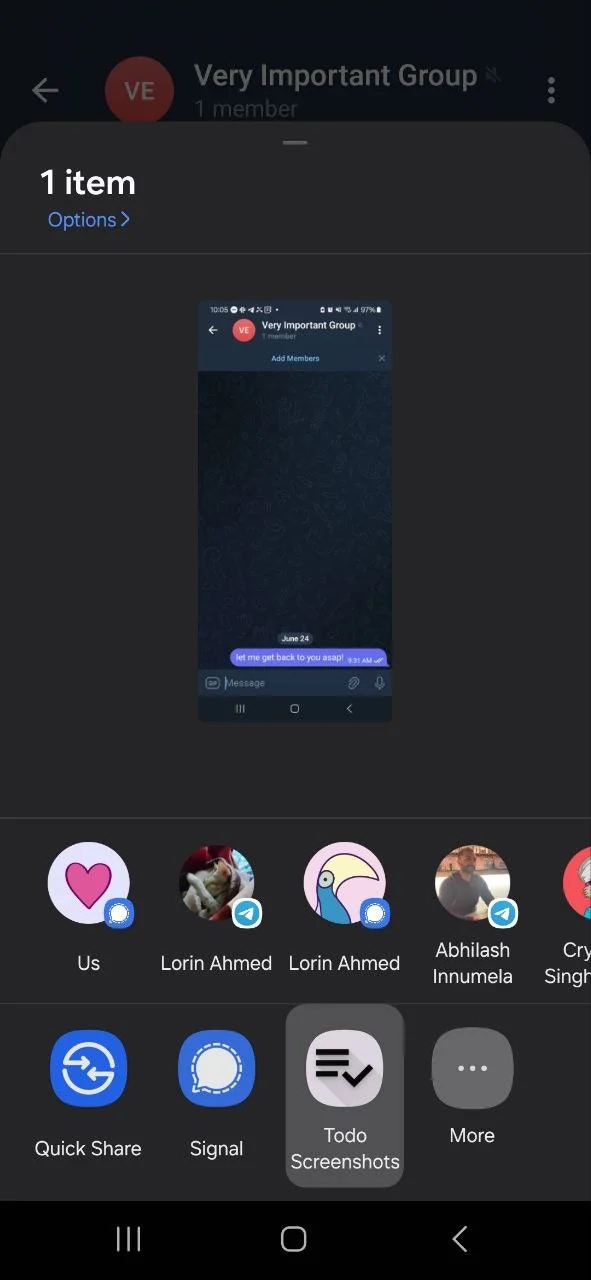
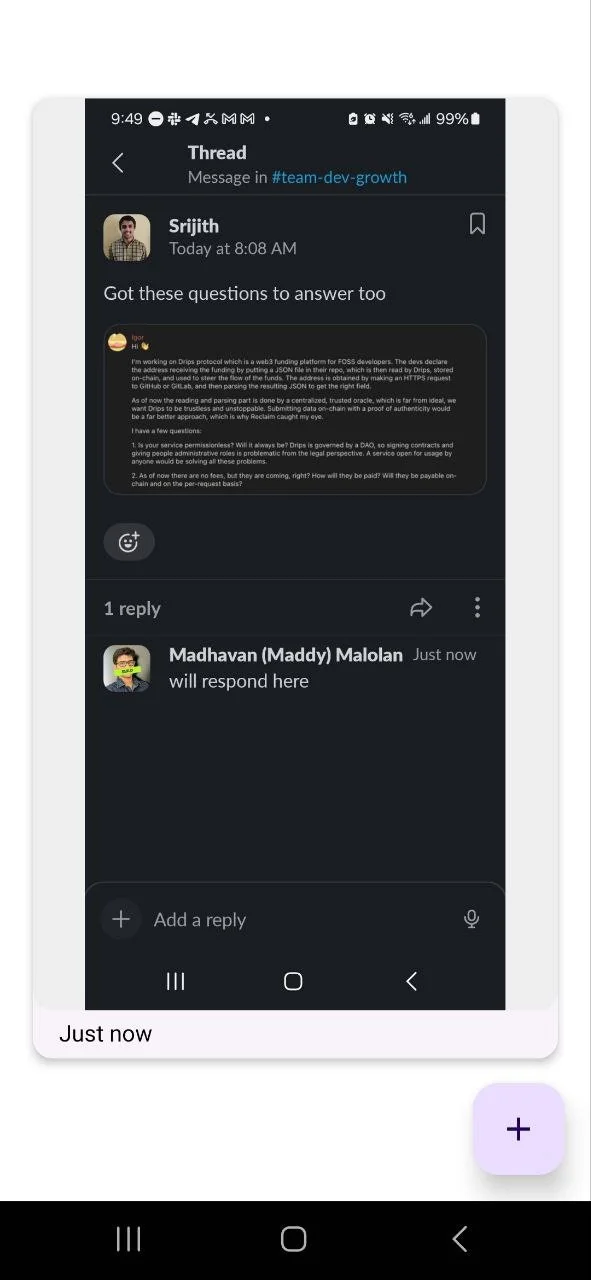
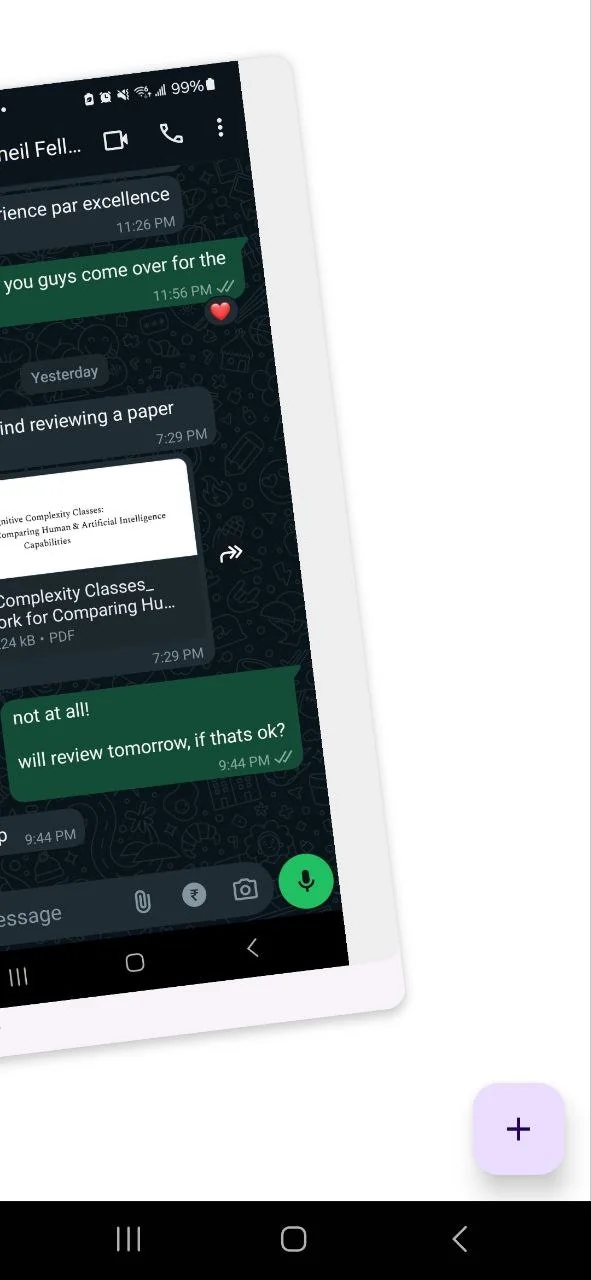
Take a screenshot to add a todo. Take a screenshot, tap share, select "Todo Screenshots" from sharesheet. Left swipe to mark for later. Right swipe to mark as done. That's it, really,
Tool Details
| Categories | Productivity |
|---|---|
| Website | github.com |
| Added | June 24, 2024 |
| Platforms | Web |
Frequently Asked Questions about Todo Screenshots
When did Todo Screenshots become popular?
Todo Screenshots became popular around June 24, 2024.
What type of tool is Todo Screenshots?
Todo Screenshots belongs to the following categories: Productivity.
Related Productivity Tools






Compare Todo Screenshots :





Don't Get Fooled by Fake Social Media Videos
The world's first fact checker for social media. Paste any link and get an instant credibility score with sources.
Try FactCheckTool Free