

Antidetect Browser Hidemyacc
Antidetect Browser for automated managing multiple accounts
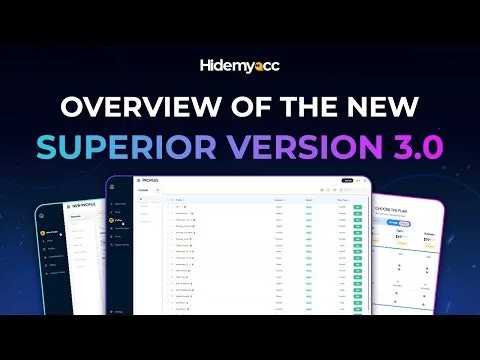
What is Antidetect Browser Hidemyacc?
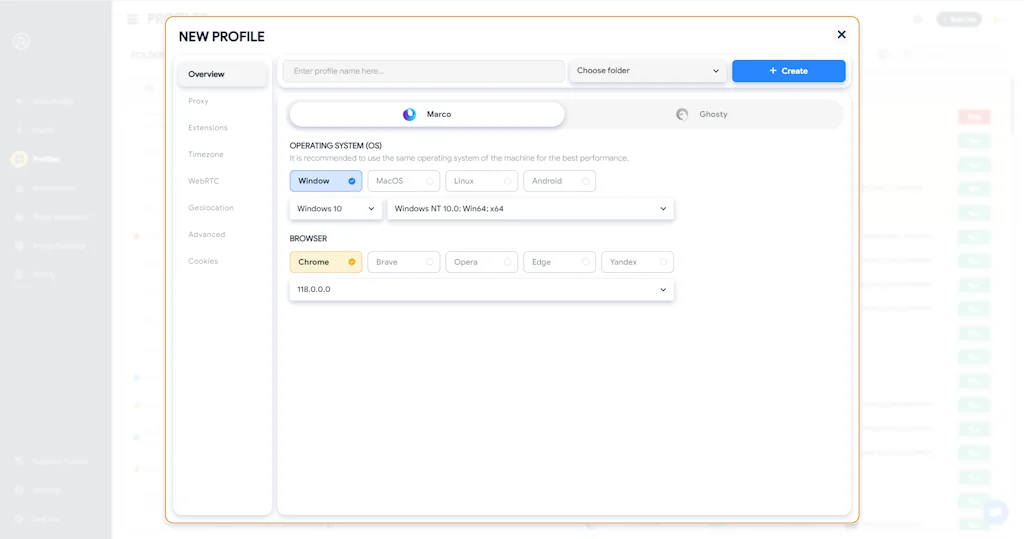
Antidetect Browser Hidemyacc help you manage multiple accounts with unique browser fingerprints, enhance security, and stay undetected by websites. Your complete identity shield.
Pros & Cons
Pros
- Profile isolation
- Proxy management
- Easy setup
- Responsive customer support
- Secure account management
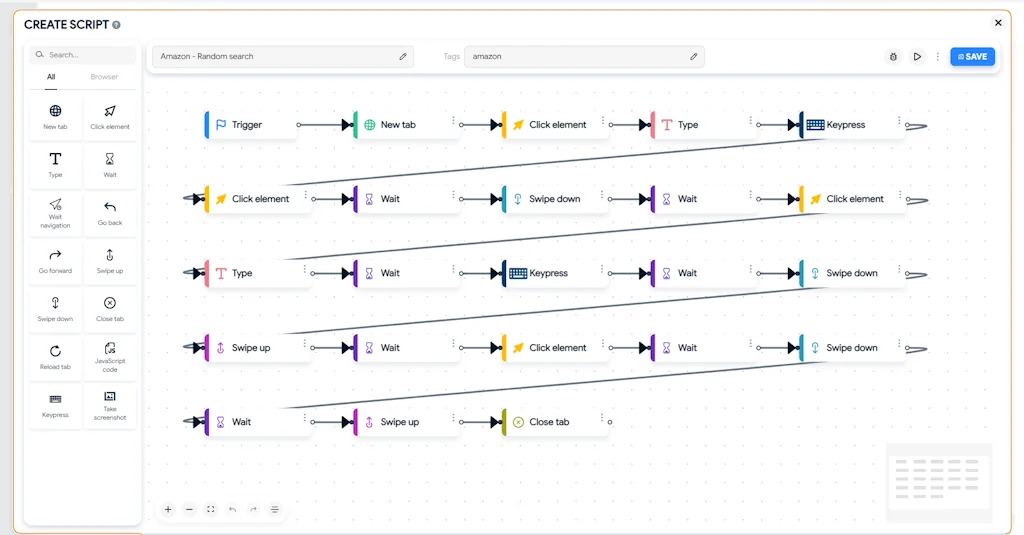
- Automation features
- User-friendly interface
- Cost-effective
- Fast performance
- Fingerprint spoofing
- Frequent updates
- Lightweight
- Team sharing feature
- 7-day free trial
- Profile export/import
- Stability
- Role-based permissions
- Cross-platform support
- Mobile proxy support
Cons
- Complex UI
- Sync speed issues
- Cluttered dashboard
- Onboarding guidance
- Less ip pool in free proxy
- Limited keyboard shortcuts
- Limited third-party integrations
- Need more theme
Tool Details
| Categories | Safety and Privacy platforms |
|---|---|
| Website | hidemyacc.com |
| Added | October 18, 2023 |
| Platforms | Web |
| Social |
Recent Reviews (10)
it’s simple, runs smooth, and doesn’t crash when opening many profiles. feels reliable enough for daily use.
cheaper and easier.
I like it
I wasn’t expecting much at first. I’ve used plenty of “browser tools” that claimed to fix Gmail creation issues, but most got flagged right away. After Google’s recent wave of bans, I couldn’t make even a single new Gmail on my normal laptop instant verification errors every time. Then I tried Hidemyacc, followed the setup guide, added my proxy, and within minutes I had a new Gmail up and running. I tested a few more just to see if it was luck, all verified fine. It’s honestly the first time in months I’ve seen Gmail accounts stay stable past day one.
I started using Hidemyacc while looking for a lightweight way to manage multiple accounts for freelance projects. After a few days of testing, it proved stable enough for daily use. Creating and switching profiles was straightforward, and the automation features helped cut down repetitive tasks. Performance-wise, it runs smoothly even on a modest setup. There’s a slight delay when switching between large sets of profiles, and I think more tooltips or guidance would make the interface easier to navigate, especially for newer users. Overall, it fits well into my workflow. It’s not overly complicated, doesn’t get in the way, and does what I need reliably.
Hidemyacc has been one of the most useful tools I’ve added to my setup. Everything works smoothly right out of the box, and the design is super intuitive. Managing profiles and proxies is straightforward, which saves me a lot of time on daily tasks. It’s reliable, lightweight, and ideal for anyone juggling multiple projects. If I had to nitpick, the UI could use a few small improvements, and it’d be nice to have more theme options. For newcomers, there’s a bit of a learning curve, so more onboarding tips would be helpful. But overall, it’s a solid choice that actually makes things easier, not harder.
Started doing social media automation this year and tried out Multilogin first. It worked but honestly felt overpriced. Found Hidemyacc from a Telegram group where people were comparing tools. I made the switch and haven’t looked back. Setup is fast and the team features help when I need to share accounts. I did run into one bug where a profile wouldn’t close properly but restarting fixed it. It’s not perfect but for the price and features, I’m satisfied.
Running cold email outreach meant I had to keep multiple Gmail accounts fully isolated to avoid cross-contamination or bans. This tool made that process straightforward and reliable. I haven’t run into major issues so far. The interface is simple enough, but I do wish there were more sorting or filtering options when managing a larger number of profiles. It handles the core task well, though there is still room for small usability improvements.
Managing over 20 TikTok accounts on my old setup was a daily hassle. I kept getting logged out, sessions would expire randomly, and it slowed down everything. After switching to Hidemyacc, those issues pretty much stopped. The improved Chrome support in the latest update also helps things load and run more consistently. It's not flawless, but considering how much time and frustration it’s saved me, the cost has been more than justified.
Attended a workshop about online offer campaigns and the speaker showed how they used Hidemyacc to manage accounts. I figured I’d test it out. The onboarding process could definitely use more guidance. I had to guess a few things at the start. But once I got the hang of it, it worked without drama. I was especially surprised at how low the resource usage was compared to what I was used to. Would love to see more tutorial videos though.
Frequently Asked Questions about Antidetect Browser Hidemyacc
When did Antidetect Browser Hidemyacc become popular?
Antidetect Browser Hidemyacc became popular around October 18, 2023.
What are the main advantages of using Antidetect Browser Hidemyacc?
The top advantages of Antidetect Browser Hidemyacc include: profile isolation, proxy management, easy setup, responsive customer support, secure account management.
What are the disadvantages of Antidetect Browser Hidemyacc?
Some reported disadvantages of Antidetect Browser Hidemyacc include: complex UI, sync speed issues, cluttered dashboard, onboarding guidance, less ip pool in free proxy.
What is Antidetect Browser Hidemyacc's overall user rating?
Antidetect Browser Hidemyacc has an overall rating of 4.9/5 based on 117 user reviews.
What type of tool is Antidetect Browser Hidemyacc?
Antidetect Browser Hidemyacc belongs to the following categories: Safety and Privacy platforms.
Related Safety and Privacy platforms Tools

Yorba
Reduce your digital footprint one step at a time
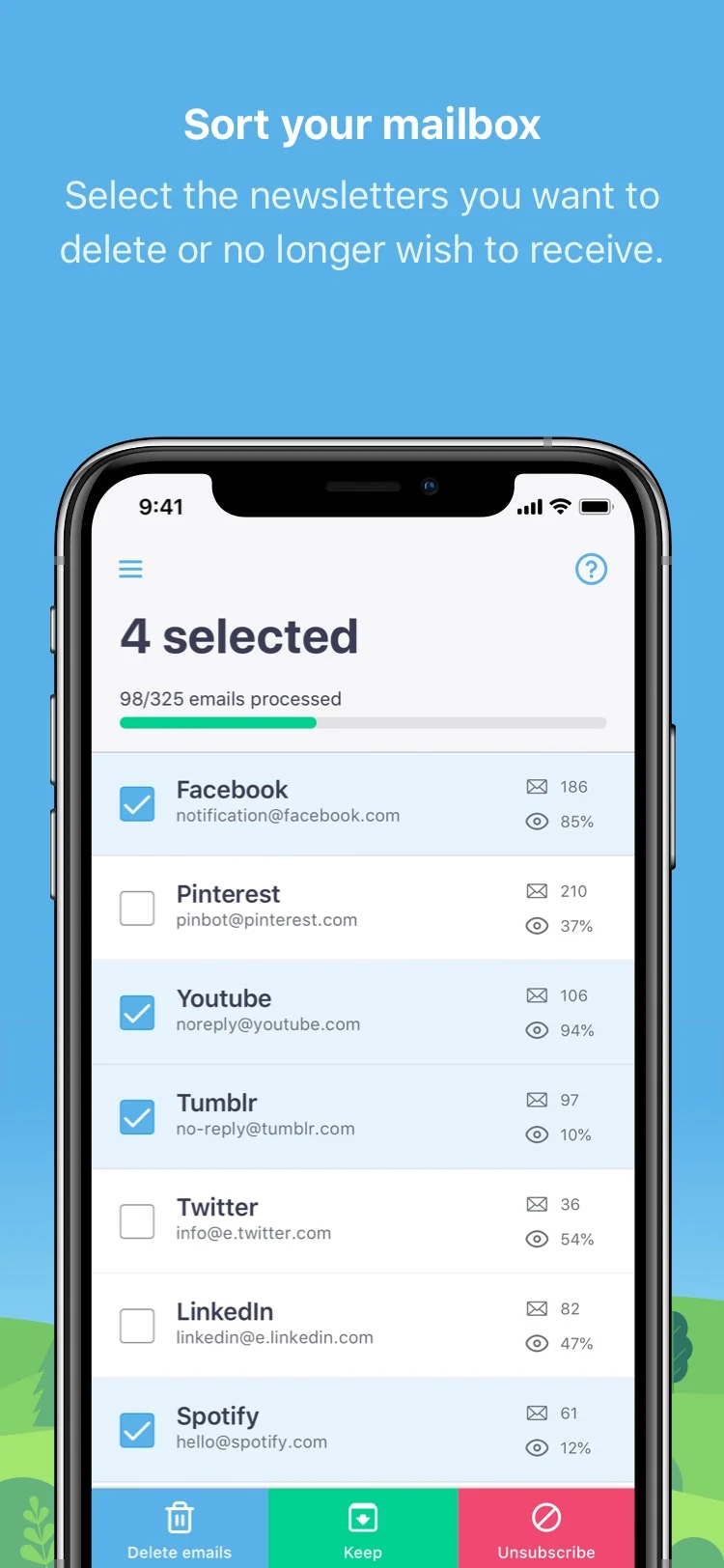
Cleanfox
Clean up your inbox, save the earth.

Escape the Algorithm
Reclaim Your Time, Escape the Algorithm

Amazon Key
An in-home security camera and smart lock

How Normal am I?
A live demo of AI algorithms making judgments about you.

Confirmic Cookie Widget
The only cookie solution designed with great UX in mind
Compare Antidetect Browser Hidemyacc :





Don't Get Fooled by Fake Social Media Videos
The world's first fact checker for social media. Paste any link and get an instant credibility score with sources.
Try FactCheckTool Free