

Automa
A chrome extension for automating your browser
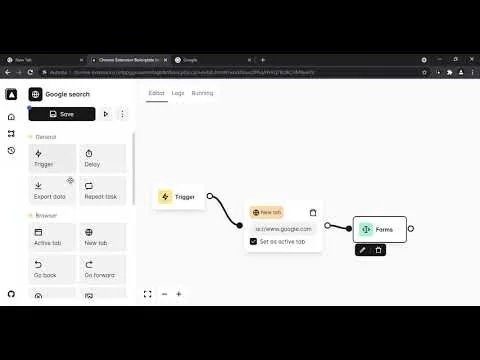
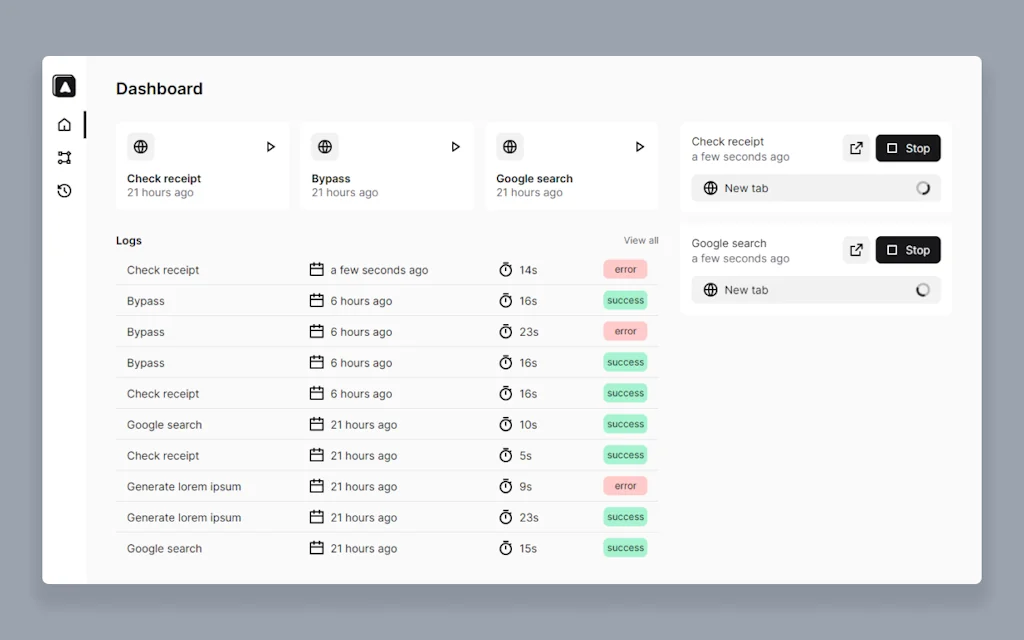
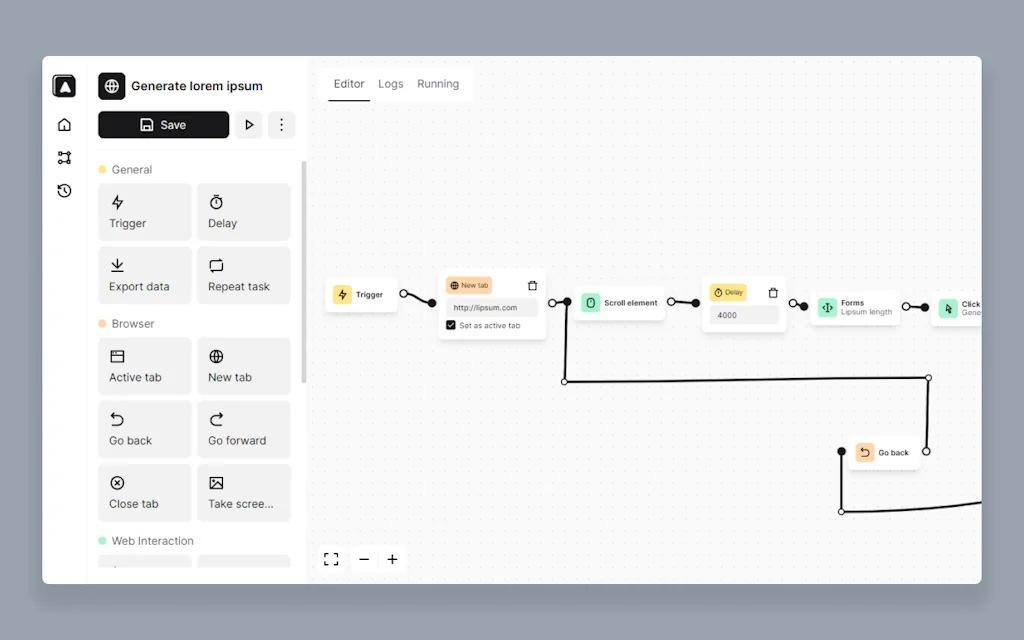
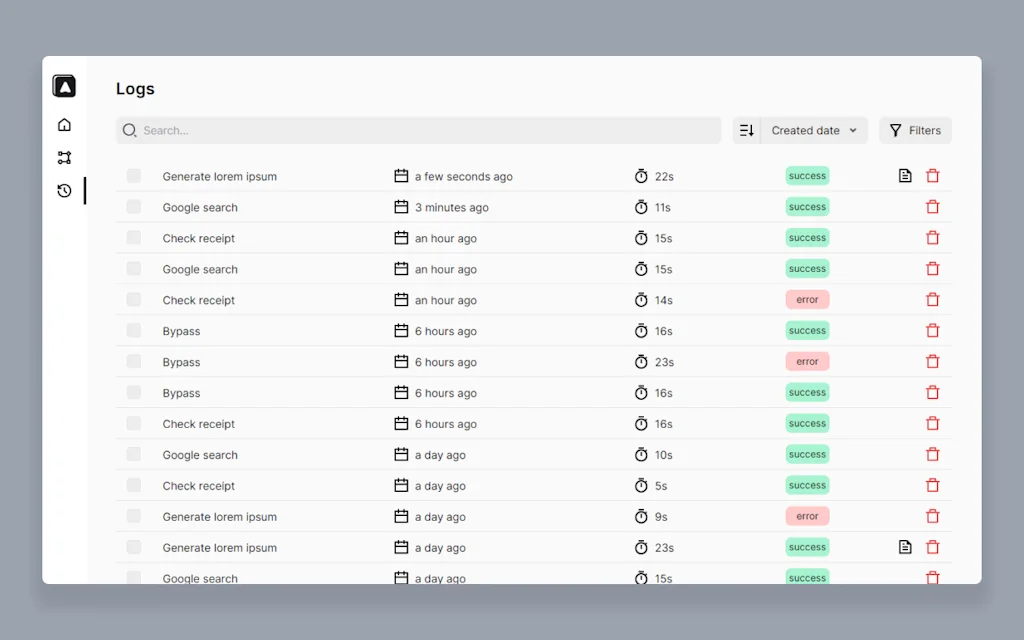
What is Automa?
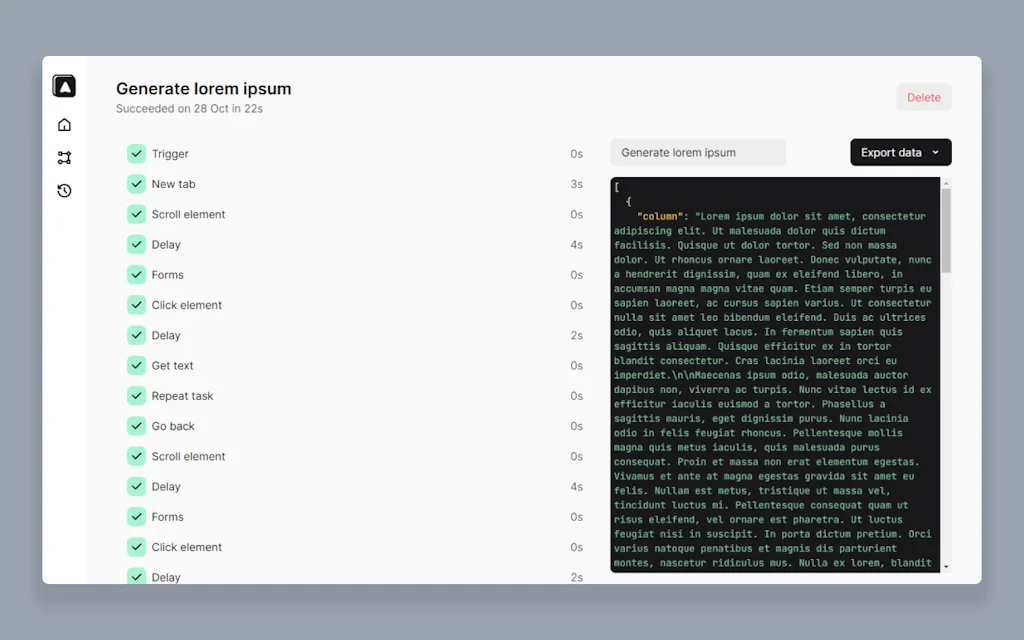
An extension for automating your browser by connecting blocks. From auto-fill forms, doing a repetitive task, taking a screenshot, to scraping data of the website, it's up to you what you want to do with this extension.
Pros & Cons
Pros
- Browser automation
- Easy to use
- Open source
- Productivity boost
- UI design
- Workflow automation
- Free tier
- Scheduling feature
Cons
- Complex setup
- Lack of tutorials
- Blocked by Google Chrome
- Looping feature complexity
- Unresponsive support
Tool Details
| Categories | Screenshots and screen recording apps, Automation tools, Chrome Extensions |
|---|---|
| Website | chrome.google.com |
| Added | November 3, 2021 |
| Platforms | Web |
| Social | GitHub |
Recent Reviews (4)
Incredible tool. Thanks so much for making such a solid, well designed and thoughtful tool. Kudos to developers and contributors for making a well constructed open sourced tool!
Undoubtedly the most intuitive and capable browser automation tool I have ever used. Hats off.
Amazing extension. With automa i created workflow automations and shared it with my public, they loved it.. I automated websites like Aliexpress and other like Freebitcoin wich gives the users a amount of bitcoin every hour
I feel that this extension has great potential. My only regret is the lack of tutorials and explanatory videos from the editor.
Frequently Asked Questions about Automa
When did Automa become popular?
Automa became popular around November 3, 2021.
What are the main advantages of using Automa?
The top advantages of Automa include: browser automation, easy to use, open source, productivity boost, UI design.
What are the disadvantages of Automa?
Some reported disadvantages of Automa include: complex setup, lack of tutorials, blocked by Google Chrome, looping feature complexity, unresponsive support.
What is Automa's overall user rating?
Automa has an overall rating of 5.0/5 based on 4 user reviews.
What type of tool is Automa?
Automa belongs to the following categories: Screenshots and screen recording apps, Automation tools, Chrome Extensions.
Related Screenshots and screen recording apps Tools

StepShot
Simple & efficient software for screenshot

1001 Record
Reliable Screen Recorder - Record easily, Record HD.

Simple screen + webcam recording
Simple screen + webcam recording. Share after recording

Supasnap
Beautify your screenshots instantly – No hassle, no installs
Device Shots
Generate high-resolution device mockups using a screenshot

ProductShot
Generate better performing product screenshots
Related Automation tools Tools

Coefficient.io
Sync Google Sheets with your SaaS systems & DBs in seconds

CHREW - Startup Employee Manager
Your All in One Mini HR for Business
Text Workflow
Transform Your Text With Easy to Use Rules

AppManager by CompanyDNA AI
AI IT Agent for Startups - Easy app and user provisioning

Patched
Open-source workflow automation for dev teams

bugbox
Easy way to manage your web project bugs
Related Chrome Extensions Tools

Drift
Scroll on a isolated window while waiting for AI responses

Night Eye
Protect your eyes, enable dark mode on any website!

ArkTabs
Spotlight style tab manager with fuzzy search & live preview
Screely
Instantly Turn a Screenshot into a Beautiful Mockup.

Ready to Send
Ready to Send auto-generates draft email replies for Gmail

Gemini Sidepanel
Use Gemini AI in Chrome's new sticky sidepanel
Compare Automa :





Don't Get Fooled by Fake Social Media Videos
The world's first fact checker for social media. Paste any link and get an instant credibility score with sources.
Try FactCheckTool Free