

Camtasia
The best all-in-one video editor and screen recorder
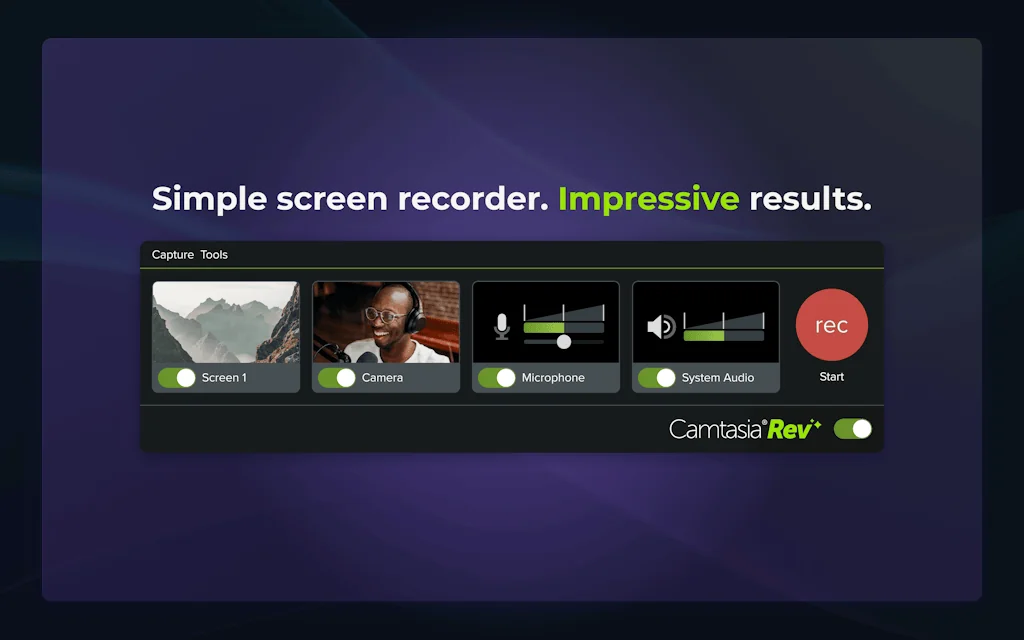
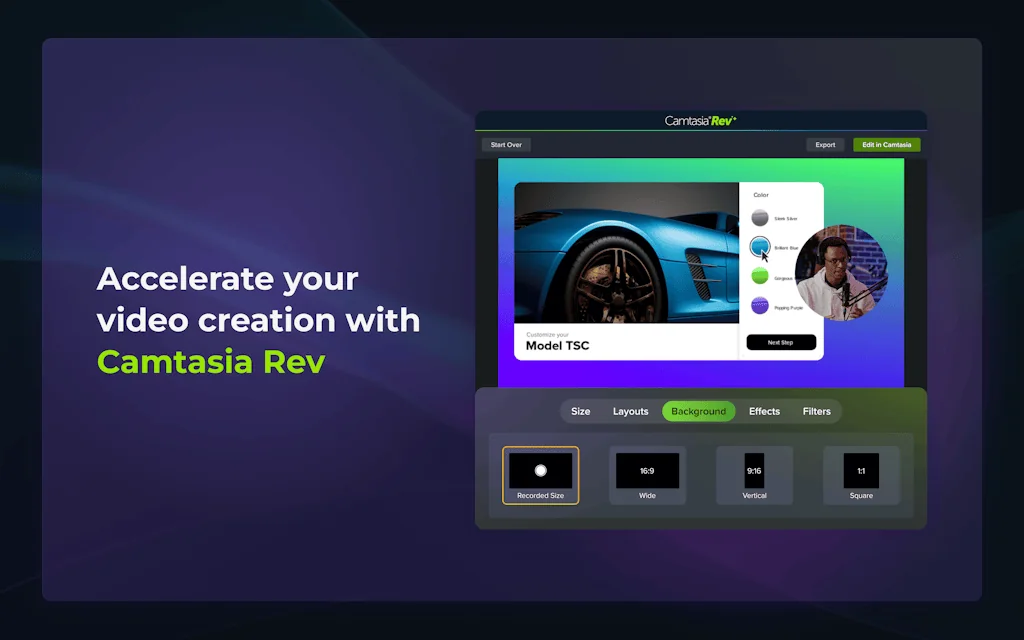
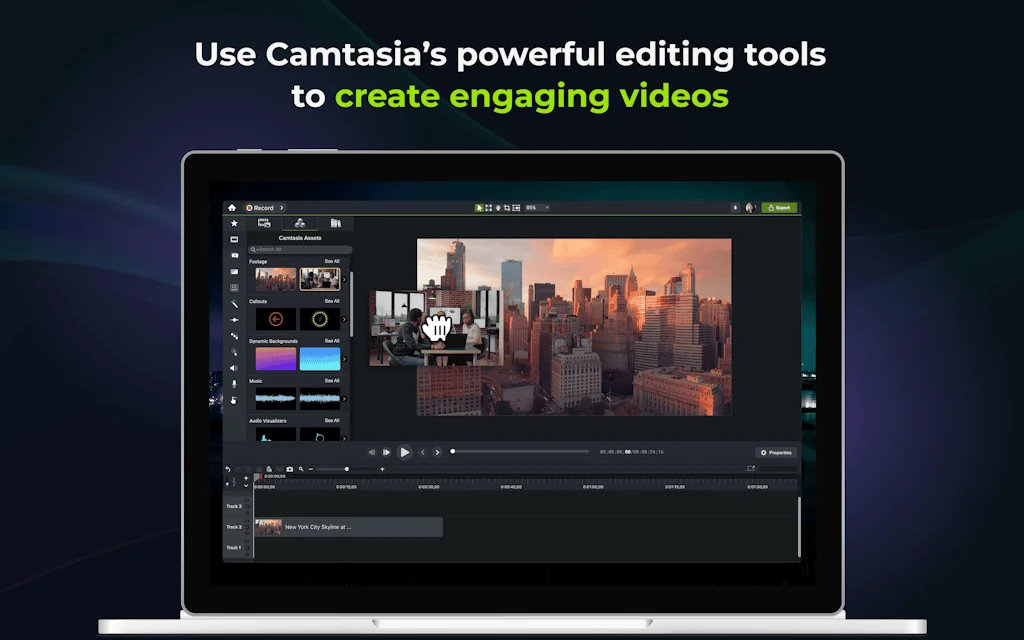
What is Camtasia?
Most video editors force you to choose between ease of use and professional results. Camtasia changes the game with AI-powered workflows that help you create stunning, pro-quality videos in minutes—no experience required. Precision control and AI speed— amplify your creativity and stay in command while producing videos faster than ever.
Pros & Cons
Pros
- Integrated recorder
- Training and educational video creation
Tool Details
| Categories | Screenshots and screen recording apps, Video editing |
|---|---|
| Website | www.techsmith.com |
| Added | October 12, 2016 |
| Platforms | Web |
| Social |
Recent Reviews (8)
Great for putting together YouTube videos. Zoom and Pan feature is excellent. But, it lacks some more advanced features. Can be slow.
Great for creating videos and explainers. Easy to pickup.
One of the tools that I could never do without
I've been using Camtasia for over 5 years now (for YouTube videos on my channel Leon Renner) and while other companies improve the performance of their software, Camtasia neglects the performance and instead adds more effects. I had issues so far, where I would extend a frame and the software would simply crash. This got to the point that when I reopened my project and clicked on the snipped with the extended frame, the software would crash again, basically making me lose my project as it's not editable anymore. Once that was fixed (took more than 1 year), the next crashes happened when trying to add clip speed to a clip. Then sometimes the software just crashes randomly without any note or any reason (not reproducible). Oh, and one of the worst things I experienced so far is, that in one of my Camtasia recordings, my voice kept recording but the screen simply stopped recording. Unfortunately I only figured that out after the recording was done and I watched it. You could see the mouse make all the movements, but the screen was always the same. So again, another project lost. And don't get me started on the editing performance. When doing a lot of cuts in one project, Camtasia will get so slow, to the point where you often have to wait 10 seconds after performing another cut until Camtasia is ready to perform the next step. With all these issues, editing my projects took 2-3x more time compared to a proper editing software like Premiere Pro. Camtasia always wants to blame the PC hardware of the user but when I edit my project in Premiere Pro, everything is super fast. My take from all of this: Camtasia has probably been coded inefficiently and instead of doing a proper rebuild of the software, they simply try to add workarounds (like proxy video), which don't solve the underlaying issues. But hey, at least we get more transitions and effects with every new version that comes along. And if you don't believe me, simply do a Google Search for Camtasia issues...
I use Camtasia to edit The Visual Lounge video podcast on Mac. It has been super reliable. I love having the ability to use a template that makes it easy for me not to rethink the opening, the end music, and other functionalities. I have found that I can rough cut and polish faster than with different tools.
Running a US real estate services business for 9 years now, Camtasia transformed how realtors create content from simple property tours to virtual showings during COVID, and my team has it already in Stacked products, which is crucial for modern real estate marketing success.
I've been using Camtasia since my undergrad program in Instructional Technology and have been using it ever since. I love Camtasia and the ability to use it to create a quick how-to and tutorials to share with users.
The integrated recorder, feature set, and interface make it efficient to create training/educational/software demo videos.
Frequently Asked Questions about Camtasia
When did Camtasia become popular?
Camtasia became popular around October 12, 2016.
What are the main advantages of using Camtasia?
The top advantages of Camtasia include: integrated recorder, training and educational video creation.
What is Camtasia's overall user rating?
Camtasia has an overall rating of 4.4/5 based on 8 user reviews.
What type of tool is Camtasia?
Camtasia belongs to the following categories: Screenshots and screen recording apps, Video editing.
Related Screenshots and screen recording apps Tools

Usersnap
Guide your product journey with insights that matter

Really Good UX
A library of screenshots for UX inspiration

Replica
Mirror your iOS screen on a modern web browser

RetroClip
Fast, native, comprehensive issue tracking and code review
ScreenshotOne
The Screenshot API you can finally rely on.

Pipe Platform
Audio, Video & Screen Recording Clients + Infrastructure
Related Video editing Tools

SliceTube
The Fast and Modern way to cut and download YouTube videos

Heroes Jobs
Stories for jobs- Heroes app connects young jobseekers.
doodooc Music Visualizer
Online Generative Music Visualization Platform

Katalist AI Storytelling Studio
Visualize your script in seconds

IndieScore: AI Meeting Highlight Clips
Turn long meetings into concise, shareable highlight clips

Audino AI
Make content creation simpler with AI-generated audio
Compare Camtasia :



Don't Get Fooled by Fake Social Media Videos
The world's first fact checker for social media. Paste any link and get an instant credibility score with sources.
Try FactCheckTool Free