

Eagle
Manage pictures, screenshots, user interfaces and designs

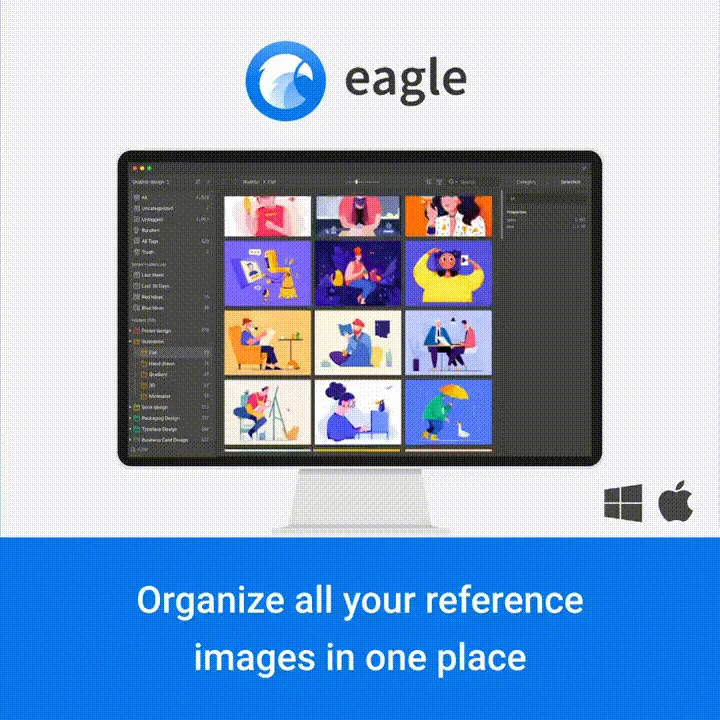
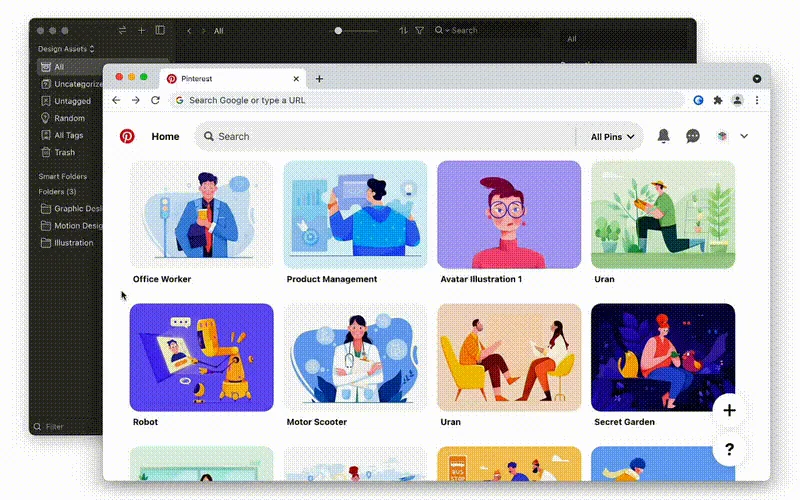
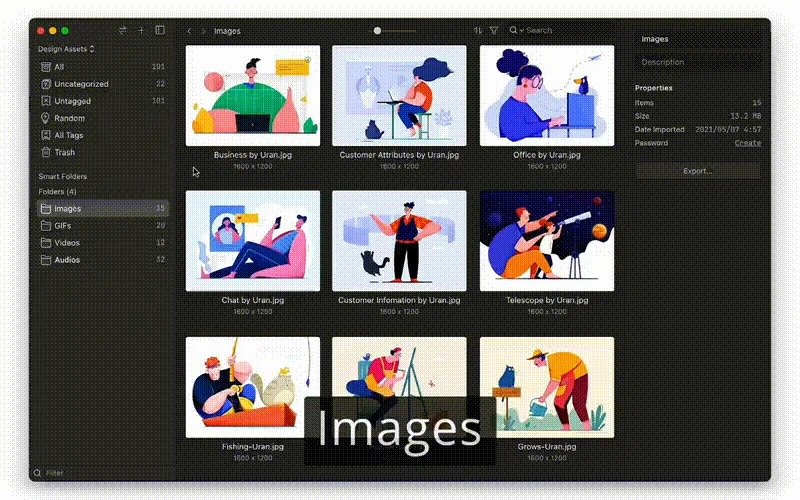
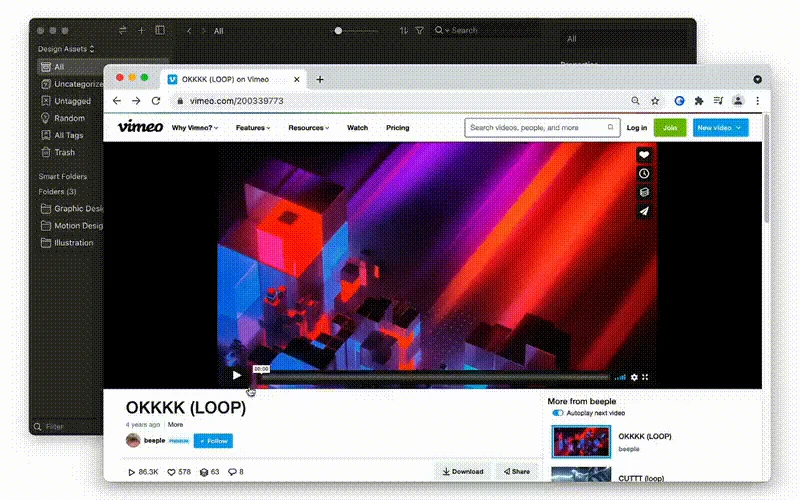
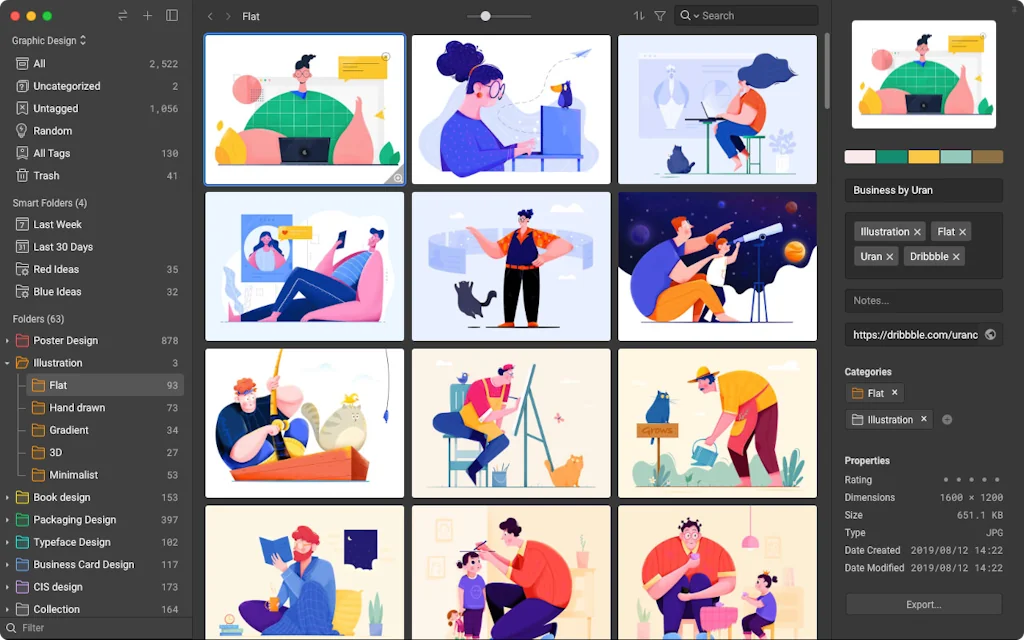
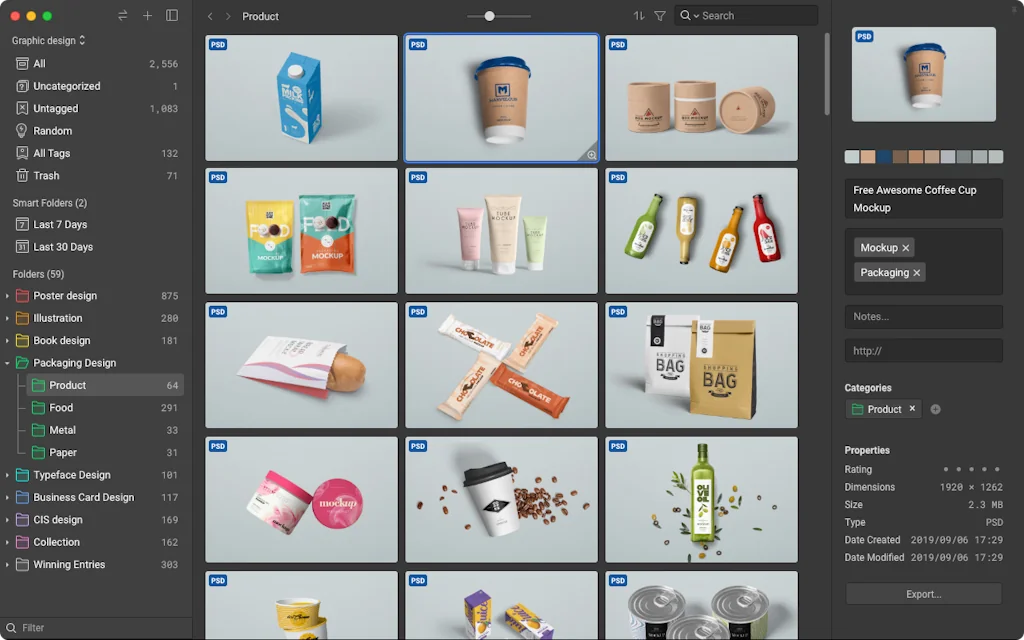
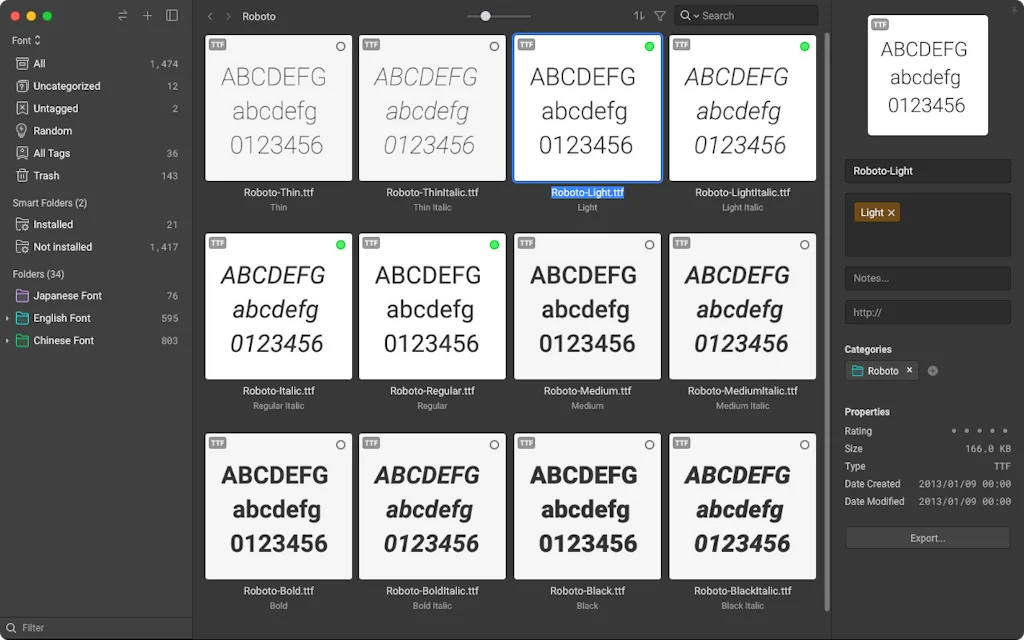
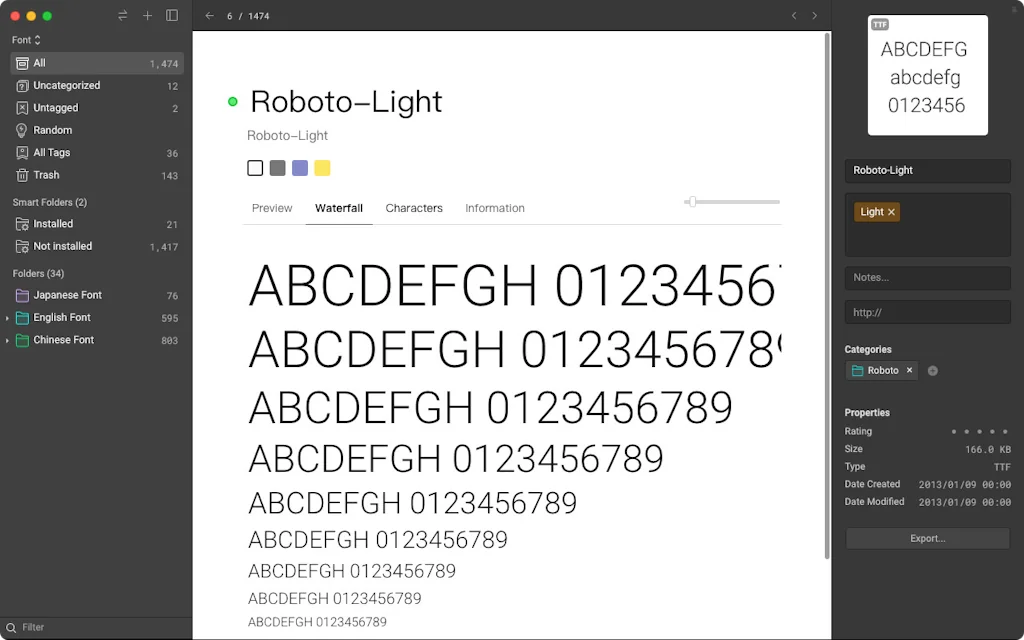
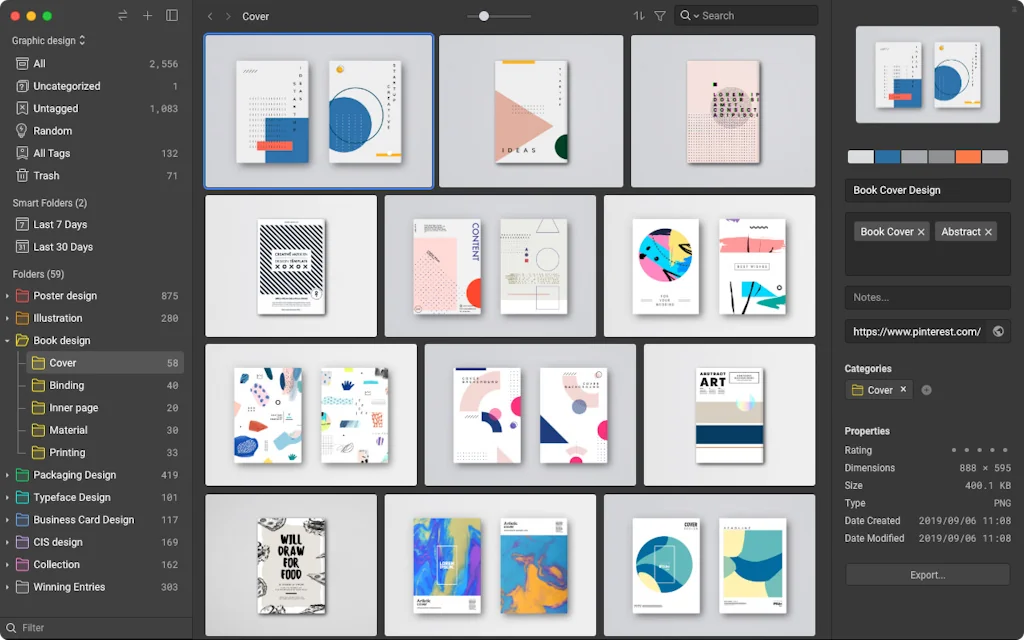
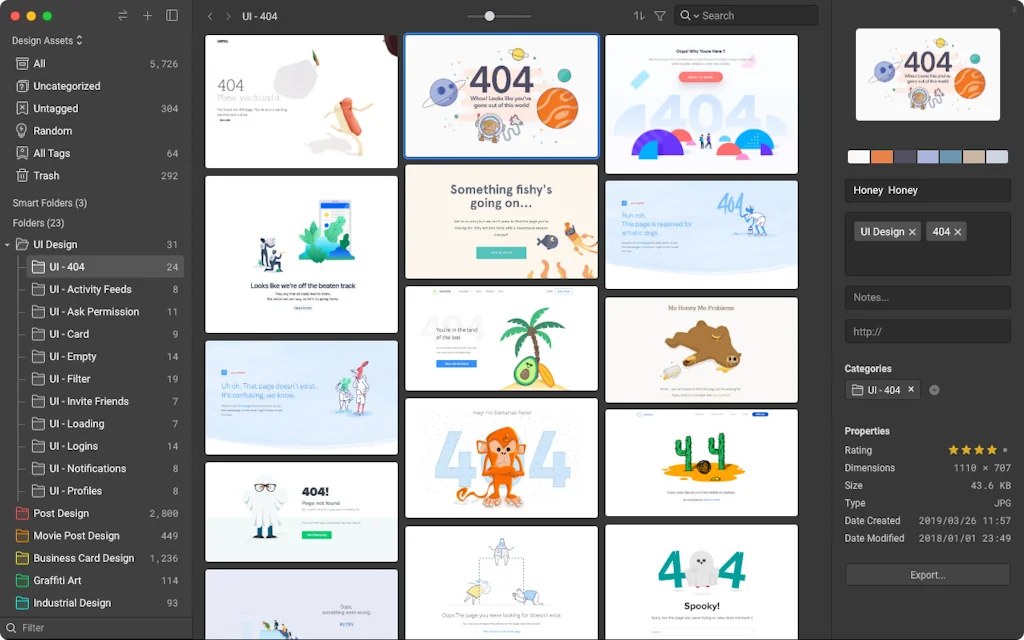
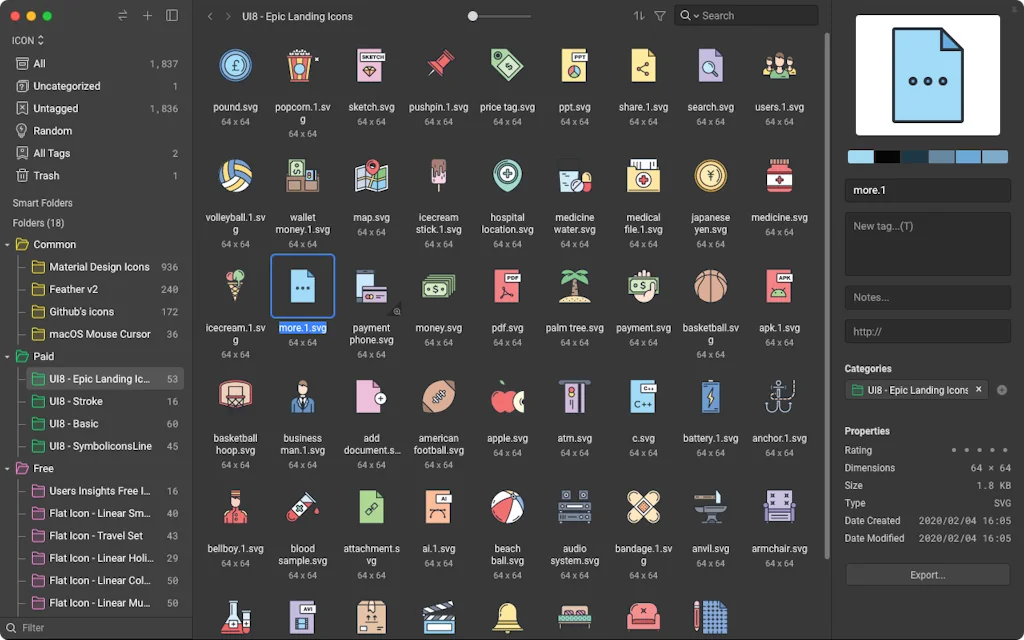
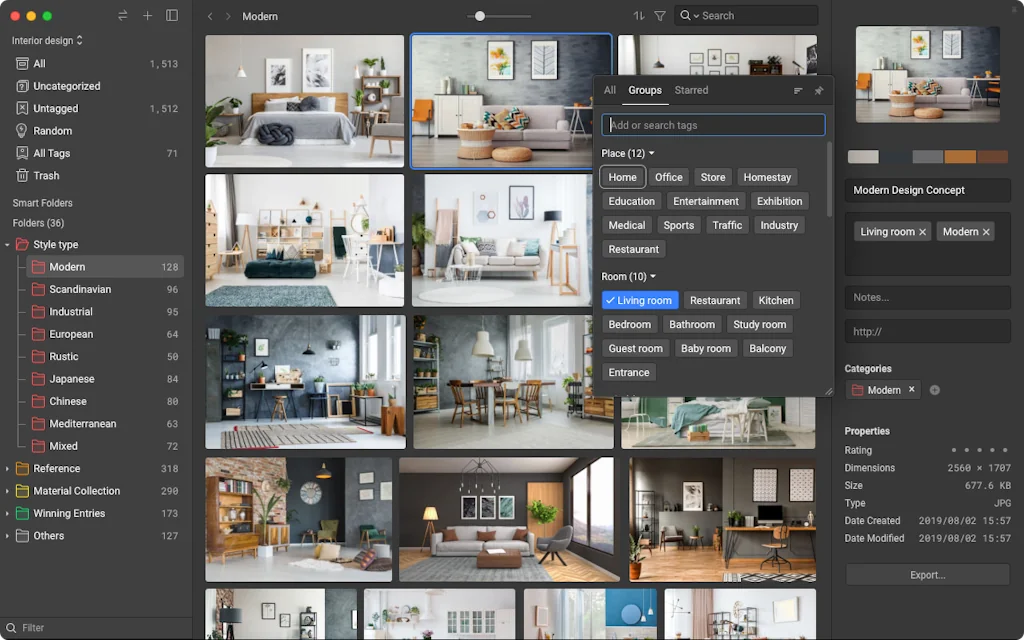
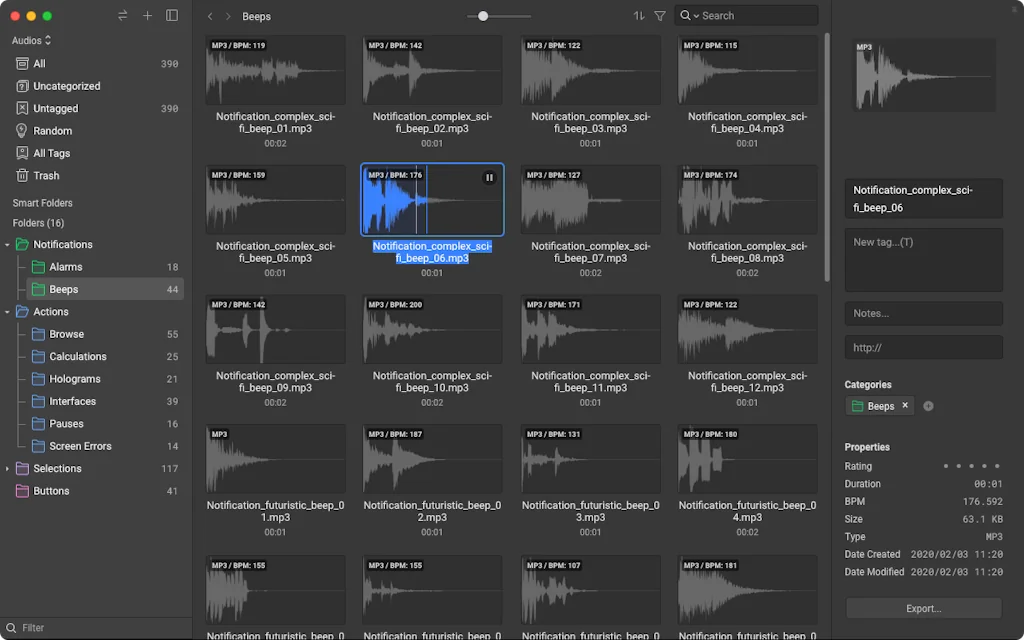
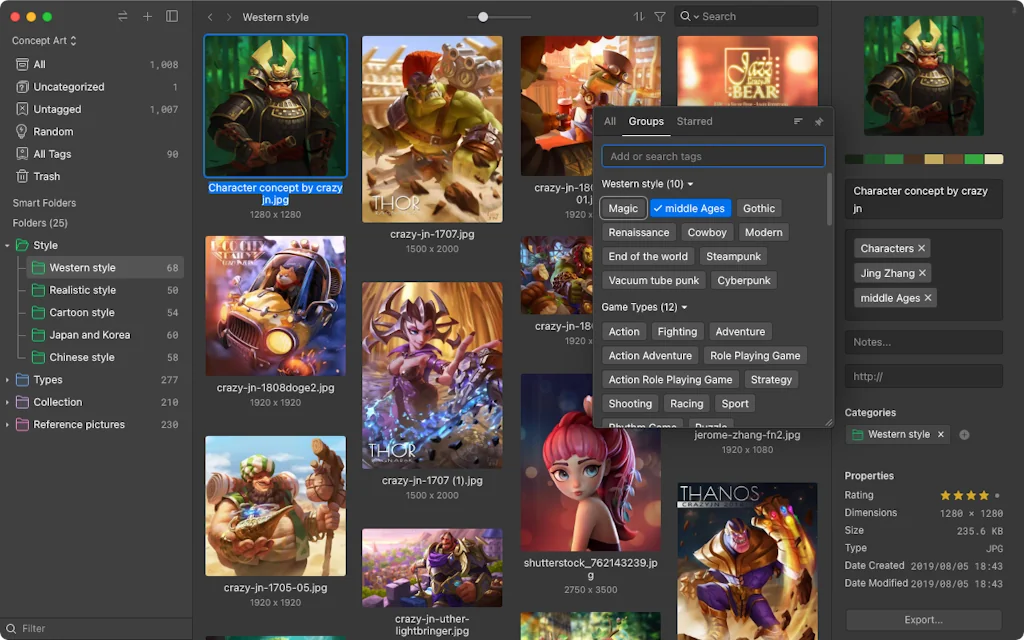
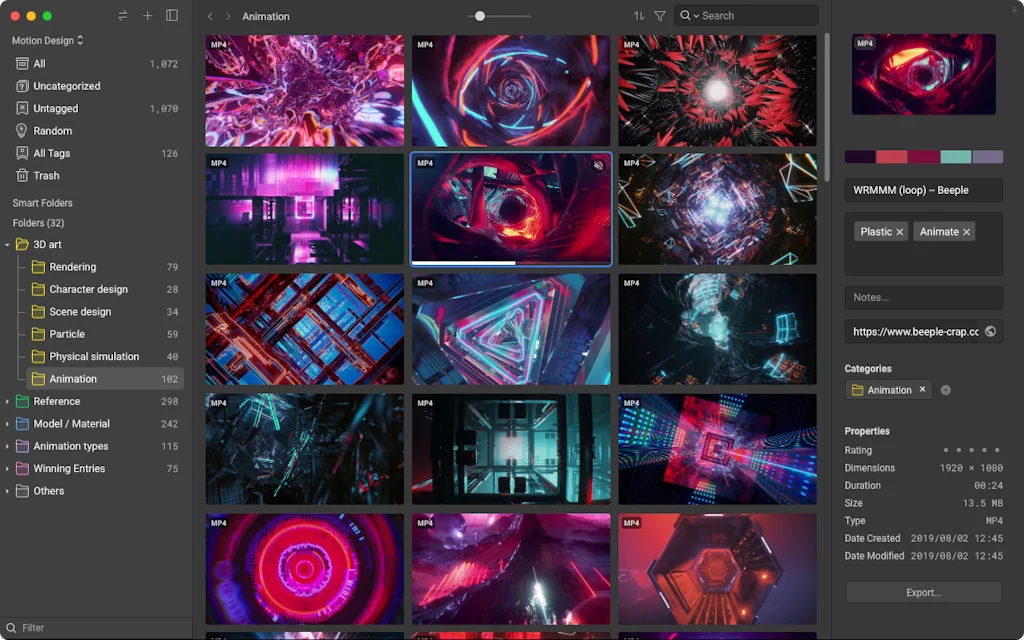
What is Eagle?
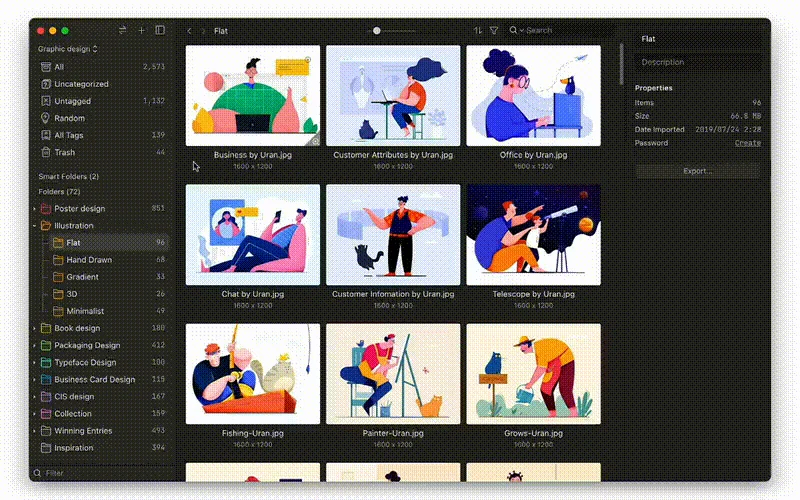
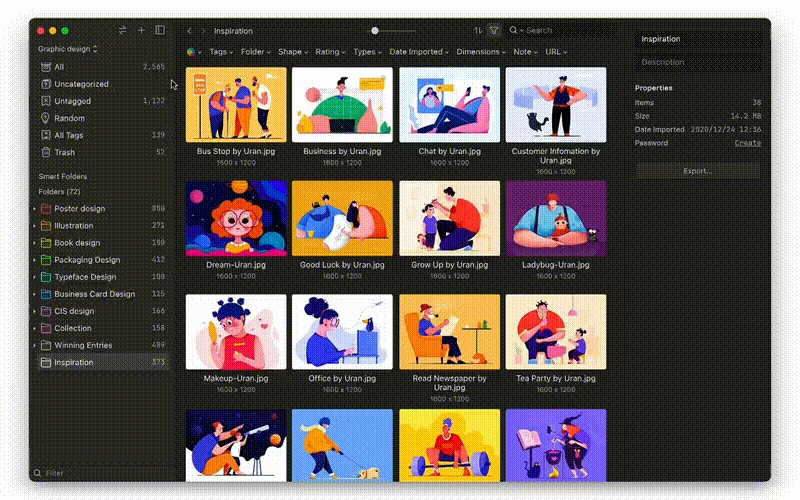
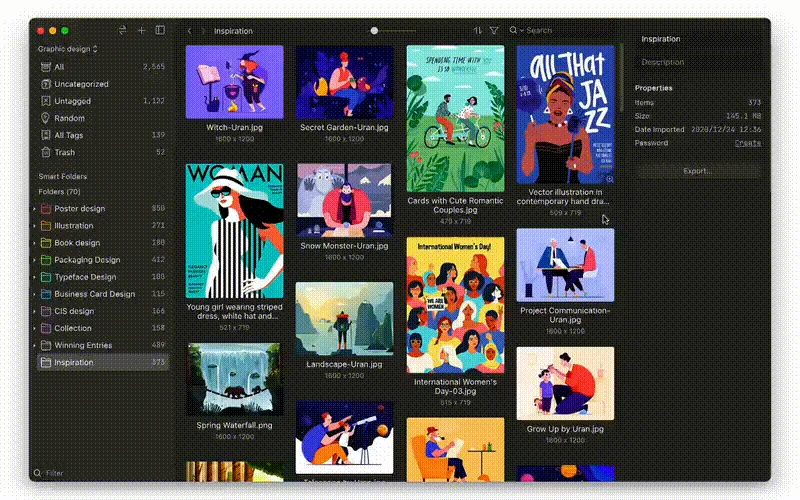
Eagle App is a digital assets management tool to helps you collect, search, organize and unify your creative files in a new logical way and all in one place. Effortless design inspirations collection, Starts with Eagle! Organizing can be so simple!
Pros & Cons
Pros
- Asset management
- Categorization features
- Tagging system
- Fast performance
- One-time purchase model
- UI design
- Browser extension
- Quick preview
- Sync capabilities
- AI magnification
- Cloud service compatibility
- Ease of use
- Filters for sorting
- Font management
- Hotkey functionalities
- Image search function
- Multiplatform support
- Screenshot tools
Cons
- Lack of mobile app
- Infrequent updates
- Limited payment options
- Missing features for photo management
- Ransomware detection issue
Tool Details
| Categories | Screenshots and screen recording apps, Design resources |
|---|---|
| Website | eagle.cool |
| Added | April 17, 2017 |
| Platforms | Web |
| Social | Twitter · Instagram · Facebook |
Recent Reviews (13)
I am very happy with Eagle because it is very fast and easy to use. I would like to have a native Cloud service, but the way it works I can have the files in any Cloud service like Dropbox.
If you want a searchable library of all the tools you use and you want to recommend to your friends. Use this app! If you're an Entrepreneur still saving via Bookmarks, STOP! Give this a try and you'll never look back!
I can't imagine life without this app! I love these filters for sorting tons of content.
There's no alternative i know of. Hive on IOS... but currently doesn't sync with google drive like eagle does for the main library.
I absolutly like Eagle! so great! there are still things I would like to be improved but this is the same for every app I use. Like having 2 instances of Eagle for 2 libraries open at same time, importing bookmars from browser, if you have too many tag groups when adding tag to file doing tab it goes outside of visible area maybe auto scroll when at bottom or when resizing the tag screen popup see more tab groups. having separate eagle settings for each library and more, but I currently really like eagle! it has a great browser extension! And i use eagle screenshot tools which is great but also can be more impoved!
Eagle is a godsend - I had reached over 700 images in a single Google Drive folder and decided enough was enough. Tagging all the images took time, but now my Eagle library is synced to Google Drive *and* I can sort through the images easily and quickly. The library is now approaching 1500 images and Eagle is so snappy that I have no expectations of performance issues. Seriously, if you have a bunch of images that need tags, Eagle is it. Especially for a generous trial and one-time purchase.
Subject: Improvement Request — Nested Folders for Tags and Resizable Sidebar Problem Description: When organizing tags into a complex tree structure, there is currently no way to create nested folders. Because of this, I have to use long folder names to indicate the parent category. As a result: • The real hierarchy of tags is not visible in the sidebar. • Folder names look identical after being truncated (e.g., SC / Comm..), which makes navigation confusing. • The tags sidebar cannot be resized, so long folder names don’t fit completely. Why this is an issue: Tags are a key tool for structuring the library. With a large number of categories, the lack of nested folders and the fixed sidebar width create confusion and slow down the workflow significantly. Suggested Improvements: 1. Add the ability to create nested folders for tags (multi-level hierarchy). 2. Make the tags sidebar resizable in width, so longer folder names can be displayed fully.
Really a great file management system! I'm not giving it 5 stars because for me, photo management lacks 3 essential functions: - the possibility of having a face recognition function - Maps" view with photo location - An "agenda" view with photo dates If Mac app could also support "Live" photos, it would be more than perfect.
It's a light weight delightful app to use. Great for organising all my images, instead of having them laying around in folders. It stores all the original images for you in a folder that you can always access in case you want to switch to another app, or abandon the app all together. How great is that.
I've used Eagle now for 3+ years and it's become a truly indispensable part of my life, helping to organise all my inspiration and assets of over 30,000 images, icons, PDFs and films. Looking forward to Eagle 4.0!
This is an incredibly useful and powerful program! I have folders of images stored hither and yon, and Eagle brings them all together with a quick preview of everything. But with tagging and folders and... It just goes on and on. It's going to be a long time before I've explored all the capabilities of this program, but it was immediately intuitive and helpful, and I don't know how I went without it for so long. Many thanks to the developers for creating this! It's so well thought out and robust that I feel confident it'll be around for a long time.
The problem with Eagle is that they do not allow their potential users a payment option other than Paypal. As if every person on the planet uses paypal or as if paypal works everywhere in the world. I have been requesting for over 4 months now other means of payment as I do not use paypal but the company constantly ignores the request for any alternate payment option.
Great tool for designers and other creators, who want to keep their knowledge and visual library organised! And, of course, nice way to store all the assets I’ve collected over the years. Actually, I’m still organising my library, and it’s such a pleasant process with eagle! Can’t wait for mobile and, especially, iPad app, to keep my stuff on hand when sketching.
Frequently Asked Questions about Eagle
When did Eagle become popular?
Eagle became popular around April 17, 2017.
What are the main advantages of using Eagle?
The top advantages of Eagle include: asset management, categorization features, tagging system, fast performance, one-time purchase model.
What are the disadvantages of Eagle?
Some reported disadvantages of Eagle include: lack of mobile app, infrequent updates, limited payment options, missing features for photo management, ransomware detection issue.
What is Eagle's overall user rating?
Eagle has an overall rating of 4.7/5 based on 44 user reviews.
What type of tool is Eagle?
Eagle belongs to the following categories: Screenshots and screen recording apps, Design resources.
Related Screenshots and screen recording apps Tools

Bezel
Mirror any iPhone on your Mac

Supa Screenshot
Snap and share beautiful screenshots instantly. For free.

Screenpipe
AI powered by what you've seen said or heard

SnippetX
Beautiful screenshots, made easy – directly in your browser.

PixelSnap
The fastest tool for measuring anything on your Mac's screen

blurweb.app
Stop revealing your sensitive information online
Related Design resources Tools

RapidSketch
Create and share amazing sketchnotes in 5 mins

Isoflow
Create beautiful cloud diagrams in minutes

Dashboard UI Kit
A modern & responsive dashboard UI kit for designers.

Diagrams.net
Open source technology stack for building diagrams

Cnify
Style your shadcn app with a single image

Roundicons.com
The world’s biggest icons bundle
Compare Eagle :




Don't Get Fooled by Fake Social Media Videos
The world's first fact checker for social media. Paste any link and get an instant credibility score with sources.
Try FactCheckTool Free