
Shottr
Screenshot tool for those who care about pixels
What is Shottr?
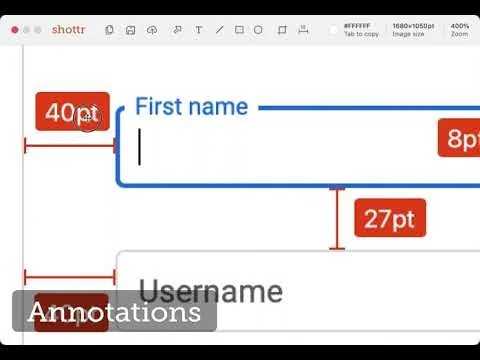
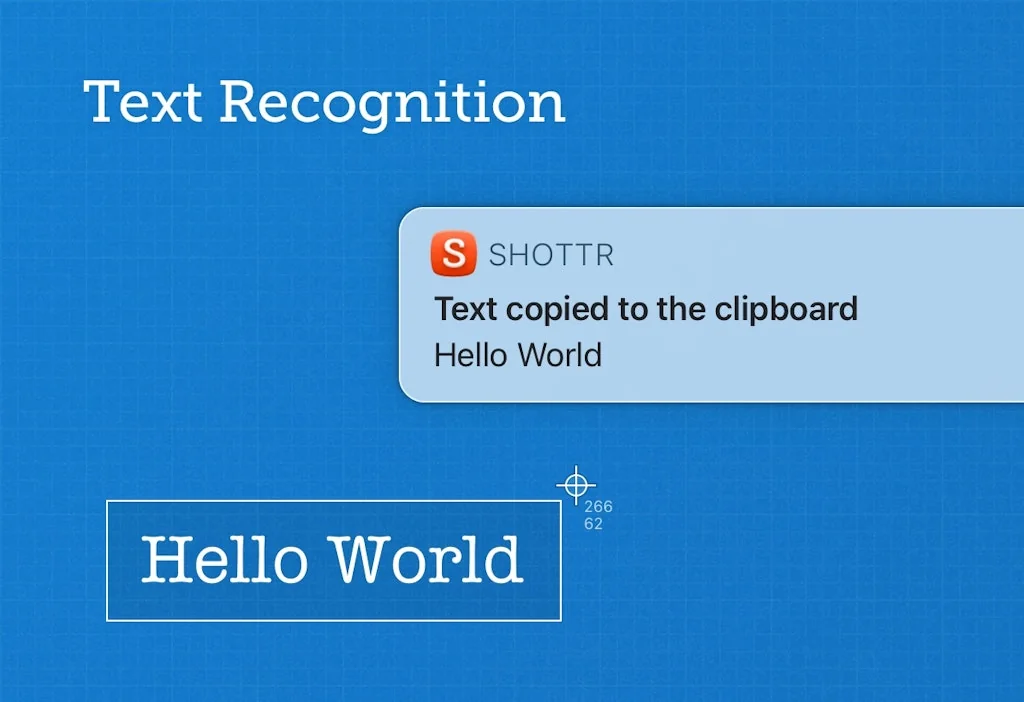
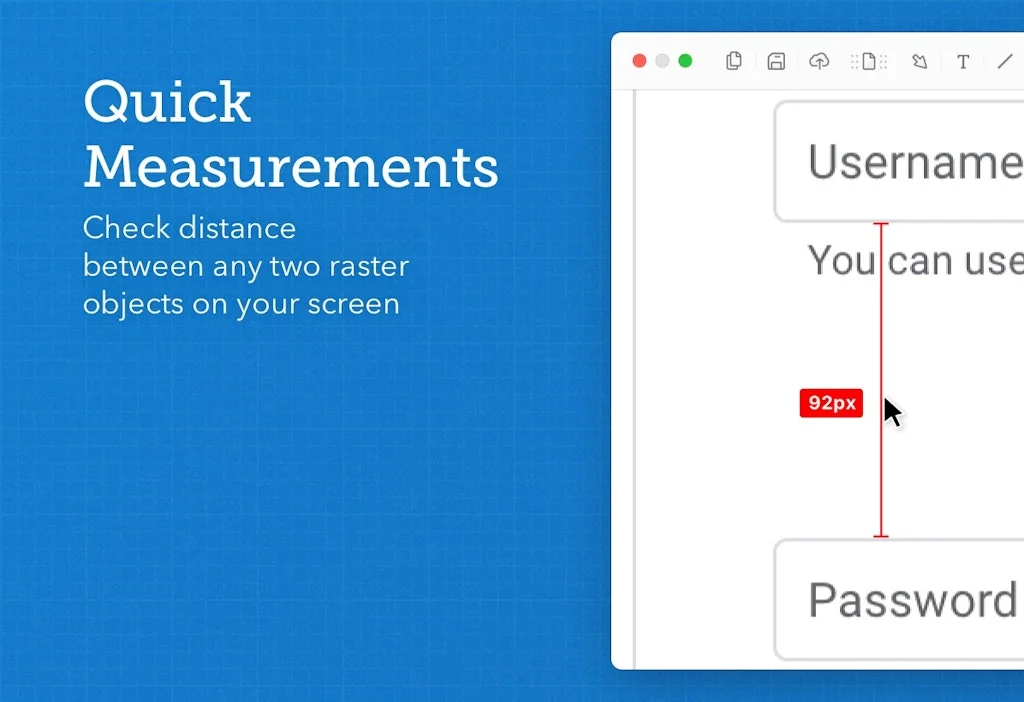
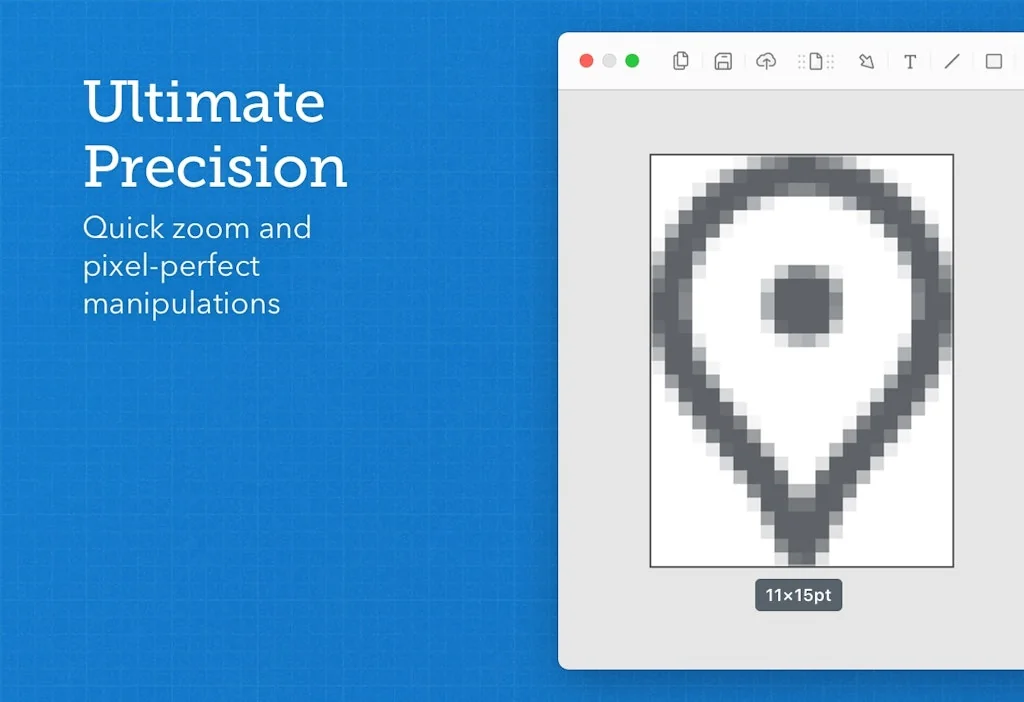
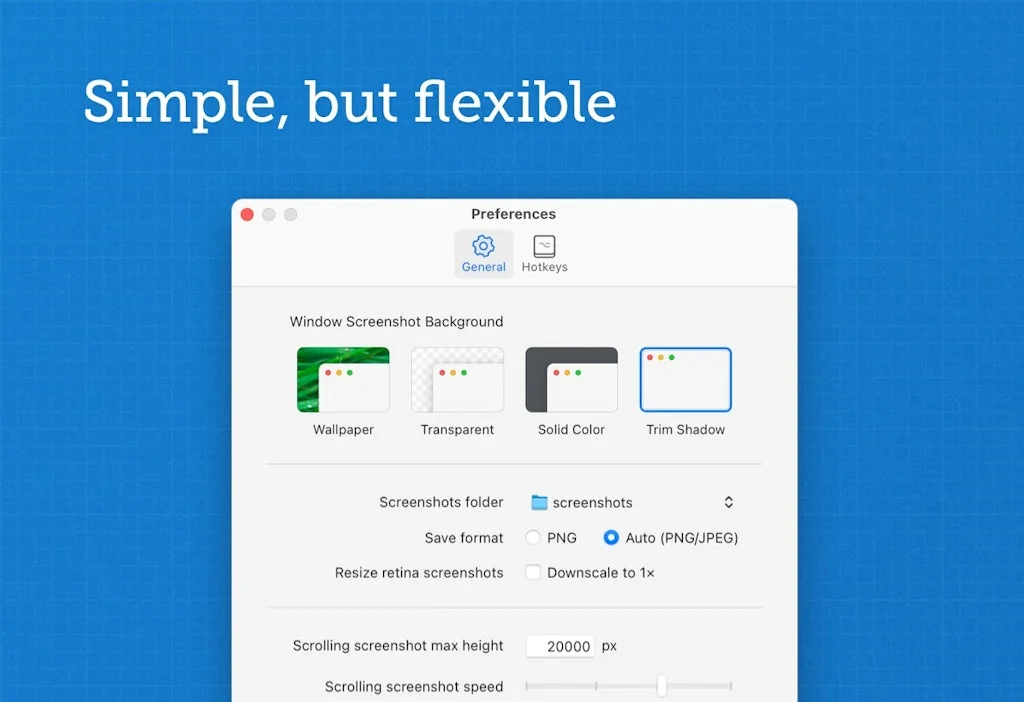
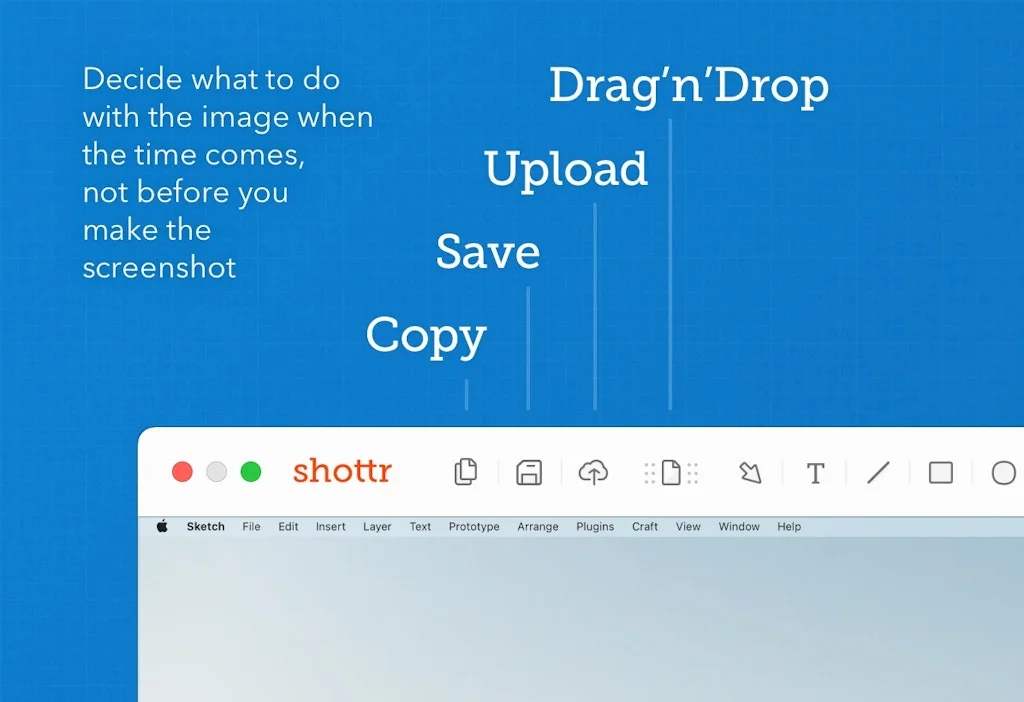
Shottr is a small, fast, human-sized screenshot app built for those who care about pixels. It was crafted with Swift, optimized for M1, and is completely free at the moment.
Pros & Cons
Pros
- Simple interface
- Free tier
- Efficient workflow
- Small installation size
- Lightweight
- MacOS compatibility
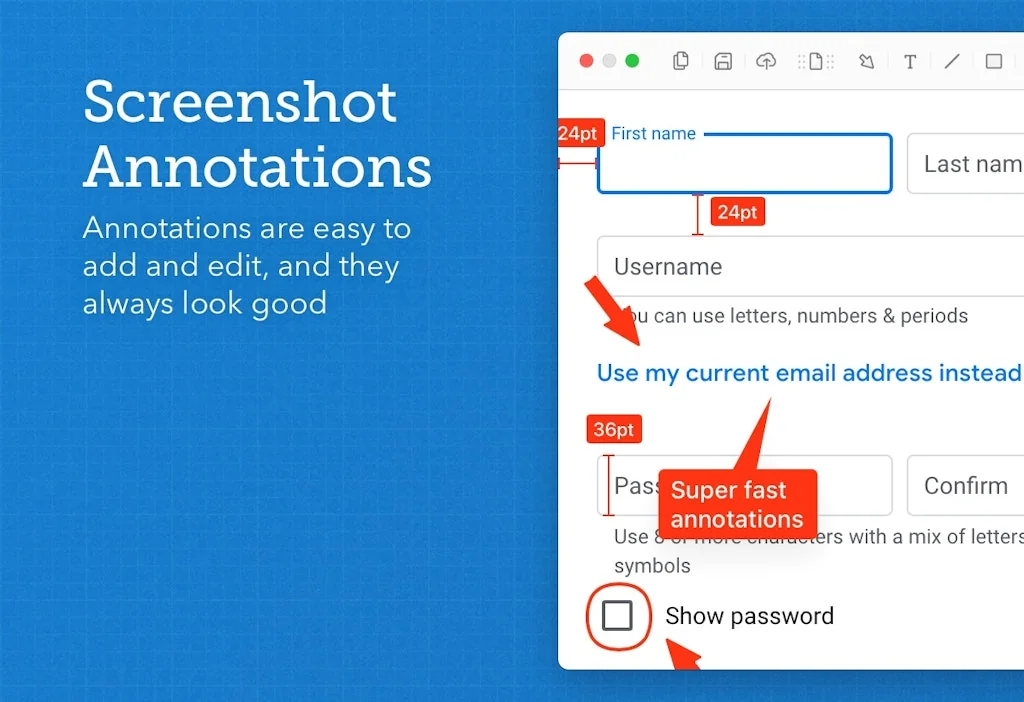
- Quick annotation
- Blur and erase tool
- Clipboard integration
- Fast performance
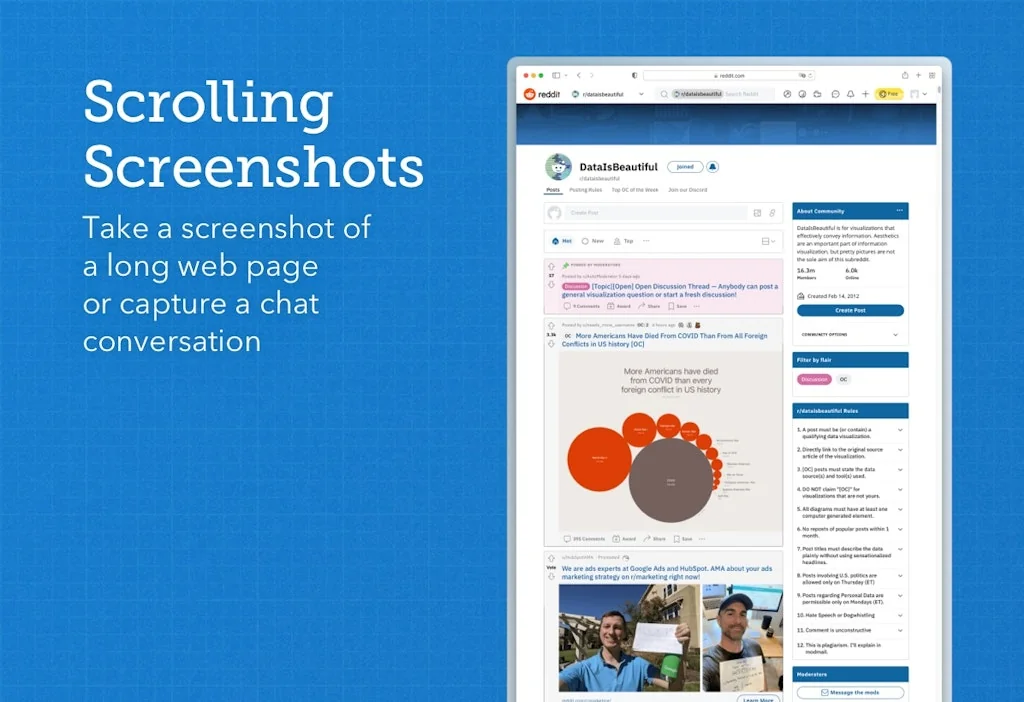
- Long screenshot capture
Cons
- No custom upload destinations
- Annoying upgrade prompts
- Lack of customer support
- Lack of third-party integrations
Tool Details
| Categories | Screenshots and screen recording apps, Photo editing |
|---|---|
| Website | shottr.cc |
| Added | January 17, 2022 |
| Platforms | Web |
| Social |
Recent Reviews (11)
The features in the free plan are easily worth five stars to me. I use this because I don't like how Apple screenshots take a second to actually appear and save. What I'm docking a star for is the humongous paper clip creature (I think that's Windows' Clippy?) that appears whenever you take a screenshot with a huge textbox asking you to upgrade to the paid version. Its quirky and I laughed the first time I saw it, but now its a bit annoying, sorry. :( The features in the paid plan do look tempting though...
The workflow of quickly grabbing a screenshot, annotating it, and hitting Esc is incredibly efficient for customer support and other use cases. My preference has always been for screenshots to end up in my clipboard, so I can Cmd+v my way to sharing it broadly.
Simple, lightweight but powerful screenshot tool. Not great customer support though. I found a bug in the app, reported it, and haven't seen any reply for weeks now.
Easily the best Screencapture app on Mac. Better than the original one. Before this I had to manual check pixel distance, colors and transfer to other app to write notation. With Shottr, you do all in 1 minutes tops (vs 4 minutes). 3 Minutes saved each time! Fits my workflow really well Perfect for Remote Worker/Boss (Marketing Agency)
Currently Shottr is not integrated with the third-party storage services such as iCloud, Imgur, Dropbox, Google Drive, etc. Custom destinations such as FTP, SFTP and S3 are not supported either. I’d love to introduce a third-party integration and get the burden off of my shoulders, but most of the services require bulky SDK and tricky authentication, which holds me back. Besides, I tested public interest, and uploading to custom providers was the least wanted feature.
Shottr is a screenshot tool for Mac. I was looking for a tool that can capture long screenshots of web pages on Mac, and I found this product. The installation package of this product is very small and the interface is very simple. Later, whenever I need to take long screenshots, I will use it.
Superb, byte-sized dynamo of a tool!! simplifies almost all aspects of the screenshot-taking experience One feature that will further help: able to highlight with semi-transparent shapes (mostly rectangles)
I now go out of my way to find opportunities to take a screenshot just so I can mark it up on Shottr. So easy to use and a very understandable UI.
Cleanshot seems to have better UI, but Shottr cost effective (it's free) and features makes it a remarkable app to have
Awesome screenshot&edit tool, i've used about 1yr, it provides all the features i needed of screenshot. tiny, easy, stable.
Love it, cheap and effective
Frequently Asked Questions about Shottr
When did Shottr become popular?
Shottr became popular around January 17, 2022.
What are the main advantages of using Shottr?
The top advantages of Shottr include: simple interface, free tier, efficient workflow, small installation size, lightweight.
What are the disadvantages of Shottr?
Some reported disadvantages of Shottr include: no custom upload destinations, annoying upgrade prompts, lack of customer support, lack of third-party integrations.
What is Shottr's overall user rating?
Shottr has an overall rating of 4.9/5 based on 20 user reviews.
What type of tool is Shottr?
Shottr belongs to the following categories: Screenshots and screen recording apps, Photo editing.
Related Screenshots and screen recording apps Tools

Twitter Screenshot Bot
Takes a screenshot of a tweet and sends it to your DM
Screenshot PRO
Easily search and organize your screenshots (iOS App)

Pikaso Bot
Screenshot Twitter like a pro.

Kite
Apple style launch videos made easy-breezy

Promomatic
Easily create beautiful app store assets

Webframe
>800 web app screenshots for inspiration on your next app 🎉
Related Photo editing Tools

Unsplash for iOS
High-res photos you can use freely for anything on iOS.

Familiar
Deepfake yourself in to fun GIFs

Disney AI Poster
Disney AI Poster Generate Disney Pixar AI Poster in seconds.
Face26
Free photo AI photo enhancer, colorizer, animator & more

Pebblely
Turn boring product images into beautiful marketing assets

HueSnap
A tool to create color palettes through your images
Compare Shottr :




Don't Get Fooled by Fake Social Media Videos
The world's first fact checker for social media. Paste any link and get an instant credibility score with sources.
Try FactCheckTool Free