

Trupeer
Create product videos and guides from a screen recording
What is Trupeer?
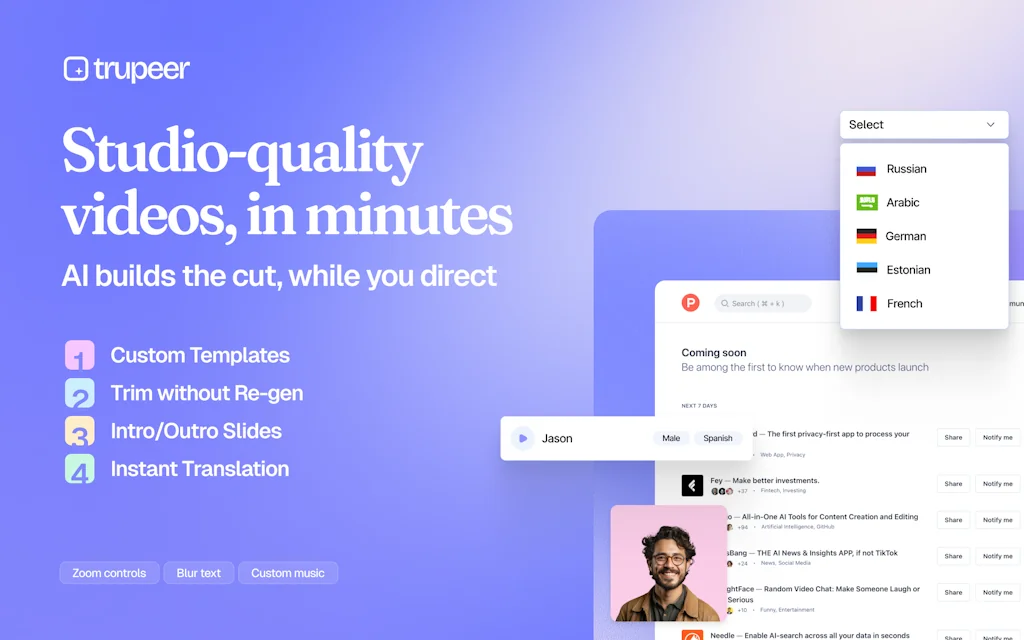
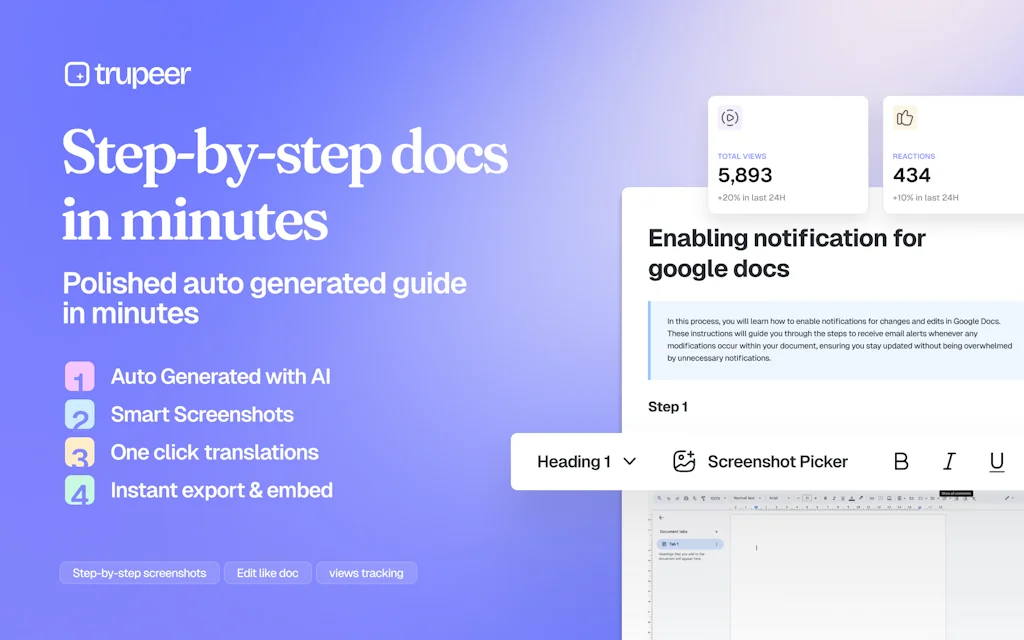
Get polished product videos and detailed guides from just a rough screen recording in seconds. No editing skills required—just record, customise and let AI handle the rest. Experience 100x the power of Loom! Perfect for product marketing, tutorials, and more.
Pros & Cons
Pros
- Easy to use
- Fast video creation
- Professional video quality
- Suitable for product demos
- Suitable for tutorials
- Suitable for explainer videos
- Time-saving
- AI integration
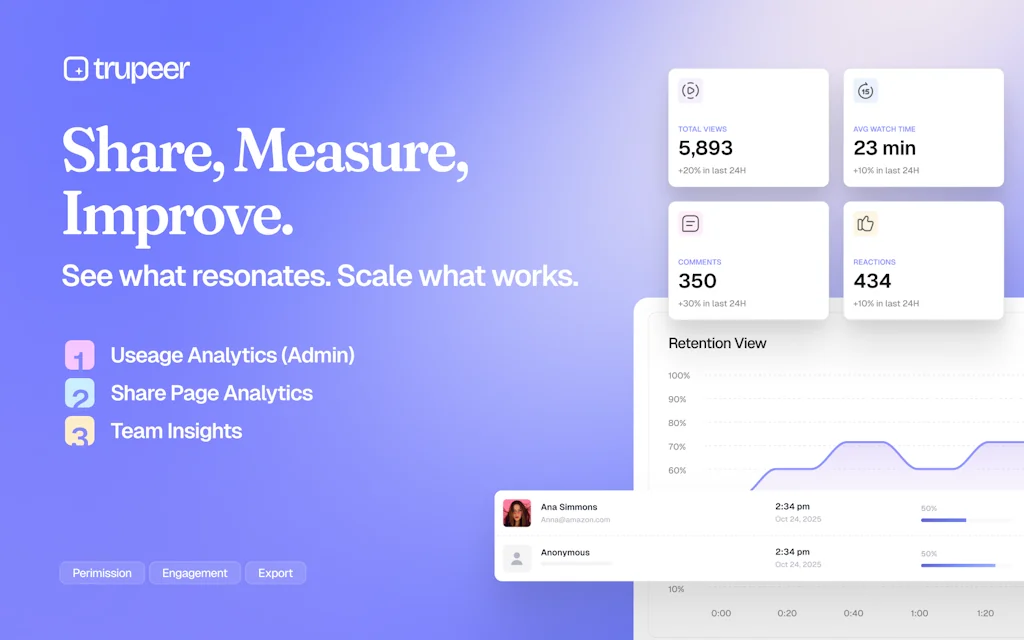
- AI-powered insights
- Responsive support team
- Suitable for onboarding videos
- User friendly
Cons
- Limited output units
- Pricing tiers need improvement
Tool Details
| Categories | Screenshots and screen recording apps, Product demo, Sales enablement |
|---|---|
| Website | www.trupeer.ai |
| Added | September 7, 2024 |
| Platforms | Web |
| Social | Twitter · LinkedIn |
Recent Reviews (8)
Trupeer's product is one of those rare products that feel like magic. I don't fully understand how they do it but the ability to have the AI voiceover sync up with the video is really, really impressive. Fantastic product.
I chose Trupeer because it offers a practical, end-to-end workflow for turning screen recordings into polished guides with minimal manual editing. Unlike many similar tools, Trupeer’s support actually works. Issues are handled quickly, directly, and with real follow-through.
We have started using this, and it is a great tool and one we will use a lot more often. I think the price point (packages) needs some work. Basic is too low in terms of output units, and Pro seems too little units before being asked to contact for Enterprise; it feels like it's missing a few tiers in terms of pricing and options. Otherwise, we are enjoying it, but we use LOOM a lot, and with the limited output, it might not be suitable for us moving forward until the packages are refined.
Used this recently and was genuinely amazed to see it transform a very blunt screen recording of my tutorial into absolutely elegant video. I claim this tool to be one of the very apt demonstrations of what heights AI can take us upto!
My team creates so much video content, managing it becomes a chaos. This solves that beautifully! That AI search part is the best, no ai tool is providing AI video search.
Great tool. Was able to quickly create a professional feature walkthrough without much prep and even a bit of cough. All of that was taken care of and improved in output. Impressed!
Frequently Asked Questions about Trupeer
When did Trupeer become popular?
Trupeer became popular around September 7, 2024.
What are the main advantages of using Trupeer?
The top advantages of Trupeer include: easy to use, fast video creation, professional video quality, suitable for product demos, suitable for tutorials.
What are the disadvantages of Trupeer?
Some reported disadvantages of Trupeer include: limited output units, pricing tiers need improvement.
What is Trupeer's overall user rating?
Trupeer has an overall rating of 4.4/5 based on 14 user reviews.
What type of tool is Trupeer?
Trupeer belongs to the following categories: Screenshots and screen recording apps, Product demo, Sales enablement.
Related Screenshots and screen recording apps Tools

Dubble
Documentation done while you work

10015 Tools
All Online Tools in One Box

Scrnshts
A collection of the finest app store design screenshots

Wizardshot
Create Step-by-Step Tutorials automatically using AI (free)

Simple screen + webcam recording
Simple screen + webcam recording. Share after recording

Usersnap
Guide your product journey with insights that matter
Related Product demo Tools






Related Sales enablement Tools

Thread
You show up to sell. Thread handles the rest.

AQX
Build AI Voice Agents to Automate Sales & Support

SalesPort
Reliable data + relevant outreach = more deals

Flowdy
Turn product descriptions into shoppable links automatically

Clay
AI Personalized Outbound at Scale

Nash
AI that interacts with any app, service, or file.
Compare Trupeer :





Don't Get Fooled by Fake Social Media Videos
The world's first fact checker for social media. Paste any link and get an instant credibility score with sources.
Try FactCheckTool Free