

Restream
Live stream on YouTube, LinkedIn, X and 30+ other
What is Restream?
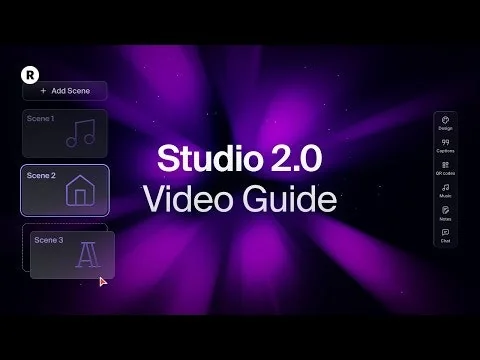
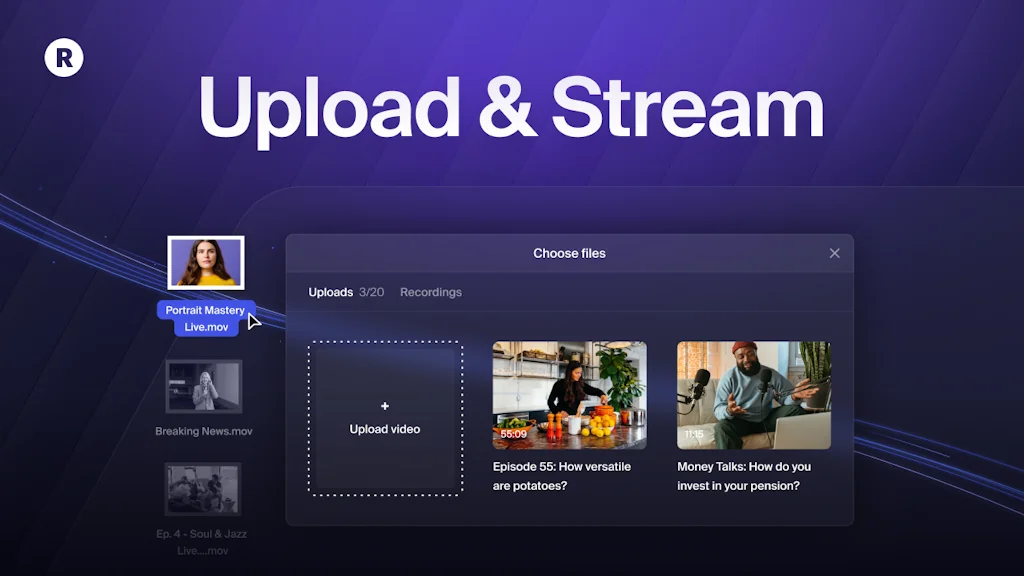
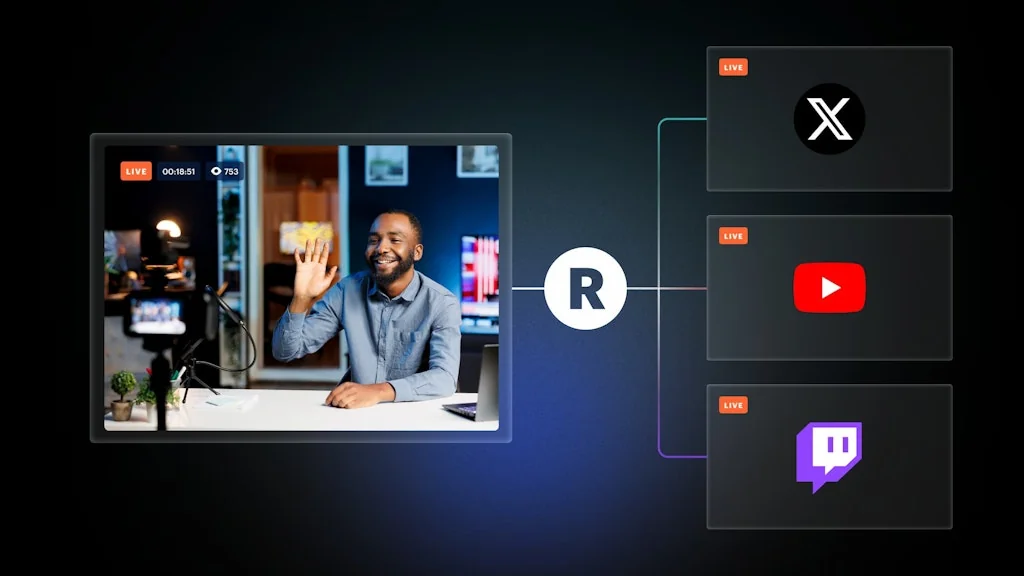
Restream makes it easy to create high-quality live videos on LinkedIn, X, YouTube, and Facebook at the same time and grow the community around your brand.
It's perfect for live events, webinars, keynotes, company news, product demos, podcast interviews, and live Q&As.
Loved by over 10 million creators and companies, including Apple Music, Pinterest, Salesforce, Cisco, Gartner, and many more.
Pros & Cons
Pros
- Multi-platform streaming
- Easy-to-use UI
- Repurposing content
- Restream studio
- Browser-based
- Custom layouts and overlays
- Customer support
- Easy guest setup
- Highlighting comments
- Media sharing
- Pre-record and schedule
Cons
- Awful customer support
- Lack of engagement features
- Lack of growth features
- Laggy platform
Tool Details
| Categories | Social Networking, Live streaming platforms, Video hosting platforms |
|---|---|
| Website | restream.io |
| Added | February 5, 2015 |
| Platforms | Web |
| Social | Twitter · Instagram · Facebook · LinkedIn |
Recent Reviews (9)
If you’re looking to step up your streaming game without drowning in tech setup, I can’t recommend Restream enough. It has become my favorite way to go live—whether I’m hosting a show, doing a one-on-one call, or sharing product updates. It simply makes me feel in control and helps me show up with confidence. It’s simple, solid, and doesn’t get in the way. What I love most is how effortless it is to run structured, polished shows in Restream Studio. I can line up scenes, add my assets, bring on a guest with just a link, and hit go. It actually feels like I’m running a proper production, not just jumping on another video call. The custom layouts and overlays make everything look clean and professional without me having to mess around with sizing windows or tweaking timing. I can just focus on what I’m saying and the energy I want to bring. One thing I didn’t expect? I’ve started using Restream Studio for one-on-one calls too. I know it sounds like overkill, but there’s something about the space — it feels more intentional than your typical Zoom call. Sharing media is smooth, switching layouts keeps things dynamic, and it’s easy to capture highlights or repurpose the conversation later. It just gives the call a bit more… weight, in a good way. Plus it’s fun too.
Pretty solid live streaming tool. However, there is no engagement feature nor growth feature whatsoever. They ignore these two factors that every live streamer cares the most.
Snappy and simple tool to stream on multiple channels. I’m using it for occasional fireside chats. Love it.
I now work for Restream! I was the studio director for a major podcaster. This was a very demanding role that became even more dependent on online tools during the pandemic. Enter Restream. I tried other platforms but Restreams simplicity, reliability and speed made it the clear choice. Being able to get a guest setup and live within seconds, as easy as a video call, was a lifesaver in the fast paced environment of a 5 day a week show. Going live to all our platforms and our guests, then downloading each individual for editing meant the podcast was perfect every time. I loved the product and customer service so much I joined them!
I use Restream Studio for my monthly show, which features live product demos and Q&As. It helps me create beautiful layouts for guest speakers and media—even with limited prep time and basic design skills. My audience loves the show because I can highlight their comments on screen and make everyone feel included. Repurposing is magic too: I get viral clips after each event and can pre-record and schedule demos to stream live. It's easy to use, makes me look professional, and drives real results—my audience turns into leads and active customers after every show. 🎥🎙🎧
Absolutely love Restream — it not only lets me stream to multiple platforms at once, but now it automatically finds my most viral moments and allows sharing them into TikToks, YouTube Shorts, Instagram Reels, and X clips. If you want to expand your audience and create everything from long live streams to short viral clips, this is a must-have.
Restream is the main part of my content workflow. The Clips feature (generated from my recordings) is an absolute game-changer. It works seamlessly with the rest of the Restream toolkit, closing the content repurposing loop and getting me even more reach and views with less effort. Highly recommend!
Setup is quick, the stream quality is solid. In browser Studio proved to be great tool both for beginner streamers and advanced users. Perfect for extending your social outreach across platforms without major hassle.
Love Restream! I've been using it for the last year for all of our live events and couldn't live without it. Such an easy-to-use UI and great support.
Frequently Asked Questions about Restream
When did Restream become popular?
Restream became popular around February 5, 2015.
What are the main advantages of using Restream?
The top advantages of Restream include: multi-platform streaming, easy-to-use UI, repurposing content, restream studio, browser-based.
What are the disadvantages of Restream?
Some reported disadvantages of Restream include: awful customer support, lack of engagement features, lack of growth features, laggy platform.
What is Restream's overall user rating?
Restream has an overall rating of 4.9/5 based on 10 user reviews.
What type of tool is Restream?
Restream belongs to the following categories: Social Networking, Live streaming platforms, Video hosting platforms.
Related Social Networking Tools

Oasis of Ideas
Share & discover ideas for any kind of project

Snowball
Grow and monetize your 𝕏 audience, FAST.

BNA
AI Super App: Socialize, Learn, Shop, Explore with AI

Hooper
AI stats and highlights for basketball play

YOSO App
Create a private, self-destructing, one-time-view photo link

char280
When 140 char isn't enough. Tweet up to 280 characters.
Related Live streaming platforms Tools

Swapface
A real-time face changer for creating all kinds of deepfake

Parfour
All golf. All the time.

Cohere Chime
Let customers call you with one click and zero setup.

AnyMirror
Mirror screen, camera, microphone and files to a computer

StreamWorlds
Bring your Twitch to Life with 3D Worlds for Your Community

Vimsy
Create your own video channel 🎥
Related Video hosting platforms Tools

Pexels
The best free stock photos & videos shared by creators

Squad
Hang out with friends in your favorite apps

The Unofficial Apple Archive
An archive of ads, videos and historical Apple material

Wistia
Wistia

BuzzFeed
Get more BuzzFeed directly to you! Quizzes, News, and Video

Capsule
Content with your community
Compare Restream :





Don't Get Fooled by Fake Social Media Videos
The world's first fact checker for social media. Paste any link and get an instant credibility score with sources.
Try FactCheckTool Free