
Google Meet
Premium video meetings. Now free for everyone.

What is Google Meet?
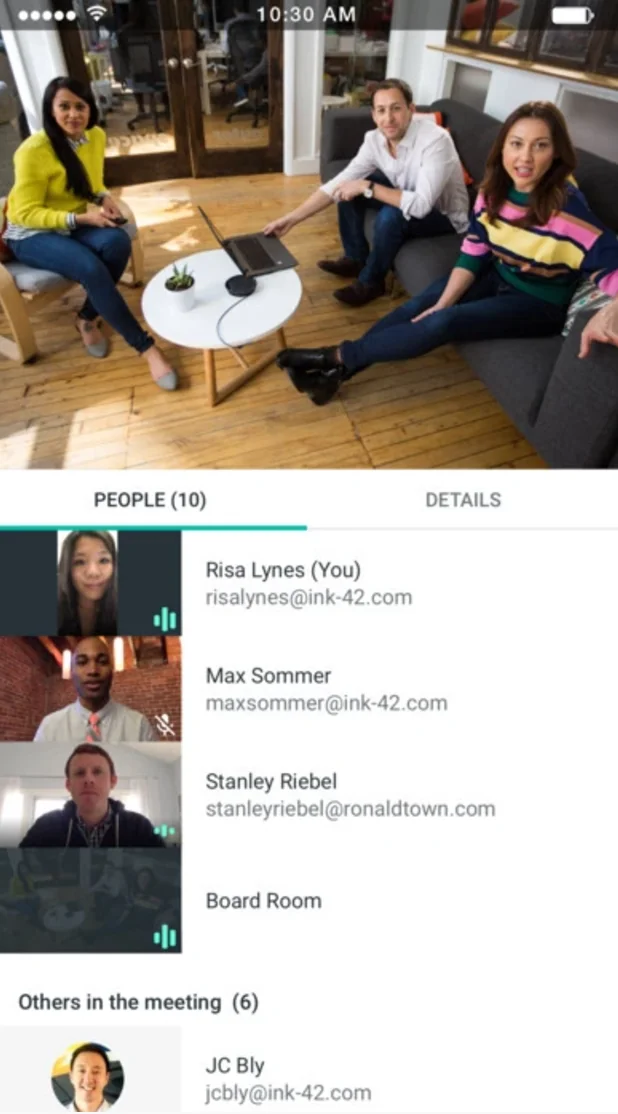
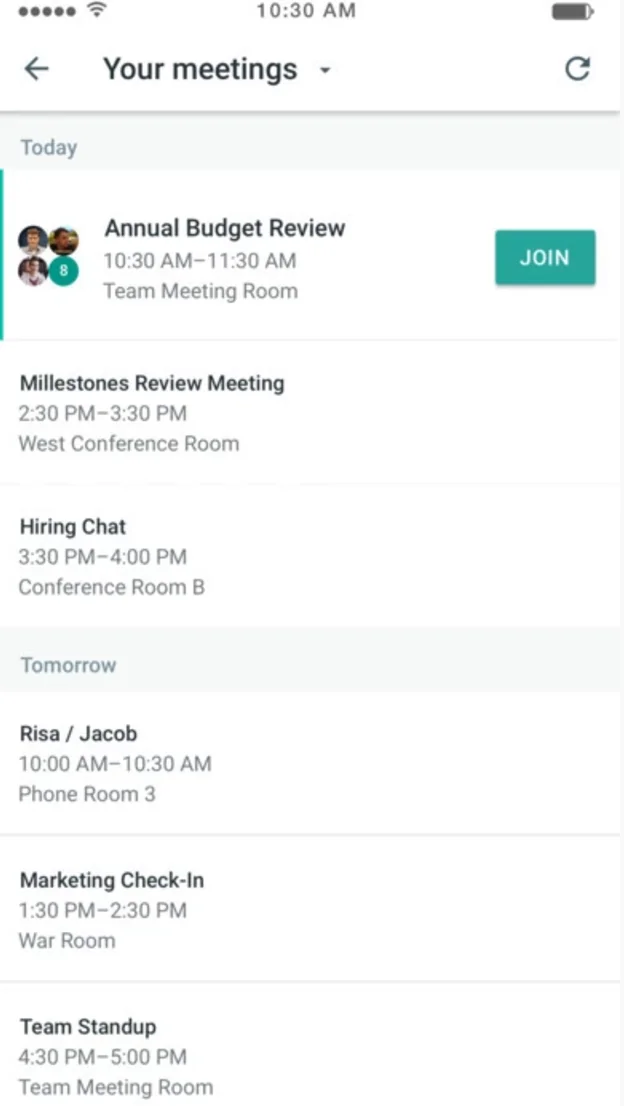
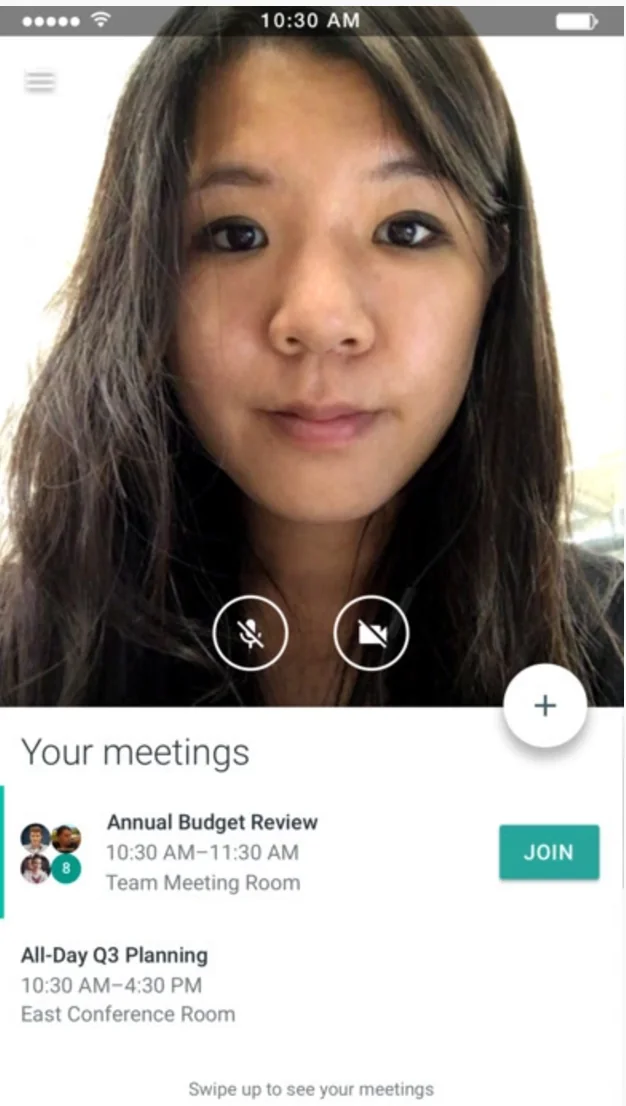
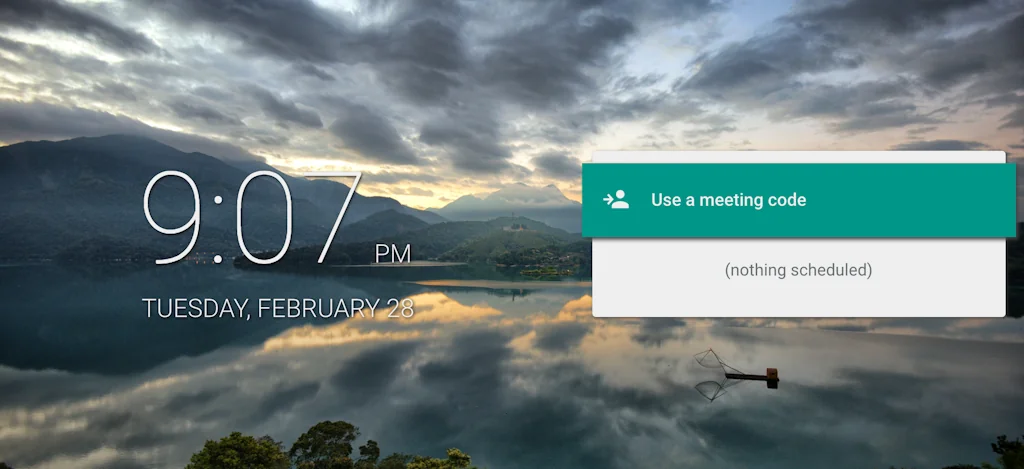
Google Meet is a video conferencing app. Google Meet integrates with G Suite versions of Google Calendar and Gmail and shows the complete list of participants and scheduled meetings.
Pros & Cons
Pros
- User-friendly interface
- Reliable conferencing
- High-quality video and audio
- Workspace integration
- Easy setup
- G Suite integration
- Remote collaboration
- Cross-device compatibility
- Seamless video calls
- Real-time captions
- Scalability
- Screen sharing
- Security features
- Virtual backgrounds
- Customizable backgrounds
- Noise cancellation
Cons
- Lack of zoom feature during screen sharing
- Missing AI transcriptor for Portuguese
Tool Details
| Categories | Team collaboration software, Video conferencing, Meeting software |
|---|---|
| Website | meet.google.com |
| Added | March 1, 2017 |
| Platforms | Web · iOS |
Recent Reviews (13)
Google Meet is our go-to for quick team check-ins and lightweight partner calls. Its deep integration with our Google Workspace setup makes it effortless to stay on track, stay connected, and move fast. It’s how we keep the Flexpoint machine running daily.
Google Meet is an extremely comfortable platform to run online meetings. It is our default service where we run language practices.
Big thanks to Google Meet for helping us collaborate seamlessly while building PlanPop! From team meetings to brainstorming sessions, it’s been a lifesaver for keeping us connected. 💻✨
Google Meet is a solid video conferencing tool, especially if you're already using Google Workspace. It’s easy to use, integrates well with Google services, and has good security features. You can host large meetings, which is great for teams. While it may lack some advanced features that other platforms offer, it’s reliable and convenient for everyday use. Do you use it often?
I use Google Meet with my team for daily check-ins and client calls. It’s easy to join, integrates well with our calendars, and the video quality is solid. I like how reliable it is and how little setup it needs. It keeps our communication smooth and efficient.
What I really like about using Google Meet for all my video conferencing needs is the availability of a wide range of backgrounds readily available in the app. Besides, I can also use any customised background if I want. I believe that's very convenient.
I've been using google meet for years, i only want them to consider having an option to let me zoom in when someone is presenting/sharing screen (usually what happens is I have to ask the presenter to zoom in to the file when sharing screen)
Google Meet has been super reliable for me. I love the noise cancellation (especially during busy days), the clean virtual backgrounds, and how easy it is to set up calls through the appointment booking calendar
My personal favorite way to have a video meeting. No nonsense and easy to use. Doesn't have a ton of other fluff that adds to the confusion like other platforms.
I love Google Meet. It's amazing how resilient it is. One feature that I miss is an AI transcriptor for portuguese.
Google Meet is a reliable and efficient video conferencing platform that has become a cornerstone for remote collaboration. Its intuitive interface makes it easy for users to join meetings, share screens, and engage in virtual discussions seamlessly.One of its standout features is the integration with other Google Workspace apps, fostering smooth document collaboration and file sharing during meetings. The platform's security measures, including encryption and advanced authentication options, contribute to a secure virtual environment for sensitive discussions.Google Meet excels in scalability, accommodating both small team meetings and larger webinars effortlessly. The real-time captioning feature enhances accessibility, making it inclusive for participants with diverse needs.
Google Meet has been a seamless tool for my remote meetings. It offers excellent video and audio quality, an easy-to-use interface, and convenient integrations with other Google services. The platform's versatility across devices and operating systems ensures a hassle-free experience. I highly recommend it for effective virtual meetings and collaboration.
Google Meet is one service for secure, high-quality video meetings and calls available for everyone, on any device.One standout feature is the excellent video and audio quality, ensuring that your meetings are not only productive but also clear and reliable. The user-friendly interface makes navigating through meetings effortless
Frequently Asked Questions about Google Meet
When did Google Meet become popular?
Google Meet became popular around March 1, 2017.
What are the main advantages of using Google Meet?
The top advantages of Google Meet include: user-friendly interface, reliable conferencing, high-quality video and audio, workspace integration, easy setup.
What are the disadvantages of Google Meet?
Some reported disadvantages of Google Meet include: lack of zoom feature during screen sharing, missing AI transcriptor for Portuguese.
What is Google Meet's overall user rating?
Google Meet has an overall rating of 4.8/5 based on 28 user reviews.
Is Google Meet available on mobile devices?
Yes, Google Meet is available on iOS (App Store).
What type of tool is Google Meet?
Google Meet belongs to the following categories: Team collaboration software, Video conferencing, Meeting software.
Related Team collaboration software Tools

Rows
The spreadsheet where teams work faster

Geneva
An all-in-one communication app for groups & communities

LIFE
Next-Generation Productivity, Collaboration & Organisation

Whirr
Easily build beautiful forms. For free.

FocusPit
Modular productivity app with collaborative widgets.

Firmbee
All-in-one project management system.
Related Video conferencing Tools

join.me
Empower your employees to work remotely

Virtually 2.0
Build your own online school

Castr
One Stop Video Broadcasting Platform
Airbounce for Mac
One magic button for easier calls

VP Player
The Ultimate Video Platform for Quality, Customization & Ease of Use

Grapevine
Asynchronous meeting software for remote teams
Related Meeting software Tools

lemcal
The 1 tool you need to book more meetings 📆

Miter
Run better meetings.

Macro
Give your meetings superpowers.

Brightful Meeting Games
Kick off your next meeting in style with a fun icebreaker

Dory
Make every meeting engaging and productive

Spinach.io for Google Meet
Better daily standups in Google Meet
Compare Google Meet :





Don't Get Fooled by Fake Social Media Videos
The world's first fact checker for social media. Paste any link and get an instant credibility score with sources.
Try FactCheckTool Free