

Kapwing
Content creation made easy, accessible, and collaborative
What is Kapwing?
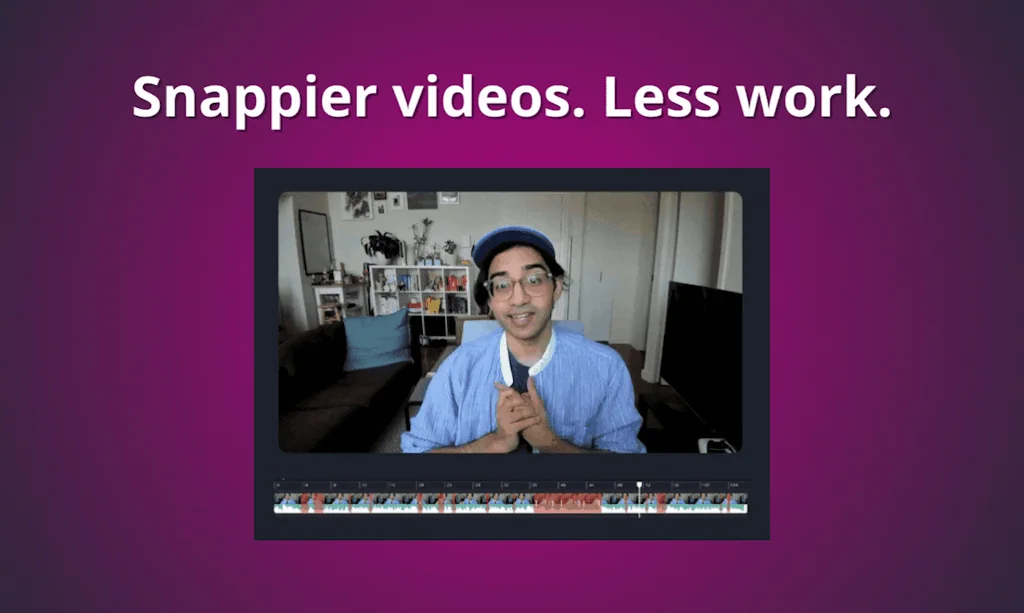
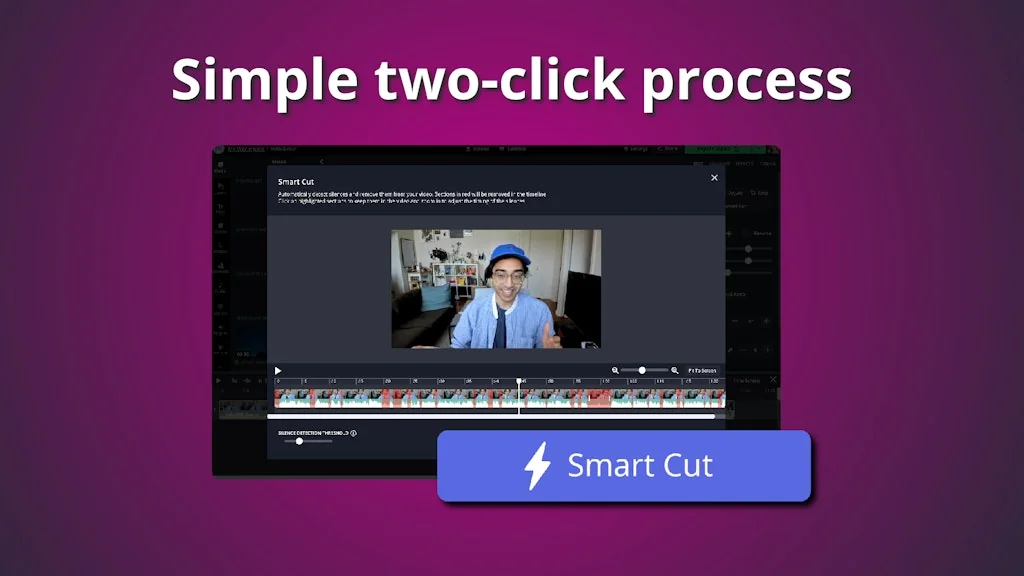
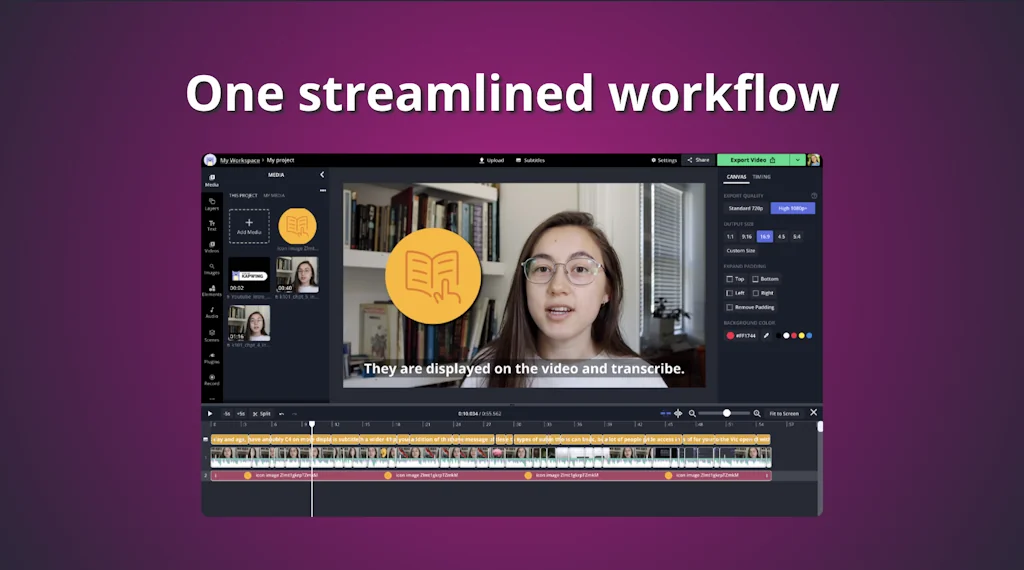
Kapwing is a modern editor for videos, GIFs, and images. Try our free, online tools including Studio, meme maker, resizer, subtitle maker, filters, and more!
Pros & Cons
Pros
- Easy to use
- Free tier
- Automatic subtitle generation
- Audio editing
- Fast performance
- User-friendly interface
- Browser-based editing
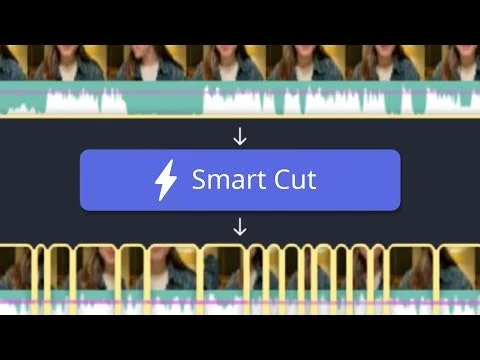
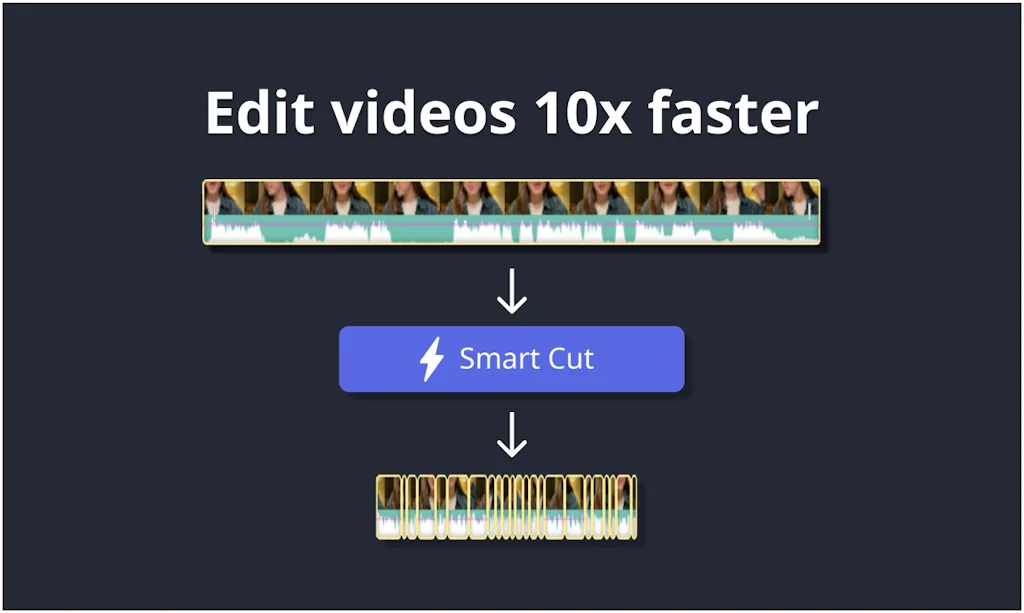
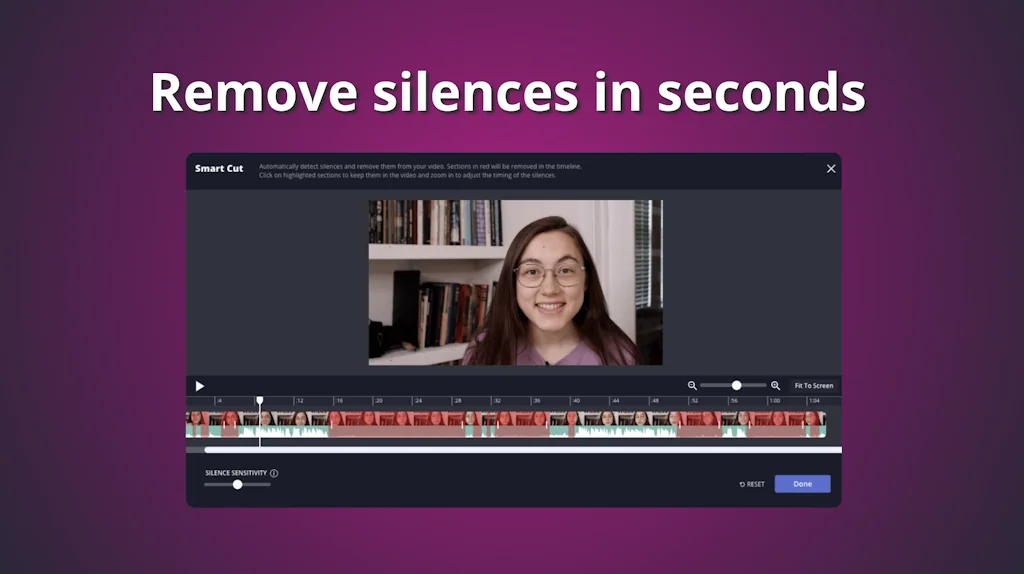
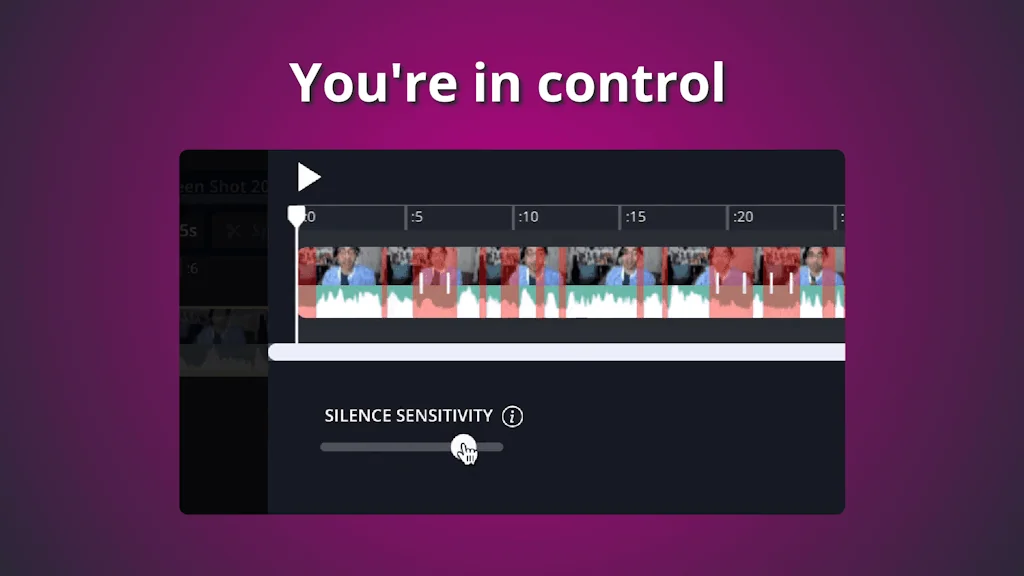
- AI silence deletion
- Frequent feature updates
- Video meme integration
Cons
- Glitchy performance
- Expensive premium plan
- Limited free features
- Export issues
- Poor customer service
- Large watermark
- Limited project storage
- Slow uploads
- Audio editing
Tool Details
| Categories | Team collaboration software, Video editing |
|---|---|
| Website | www.kapwing.com |
| Added | November 8, 2017 |
| Platforms | Web |
| Social | Twitter · Instagram · Facebook |
Recent Reviews (13)
Kapwing is great for beginners to video editing. It makes things pretty easy and has a lot of assets to choose from. Although I did run into a few bugs, I was still happy with the result!
Kapwing makes video editing easy with its simple, browser-based tools - perfect for quick edits and collaboration.
Kapwing makes it very easy to edit videos right in the browser.
I like the interface and found it user friendly. However the fact that it is browser based has given me a lot of headaches. Uploads not working or taking forever. As your videos get more complex, the program can't download them and you need to break them up into chunks. Many times my videos dont download unless I chunk them down into 2 minute increments. For 10-15 minute videos this gets very annoying and time consuming. I'm sad to say I just can't continue using this program, yet I still have many months left in my subscription. But like so many other companies out there, once they get your money, you'll never see it again, even if the product stops working for you. And sure enough, Kapwing will not refund me my remaining subscription months. I'm tired of this. I'm tired of giving away my hard earned money. Because that's essentially what I'm doing. I paid for a video editing program to make my YT videos. But when it takes me 5 times longer to make a video with that program than it does on something like ClipChamp, the product is not what I paid for. Too bad for me though, the money has vanished and can never return.
just horrible.....I use the app for 20 mins and I already hate it. first I uploaded a file that for some reason had problems witch rather letting me fix it/delet it. it just crashes and I HAVE TO RESTART and do it over and over again. The lag is JUST HELL. AND ONLY 4 MINS TO CREATE ONE PROJECT. this app is a joke.. I have no idea who is "boss" here but they are just making the app 20x worse then it was before. also why is the watermark SO DANG BIG. like I understand trying to get more people to use the app, but YOU DONT NEED TO COVER UP 1/8 OF THE DANG SCREEN. would not recomond this app to anyone
1. First off, so expensive. If you want to keep more than THREE videos, JUST THREE at one time, you have to pay, which is dumb. At least it is better than only having your videos in for only three days until it gets deleted, right? Right, but NOW you can only have three videos at a time AND you can only have them in for THREE DAYS. Insanely stupid. Also, they are so money thirsty. 2. If you make audio or a video, it will purposely chip and mess with the audio/video. There is also a feature called 'Clean Audio' that costs money but it is literally just your original audio. How money thirsty. 3. Today, I was exporting a video, and it says "cannot upload right now because all of the layers are not uploaded" it told me to try again in a few seconds. I waited HOURS, leaving my Chromebook OPEN, checking EVERYTHING in the video, everything was uploaded but it was NOT GIVING ME MY VIDEO. When I tried to refresh, it said I might lose some progress, which I didn't want because I worked hours to make this video. After another few minutes or probably an hour, it still didn't work, so I gave in and refreshed. 4. Also, the watermark. They made it BIGGER now, and they even removed the option to have a few watermark-free videos every month without premium. Like that is so stupid to remove it.. 5. Also, you now cannot record videos longer than 15 minutes on the camera option which is useless anyway because you cant export anything more than 4 MINUTES. 6. Also, this site makes my whole Chromebook freeze. It might sound like a "me" problem, but it is not. ALL the other websites work, but if I put a video and a song over it, the sound will start sounding glitchy, my mouse wont move, and everything freezes. I have to shut off my Chromebook, and if I try to work on it again, it freezes up for another time. Once, it happened and I shut my Chromebook, and the sound kept playing when it was COMPLETELY shut. It scared me so much, I shoved it in a closet and covered the sound up, couldn't even shut down my Chromebook cause of the freezing. Trust me, when they ask you for feedback, they WONT LISTEN. They'll make it worse, don't use this site unless its for silly goofy useless projects or what not. Kapwing is by far the worst editing site....
I've been using Kapwing for sometime now to produce videos for social media and I'm loving it so far. I especially like how easy it is to edit videos and integrates memes into the video. Also, the automatic subtitle generator feature in Kapwing is a big one for me as it would be tedious manually entering caption. The fact that I can produce videos for the different social media platfroms using this software made it a no-brainer as well. I look forward to leveraging the video recorder feature for future projects. I strongly recommend this to any content creator looking for an affordable and powerful video editor.
The Price for this service is more expensive than premiere pro monthly. Although it does have a free plan, it doesn't give you many of the features the service brags about. Thankfully, Kapwing has a school plan which gives you their pro features for free. This software has the advantages of an online editor, but it doesn't have 4k or anything higher and not very advanced color correction or animations. There tends to be bugs in the editor, but they seem to get fixed quick enough. It is nice that the editor has options to import images from Google and videos from online for free, which most online video editors do not have. It does have a small watermark in the bottom right corner which is not the worst thing, I've ever seen, I guess.
I’m confused about where these positive reviews are coming from-I would give kapwing 0 stars if I could. Although it advertises a free subscription to try out the features, it wouldn’t let me use the feature I wanted (remove video background) without a premium subscription-so I was forced to buy it. It still didn’t work, and would not let me export any videos. Constantly glitching and freezing. Numerous excuses given by customer service (use a different colour background, use a background that does not have any colours of the subject, use chroma key and then it will work, your file was corrupted-no it wasn’t). They finally sent me a link to look at my video which they said was “successful” and it was just a colour prism on a screen for a few seconds and then blank. In the end they said they had fulfilled their obligations to me as per their policies, so goodbye-they would not be communicating any further. A total waste of time, money and energy. A horrible product. Do not recommend!
I love Kapwing so much. I've been using it for at least 3 years to help make my reviews more accessible. I love love love their team and their attitude too. The worst part is once in a while there's a glitch, like a video takes too long to render or the captions don't load, or the final edited video will glitch at the end. But that's extremely rare and I always chaulk it up to their newness. Also happy to report those glitches and they always listen!
Kapwing failed to import my video clips, refused to place them on the track when I finally got them through after many tries, and generally did not fulfill any of the very straightforward functions that I was seeking. Its spectacular glitchiness is aggravated by singularly grating customer service. "I'm sorry to hear you feel Kapwing wasn't what you were looking for!" Yeah, it sure wasn't—I was looking for something that worked.
Kapwing failed to import my video clips, refused to place them on the track when I finally got them through after many tries, and generally did not fulfill any of the very straightforward functions that I was seeking. Its spectacular glitchiness is aggravated by singularly grating customer service. "I'm sorry to hear you feel Kapwing wasn't what you were looking for!" Yeah, it sure wasn't—I was looking for something that worked.
The only reason I signed up for this sight is to leave a 5 star review for Kapwing, because I saw the reviews did not represent how good this product is. I don't know where the low reviews are coming from, maybe because it used to be free and now it's paid, or because it does advanced processing (very smoothly) and you need high processing power to keep up, but anyway, I've had a fantastic experience. I don't usually go out of my way to leave a review, but for the money, this does everything I want, in a more affordable and way more user friendly way than the final cuts, or adobe premiers out there. Worth the money!
Frequently Asked Questions about Kapwing
When did Kapwing become popular?
Kapwing became popular around November 8, 2017.
What are the main advantages of using Kapwing?
The top advantages of Kapwing include: easy to use, free tier, automatic subtitle generation, audio editing, fast performance.
What are the disadvantages of Kapwing?
Some reported disadvantages of Kapwing include: glitchy performance, expensive premium plan, limited free features, export issues, poor customer service.
What is Kapwing's overall user rating?
Kapwing has an overall rating of 3.1/5 based on 30 user reviews.
What type of tool is Kapwing?
Kapwing belongs to the following categories: Team collaboration software, Video editing.
Related Team collaboration software Tools






Related Video editing Tools

Google Veo 2
State-of-the-art video

Vadoo AI
Create Stunning Videos in Seconds with Vadoo A

Growith
Improve your video content with real unbiased feedback

DubVid
Translate your Videos in any language with just 1-click
Spiritme
Digitize yourself and delegate pitching to your avatar

Hustl
Create Time-Lapse Videos of your Mac Screen
Compare Kapwing :





Don't Get Fooled by Fake Social Media Videos
The world's first fact checker for social media. Paste any link and get an instant credibility score with sources.
Try FactCheckTool Free