

Tower – Git client for Mac and Windows
Build Better Software

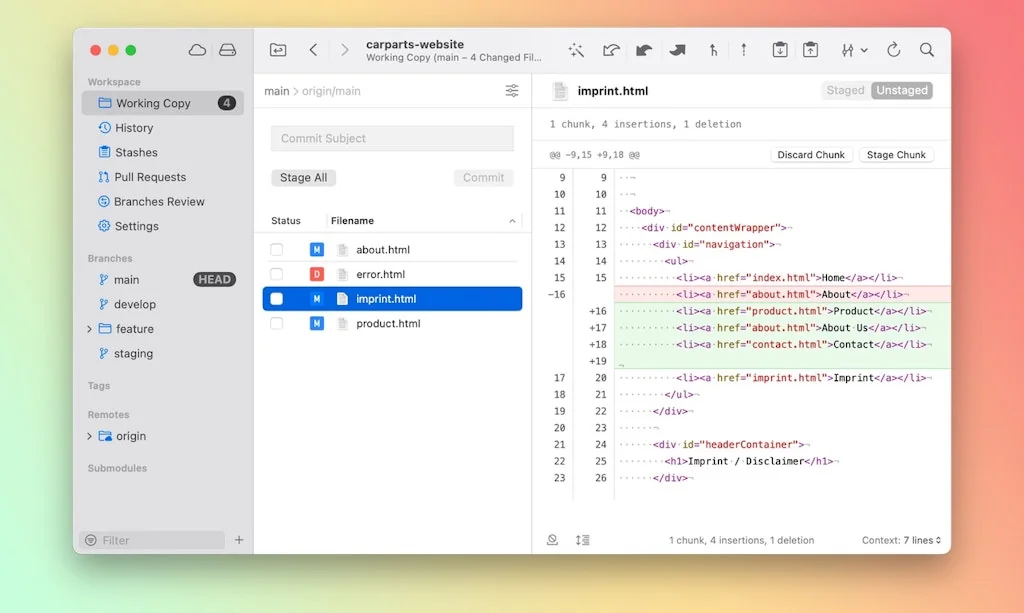
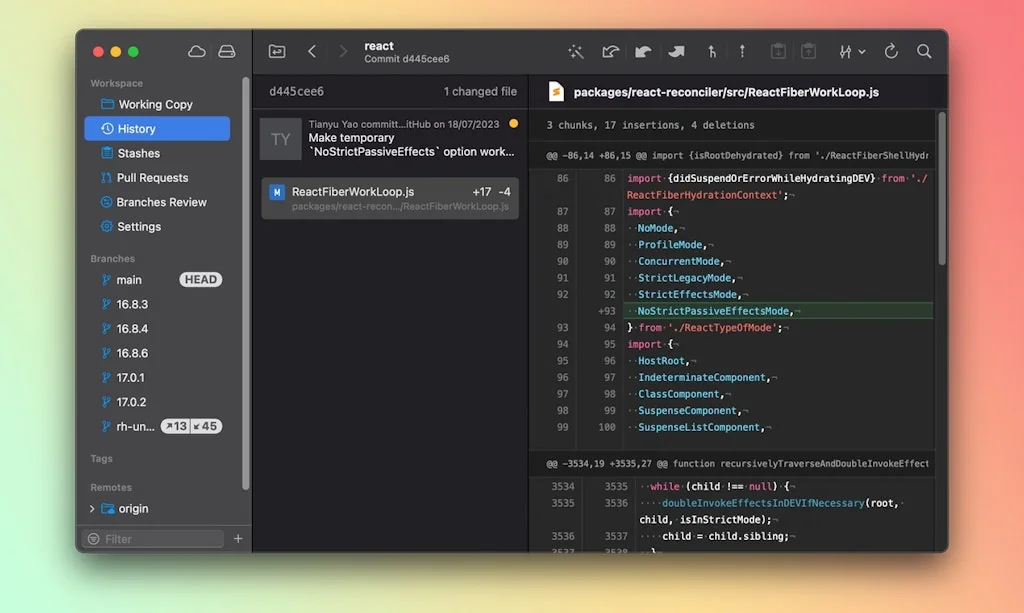
What is Tower – Git client for Mac and Windows?
Over 100,000 developers and designers are more productive with Tower - the most powerful Git client for Mac and Windows.
Pros & Cons
Pros
- User-friendly interface
- Undo feature
- Branch management
- Fast performance
- Reliable functionality
- Customer support
- Keyboard shortcuts
- Rebasing
- Stashing
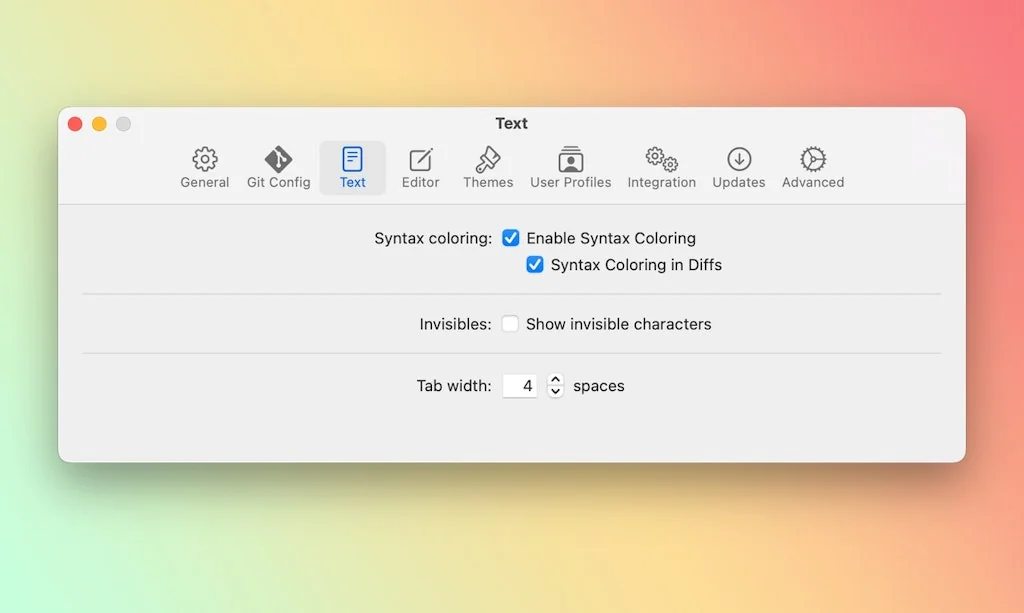
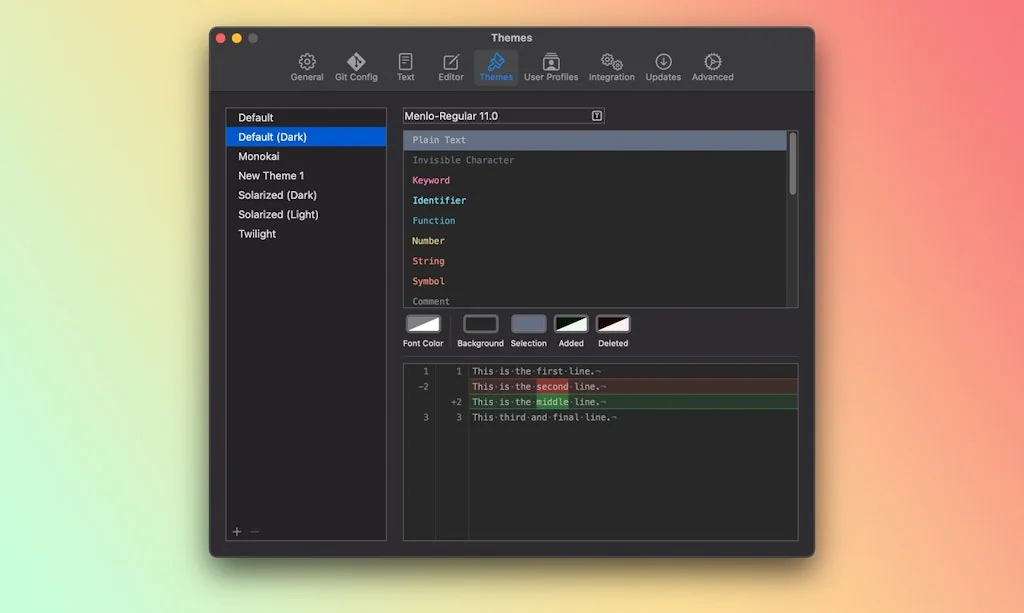
- Syntax coloring
Cons
- No perpetual license
Tool Details
| Categories | Team collaboration software, Git clients |
|---|---|
| Website | www.git-tower.com |
| Added | March 29, 2014 |
| Platforms | Web |
| Social | Twitter · Instagram · Facebook |
Frequently Asked Questions about Tower – Git client for Mac and Windows
When did Tower – Git client for Mac and Windows become popular?
Tower – Git client for Mac and Windows became popular around March 29, 2014.
What are the main advantages of using Tower – Git client for Mac and Windows?
The top advantages of Tower – Git client for Mac and Windows include: user-friendly interface, undo feature, branch management, fast performance, reliable functionality.
What are the disadvantages of Tower – Git client for Mac and Windows?
Some reported disadvantages of Tower – Git client for Mac and Windows include: no perpetual license.
What is Tower – Git client for Mac and Windows's overall user rating?
Tower – Git client for Mac and Windows has an overall rating of 4.9/5 based on 16 user reviews.
What type of tool is Tower – Git client for Mac and Windows?
Tower – Git client for Mac and Windows belongs to the following categories: Team collaboration software, Git clients.
Related Team collaboration software Tools

Onetab
AI-Powered Communication and Collaboration Tool

Jelled.ai
Stay on top of your inbox

15Five
15Five is a leading people and performance platform

Superthread
Project management tool with integrated tasks, notes & docs.

Kanbanq
Project management. Simply done. For small teams & indies

Grapevine
Asynchronous meeting software for remote teams
Related Git clients Tools
Yist
Seamlessly sync and manage your GitHub Gists locally
Retcon
Rewrite Git history with drag-and-drop and ⌘Z

GitLab
Complete DevOps platform, delivered as a single application.

shell.how
Explain how your shell command works

Sourcery AI
Instant Python refactoring

Atlassian Sourcetree
The best Mac and Windows client for Git and Mercurial.
Compare Tower – Git client for Mac and Windows :





Don't Get Fooled by Fake Social Media Videos
The world's first fact checker for social media. Paste any link and get an instant credibility score with sources.
Try FactCheckTool Free