

Beatwave
Create custom audio visualizers in just a few clicks.
What is Beatwave?
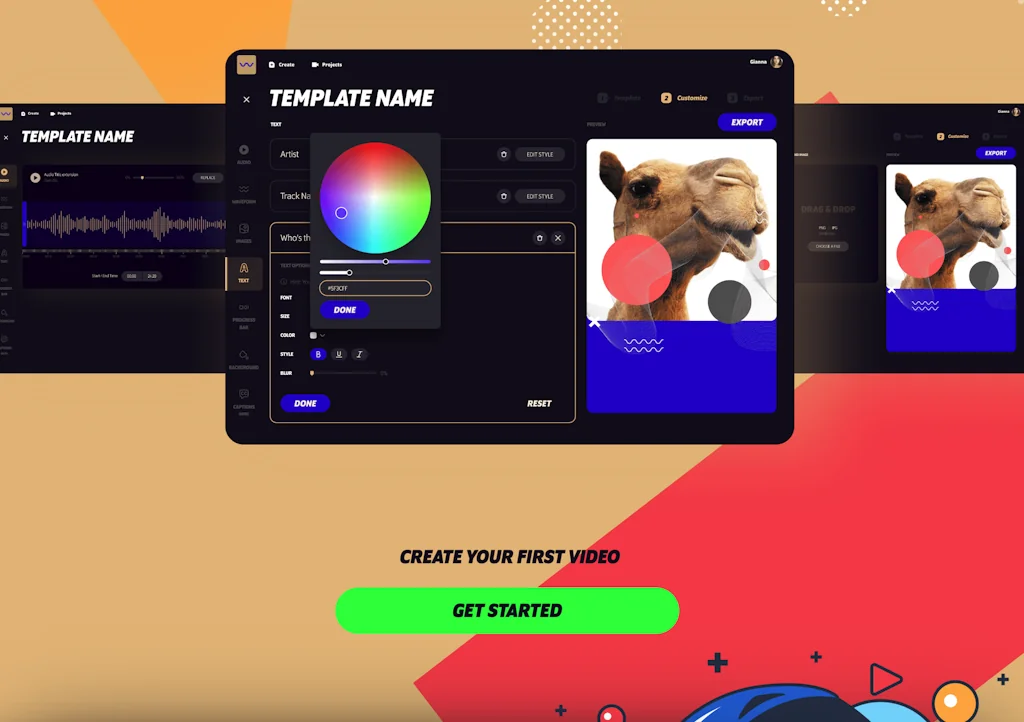
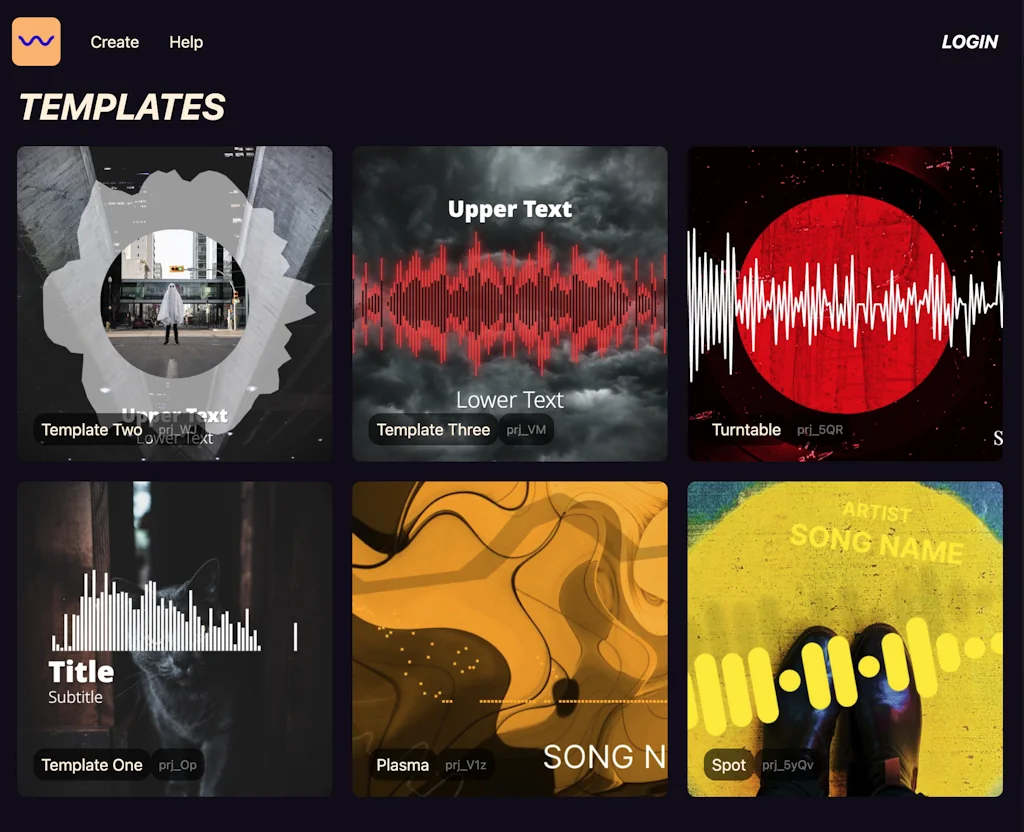
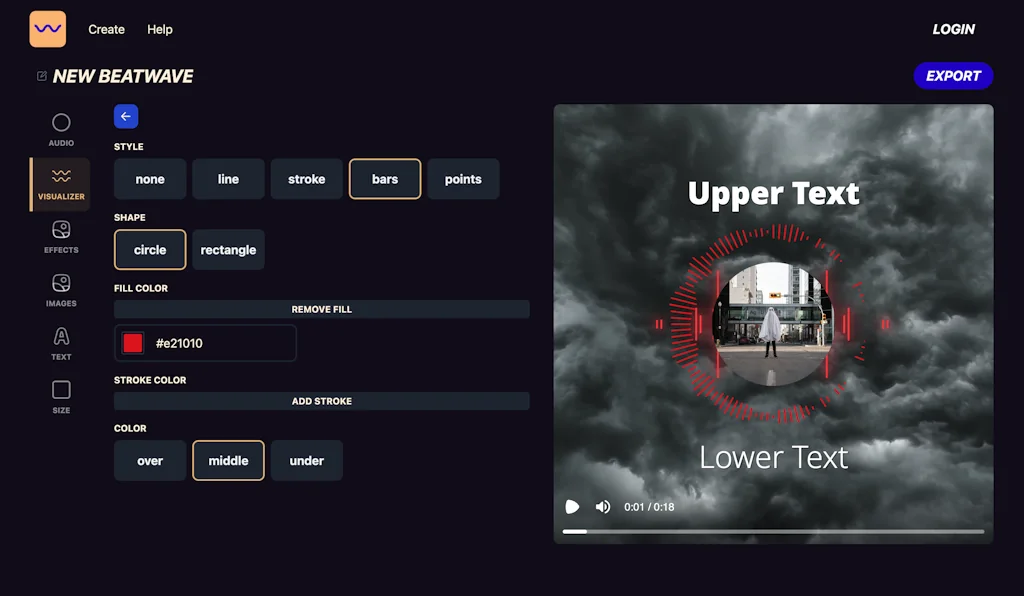
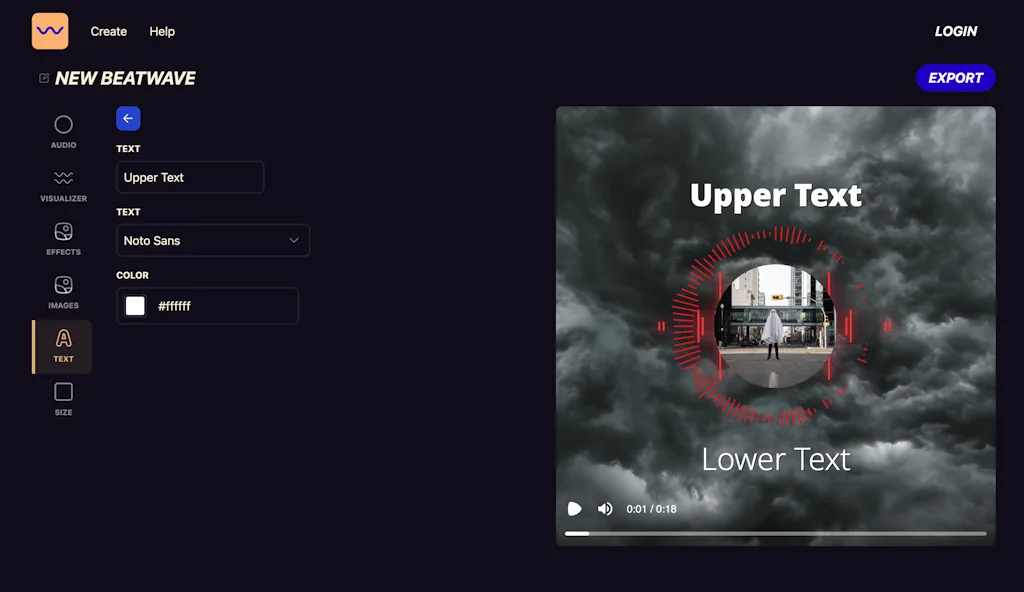
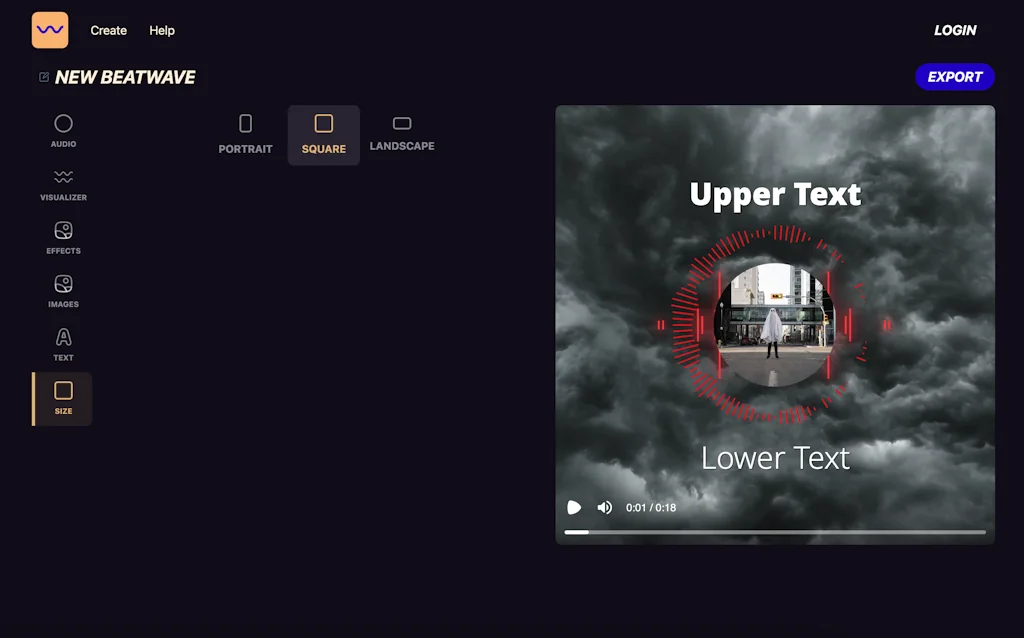
Beatwave allows you to create audio visualizers in just a few clicks. You can turn any piece of audio into an engaging video in less than 60 secs. Just choose your template, upload your audio, customize colors and brand imagery if needed, and click create.
Pros & Cons
Pros
- Easy to use
- Audio visualizer
- Client satisfaction
- Fast performance
- Time saving
- Video rendering
- Creative tool
- Template customization
- Versatile
Cons
- Limited templates
- Video background upload
Tool Details
| Website | viddyoze.com |
|---|---|
| Added | July 6, 2023 |
| Platforms | Web |
| Social |
Recent Reviews (6)
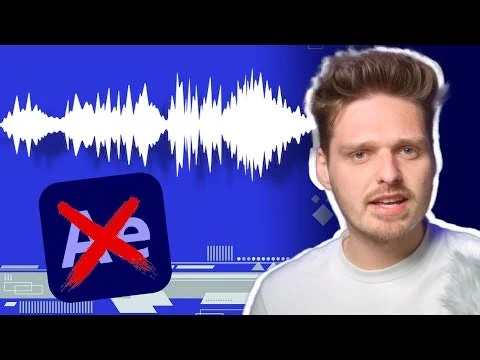
Love the speed and simplicity of using Beatwave to turn audio clips and tracks into something that is visually stimulating and perfect for sharing by clients on their social media. I could use after effects to create this type of asset. But to be honest for 95% or more of the time Beatwave is quicker. It's possible to have the video rendering and ready to download, before I would have got After Effects open and found the template. never-mind experimenting with the design and creating the asset. It's definitely a Win Win Win App A Win for me as the clients get their result quicker A win for the client, because they get the asset quicker (and consequently cheaper) A win for both us as they request more visualisation videos
I have used Beatwave to create several videos for my customers including Dentists, Tree service and a radio station. Short and sweet the grab your attention and are extremely easy to put a product together fast with that custom look and feel... Very pleased and more importantly so are my clients who think I spend a lot more time putting together a promo for them than i really did! A win-Win deal.! Cheers from Oregon!
First off, ¡¡Congratulations!! - It's a great and creative product, I think the biggest thing it is missing, as far, is the ability to upload video clips as background. It's a great addition to the main Viddyoze suite and for those of us on Viddyoze, it's a great partner, indeed.
I gave away two Beatwave Videos to see my client's reaction and they absolutely loved them. Just because I liked it wasn't good enough for me, because I'm into this technology. However, the fact that my clients were so drawn to them really solidified that it passed the litmus test. Great Job Guys!
Beta user of Beatwave and all I can say is "Wow". Great flexibility with image manipulation and hte supplied templates. Ease of use remarkable and render time is preety darn fast. 4.9 Stars. Looking forward to more templates coming :)
While I am working with a performing artist I find the Beatwave app a perfect and fast way to get music in front of people, especially on video platforms like YouTube.
Frequently Asked Questions about Beatwave
When did Beatwave become popular?
Beatwave became popular around July 6, 2023.
What are the main advantages of using Beatwave?
The top advantages of Beatwave include: easy to use, audio visualizer, client satisfaction, fast performance, time saving.
What are the disadvantages of Beatwave?
Some reported disadvantages of Beatwave include: limited templates, video background upload.
What is Beatwave's overall user rating?
Beatwave has an overall rating of 4.8/5 based on 6 user reviews.
Don't Get Fooled by Fake Social Media Videos
The world's first fact checker for social media. Paste any link and get an instant credibility score with sources.
Try FactCheckTool Free