

ClickUp
An all-in-one productivity platform
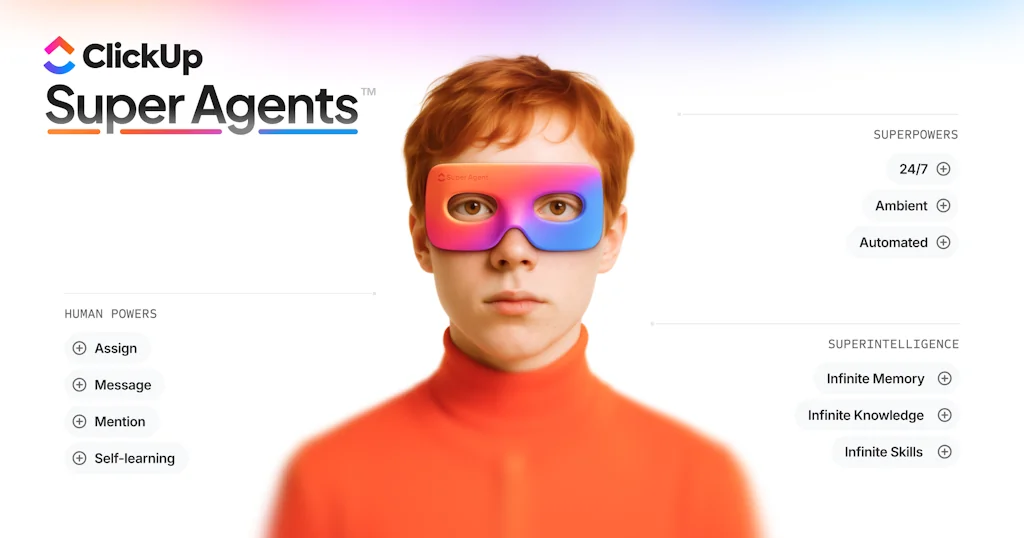
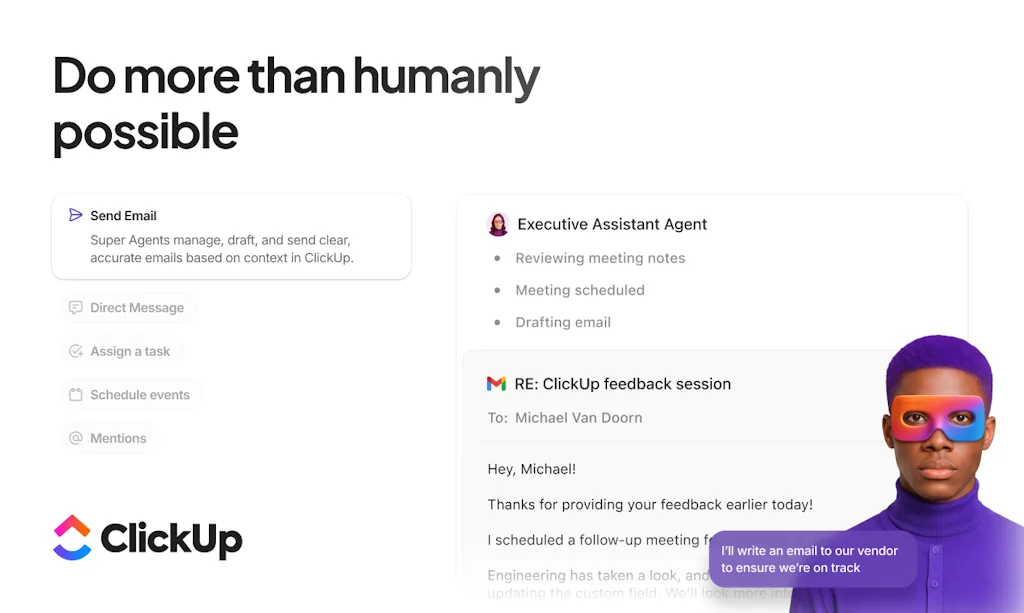
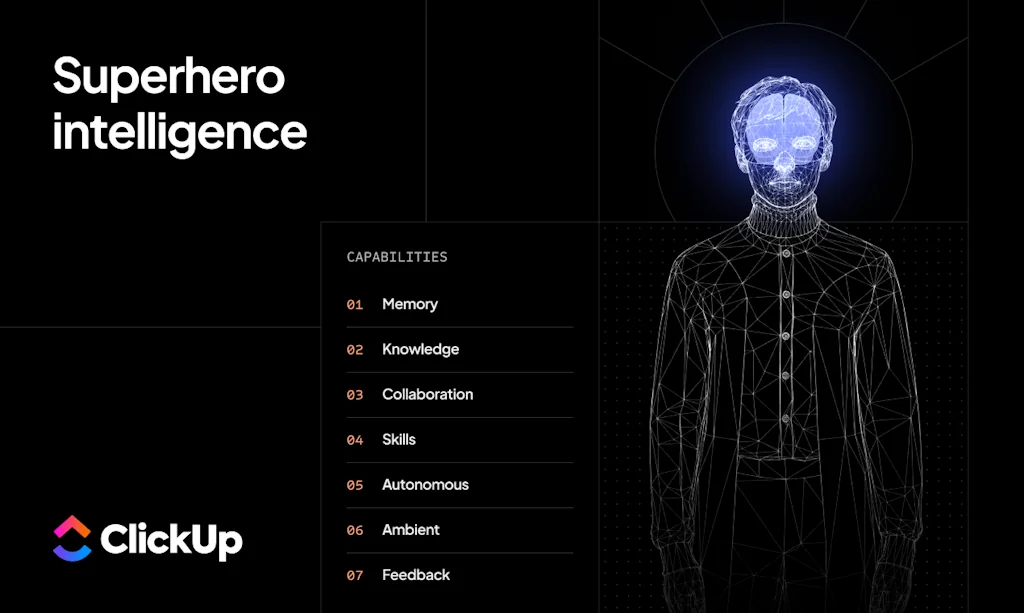
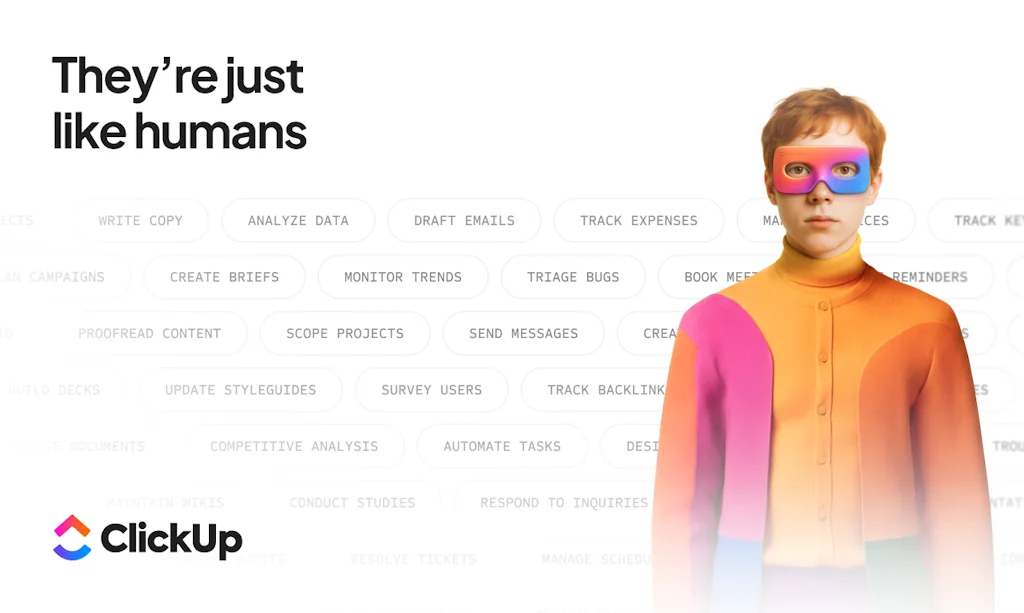
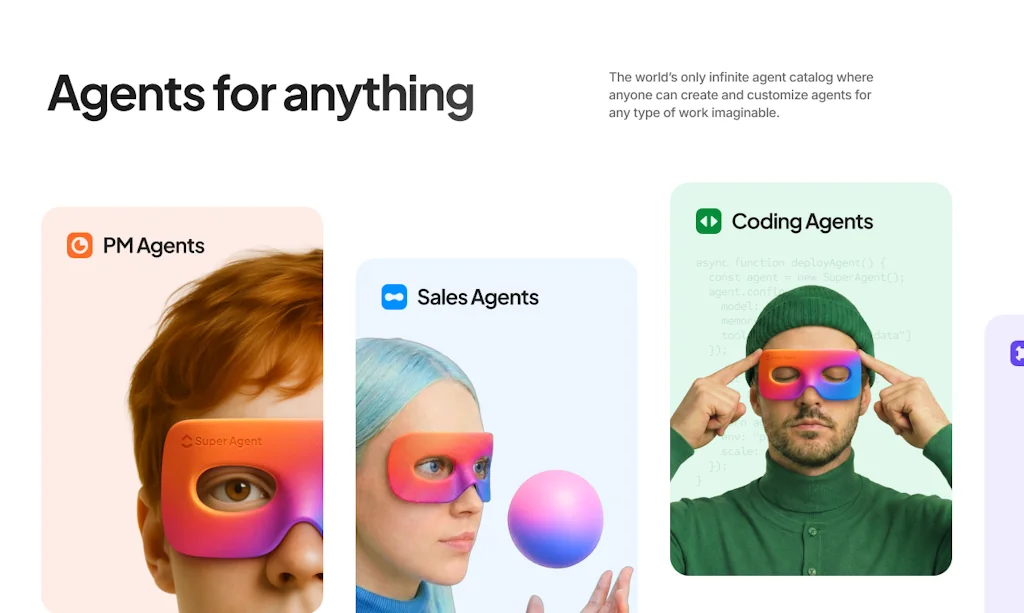
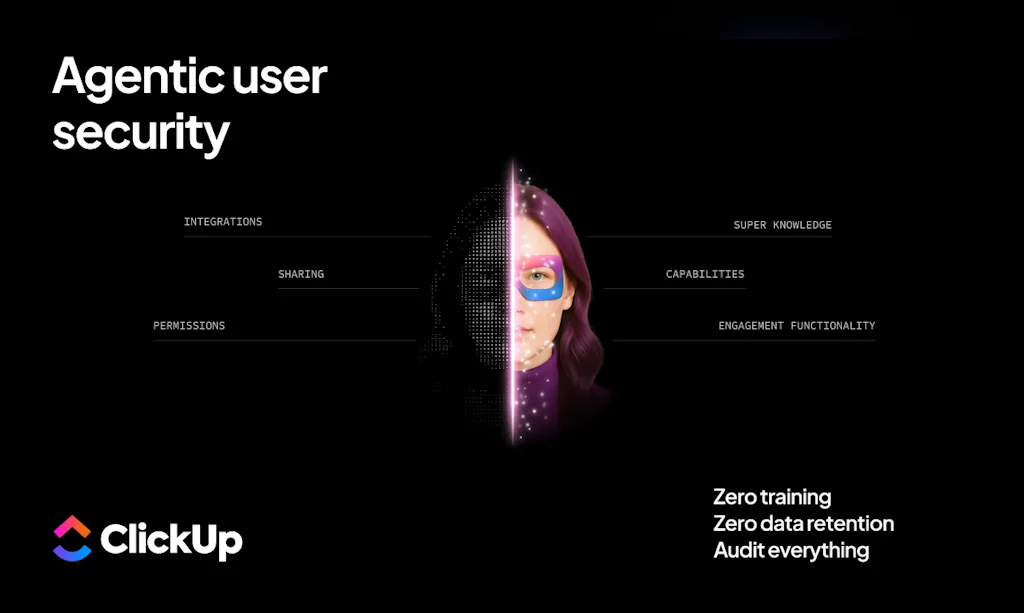

What is ClickUp?
Tasks, docs, goals, chat, and everything imaginable to make you more productive.
Pros & Cons
Pros
- Project management
- Task management
- Team collaboration
- Feature-rich
- Customizable workflows
- Integrations
- AI features
- Automation
- Document creation
- Goal tracking
- Templates
- Gantt charts
- Free tier
- Time tracking
- Real-time collaboration
- Custom fields
- Robust API
- Work analytics
Cons
- Learning curve
- Overwhelming interface
- Slow performance
- UI/UX issues
- Feature bloat
- Ai features
- Customizable workflows
- Goal tracking
- Project management
- Templates
- Time tracking limits
Tool Details
| Website | try.web.clickup.com |
|---|---|
| Became Popular | June 22, 2017 |
| Platforms | Web |
| Social | Instagram · Facebook |
Recent Reviews (13)
Clickup is a little overwhelming in terms of features. Is there anything it does not do? But it's become our go-to for all sprints etc. One way we benefit from clickup is by coordinating all our QA and bug tickets with it, and then having SmythOS agents do triage, and report back to the ticket with updated status. This is possible because clickup has a robust API. Another way we use clickup is with a SmythOS agent that writes sprint summaries for our discord community channel. It reads all the tickets and creates updates from that. A final way we use clickup is with a SmythOS agent that helps our VP of engineering stay on top of who's working on what, simply by giving it the ability to search activity and comparing it to github commits. This is benefiting us because we can find out who is most likely the best person to assign a ticket to, or who is over/under allocated - with the least amount of effort.
Clickup is definitely a great tool. Its way too easy to handle and doesn't need special brain to understand it. It's not tailored to just product management. We can use it in multiple ways. But, It doesn't have the usual EPIC and story mode. Also, if we have the stories in one place and duplicate it to create sprints and roadmaps, we have to change the status manually to the tasks rather it gets updated from sprints
Best all-in-one productivity software; our team has been using it for over a year for task management and collaboration, content drafting, wikis, chats, asset archival, whiteboarding, hiring, and more. We are harnessing its unified ecosystem and the powerful ClickUp AI. Way to go ClickUp team! 💪
I trialled other platforms (Asana, Monday), but none could match ClickUp’s ability to run entire marketing, product and operational ecosystems in one place.As a Brand Marketing Manager leading multi-channel campaigns, sprints and reporting across design, product, paid, and content teams, I needed something more than a task list—it had to be a live command centre.
I selected ClickUp as my preferred platform due to its established reputation as a dependable tool for efficiently managing work tasks with my colleagues.
ClickUp has more features compared to other similar products, all come in one price and it replaced other subscribtions helped us same money while having a better team collaboration
ClickUp has completely transformed how our team manages projects, tracks progress, and stays aligned. The platform is incredibly flexible—whether you’re managing software development sprints, handling client deliverables, or planning content calendars, it adapts to your workflow, not the other way around. The ability to toggle between List, Board, Calendar, and Gantt views makes it a dream for both visual thinkers and detail-oriented folks. Integrations are seamless, and the automation features have saved us countless hours. It’s replaced at least four other tools we were using. What I appreciate most is how ClickUp continues to evolve with user feedback—they’re clearly listening. Whether you’re a solo operator or a growing team, ClickUp is hands-down one of the best all-in-one productivity platforms out there.
It's a time waster as much as it tries to unify work in one place. It feels like you are using different apps even though you are in the same platform. Their customer service went from world class to just completely ignoring you. Very fractured experience from web to mobile. AI Integration is cool when it works but definitely not worth the current price tag. Have been using business plan for 5 years now and I cannot recommend it. It needs an architecture and UI redesign. Super bloated!
ClickUp is hands-down one of the best tools I’ve used as a video editor and timestamper. It keeps my projects organized, deadlines clear, and feedback loops tight. I can break down edits into actionable tasks, drop in timestamps, and share drafts with my team all without endless email chains or lost notes. The interface is clean, the customization is next-level, and collaboration feels effortless. If you want to streamline your editing process and actually enjoy project management, ClickUp is the way to go.
As a proud ClickUp power user and CEO of a global marketing agency with 100+ team members across continents, I can confidently say: ClickUp Brain is a total game-changer. At Sites at Scale, ClickUp has always been our single source of truth. But until now, stitching together communication, documentation, and data across multiple systems still felt like a duct-taped workflow. We’ve got Google Drive, Slack, CRMs, AI tools, and more. It’s deep. It’s complex. And it’s easy for information to get lost in the noise. But today, that changed. ClickUp Brain just connected the dots. Now, instead of hunting across platforms for assets or answers, our team can ask ClickUp Brain questions directly where the work is happening. Need to recall a task, find a doc, pull up a process, or surface insights from anywhere in our stack? It’s there, instantly. Fully integrated, fully contextual, and fully optimized. It’s no longer about just managing tasks. It’s about supercharging execution, reducing friction, and giving your team real-time access to the intelligence embedded in your ecosystem. That’s not productivity. That’s clarity, speed, and performance at scale. Major props to Chris Cunningham and Zeb Evans for not only building a revolutionary product but for launching something that actually meets the moment. You didn’t just release another AI tool, you built the infrastructure for the next era of high-performance collaboration. This isn’t hype. It’s reality. And it’s the future of work.
As a Finance Admin at Sites At Scale, I rely heavily on ClickUp to manage our day-to-day operations and enhance cross-functional visibility within our team. One of the features I value most is ClickUp Brain, which helps me manage work efficiently and stay organized. It enables me to create and update tasks, meet deadlines through timely reminders via email or notifications, and collaborate seamlessly with my team. This brings much-needed clarity and structure to even the most complex workflows. I also find the ability to create task templates for recurring activities and the powerful search function allowing me to gather information across our ClickUp workspace and the web absolutely essential. I’d like to extend my sincere congratulations to the team behind ClickUp, especially Chris Cunningham and Zeb Evans, for building such a powerful and versatile platform. Your work truly makes a difference in how teams like ours operate every day. :clap:
As a Multimedia Designer, I honestly can’t imagine my workday without ClickUp. It’s made organizing my everyday tasks so much easier, no more sticky notes everywhere or endless email threads. I love how I can just drag and drop my to dos, set deadlines, and keep all my project files in one spot. It’s like having a personal assistant that actually understands how creatives work. What really stands out for me is how flexible ClickUp is. Whether I’m planning out a big project or just keeping track of quick edits, I can set things up exactly how I want. The integrations with tools I already use (like Google Drive and Slack) save me a ton of time, and the reminders make sure nothing falls through the cracks. Overall, ClickUp has helped me stay on top of everything and work way more efficiently. If you’re a designer who likes things organized but still wants room for creativity, I’d definitely give it a try!
Frequently Asked Questions about ClickUp
When did ClickUp become popular?
ClickUp became popular around June 22, 2017.
What are the main advantages of using ClickUp?
The top advantages of ClickUp include: project management, task management, team collaboration, feature-rich, customizable workflows.
What are the disadvantages of ClickUp?
Some reported disadvantages of ClickUp include: learning curve, overwhelming interface, slow performance, UI/UX issues, feature bloat.
What is ClickUp's overall user rating?
ClickUp has an overall rating of 4.6/5 based on 116 user reviews.
Don't Get Fooled by Fake Social Media Videos
The world's first fact checker for social media. Paste any link and get an instant credibility score with sources.
Try FactCheckTool Free