
Descript
If you can edit text, you can make videos, podcast, & clips
What is Descript?
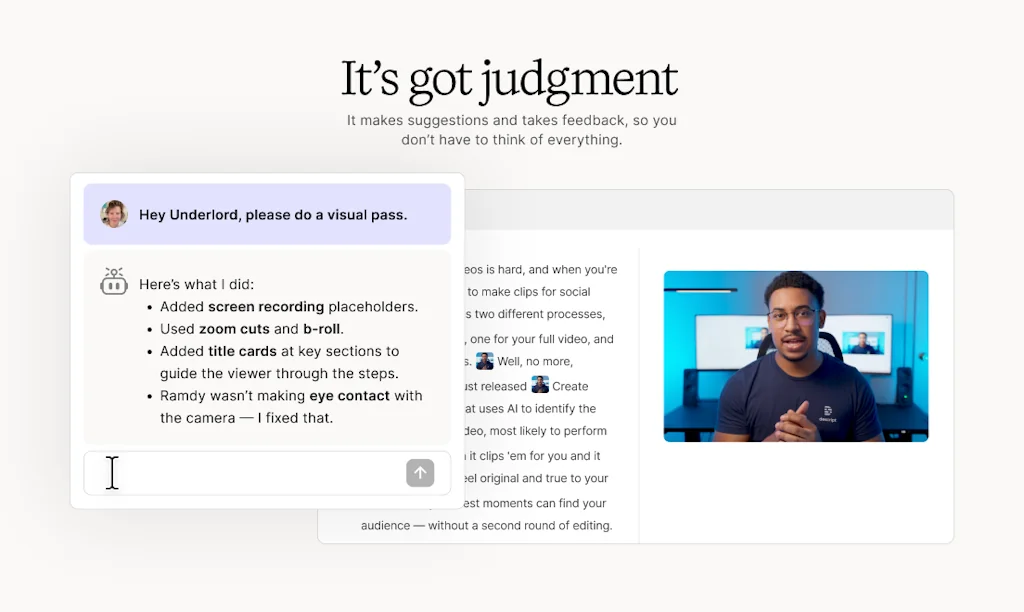
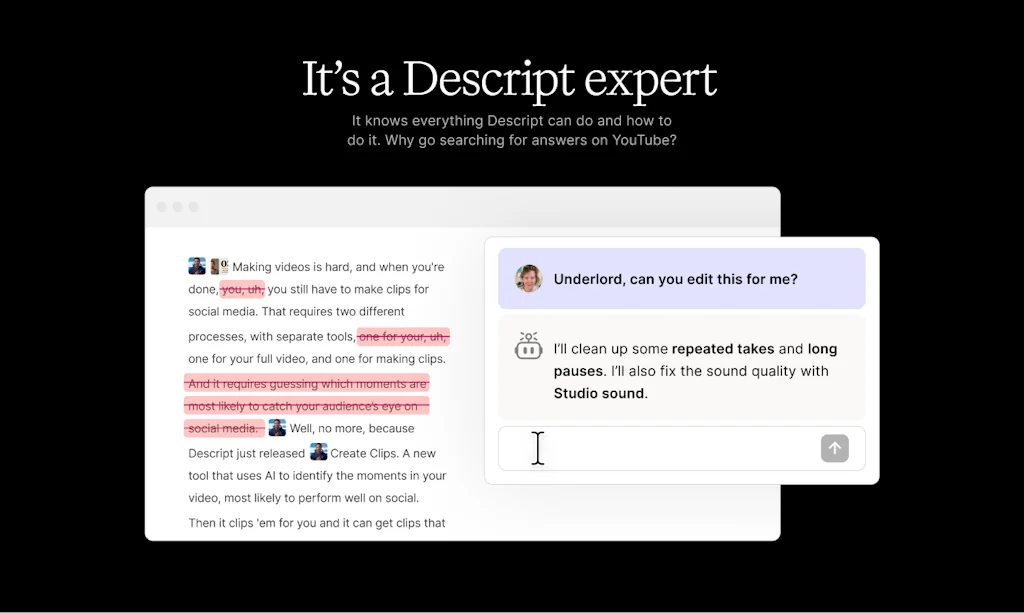
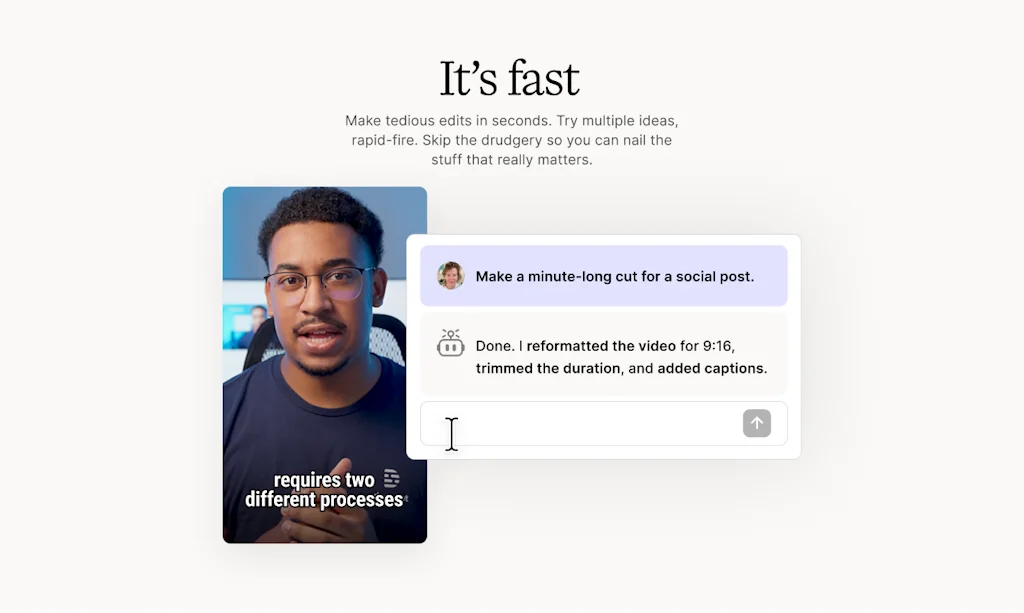
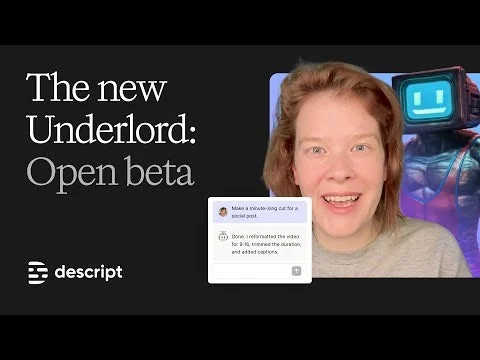
If you can write in a doc or make a slide deck, you can make video in Descript. With its text-based editing, automated design, and AI superpowers, anyone can create video that looks and sounds great—no special skills required. Professionals and teams all over the world use Descript to make marketing videos, product demos, educational videos, webinars, podcasts—you name it. Descript is an all-in-one tool that makes it fast for anyone to record, edit, and share good video.
Pros & Cons
Pros
- Text-based editing
- Video and audio editing
- Filler word removal
- User-friendly interface
- AI superpowers
- Fast performance
- Transcription cleanup
- Content repurposing
- One-click actions
- Subtitle generation
Cons
- Limited advanced editing
- Unreasonable support
- Deceptive promotion
- Deprecated features
- Fast performance
Tool Details
| Website | www.descript.com |
|---|---|
| Became Popular | December 12, 2017 |
| Platforms | Web |
| Social | Twitter · Instagram · Facebook · LinkedIn |
Recent Reviews (13)
The studio sound feature offered by Descript has made it incredibly effortless to improve the audio quality of any video! I was able to enhance the sound quality of my old videos to a professional level, something they truly deserved. Actually, editing my videos was a bit more challenging and took some getting used to, but all-in-all, it was def worth paying for the pro version.
ts standout feature is text-based editing, allowing users to manipulate video and audio by editing a transcript, which makes tasks like cutting, rearranging, or removing sections both intuitive and efficient. But users work on complex or highly specialized projects may still need to supplement it with more traditional editing solutions.
Mindblowing - started using Descript a couple of years ago (2019ish?) and I cannot stress the amount of hours this has saved me, every person I show it to also falls in love with it - it's so well thought through, it does what it says it does, and it's also easy to use.
STandard recording and video editing is very strong. The ability to edit word by word is game changing. However... new users should know that they have removed Quick Recording (a Loom-type feature) from the app, though they still advertise it as being a feature of the application. When questioned about it, they said because older versions still have Quick Recording, they want to leave up all the support materials. This is fine, except the promotional 'video' for Quick Recording makes it seem like this is still a current feature. As it was the reason I wanted to move to Descript from Loom, I thought this was completely misleading. Instead, I am trapped in a "I won't answer your question directly" support loop. I was also refused a refund, despite only registering a couple of days ago. I am knocking 3 stars off for deceptive promotion of a deprecated feature, and for unreasonable support. It isn't hard to refund a customer's money if you have the will to do so and want to take some responsibility for your actions. Clearly, they have chosen to do neither.
Descript transcript and caption are perfect. However ‘overdub’ massive bugs, voice clone quality is weak- voice too fast. Overdubbing long scripts crashes the app. Bulk gap editing is buggy. Adding ‘studio sound’ buggy too. Worse support takes several days to get a reckon overdub issues, and takes several iterations before they understand anything. They resort to a video even for tge simplest issues with overdub - seems they don’t really know much about overdub. Documentation is out of sync, outdated. Frustrating to use.
Previously, I had used the Adobe suite for video/audio editing. Switching to Descript was the best decision I've ever made for productivity gains. Descript's app is powerful yet extremely intuitive all at once. While full-time content creators may still require the Adobe suite for more advanced effects/editing, Descript does 99.9% of things businesses need to produce short-form content for social or long-form YouTube Videos/Podcasts in a far smarter & faster way.
I was looking for a tool to edit my podcast in and the edit-audio-like-a-doc feature blew my mind. It made editing & tightening my recording much easier than I expected + I love the one-click removal of filler words. I am now curious to give their video editing tools a try.
Our team uses Descript to clean up our podcast episodes. I personally love the ability to edit audio by editing text. It saves a ton of time. It can get a little buggy with longer files, but overall it’s a solid tool for content creators.
I have had a love/hate relationship with Descript for a long time. 😃 Heck, I even stopped using it for a while. I recently jumped back in and made a point of learning how to use it properly. Now, the more I learn about it, the more I love it. I am learning more and more how that is true of everything I use. Before giving up on something, be sure that you took the time to learn how to play to its strengths.
Great concept; however, doesn't allow you to create a sample without charging. It claims you have three projects, but in reality, you don't get to try this out without being charged which is very, very frustrating. I would like to try before I buy- that's only reasonable. There's no customer support.
I have a podcast that I host weekly and turn all that material into shorter content and Descript makes this process 10X faster. The filler word removal is #1 for me but there are so many other cool features that can be utilized. I can't wait to use them all!
Descript is one of the most useful tools I've ever run across, a total difference-maker for any podcaster or amateur video editor. They've continually added AI tooling - and I'd be lost in producing our podcast without them.
It is really great because I can cut my video by cutting out text. And I can add subtitles, layers, animation, music. It's just the perfect tool for me.
Frequently Asked Questions about Descript
When did Descript become popular?
Descript became popular around December 12, 2017.
What are the main advantages of using Descript?
The top advantages of Descript include: text-based editing, video and audio editing, filler word removal, user-friendly interface, AI superpowers.
What are the disadvantages of Descript?
Some reported disadvantages of Descript include: limited advanced editing, unreasonable support, deceptive promotion, deprecated features, fast performance.
What is Descript's overall user rating?
Descript has an overall rating of 4.4/5 based on 40 user reviews.
Don't Get Fooled by Fake Social Media Videos
The world's first fact checker for social media. Paste any link and get an instant credibility score with sources.
Try FactCheckTool Free