

Keyviz
Visualize your keystrokes in real-time
What is Keyviz?
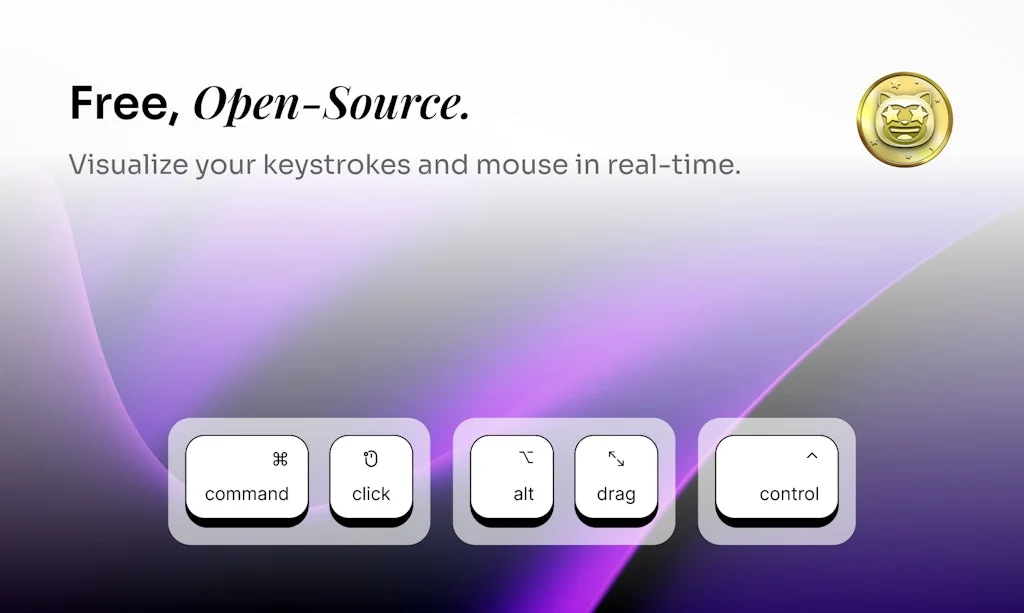
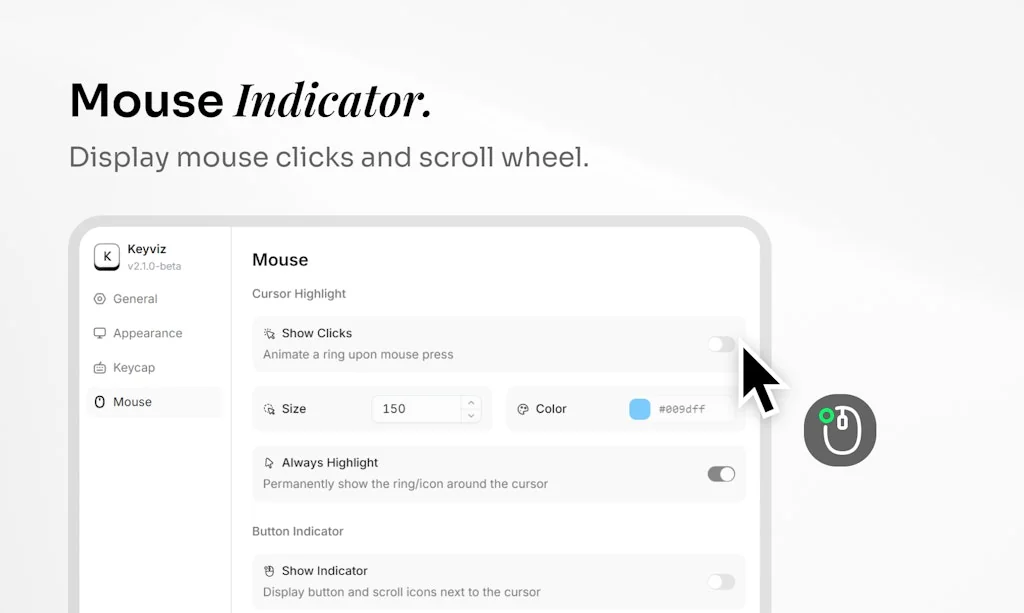
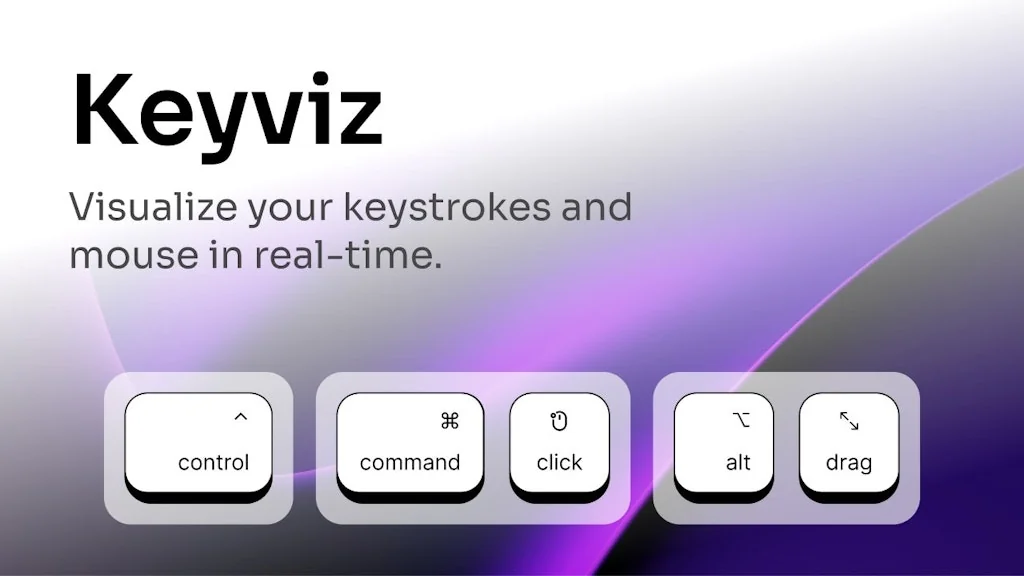
Keyviz is a free and open-source software to visualize your ⌨️ keystrokes in real time! Let your audience know what handy shortcuts/keys you're pressing during your screencasts, presentations, collaborations, or whenever you need it.
Pros & Cons
Pros
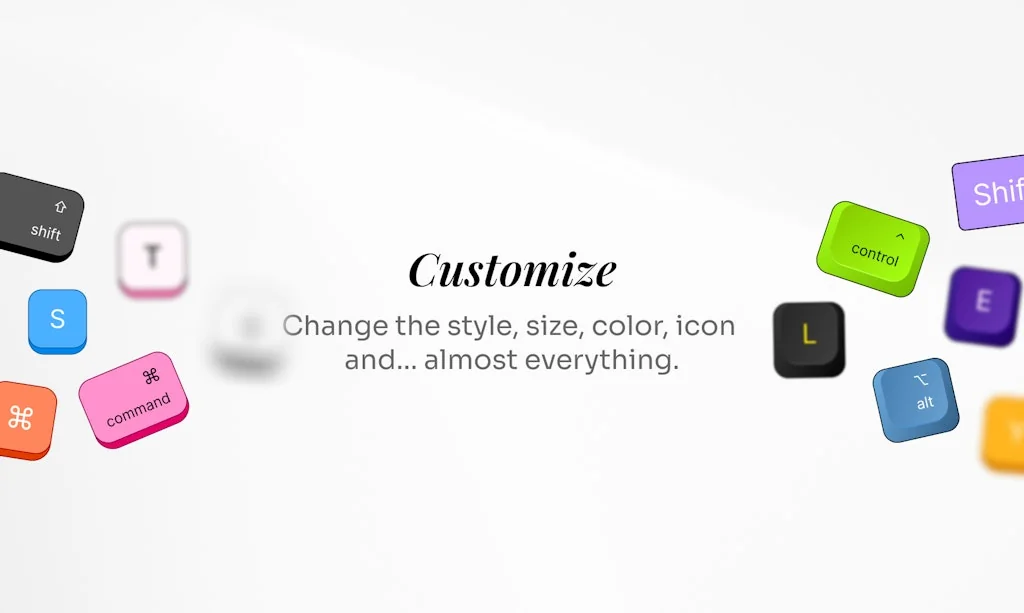
- Customization options
Cons
- Linux support
Tool Details
| Website | keyviz.org |
|---|---|
| Became Popular | August 1, 2022 |
| Platforms | Web |
| Social | GitHub |
Recent Reviews (4)
The keys are often not detected when playing games (such as Roblox, Minecraft, and Valorant). Sometimes, when I drag an object, it shows "Null" and doesn't disappear until I quit the application. I hope the font size can be made smaller. Apart from these issues, the other features are excellent!
Incredible, I dreamed of an application like this since I made video tutorials on YouTube and I wanted to show the key combinations, thank you very much 🤗❤️
First Of All Love This Tool Literly Amazing I Love It. Appericated .😍 So Some Improvements/Additions.> 1. Please Add Custom Size Option In KeyViz. 2. Try To Add More Style Buttons Like ( KeyFX ) Software. 3. Add Cursor Tracking Clicks in Your Software.
Can a feature be added to chose which screen the keystrokes are shown on? I use multiple screens and it only shows up on my smaller laptop screen, and not the other monitors.
Frequently Asked Questions about Keyviz
When did Keyviz become popular?
Keyviz became popular around August 1, 2022.
What are the main advantages of using Keyviz?
The top advantages of Keyviz include: customization options.
What are the disadvantages of Keyviz?
Some reported disadvantages of Keyviz include: linux support.
What is Keyviz's overall user rating?
Keyviz has an overall rating of 4.5/5 based on 4 user reviews.
Don't Get Fooled by Fake Social Media Videos
The world's first fact checker for social media. Paste any link and get an instant credibility score with sources.
Try FactCheckTool Free