

Miro
The visual collaboration platform for every team
What is Miro?
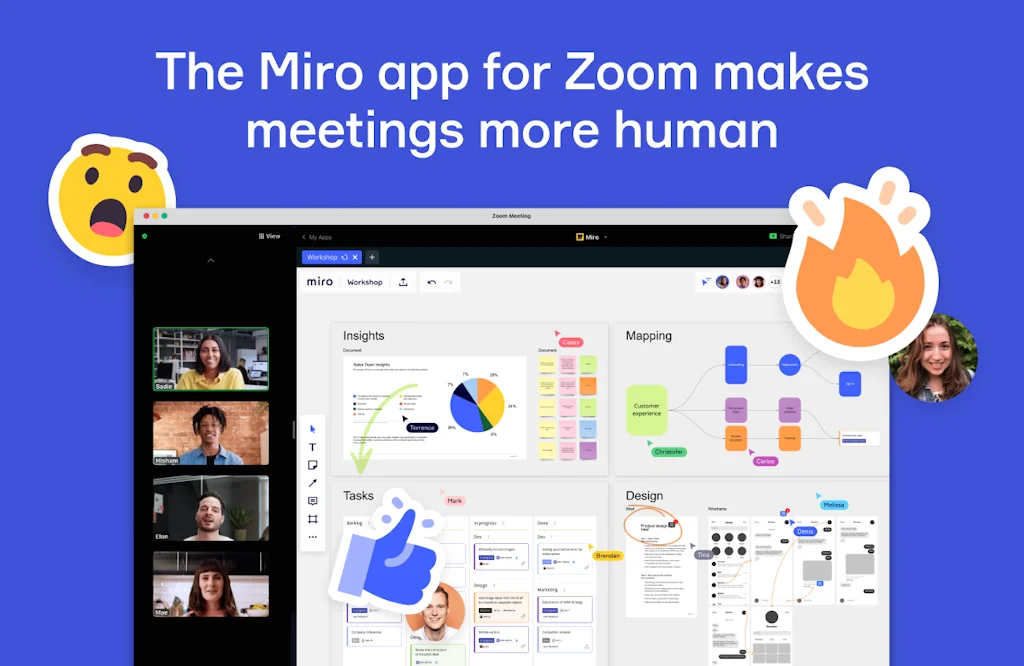
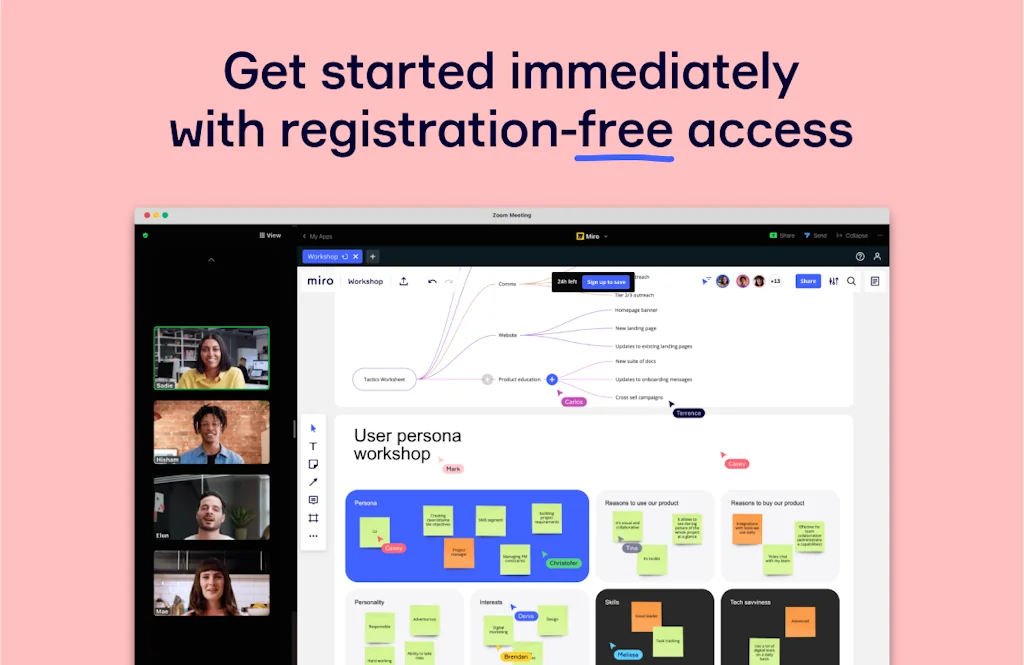
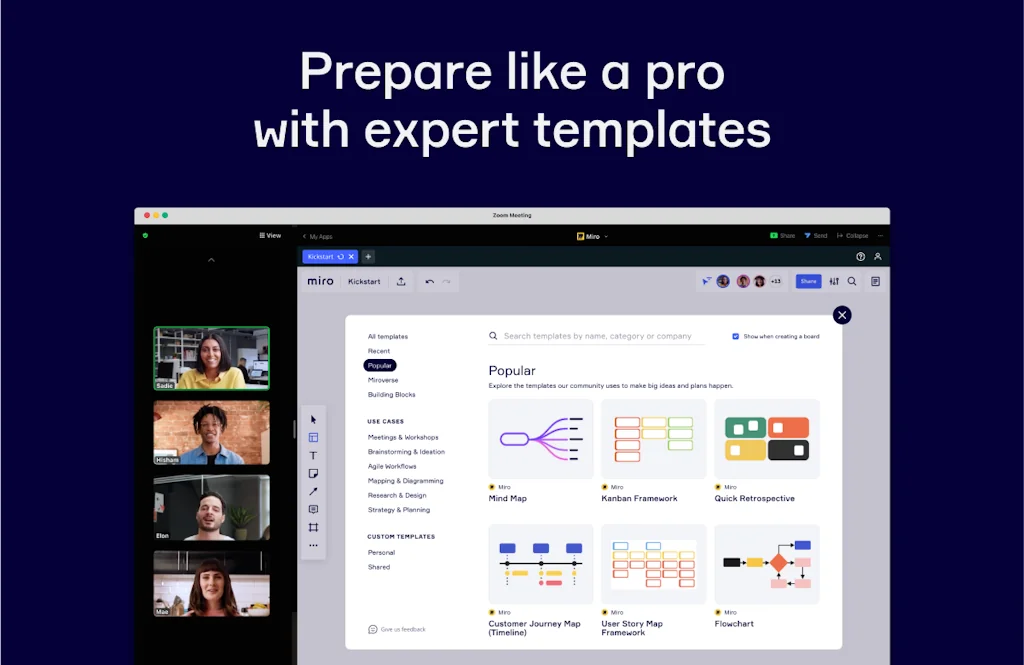
The online collaborative whiteboard platform that enables distributed teams to work effectively together, from brainstorming with digital sticky notes to planning and managing agile workflows.
Pros & Cons
Pros
- Collaborative features
- Brainstorming tool
- User-friendly interface
- Visual planning
- Remote collaboration
- Predefined templates
- Diagram creation
- Project management
- Mind mapping
- Workflow visualization
- Real-time collaboration
- Wireframing
- Customer journey mapping
- Free tier
- Infinite canvas
Cons
- Slow performance
- Cluttered interface
- Basic drawing tools
- Learning curve
Tool Details
| Website | miro.com |
|---|---|
| Became Popular | October 20, 2014 |
| Platforms | Web · iOS · Android |
| Social | Instagram · Facebook · GitHub |
Recent Reviews (13)
The easiest "draw to explain" interface I've ever worked with. I pull it up daily when doing system design or resource allocation or literally any time I'm trying to visualize something I'm explaining poorly. Cons - confusing interface when there are dozens of Miro boards. Sharing interface could use work.
Miro is like my secret weapon for creativity and structured thinking. With its visually appealing templates, it takes my ideas from abstract thoughts to concrete visual plans. It's more than just a virtual whiteboard - it's a platform that enhances my creativity while keeping my thoughts organized. Plus, those templates aren't just functional; they're good looking too! Miro, you've turned my brainstorming sessions into artful strategy sessions. Much appreciated!
Very powerful product with tons of relevant integrations that help me see all my work in different documents, images, dashboards and apps in one place. Also amazing for collaborating with other people visually for anything and everything, even wedding planning.
Task synchronization here is more transparent for the entire development team
As an illustrator, Miro is not the first tool that comes to mind when thinking about creating artwork. Yet, it has become an invaluable part of my workflow in terms of brainstorming, planning, and collaborating on projects. One of the best features Miro offers is the infinite canvas. It's perfect for mind-mapping, storyboarding, or sketching out ideas and concepts. It feels like an endless whiteboard where I can let my creativity run wild without worrying about space constraints. Miro's collaboration capabilities are another significant advantage. The ability to work with clients or other team members in real-time is a game-changer. The interactive features like comments, tagging, and live cursors provide a dynamic and immersive collaborative experience. I also appreciate Miro's integration with other tools I frequently use, such as Google Drive, Adobe Creative Cloud, and Slack. This interoperability makes my workflow more streamlined and cohesive. However, Miro isn't the tool to use for creating detailed or polished illustrations. The drawing tools available are basic and lack the precision and control that other specialized illustration software offers. While it's great for rough sketches and wireframes, it won't replace Photoshop or Illustrator for creating high-quality artwork. In summary, Miro has been a revelation in the brainstorming and planning stages of my illustration process. The interactive, collaborative whiteboard space is great for sketching out ideas, receiving feedback, and working together with team members. Despite the lack of advanced drawing features, it's the planning, brainstorming, and collaborative features that make Miro shine. For illustrators who often work as part of a team or require a tool for effective planning and ideation, I highly recommend giving Miro a try. Just remember that you'll likely need to pair it with a more robust drawing tool to complete your final artwork.
I use Miro for brainstorming and team collaboration, and I really like its intuitive whiteboard and wide range of templates. It makes visualizing ideas easy and keeps everyone on the same page. However, the interface can sometimes feel cluttered, and performance slows down with large boards. Overall, it’s a great tool but could use some improvements in speed and simplicity.
Our team has used this for site structure planning, visualization, presentations, workflow, and more. We have enough features in the free version, and the features are mostly as you would expect. I personally miss some behaviors, like converting objects into others (shapes<->mindmap<->sticky notes, etc.), but it may as well be implemented in the future!
Must have tool for a visual thinker 😀 Much more suitable for software architecting work than Figma/FigJam. In my 6 months using it for that purpose I'm yet to find a feature missing. Super powerful for cross-tem / cross-timezone communication around software decisions as a combo with Loom.
As a project manager with a roster of clients, I'm always on the hunt for tools that make their journey as smooth and pleasant as possible. And let me tell you, MIRO AI has been an absolute lifesaver! From its sleek and minimalist UI to its well-written product documentation, MIRO AI has proven to be a versatile and reliable asset for me and my clients. And with so many use cases, it's become an indispensable tool for enhancing our collaborative work. But perhaps what I love most about MIRO AI is how it's saved me time by making group meetings more interactive. With its intuitive prompts and real-time feedback, I can keep everyone engaged and on the same page without any effort at all. MIRO AI, I'm rooting for you to become the next big tech unicorn! Right now, you're still one of the best-kept secrets on Product Hunt, but with your unbeatable value proposition, I have no doubt you'll soon be making waves in the industry. Best of luck with your future funding rounds!
Miro is great for collaboration and visual planning, which I am a huge fan of! I’ve used it to brainstorm, plan projects, and map out ideas with others even remotely. The ready-made templates and clean design make it easy to get started and stay organised. It does take up a bit of space on your screen, but it’s worth it for the clarity and flexibility it brings.
An indispensable tool for conveying a design. I recall the primitive days when we used to share files of flowcharts of this or that office package... this is such an upgrade and so much easier to collaborate. can even see the mouse of my colleagues without having to share the screen.
Miro is our go-to for remote collaboration. I personally use it to facilitate brainstorming sessions with the team. It’s easy to use and scales well for both quick notes and detailed workflows. Everyone stays engaged, and it’s become essential in our toolkit.
To be honest, I prefer FigJam but I think Miro gets better and better. They really have a chance to become the market leader imho if they hire some good designers to get rid of this ugly "Microsoft Office" design and some good product people to improve the UX and to build better templates and make them more accessible.
Frequently Asked Questions about Miro
When did Miro become popular?
Miro became popular around October 20, 2014.
What are the main advantages of using Miro?
The top advantages of Miro include: collaborative features, brainstorming tool, user-friendly interface, visual planning, remote collaboration.
What are the disadvantages of Miro?
Some reported disadvantages of Miro include: slow performance, cluttered interface, basic drawing tools, learning curve.
What is Miro's overall user rating?
Miro has an overall rating of 4.9/5 based on 106 user reviews.
Is Miro available on mobile devices?
Yes, Miro is available on iOS (App Store) & Android (Google Play).
Don't Get Fooled by Fake Social Media Videos
The world's first fact checker for social media. Paste any link and get an instant credibility score with sources.
Try FactCheckTool Free