
Sleeve
Your currently playing track displayed right on your desktop
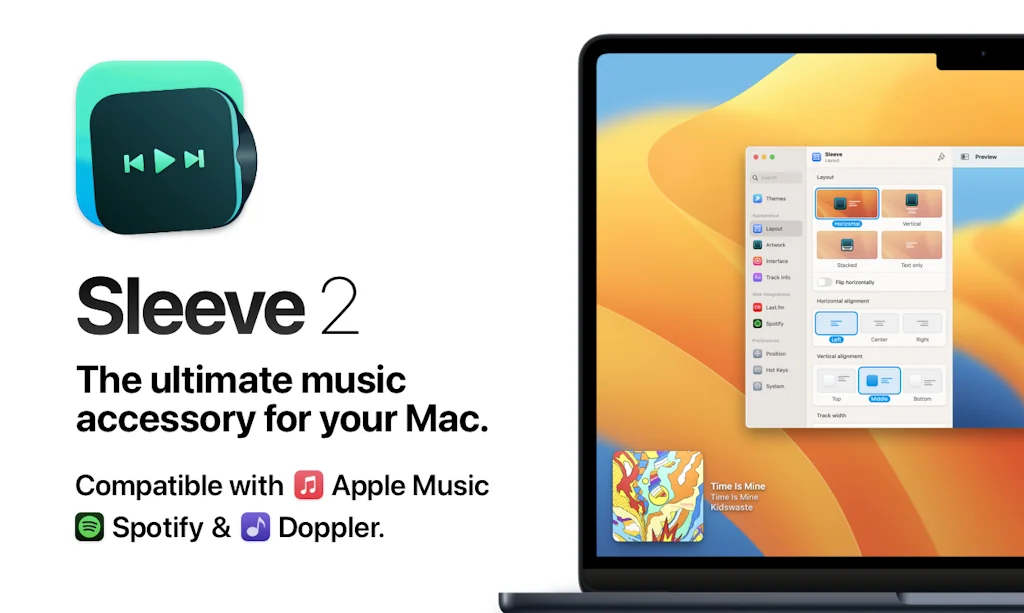
What is Sleeve?
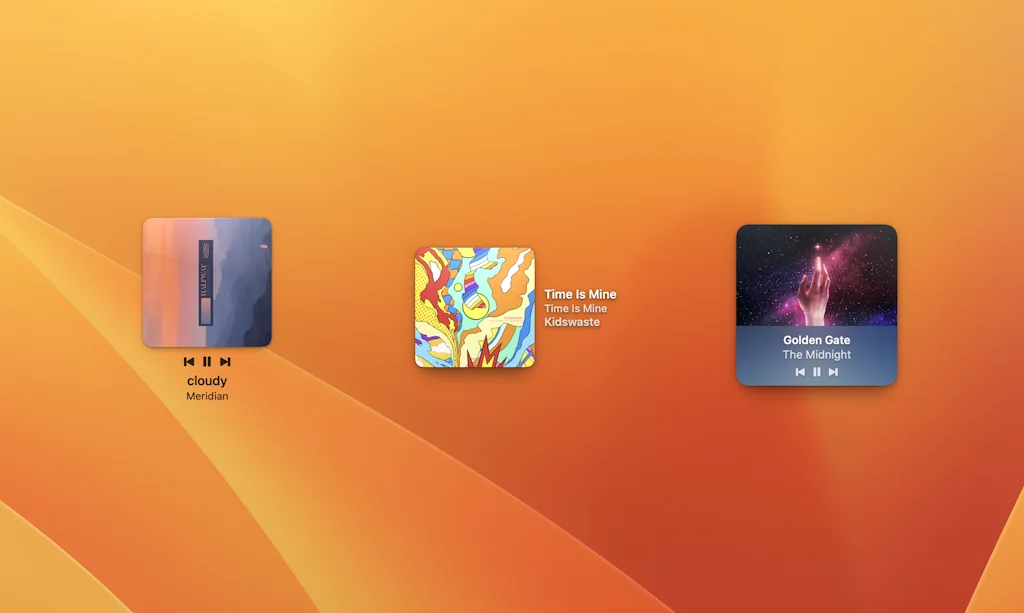
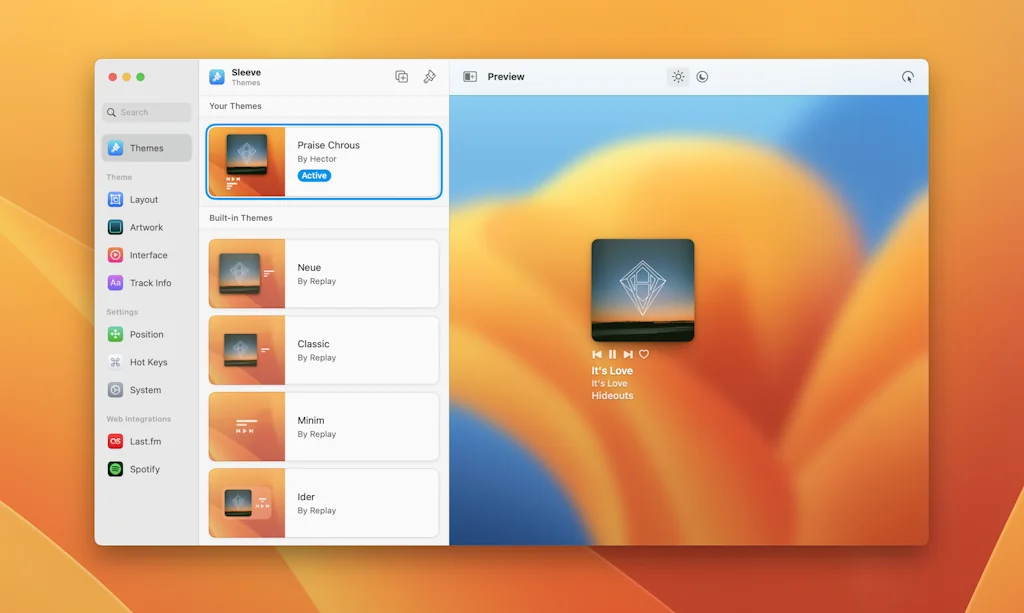
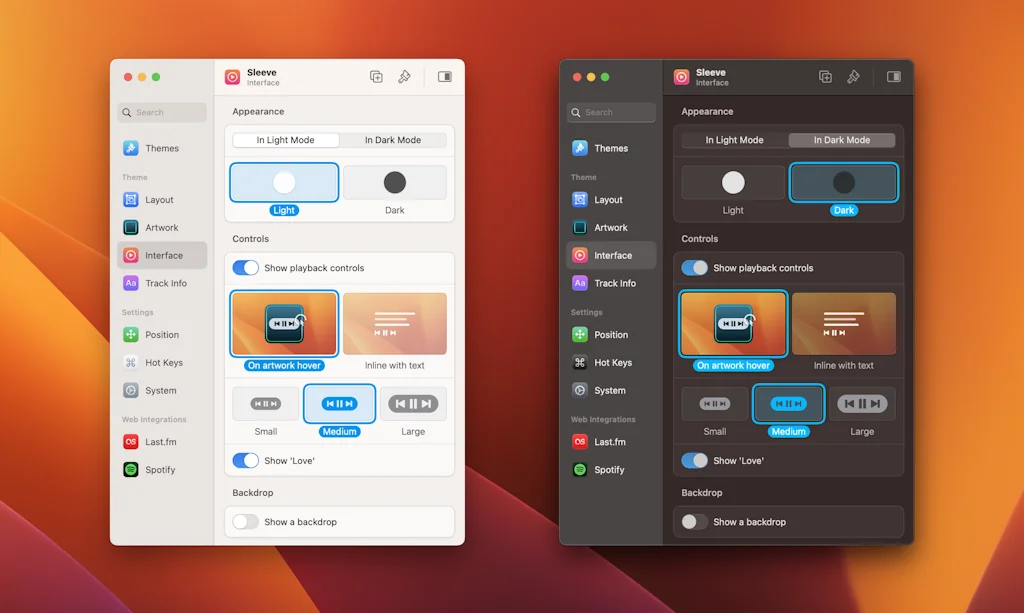
Your currently playing track from Spotify & Apple Music, displayed right on your desktop. Super customizable with easy preferences to let you change everything about Sleeve, including size, style, position, layout, track info and more!
Pros & Cons
Pros
- Highly customizable
- Desktop widget
- Smooth UI
- Apple Music integration
- Music management
- Scrobbling
- Shortcuts
- Spotify integration
Tool Details
| Website | replay.software |
|---|---|
| Became Popular | May 14, 2021 |
| Platforms | Web · iOS |
Recent Reviews (6)
Just a neat fun little widget with super cool customization options! Been a blast to use!
It doesn't add much but it looks gorgeous and makes your desktop 30% cooler 😎
This is my second time buying, everything is great.
I love Sleeve 2. I use it on my MacBook every day to manage my music playing. There are lots of customisations for the display of the widget, and the UI of the app is super smooth. I wouldn’t like to be without it now.
One of my favorite apps. Now it can scrobble directly on the app, useful when I use Music app from Apple.
A must-have for any spotify user. It can be small, discrete and the shortcuts are everything I needed
Frequently Asked Questions about Sleeve
When did Sleeve become popular?
Sleeve became popular around May 14, 2021.
What are the main advantages of using Sleeve?
The top advantages of Sleeve include: highly customizable, desktop widget, smooth UI, Apple Music integration, music management.
What is Sleeve's overall user rating?
Sleeve has an overall rating of 5.0/5 based on 7 user reviews.
Is Sleeve available on mobile devices?
Yes, Sleeve is available on iOS (App Store).
Don't Get Fooled by Fake Social Media Videos
The world's first fact checker for social media. Paste any link and get an instant credibility score with sources.
Try FactCheckTool Free