

Upnote
Organize Your Ideas
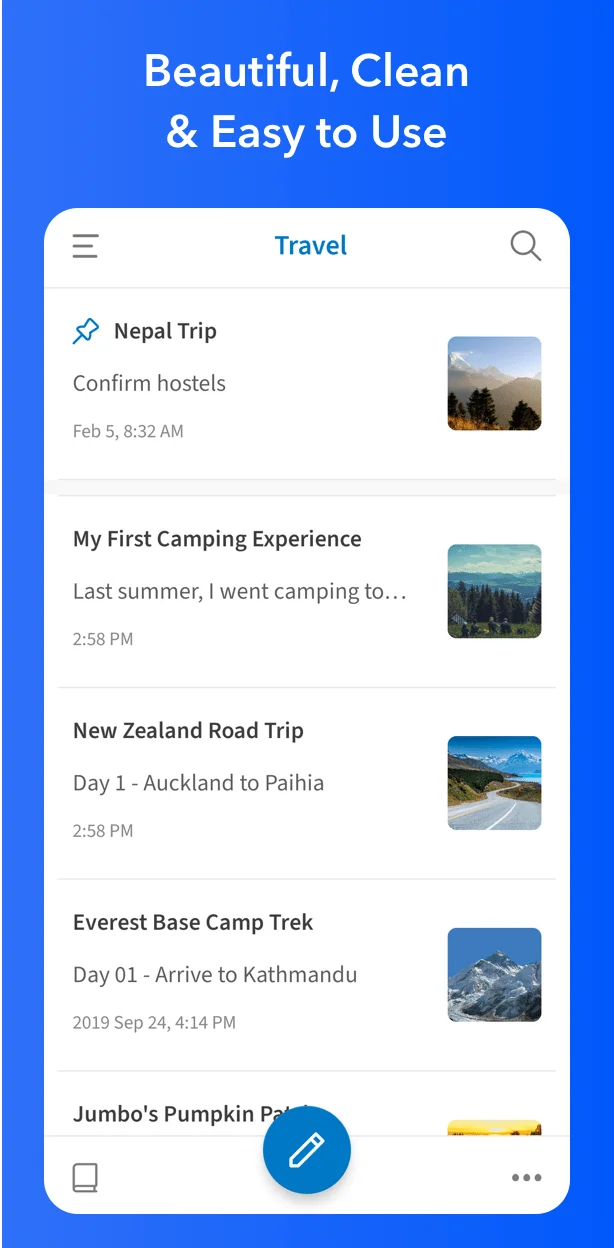
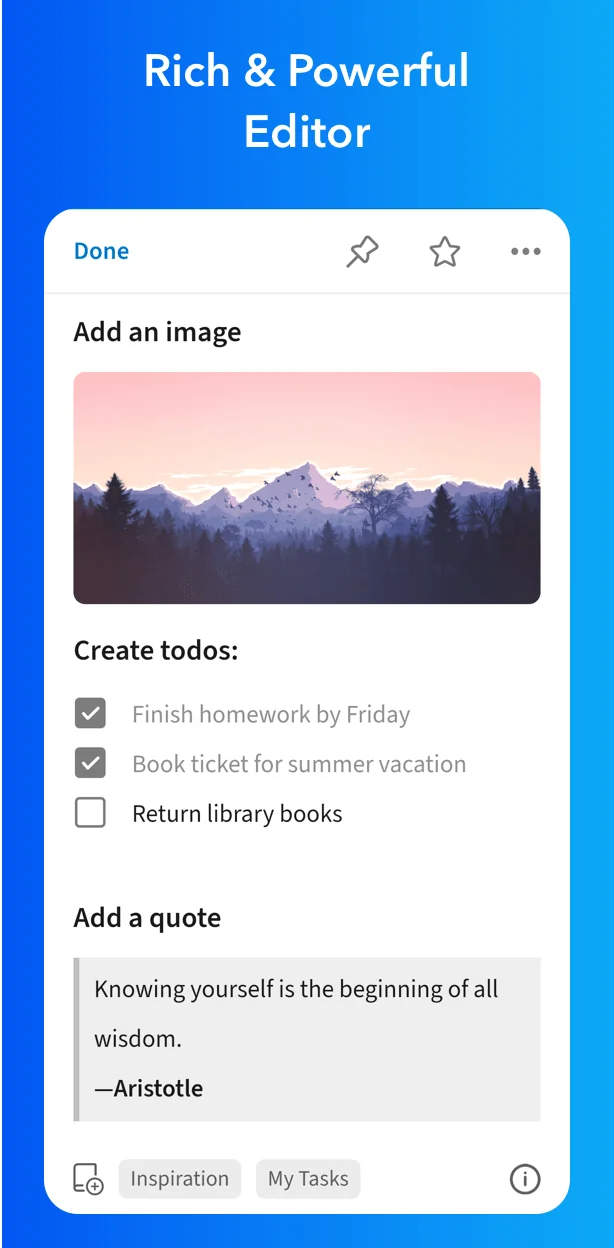
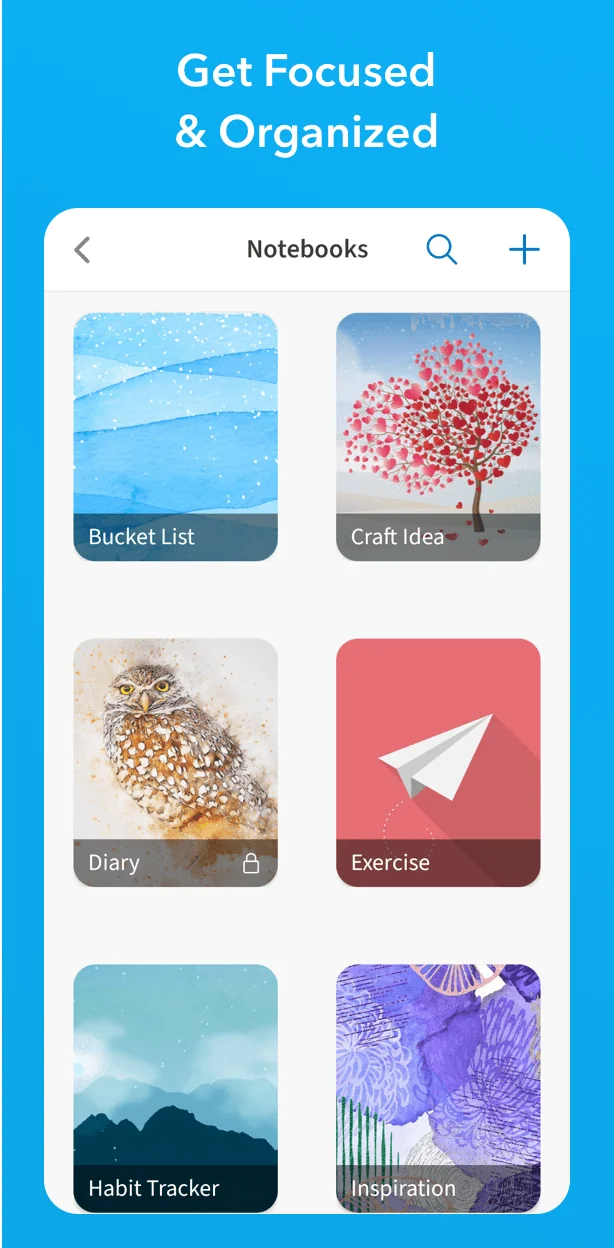
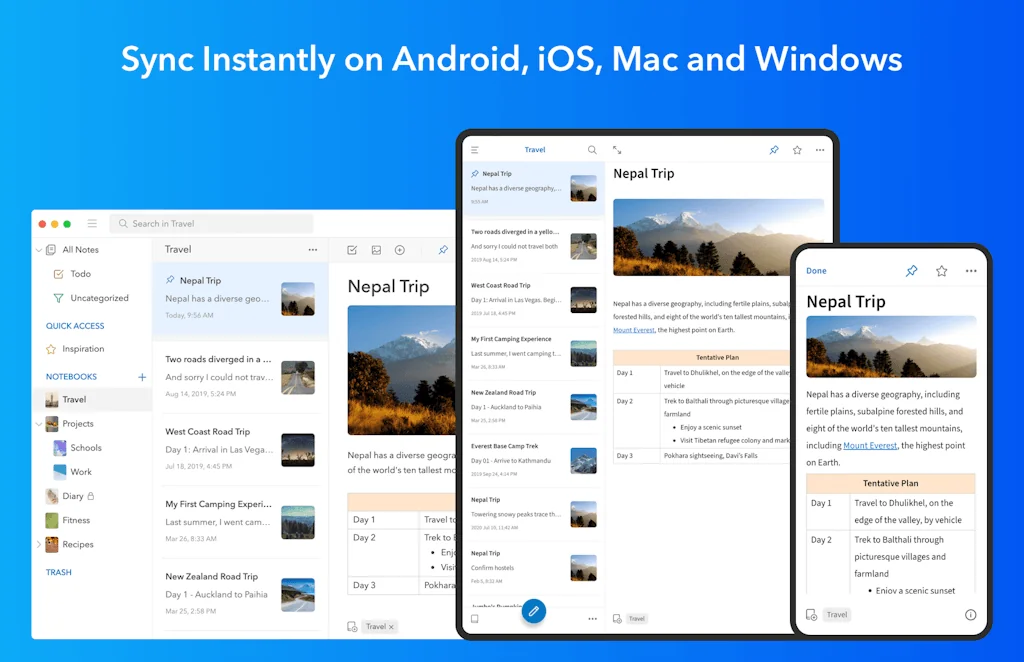
What is Upnote?
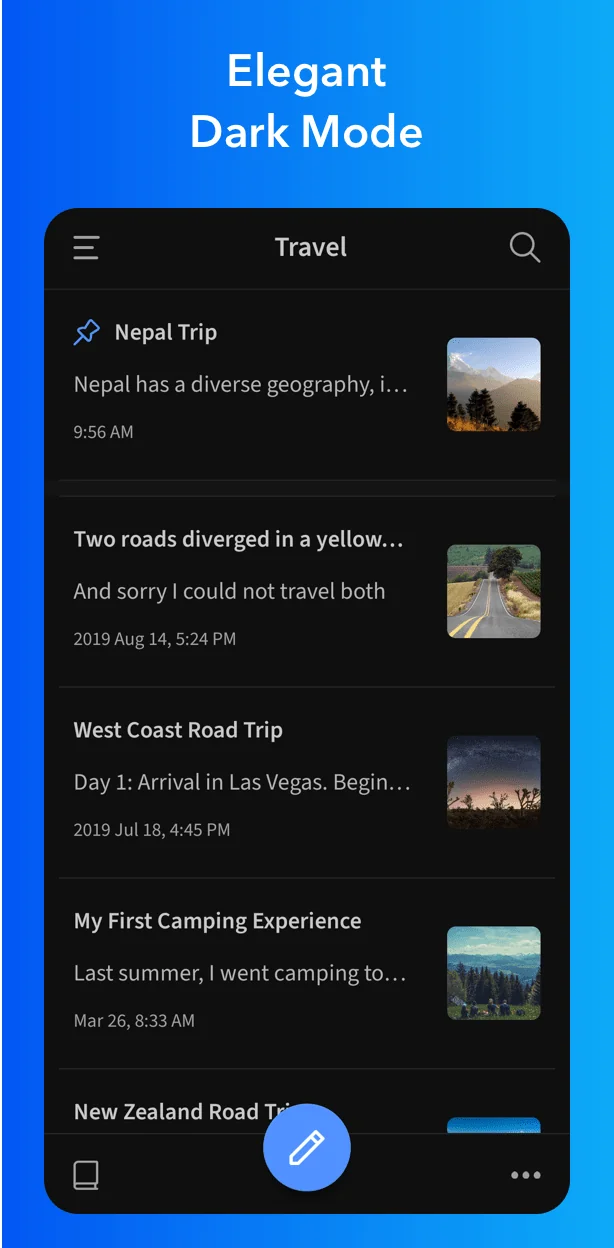
UpNote offers flexible ways to organize your notes: nested notebooks, pinning notes to the top of the note list, adding notes to Quick Access and filtering notes using matched keywords.
Pros & Cons
Pros
- Cross-platform support
- Clean UI
- Backlinking
- Colour syntax for code blocking
- Focus mode
- Markdown support
- Nested notebooks
- Offline sync
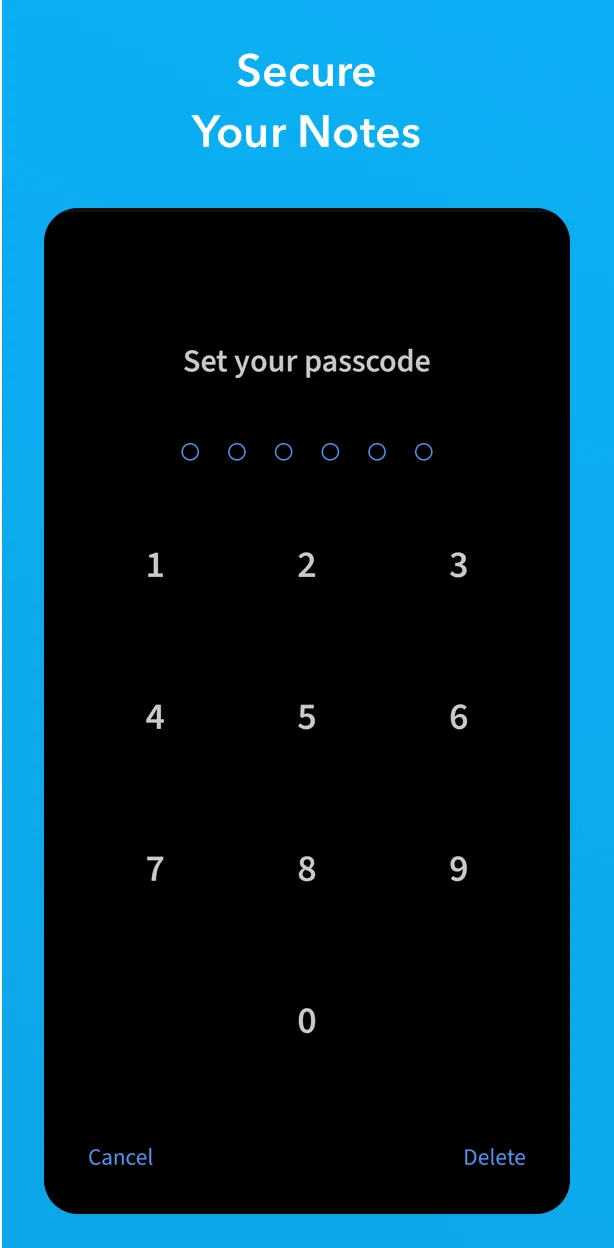
- Password protected notes
- PDF annotation
- Premium subscription
- Rich text editing
- Sketching (iPad only)
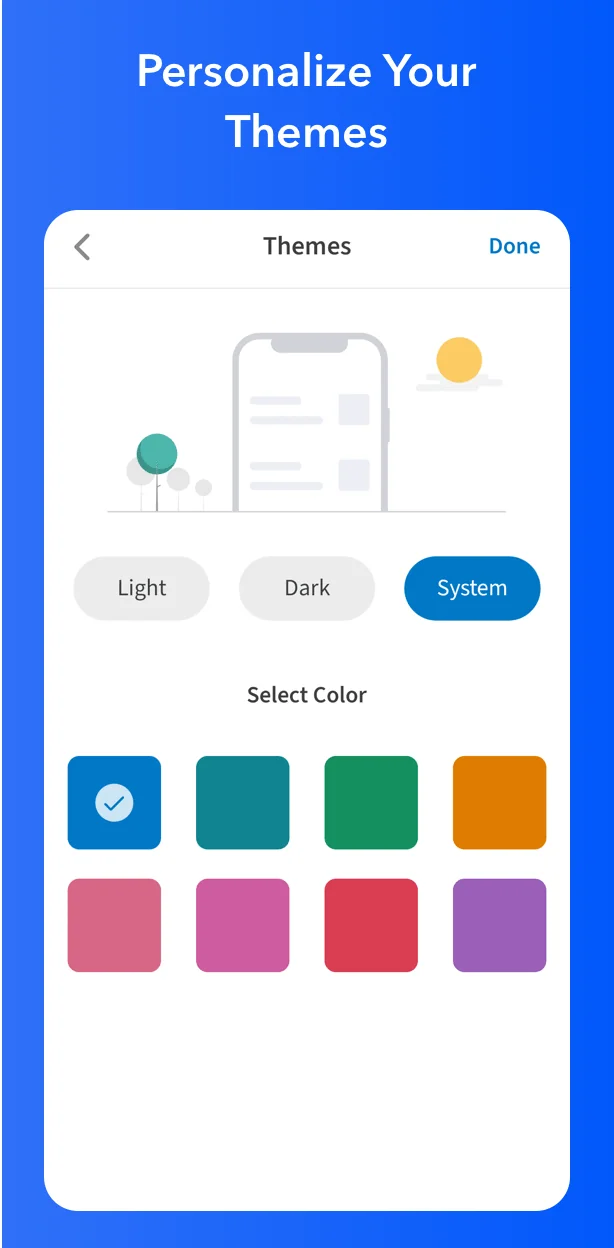
- Themes
- Type as you search
- Web clipper
Cons
- Limited font customization
- Spellcheck issues
Tool Details
| Website | getupnote.com |
|---|---|
| Became Popular | August 12, 2020 |
| Platforms | Web · iOS · Android |
| Social | Twitter · Instagram |
Recent Reviews (6)
Absolutely in love with this. It's for notes and no bloatware and features I don't want. No clutter, which helps writing.
One of the best and underrated note-taking apps out there. I would not give up this app for any other paid note-taking app out there. Speed, efficiency, markdown, PDF annotation, sketching (iPad only), password protected notes, web clipper, expanding headers, focus mode, colour syntax for code blocking, themes, backlinking, and so much more. I've used it on Mac, Windows, Linux, iOS, Android and ChromeOS. Upnote provides so much breadth of use, I really don't understand why someone would want to choose an expensive app over it.
A dream of a note-taking app. Upnote is beautifully-designed, easy and intuitive to use, quick to sync, and highly suitable for my cross-device needs. I signed up for a Premium subscription within minutes. The only minor issue I've encountered thus far is that the automatic spellcheck doesn't always work, on my Mac.
The hidden gem in note-taking apps. Effortlessly syncs across Mac, Windows, Linux, iOS, and Android. Clean, clutter-free interface with powerful features like hashtags, nested notebooks, and rich text editing. Always in sync, even offline. Discover the simplicity of organized thoughts, accessible anywhere, any time
It is a simple note taking app with clean UI. I liked the type as you search feature for finding my notes easily. It works best both in desktop and android app
Great overall. One feature I'd like to see is the ability to change the font on each note rather than changing it for the entire program.
Frequently Asked Questions about Upnote
When did Upnote become popular?
Upnote became popular around August 12, 2020.
What are the main advantages of using Upnote?
The top advantages of Upnote include: cross-platform support, clean UI, backlinking, colour syntax for code blocking, focus mode.
What are the disadvantages of Upnote?
Some reported disadvantages of Upnote include: limited font customization, spellcheck issues.
What is Upnote's overall user rating?
Upnote has an overall rating of 4.8/5 based on 6 user reviews.
Is Upnote available on mobile devices?
Yes, Upnote is available on iOS (App Store) & Android (Google Play).
Don't Get Fooled by Fake Social Media Videos
The world's first fact checker for social media. Paste any link and get an instant credibility score with sources.
Try FactCheckTool Free