



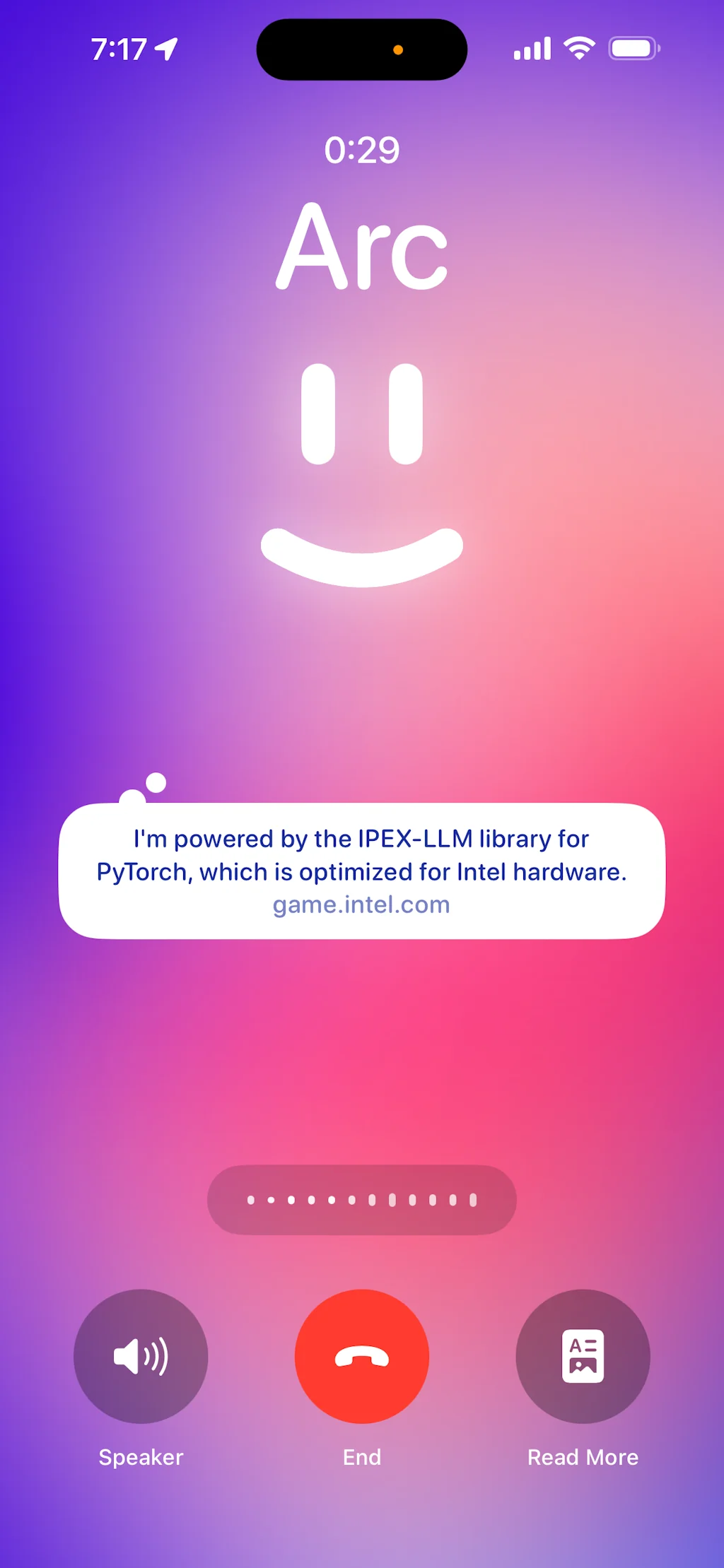

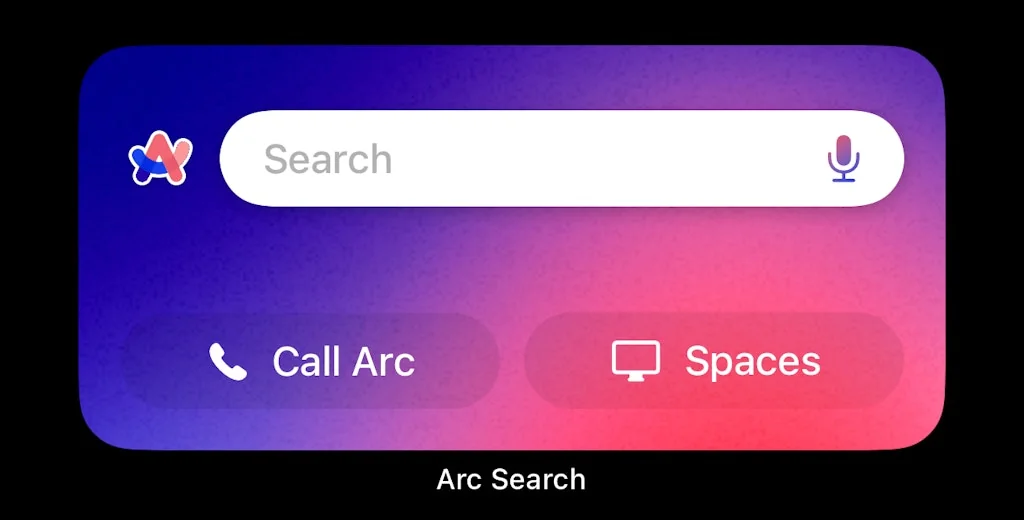
What is Arc?
A browser that promotes organization and concentration. It is flexible and able to adapt to the most specific individual needs.
Pros & Cons
Pros
- Tab management
- Productivity features
- Sleek design
- User-friendly
- Spaces feature
- AI features
- Innovative features
- Fast performance
- Regular updates
- Split view
- Customization
- Minimal interface
- Cross-device sync
- Vertical tabs
- Chrome extension support
- Command bar
- Beautiful design
- Memory management
Cons
- Learning curve
- Buggy
- Limited Windows support
- High CPU usage
- Slow performance
- Regular updates
- Unstable
- Bookmarks
- Chrome extension support
- Cross-device sync
- Tab management
Tool Details
| Categories | Web browsers, Safety and Privacy platforms |
|---|---|
| Website | arc.net |
| Added | January 16, 2023 |
| Platforms | Web · iOS |
| Social | Twitter · GitHub |
Recent Reviews (13)
I've been using Arc since it first launched, and I have to say, it's really redefining what a web browser can be! One of my favorite features are the spaces, which helps me keep my tabs extra tidy. Plus, the AI features such as the AI search or the AI summary are just so helpful! That said, I do think they still have some room for improvement, especially when it comes to performance. Safari on my Mac is definitely faster, especially when I'm working with heavy-data SaaS applications, so I find myself using it for those. Overall, I'm excited to see what new features Arc will roll out next!
Arc is perfect for me! The collapsible sidebar keeps all my tabs organized and frees up space on my M1 MacBook Air, making it much better than Chrome. 👉 What I love: - Sidebar Tabs: Maximizes screen space by keeping tabs vertical. - Customization: I can personalize the look of websites to match my style. - Peek Feature: Previewing links before opening them saves time. - Chrome Extension Support: I can use my favorite extensions seamlessly. The learning curve was a bit steep, but now I can’t imagine going back to a traditional browser. Thanks for creating such an innovative tool!
Been using it for months and not looking back! There were a few important things I had to give up for it due to Chromium, but it was worth it! To name them: Keychain access and airplay. The productivity and organisational aspect of it is killing all other browsers for me. Mini arc is super useful to preview links, many small details thought out, just happy using it as a designer myself, want to express my gratitude towards creators of the browser, to keep pushing for what we - humans need and don't charge anything for using it (yet?) but I'd gladly pay to continue using arc. Recent Boosts feature is a killer too and with it, the leap from other browser only got bigger. I just hope the core of the browsing - efficiency and speed will match best in class browsers soon!
I know I'm probably in a minority here but I keep coming back to Safari. It just works without drawing too much attention to itself, it syncs my content across several devices, and I don't have to think about my internet browser. And take that as you will, that's a huge plus.
I chose Arc because it offered solutions to problems I didn't even realize I had with Chrome. Features like Spaces for separating contexts (work/personal), automatic tab cleanup, and the smart command bar fundamentally change the workflow. Essentially, it took the best parts of the Chromium engine (speed and extension compatibility) and wrapped them in a brilliant productivity-focused interface
Arc has quickly become my go-to browser thanks to its sleek design, intuitive tab management, and productivity-focused features. The interface feels modern and organized, making it easy to keep workspaces tidy and switch between projects. I especially appreciate the customization options and regular updates that keep improving the experience. While there’s a bit of a learning curve and some features are still being refined (especially on Windows), Arc stands out from traditional browsers like Chrome or Safari by making browsing feel more efficient and enjoyable.
Arc fundamentally rethinks how a modern browser should work. The command bar and smart organization of spaces transform how you manage your daily web workflow. Most impressive is the built-in split view and native mobile sync - features that actually solve real browsing pain points. What sets Arc apart: Spaces provide intelligent context switching between work/personal browsing Command bar = game changer for productivity (try ⌘+T) Library & folders actually make sense vs traditional bookmarks Clean, distraction-free UI that still feels powerful Using it as my daily driver for 6 months. Key improvements in my workflow: Reduced tab anxiety (easynote captures + smart tab management) Faster navigation between frequently used sites Better focus with custom minimal themes Solid updates and engaged team. Not just another Chromium skin - genuinely thoughtful browser innovation. Upvoted! 🚀
I’ve been using the Arc browser since 2022, and even before all the AI integrations took it to the next level, it was already my favorite browser. While there’s a slight learning curve, the convenient features, intuitive interactions, delicate animations, and the thoughtful love and care from the team make it the best browser I’ve ever used—and one I simply can’t leave. Now, with AI features seamlessly empowering daily browsing and work, Arc feels even more capable, enhancing productivity and efficiency in the details. It’s not just a browser; it’s a beautifully crafted tool for modern workflows.
I really enjoy so many things about Arc, and they are all the same things that so many others already espouse, so I'm not going to reiterate. Instead, these are my frustrations that keep it from being my EDC browser: 1. Browser Window Titles do NOT serve me. I use other tools that rely on differentiation of window titles, and the fact that KeePass can't tell what window I'm in is incredibly frustrating, let alone time tracking and automations that I use. Arc reports only "Arc", at least as far as the Windows apps that I'm using, so all my regex based on title goes out the window. This makes it unusable for secure password entry, or for any activity that might require tracking or automation. So disappointing since the UI is such a joy. 2. Really that's about it. I continue to use it when I need a second browser to compare or for a different login, and I'm sure I'd find a couple minor other things - but it's the window title. Fix it and you'll really compete with Sidekick for my time.
I've been using Arc since the early versions, and it has always been well-maintained with regular updates. The browser is incredibly fast and user-friendly, with unique features like the sidebar tab management and split view that enhance productivity. However, I'm disappointed that they removed the note-taking feature, which was quite useful. Additionally, while the interface is innovative, it can sometimes be challenging to navigate. Overall, Arc is a solid and constantly improving browser that stands out from the competition.
Decent browser. I have been using this browser for the past 2 months. Have been good. The look and feel of it is good. The way how sites are pinned rather than bookmarking is good. There are few places that can become better. 1. An option of seeing the URL so that we can make minor changes in the URL. As of now, we have to copy the URL and paste it and edit it. *Update* By pressing CMD+L, we will be able to see the link 2. Under performing customer support - I had dropped in a few emails to the support but haven't got any response from them. 3. Bookmark import - Arc doesn't support importing bookmarks from html file. This is a bummer.
I use Arc daily, and I really enjoy it. Tabs are organized in a list like bookmarks within a standard browser, and as someone who often saves bookmarks but forgets to look back at them, Arc makes it feel like my tabs won't get forgotten since it'll pull up the tab when I type it up or something similar in the search bar. Easels are also one of my favorite features of Arc since I can save screenshots on a blank canvas, and those screenshots can link back to the site page I found it from if I ever need to get back to the source. While I'm comfortable using Arc now, there is a learning curve in order to figure out where everything is and how to access it, so it got frustrating at times. Even I don't often use the mobile app because I'm still getting used to the layout, and there's still the missing feature of extensions and profiles not syncing across different computers. Learning keyboard commands makes a huge difference for me though, and I love how transparent the Arc team is with updates. I look forward to when the browser gets a little update notification, and I get to read up on what's new. They put up videos and tips on how to use Arc more efficiently, and I feel more invested with this browser because of how much the Arc team interacts with their community. I'm excited to see where Arc will go!
I've tried several browsers. I'm an early adopter, so every time I see new software, I just have to play around with it. Arc is getting better and better at providing reduced visual noise, a simpler/more efficient browsing experience, and even the chance to customize websites, which includes just hiding those elements you would rather not see. Guys, this can be so helpful for people with attention deficit or if you're just exhausted of visual over stimulation. Arc is a reminder that the future of the Internet and tech in general is user-centered. Generic is staying behind. Good work!
Frequently Asked Questions about Arc
When did Arc become popular?
Arc became popular around January 16, 2023.
What are the main advantages of using Arc?
The top advantages of Arc include: tab management, productivity features, sleek design, user-friendly, spaces feature.
What are the disadvantages of Arc?
Some reported disadvantages of Arc include: learning curve, buggy, limited Windows support, high CPU usage, slow performance.
What is Arc's overall user rating?
Arc has an overall rating of 4.8/5 based on 238 user reviews.
Is Arc available on mobile devices?
Yes, Arc is available on iOS (App Store).
What type of tool is Arc?
Arc belongs to the following categories: Web browsers, Safety and Privacy platforms.
Related Web browsers Tools

FloatBrowser
Mac Menubar Browser with Tabs. Designed with Hotkey in mind

MaxFocus: Link Preview extension
Preview links without leaving your current page
Wikifox
Wikipedia reimagined - clean, simplified, powerful

Ant Browser for Apple Watch
The web, wrist-sized

1Feed
Your quiet place on the internet

Bookmer
Bookmark Manager
Related Safety and Privacy platforms Tools

Ghostery
Ghostery helps you browse smarter by giving you control over ads and tracking technologies to spe...

Cake Browser
FINALLY, a browser designed for your phone. But for real.

GPTGuard
Keep your ChatGPT Conversations Secure and Private

xPrivo
Open Source, Free Anonymous AI Chat - Ready to Run Locally

OMEGA Ω™
3.6MB browser that never tracks, profiles, or sells data

Fast
One-click checkout, anywhere.
Compare Arc :





Don't Get Fooled by Fake Social Media Videos
The world's first fact checker for social media. Paste any link and get an instant credibility score with sources.
Try FactCheckTool Free