
AudioPen
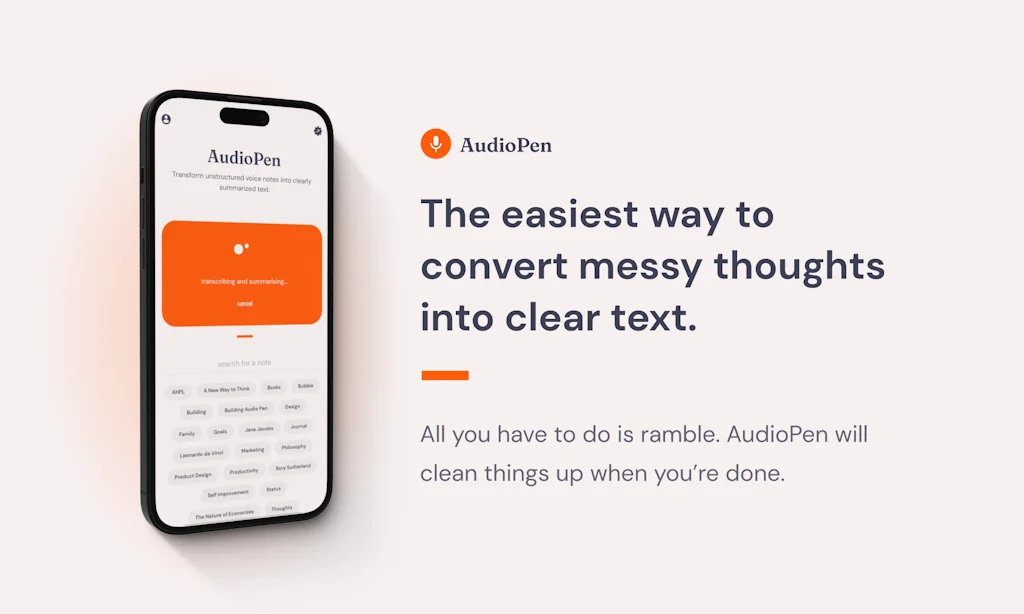
The easiest way to convert messy thoughts into clear text
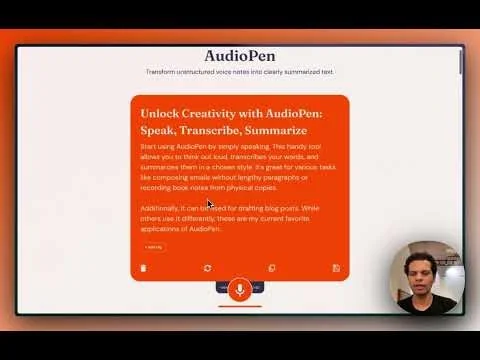
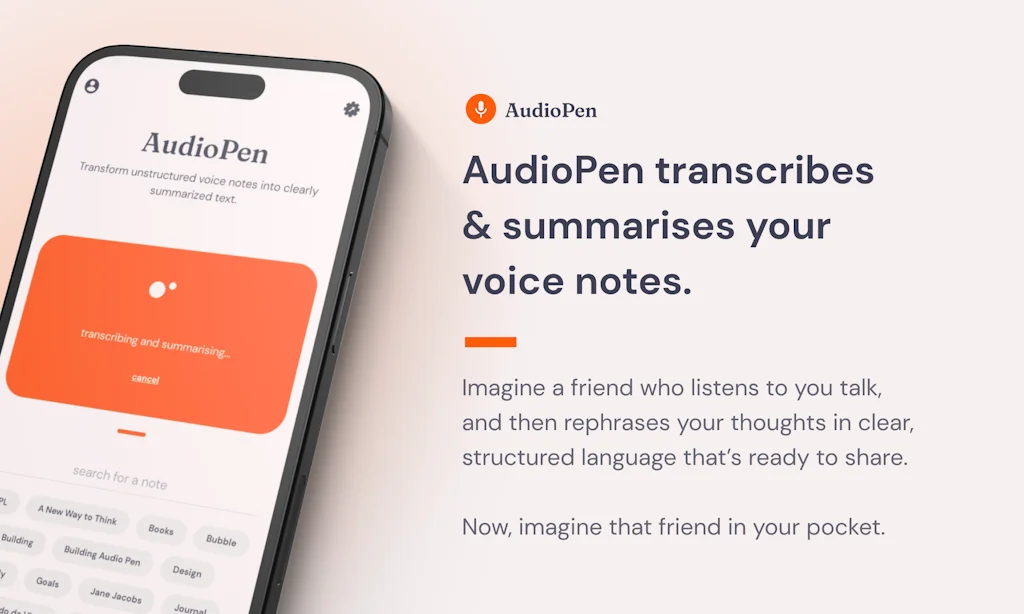
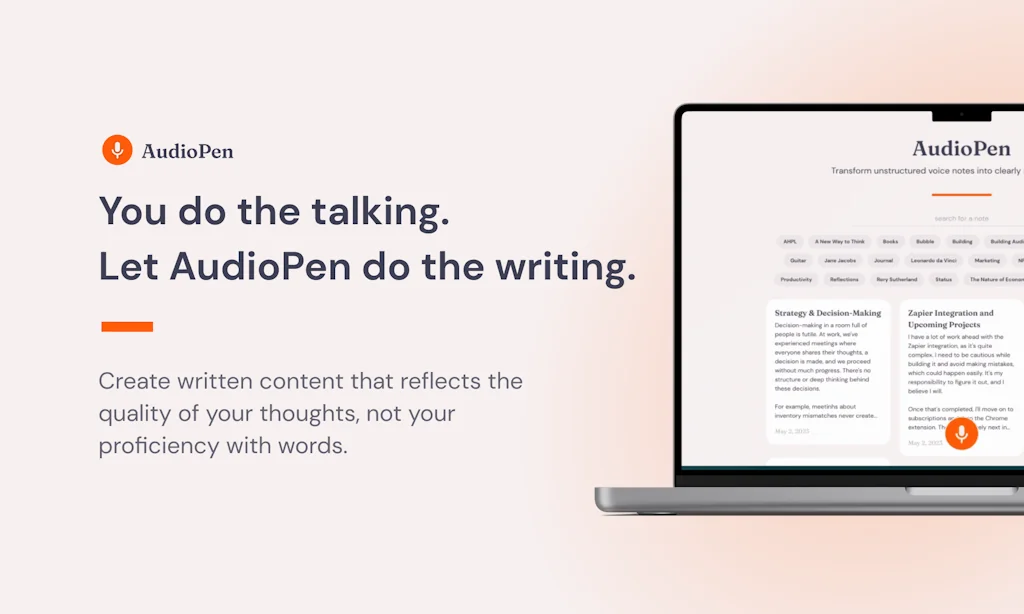
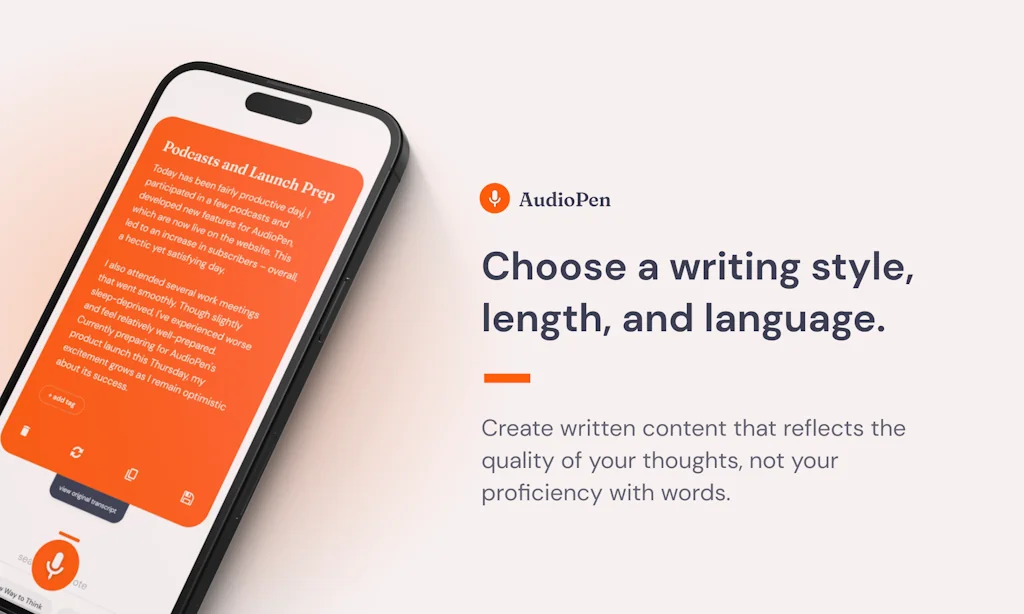
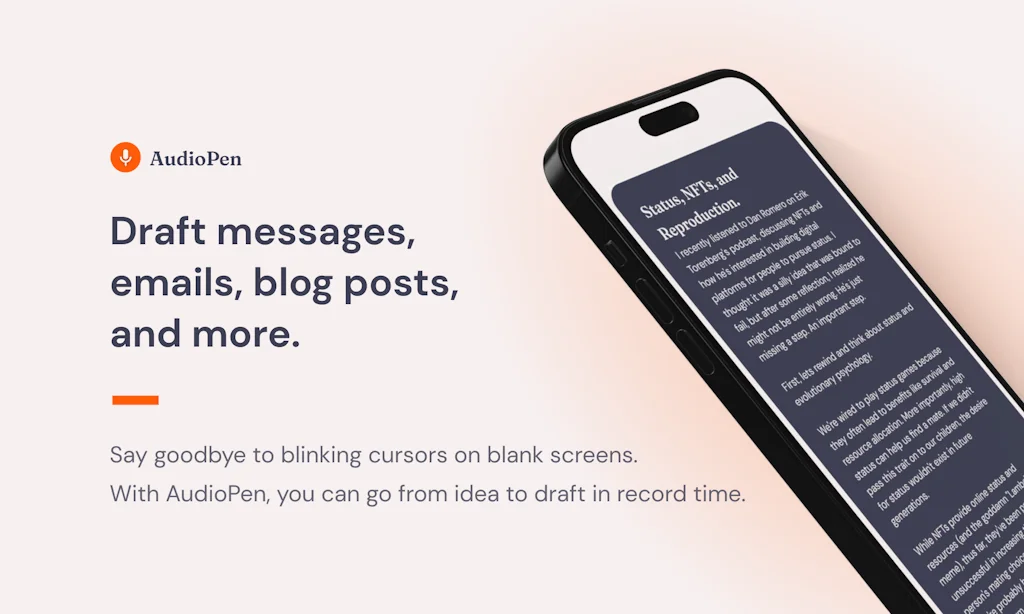
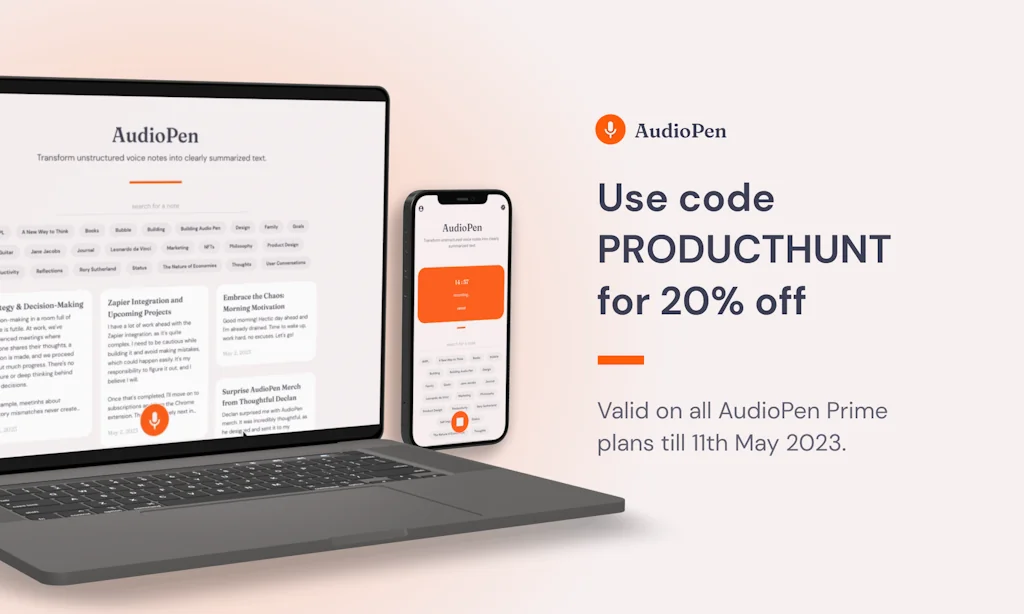
What is AudioPen?
Just hit record. Then start rambling. AudioPen will clean things up when you're done.
Pros & Cons
Pros
- Easy to use
- Note-taking
- High quality output
- Productivity boost
- Time-saving
- Frequent updates
- High accuracy
- Mobile app
- Reliable performance
- Responsive support
- User-friendly interface
- Beautiful design
- Free tier
- Multilingual support
- Reliable
- API integration
- Clean UI
- Context aware
- Customization options
- Webhooks
Cons
- Authentication issues
- Distracting UI elements
- High accuracy
- High quality output
- Limited customization
- Mobile app
- Recording limit
Tool Details
| Categories | Writing assistants, Text-to-Speech Software |
|---|---|
| Website | audiopen.ai |
| Added | May 4, 2023 |
| Platforms | Web |
Recent Reviews (13)
I love this idea. I used speech-to-text software for note-taking a while ago, but it was a struggle. I spent a lot of time formatting things + getting rid of "umms" and "likes"—in the end, I wasn't saving much time. AudioPen is an awesome solution! Just played around with it for 5 minutes and the summaries work really well! I'll probably be going back to speech-to-text notes😁 Excited to see what new features you roll out!
Just tried it while rambling in Spanish (my main language) and it worked amazing, definitely going to keep using it, amazing job :) One part that is a bit weird is that I spoke in Spanish but the response was in English. nbd, I'm fine with English but something to maybe consider :)
Tried this and loved it @louispereira23 ; really shows the power of OpenAI. - Do you want to start thinking about context and history (If this was a idea dump/note taker for me, I would love to have it context of what I said earlier) - I do see a good play in the productivity space, maybe makes sense to think in that direction further than keeping this as a standalone tool (as a standalone tool, once the initial interest dies down, it might be difficult to retain users and create stickiness)
I discovered the wonders of ASR speech-to-text about six months ago. I’d tried speech-to-text years ago, but revisiting it recently really opened my eyes to how far the technology has come. That kicked off a bit of a journey looking for the right client. At the time, I was using another voice capture tool. It worked well enough, but the UI felt a bit clunky. Once you start using tools like this seriously, though, you realize how much potential they have to become a core part of your productivity workflow. I knew I had something decent—but I also knew there had to be something better out there. That’s when I came across AudioPen. Pros: Really thoughtfully designed UI. Clean, intuitive, and just gets out of the way. I use it heavily—often creating multiple notes in a row—and it handles that well. You can finish one note and immediately start the next. Webhook and API support. This was something I specifically needed, and it’s what pushed me to keep searching. AudioPen does this well, giving me flexibility to move notes into other systems. Smart rewrite functionality. One of my core use cases is converting speech into useful formats like emails or technical documentation. For that, you need good transformation prompts. AudioPen has a solid, well-written prompt library that isn’t bloated and actually works. You can still access the original transcript, which is important. Sometimes I want the clean version, sometimes I need the raw text—this gives me both. Works well on Android and across platforms. The interface makes it easy to manage notes, copy to clipboard, assign tags, download audio—it’s all just smooth. Signed up for the yearly plan and happy I did. I heard about it on Reddit and I’m glad I took the time to find something solid and reliable. Suggestions / Things to note: I’d really like the ability to add custom system prompts. The built-in ones are good, but user-defined prompts would make it even more useful. There should be an option to fully disable rewriting. Even though you can view the original transcript, sometimes I just want to record and keep it as-is. 15-minute recording limit per note. That’s fine with me, but worth mentioning. The countdown timer during recording can be a little distracting. I’ve run into the occasional sign-out due to authentication, but otherwise, it’s been stable. Overall: AudioPen does what it sets out to do: voice-to-text capture, and it does it really well. A lot of tools in this space try to do too much and end up being complicated. This one stays focused, and that’s what makes it great. If you’re looking to bring voice into your workflow without the overhead, this is one of the best tools I’ve found.
I love using AudioPen for journaling, especially when my brain is too tired to type coherently. It feels natural to record yourself on the app and then it both transcribes and summarizes your thoughts with little time. The web app has been immensely helpful when I'm on-the-go with just my phone or when I'm not up to opening my laptop. I love that I can still access & edit the transcription before the summary since I'm often interested in reviewing and/or preferring the "style" of my own speech compared to the cleaned-up, transformed summary. The maker has been sending emails with new updates every so often, and it's been a joy to keep up with them and seeing how this app grows & improves.
I've always struggled with writer's block, overthinking, and procrastination due to the fear of not having my thoughts perfectly organized. However, AudioPen has been a game changer in my workflow for several reasons. Firstly, it's incredibly simple with a user-friendly interface that is easy to navigate. Secondly, it allows for seamless rewriting and inline editing by combining the best of AI technology and human writing skills. Additionally, AudioPen enables quick content creation while remaining bug-free. Lastly, I appreciate the founder's dedication to continuous improvement and direct interaction with users. In conclusion, I'm impressed by AudioPen's impact on my work process and have already recommended it to colleagues. I look forward to witnessing its growth as an exceptional product in the years ahead. (Written with AudioPen - duh)
AudioPen: Effortless, Natural Speech-to-Text Experience AudioPen has been truly impressive since its recent launch. What I appreciate about it is that I don't need to speak flawlessly or avoid pauses. Instead, I can speak naturally as if talking to another person. AudioPen organizes my thoughts concisely, allowing me to convey my ideas clearly. I'm eager to see what else AudioPen offers, but it's already the best dictation speech-to-text tool I've used. This tool inspires me to respond more frequently because typing isn't necessary – just sharing thoughts and letting AudioPen communicate them effectively while demonstrating genuine thought behind my words.
I've had AudioPen since Louis launched it and I've been loving it 😀 I use it when I go walking to either create blog posts or to just record my thoughts. The great thing is that instead of consuming a Podcast - I'm actually creating content, which makes it such a time saver. He's been adding features like crazy, including adding in No-Code links - Zapier at the time of writing. This really opens up what you can do with the tool. Looking forward to what comes next 👍
I am a writer and editor, and I've been using a few of the new generation of AI speech to text tools for verbal note taking and transcription. AudioPen, which I discovered via the Recommendo newsletter, blows them all out of the water. It is a joy to use and the rewrites are accurate and incredibly useful. I'm definitely going to go for the Premium option.
I injured both of my wrists, so I couldn't use my keyboard for a long time, but I needed to work somehow, so my friend recommended me AudioPen and my mind was blown - I could ramble, say words without caring about the context and the app rephrase it, turned it into text and made my thoughts cohesive. You've got to try it!
As a person who does a lot of walking and often has to stop and furiously type notes that I will (hopefully) turn into a draft down the road, I'm really loving experimenting with this tool. The drafts are very capable and I'm finding it fun to add the personality, humor and nuance to them in the editing stage.
This is amazing for putting your scattered thoughts into structured notes. It even works almost perfectly when I'm speaking Slovenian, which, being a really small language, can be a problem for many speach-to-text services.
I was an 𝐞𝐚𝐫𝐥𝐲 𝐚𝐝𝐨𝐩𝐭𝐞𝐫 𝐨𝐟 𝐀𝐮𝐝𝐢𝐨𝐏𝐞𝐧 𝐛𝐚𝐜𝐤 𝐢𝐧 𝟐𝟎𝟐𝟑 𝐚𝐧𝐝 𝐡𝐚𝐯𝐞 𝐧𝐞𝐯𝐞𝐫 𝐫𝐞𝐠𝐫𝐞𝐭𝐭𝐞𝐝 it. 𝐋𝐨𝐮𝐢𝐬, the founder, consistently delivers outstanding customer support and genuine care for users, setting a high standard in the AI space. Among all my AI tool investments, AudioPen stands out for its quality, reliability, and user-focused improvements. I am truly grateful for Louis’s dedication and vision, which make this app an essential part of my workflow. If you value innovation and exceptional service, 𝐀𝐮𝐝𝐢𝐨𝐏𝐞𝐧 𝐢𝐬 𝐭𝐡𝐞 𝐜𝐥𝐞𝐚𝐫 𝐜𝐡𝐨𝐢𝐜𝐞.
Frequently Asked Questions about AudioPen
When did AudioPen become popular?
AudioPen became popular around May 4, 2023.
What are the main advantages of using AudioPen?
The top advantages of AudioPen include: easy to use, note-taking, high quality output, productivity boost, time-saving.
What are the disadvantages of AudioPen?
Some reported disadvantages of AudioPen include: authentication issues, distracting UI elements, high accuracy, high quality output, limited customization.
What is AudioPen's overall user rating?
AudioPen has an overall rating of 4.9/5 based on 68 user reviews.
What type of tool is AudioPen?
AudioPen belongs to the following categories: Writing assistants, Text-to-Speech Software.
Related Writing assistants Tools

Writesonic
Generative engine optimization (GEO) platform with actions

Listener.fm
Elevate your podcast post-production process with AI

Raijin.ai
Write Reports and Synthesize Data Rapidly with AI

Ventrilo.ai
Autocomplete for your thoughts

FluentPal
Language Learning with AI

12min
The best ideas in your pocket!
Related Text-to-Speech Software Tools

Play for Medium writers
Add audio to all your Medium Articles with one click
api.ai
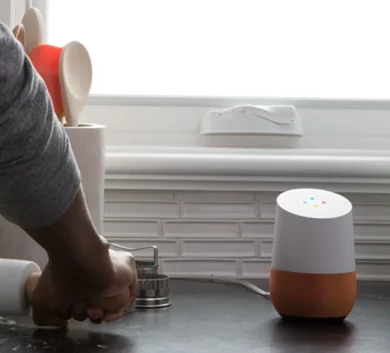
Build your own Siri. Speech interface for apps and devices.

Kokori
Transform text to speech with a powerful macOS app
Voicely
Convert text to speech online
Prompt 3D
A Realistic 3D Human with LLM and Azure Smarts

FineVoice
Use Your Favorite Voices for Voiceovers. Your Way.
Compare AudioPen :





Don't Get Fooled by Fake Social Media Videos
The world's first fact checker for social media. Paste any link and get an instant credibility score with sources.
Try FactCheckTool Free