

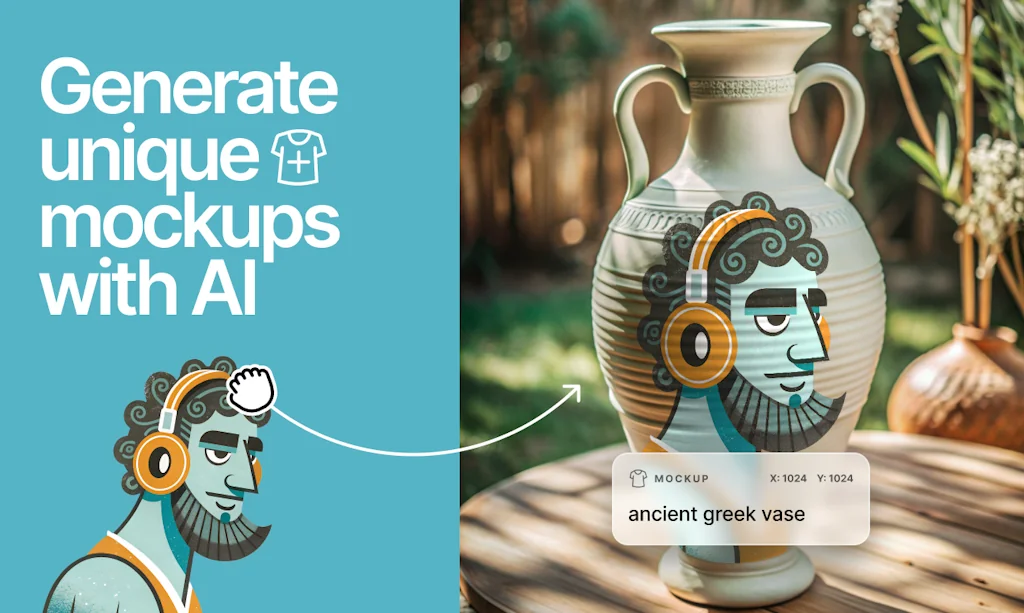
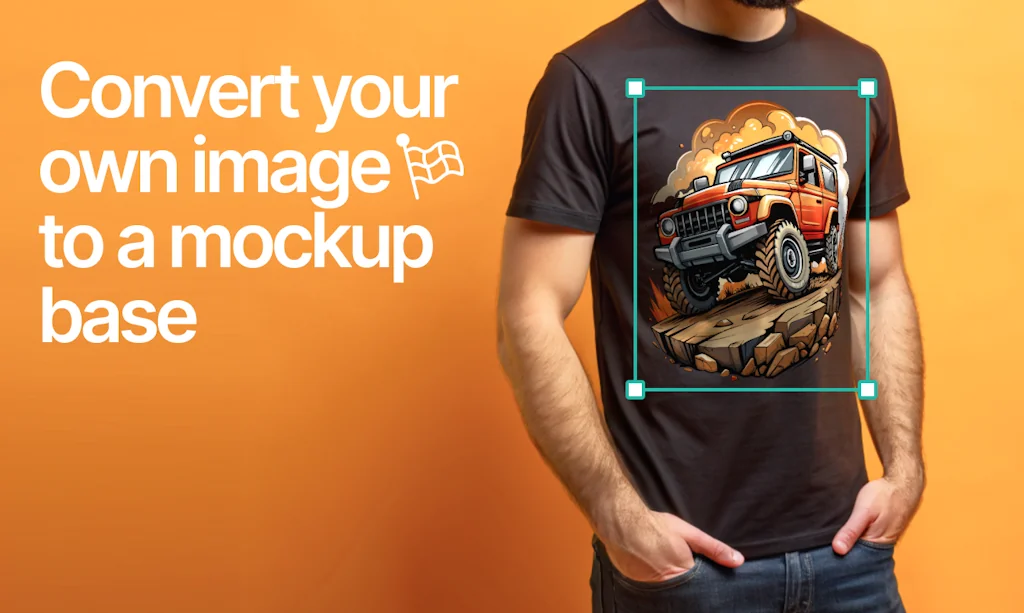
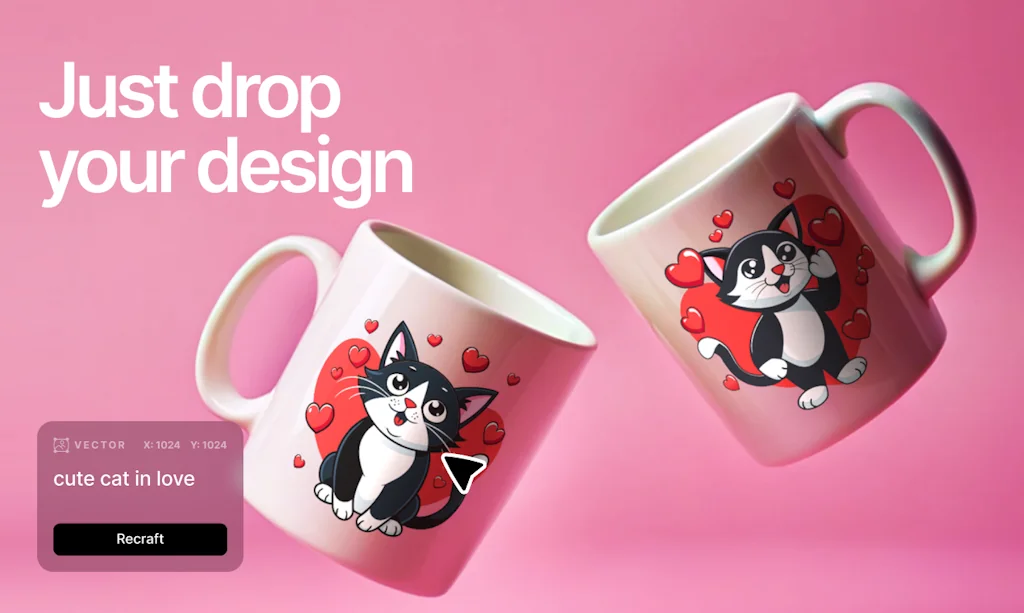
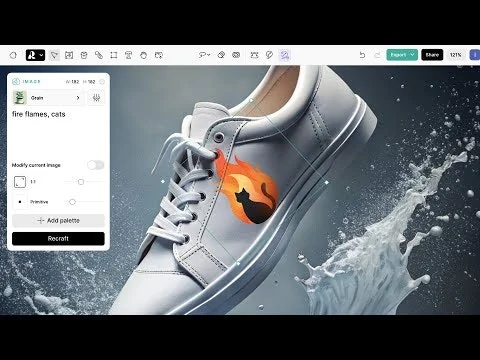
What is Recraft?
The first generative AI design tool for digital illustrations, vector art, icons, and 3D graphics in a uniform brand style. Our Recraft 20B foundation model lets you generate style-consistent design elements and sophisticated imagery.
Pros & Cons
Pros
- Image generation
- High-quality output
- Vector image generation
- User-friendly interface
- Fast performance
- Style-consistent design
- Free tier
- AI-driven design
- Variety of styles
- Editing tools
- Intuitive design
- SVG output
- 3D graphics
- Commercial use
- Community-powered
- Unlimited free generations
Cons
- Bugs
- Text recognition issues
- Fast performance
- High-quality output
- Layer management
- Limited in-app editing flexibility
- Mobile device compatibility
- Political restrictions
Tool Details
| Categories | 3D & Animation, AI Generative Media, Graphic design tools |
|---|---|
| Website | recraft.ai |
| Added | May 31, 2023 |
| Platforms | Web |
| Social | Twitter · LinkedIn |
Recent Reviews (13)
One of my favorite products I've seen on ProductHunt. Worth signing up just to see the onboarding. That zoom out/in effect at the start is _FIRE_. The images it generates feel unique and easy to prompt compared to Midjourney.
Unexpected experience! Really love the pics and poster made by Recraft. Though there's still some bugs like distorted human face or wrong words spelled, overall it's an amazing product that outstands a lot of other image products.
I noticed your launch on ProductHunt and had to reach out and say - wow, what an incredible platform you've created! The ability to generate and modify various forms of art - from vector icons to 3D images and beyond - all in one place is seriously impressive. And the fact that you've made this available for commercial use is just the icing on the cake. Without a doubt, I can see Recraft becoming an invaluable tool for designers, marketers, and art enthusiasts alike. I'm already eager to see what other innovative features you'll introduce in the future.
Recraft is insanely well-made. It does two things extremely well: * Quickly iterate on images in a manner that's intuitive to humans (digital canvas makes for super easy duplicate and try something else) * Make some touch-ups on images. It is a bit wonky at times and it definitely has a mind of it's own. If you don't give a lot of instructions it will put out some fairly generic products but if you take the photo-realism style and then instruct it to draw in a particular style it will do so. I have successfully created etchings, woodcuts, ghibli style paintings and other things and everything is saved so while you're iterating you can always go back if you liked one version. This tool gets full stars from me because of the design. Once I learned the tool (which took me like 1 day compared to years off learning to draw) I could put out some pretty cool stuff. Just remember that the garbage input, garbage output is very true here. The tool cannot read your mind so make sure to play around with wording to get the best results.
Congrats on the launch! I've been looking for something like this to help out with technical visuals and had a reasonable success with MidJourney and InkScape's bitmap->vector conversion tool. I've been playing around with recraft and so far the results are quite mixed though it feels that something is there. So far I had the best luck with abstract sceneries like "city scape", "desk with a laptop" and specifics like "Python" (the snake) would produce nightmare monsters lol I'll keep at it, thanks!
Looks like an interesting tool, though I'd give 5 stars if I could see clearly how to: - upload my own raster image (that part is clear) - apply a style to it out of the set available by default (this isn't, as I cant re-craft with an empty prompt) - and only THEN vectorize it and play with it further My use-case: I have a pen plotter, and would love to convert a raster to a nice line drawing svg, change a few things here and there, and then dump it to Inkscape for plotting.
It is a strong and powerful tool, but not good on the go. Mobile devices or laptops are a lost cause with this ai art generator. Everything just bugs out. The display doesn't resize but the images do, importing only sometimes works, the lasso tool can cause you to accidentally refresh the page, that kind of stuff. You need a high-end device with a large monitor to run this.
Found hard to go around the background being part of the art, also moving layers up or down is not working. It is quite nice to do isolated art, but multi-layered artwork is not possible with the current toolset.
As a Product Manager, rather than a designer, I've found immense value in using Recraft to generate icons for my mock-ups. Additionally, the Upscale feature has been invaluable for my tasks. I'm also looking forward to the potential addition of text recognition capabilities. Best wishes, and keep up the great work
I recently started using this service and was pleasantly surprised. Unlimited free generations in different styles and constantly adding new tools! It looks very similar to Figma, but I think that was intentional :) I really hope the free features remain free. Thank you for the service, guys!
Freaking amazing. I think I now lost my designers for a week or so, since they are so thrilled to go through all the app has to offer. We are currently in the phase of rebranding, so this should be a lifesaver for generating new ideas, graphics and craft (and recraft?) the ideal style for us.
As an artist starting out, we don't always have the option to get nice photos of our prodouct. So i've been very happy to use Recraft AI after all the programs that I've tried this one is the best. It doesn't make it look too artificial in most mockup images. Thank you Recraft!
Great product! easy to use, and after some trial and error, I got stunning results! I would suggest adding the following features: 1. share a project canvas publicly for viewers 2. better search results, ability to select multiple images and blending/combining them
Frequently Asked Questions about Recraft
When did Recraft become popular?
Recraft became popular around May 31, 2023.
What are the main advantages of using Recraft?
The top advantages of Recraft include: image generation, high-quality output, vector image generation, user-friendly interface, fast performance.
What are the disadvantages of Recraft?
Some reported disadvantages of Recraft include: bugs, text recognition issues, fast performance, high-quality output, layer management.
What is Recraft's overall user rating?
Recraft has an overall rating of 4.8/5 based on 37 user reviews.
What type of tool is Recraft?
Recraft belongs to the following categories: 3D & Animation, AI Generative Media, Graphic design tools.
Related 3D & Animation Tools
Rooms
Your corner of the internet
Wannathis
Free & Premium Mockups to Make Your Design Projects Shine!

Mahou - Immersive Art Exhibits (AVP)
Fully immersive, magical art exhibitions on Apple Vision Pro

Story.com
Storytelling Meets AI

Items Design
Free AI Generated Design Assets

Stargazer
Create intros inspired by movies and shows in minutes.
Related AI Generative Media Tools
QuillGenius AI Copywriting Tool
Your AI Writing Sidekick 🚀

DIKTATORIAL Suite
AI Audio Mastering with Texting: Your virtual sound engineer
Animanic
Text-to-Video Generations for Education

Renderforest
Create Videos, Logos, Mockups & Websites - All in One Place

Google AI
Advancing AI for everyone

LogoFast
Make beautiful logos with AI
Related Graphic design tools Tools
Replace Cover
Create beautiful cover art for your Spotify playlists
Threads Video Downloader - Shortcut
Replace threads.net with threadster.net to download videos

Fontself
The easiest way to make your own fonts
Dank Mono
The coding typeface for aesthetes
LogoFast
Make beautiful logos with AI
mybrandnewlogo
DESIGN YOUR OWN LOGO WITH OUR AUTOMATIC LOGO MAKER
Compare Recraft :

Don't Get Fooled by Fake Social Media Videos
The world's first fact checker for social media. Paste any link and get an instant credibility score with sources.
Try FactCheckTool Free