
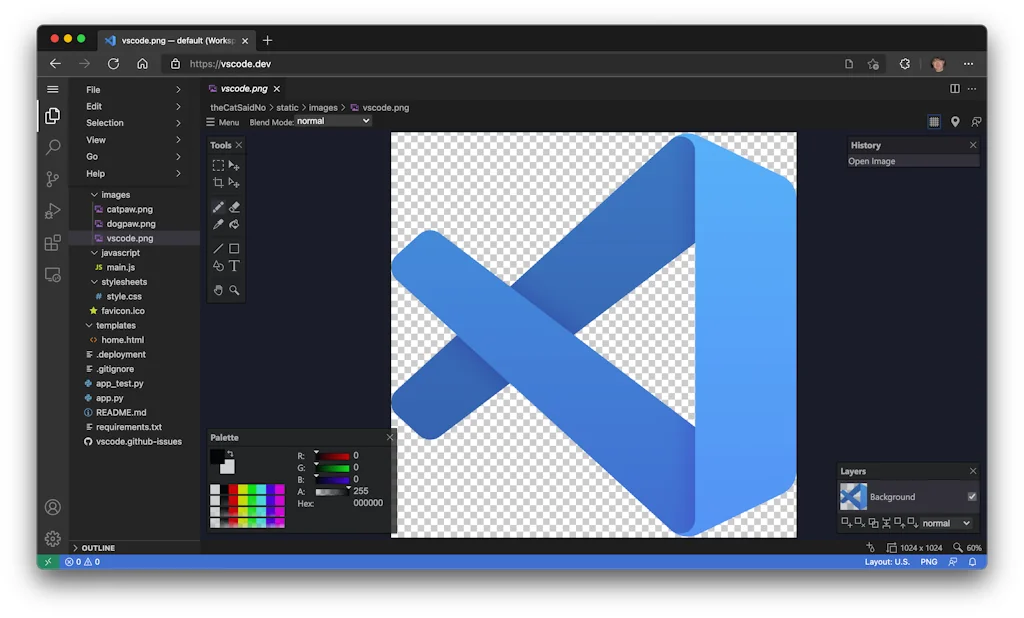
What is vscode.dev?
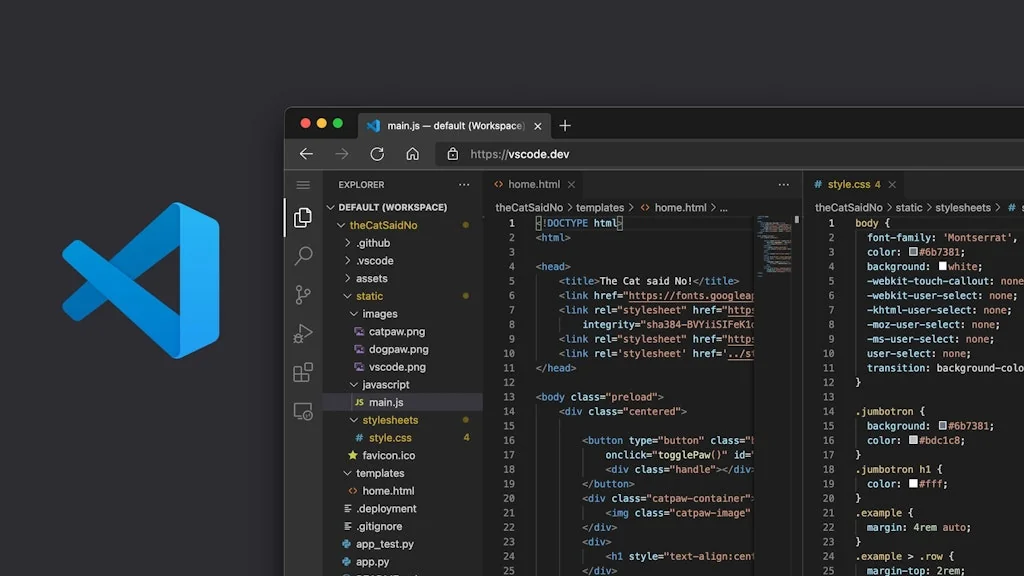
Now when you go to https://vscode.dev, you'll be presented with a lightweight version of VS Code running fully in the browser. Open a folder on your local machine and start coding. No install required.
Pros & Cons
Pros
- Lightweight
- Community plugins
- User-friendly interface
- Cloud convenience
- Git integration
- No installation required
- Cross-device consistency
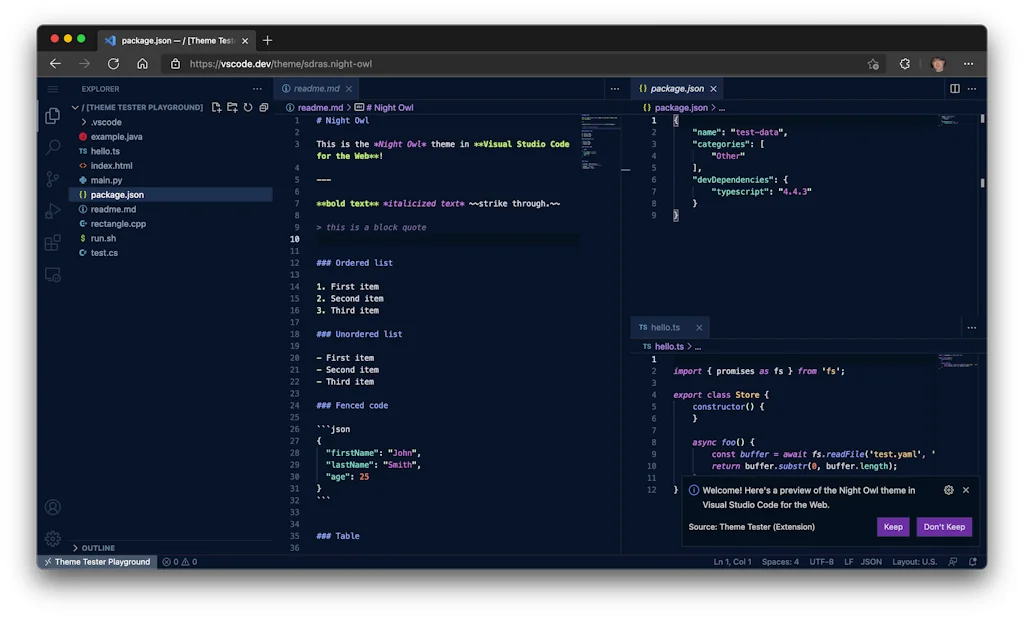
- Customization options
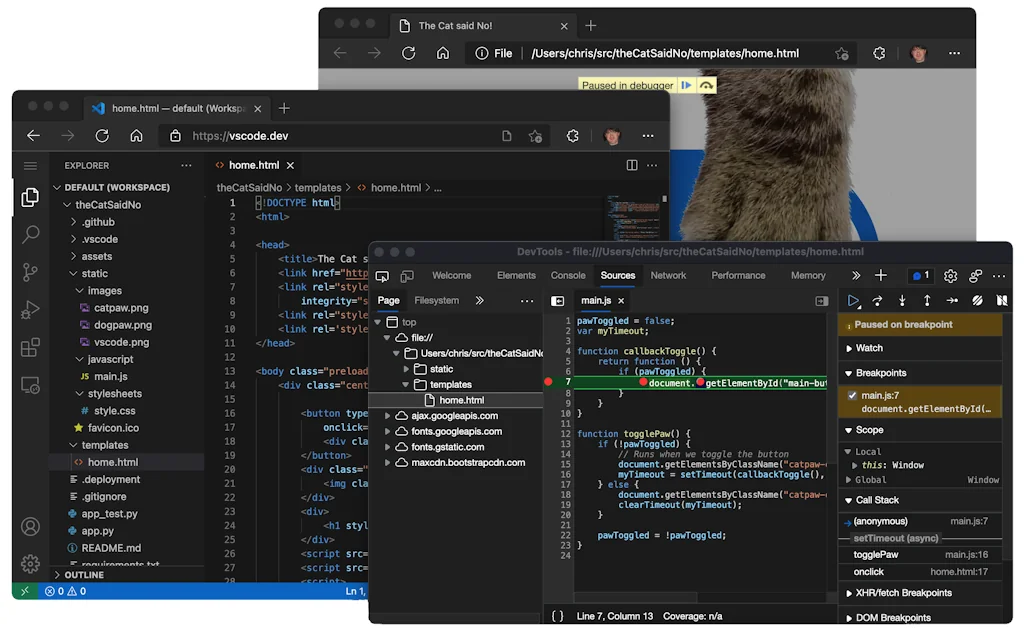
- Debugging tools
- Fast performance
- IntelliSense
- AI autocomplete
- Live preview
- Pair programming
- Remote-repo option
- Syntax and formatting correction
Cons
- Select typescript version issue
Tool Details
| Categories | Code editors |
|---|---|
| Website | vscode.dev |
| Added | October 20, 2021 |
| Platforms | Web |
| Social |
Recent Reviews (6)
vscode.dev takes the power of VS Code and throws in cloud convenience. It's a browser-based version that lets you code anywhere with just a web connection, eliminating installation hassles and keeping your environment consistent across devices. This makes it perfect for quick edits, collaboration on the go, or trying out new projects without setup.
Termdock draws inspiration from vscode’s principles, but we intentionally took a different path. Termdock ships with multiple workspaces and a terminal‑driven workflow, supports Git isolation, and lets you operate several projects without interfering with each other. While Termdock is not a fork of vscode, vscode remains a highly professional and mature project—we learned a lot from its architecture and product design concepts. We evaluated Cursor, Zed, JetBrains Fleet, and several Web IDEs. They excel in editing experience and AI assistants, but the combination of native multi‑workspace support, deep terminal integration, and Git isolation didn’t fully meet our needs. Therefore, we chose the Termdock approach: terminal‑centric with workspaces as logical boundaries to ensure stability and speed when running multiple projects in parallel.
I use vscode.dev for quick code reviews, debugging, and editing lightweight scripts.
Visual Studio Code stands out with its lightweight yet highly extensible architecture. It streamlines code editing and debugging, with features like integrated Git control and a vast library of extensions. Its ability to handle projects of varying sizes with efficiency helps me stay focused on coding without being bogged down by unnecessary complications.
It’s fast, easy to use, and the extensions save a ton of time. Feels like it just gets what I need as a developer.
Very helpful IDE which makes the work easy for me.
Frequently Asked Questions about vscode.dev
When did vscode.dev become popular?
vscode.dev became popular around October 20, 2021.
What are the main advantages of using vscode.dev?
The top advantages of vscode.dev include: lightweight, community plugins, user-friendly interface, cloud convenience, Git integration.
What are the disadvantages of vscode.dev?
Some reported disadvantages of vscode.dev include: select typescript version issue.
What is vscode.dev's overall user rating?
vscode.dev has an overall rating of 4.9/5 based on 30 user reviews.
What type of tool is vscode.dev?
vscode.dev belongs to the following categories: Code editors.
Related Code editors Tools

Swimm
A documentation tool built for developers

Pinetree(Beta)
Pinetree is browser-based hierarchical markdown editor

Snipper App
Snipper is a native macOS snippets manager

10015 Tools
All Online Tools in One Box

Cliprun: Python Code Runner & Playground
Run Python code from any website with a right-click

mjml.
The Responsive Email Framework.
Compare vscode.dev :




Don't Get Fooled by Fake Social Media Videos
The world's first fact checker for social media. Paste any link and get an instant credibility score with sources.
Try FactCheckTool Free