
Procreate
Instinctive and powerful illustration tool on the iPad
What is Procreate?
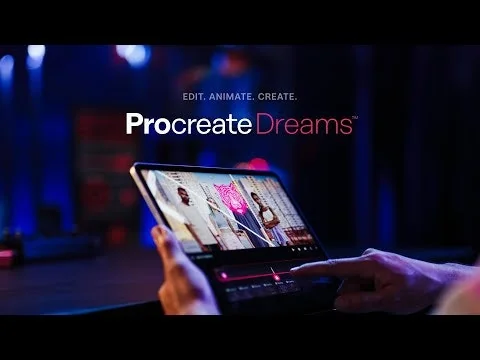
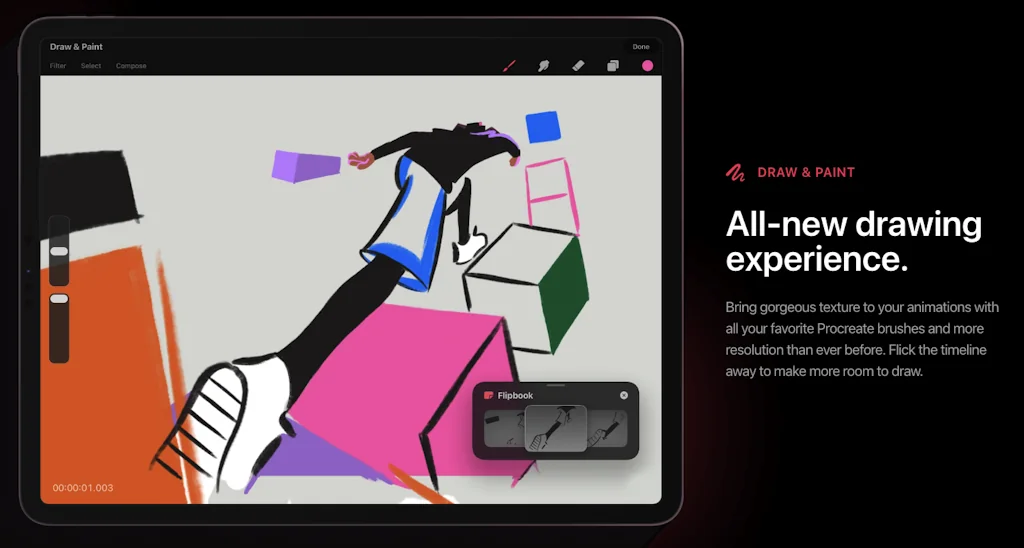
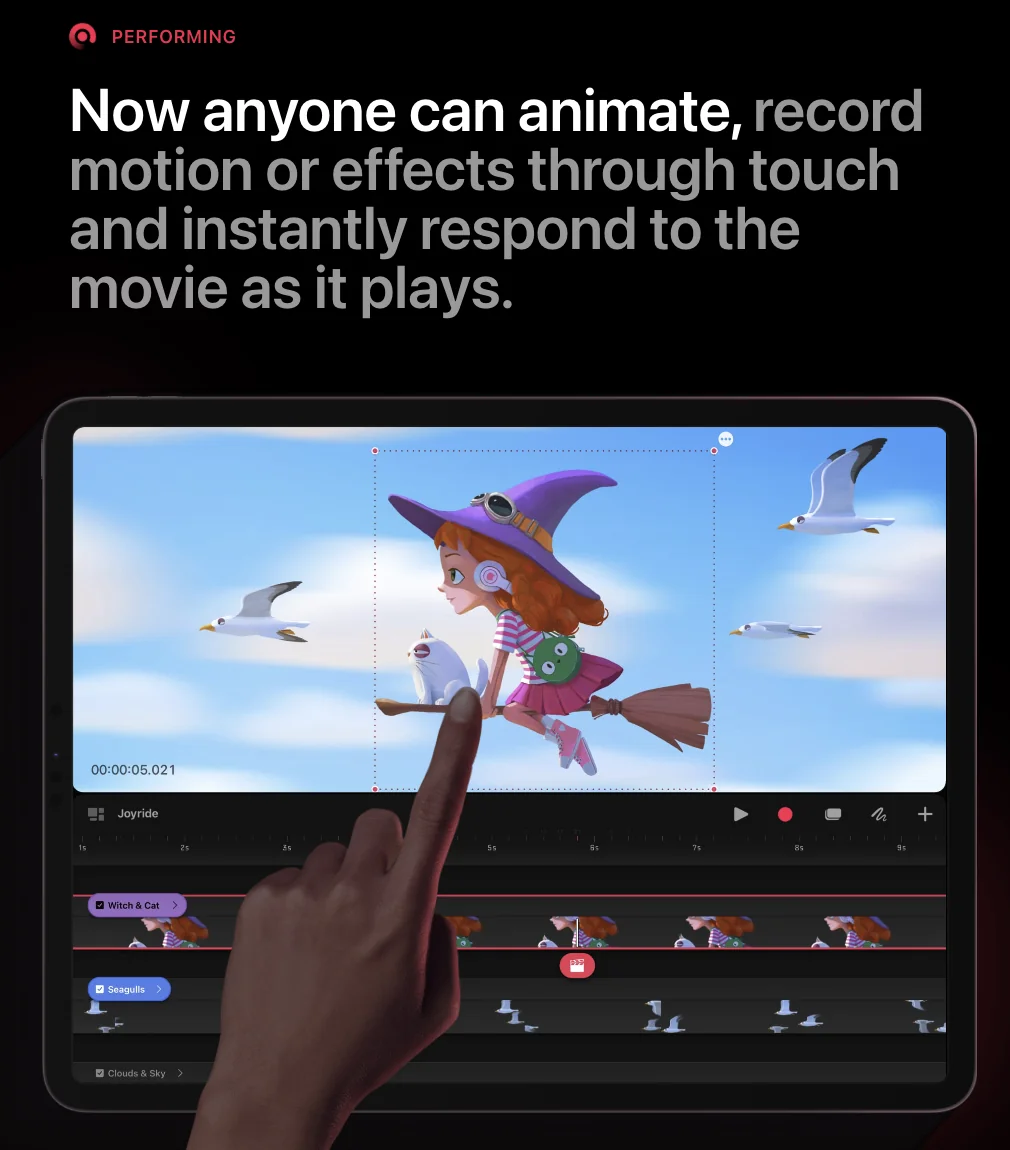
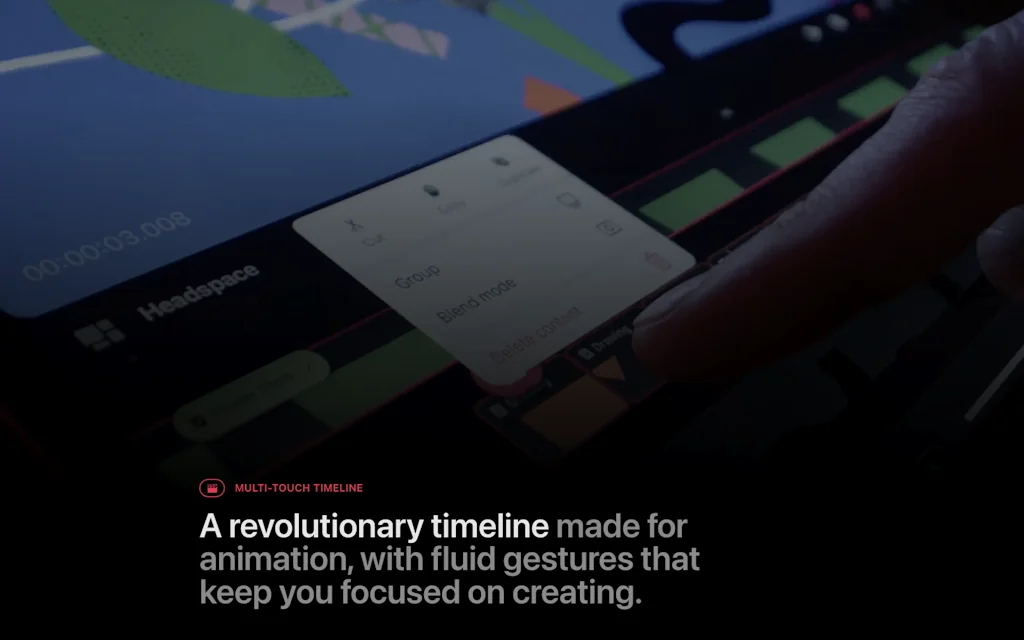
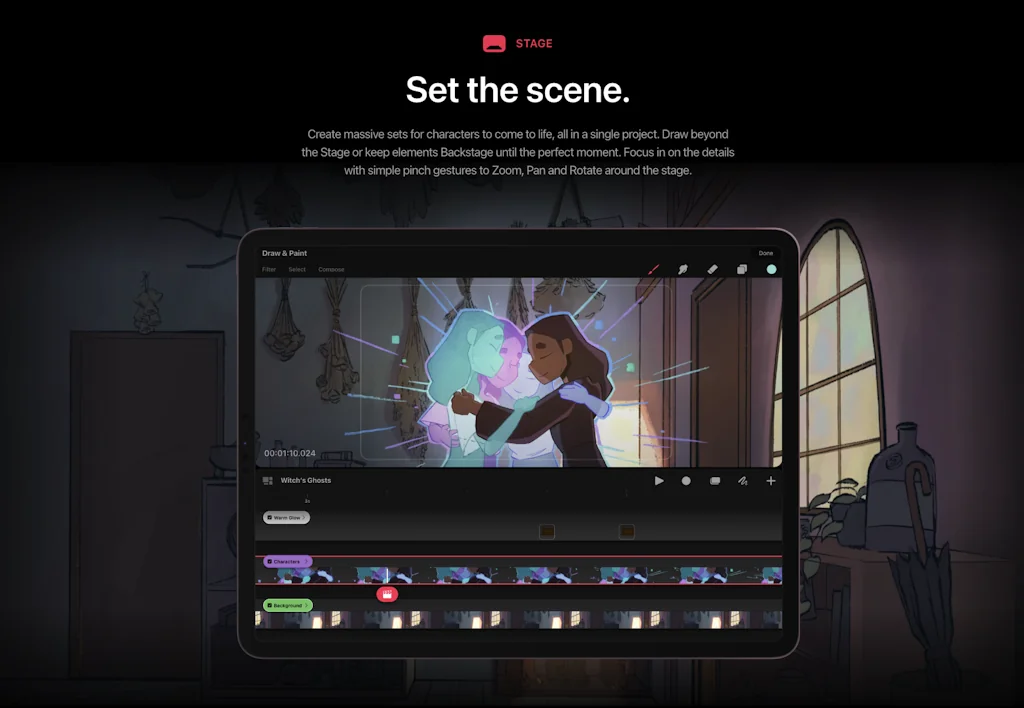
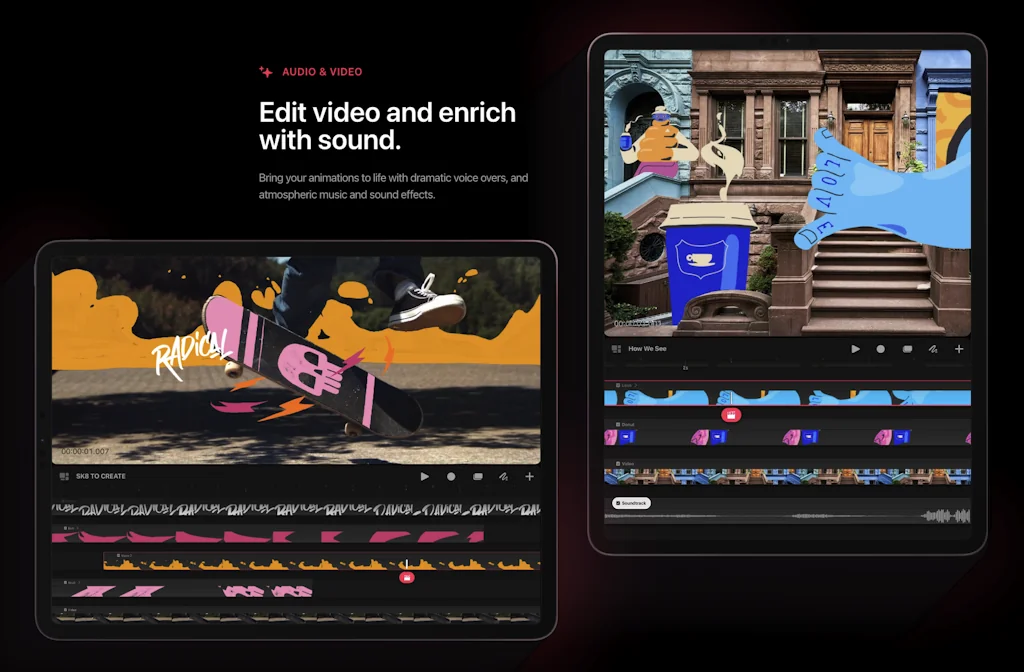
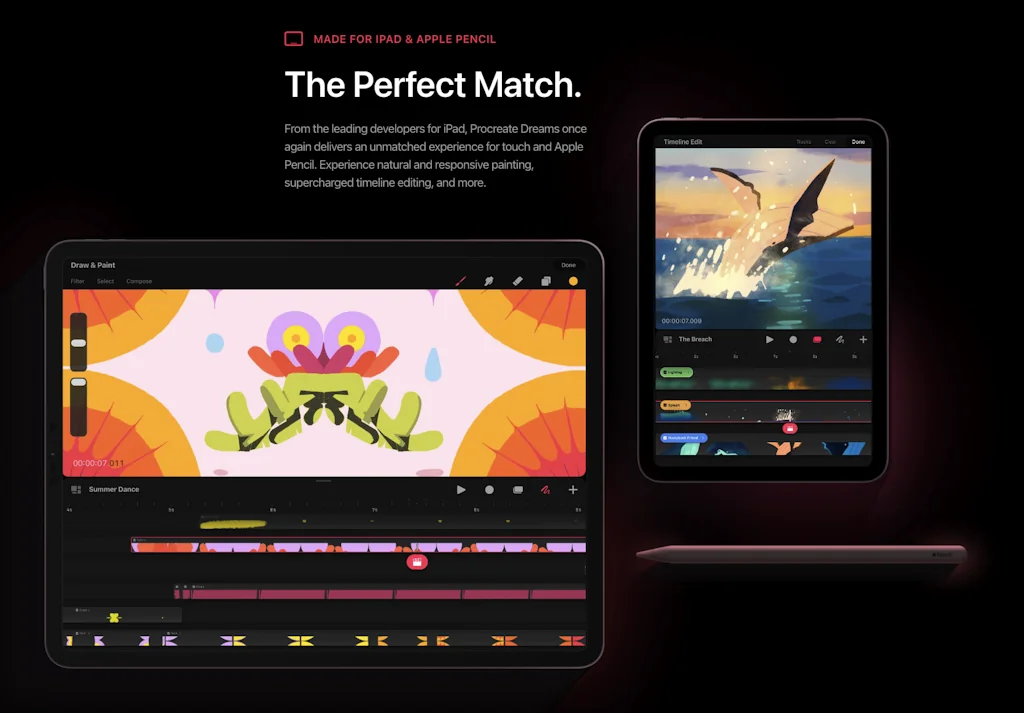
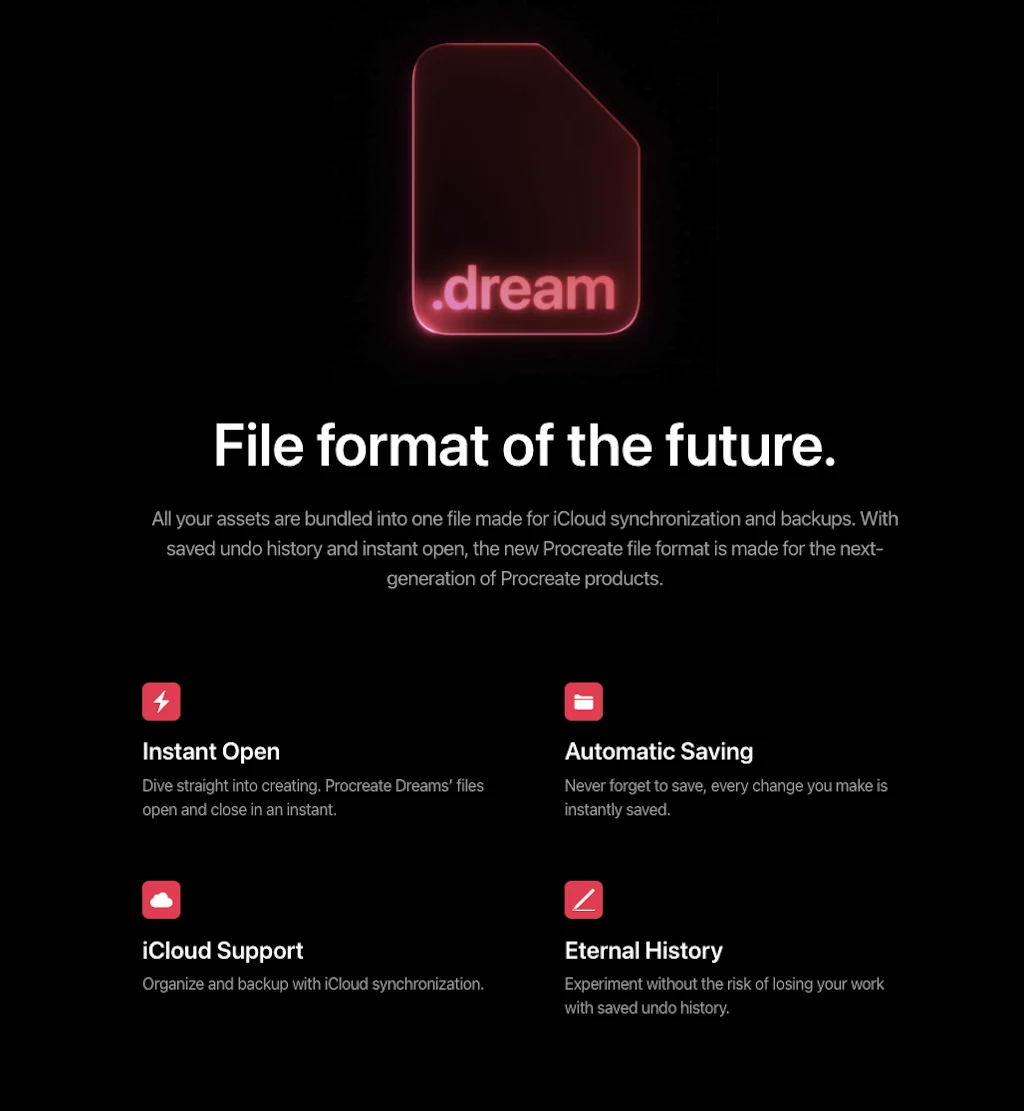
Procreate Dreams is an all-new animation app packed with powerful tools that anyone can use. Create engaging hand-drawn animations, motion graphics and enhance them with photos, videos and sound.
Pros & Cons
Pros
- Simple interface
- Customizable brushes
- Professional features
- Apple pencil support
- One-time payment
- Traditional media simulation
- Auto-save feature
- Fast performance
- Flexible export options
Cons
- Ipad exclusive
- Limited animation features
- No vector support
Tool Details
| Categories | Design & Creative, Mobile editing apps, Graphic design tools |
|---|---|
| Website | procreate.com |
| Added | June 11, 2015 |
| Platforms | Web · iOS |
| Social | Twitter · Instagram · Facebook |
Recent Reviews (8)
The gold standard for drawing on an iPad. It's beautiful, affordable, simple to get started yet endlessly powerful with vast capabilities that charm and delight when you discover them.
A wonderful tool that allows you to create all your graphic assets right on your iPad.
Because it's super intuitive and i can draw with apple pencil.
Sometimes I get to use Procreate on my partner's ipad, and it's the most convenient drawing program in my memory. It seems that there are the most packs of different brushes on Procreate, it's very convenient to customize the canvas and, dammn, the best thing is to auto-save the canvas, even if the device suddenly runs out. Everything remains to the last line, ipad for charging - and keep going! So I'm saving up for my own device, so that I can also work comfortably at any time.
One of the best graph editors for apple, it literally sold me on my ipad and stylus back in the day. :з I think only the compressed jpeg issue is frustrating, but that's a minor thing compared to the ability to simply and easily draw without forcing and overcomplicated features. (nevertheless they are quite deep if you go deeper).
Absolute powerful for creative workers. I tested several tools (Krita, Inkscape, etc) on Microsoft systems. As well as tools on android pads. But to be honest. This tool is near to perfect. Very intuitive. I can really recommend it for creative workers. Ipad12“+pen+procreate = a lot of fun
one of the generous drawing software dev out there
I use this on iPad 5 air and I’m very pleased
Frequently Asked Questions about Procreate
When did Procreate become popular?
Procreate became popular around June 11, 2015.
What are the main advantages of using Procreate?
The top advantages of Procreate include: simple interface, customizable brushes, professional features, apple pencil support, one-time payment.
What are the disadvantages of Procreate?
Some reported disadvantages of Procreate include: ipad exclusive, limited animation features, no vector support.
What is Procreate's overall user rating?
Procreate has an overall rating of 5.0/5 based on 10 user reviews.
Is Procreate available on mobile devices?
Yes, Procreate is available on iOS (App Store).
What type of tool is Procreate?
Procreate belongs to the following categories: Design & Creative, Mobile editing apps, Graphic design tools.
Related Design & Creative Tools
Product Disrupt
Disruptive list of resources to learn about Product Design.

Lint for Sketch
Validate your designs against your design guidelines.

Tigerdrive
Fearless creativity
Colorbox by Lyft
Create accessible color systems 🎨

Play
Design, prototype, and collaborate directly from your phone.
100 Mesh Gradients
Make your website beautiful with mesh gradients
Related Mobile editing apps Tools

Cellular Speed Tests
Measure and compare your network speeds

SceneCam ◉ AR Camera
Augmented videos like a pro
Ingress
Real world mobile game from Google

Google Fi
Meet Google Fi, a different kind of phone plan

MobileFirst
Consultation & Development for Digital Products.

The New Microsoft Office
One app for Word, Excel, and Powerpoint 📲
Related Graphic design tools Tools

Wannathis
Free & Premium Mockups to Make Your Design Projects Shine!

Doodlicons
700+ Handcrafted vector doodles and scribbles

Design Foundations
Turn any website into your design system
Figma
The collaborative interface design tool

Let's Enhance
Powerful AI to increase image resolution

Web Designer News
Curated stories for designers
Compare Procreate :




Don't Get Fooled by Fake Social Media Videos
The world's first fact checker for social media. Paste any link and get an instant credibility score with sources.
Try FactCheckTool Free