

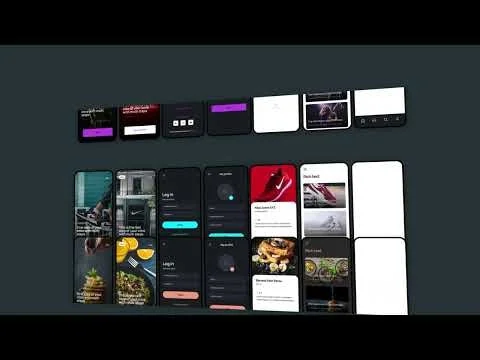
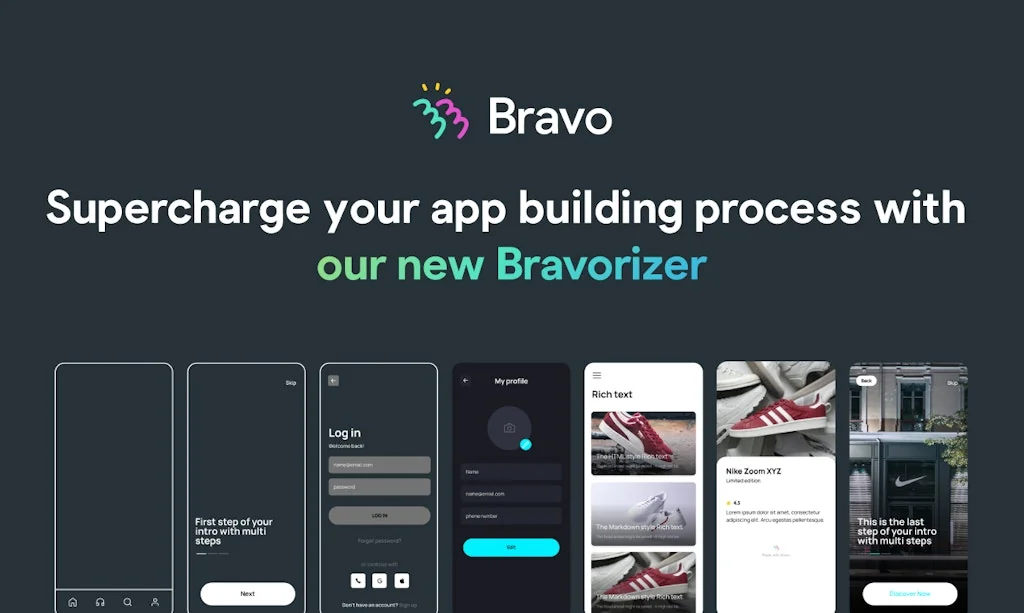
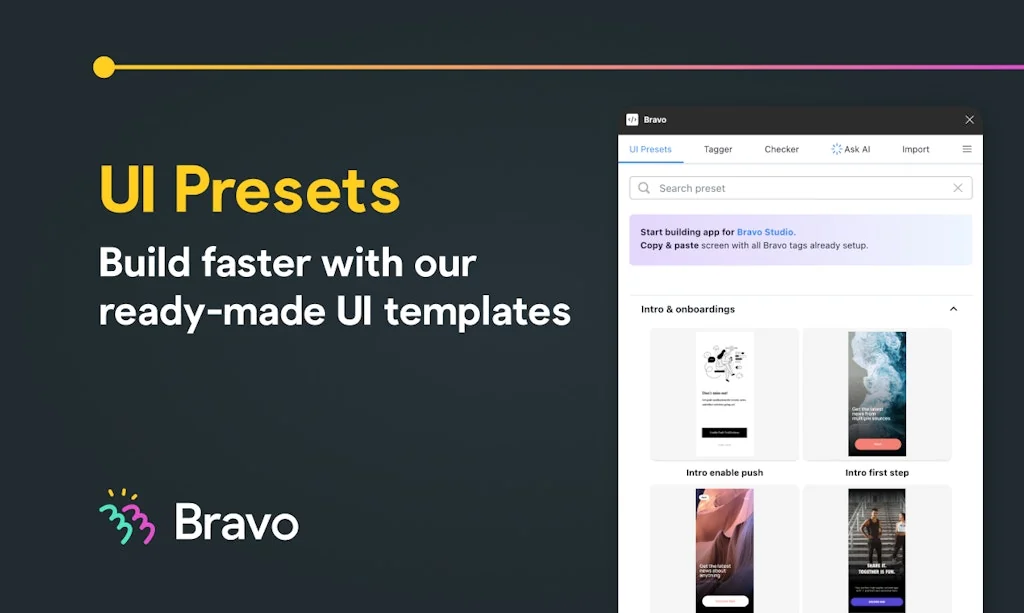
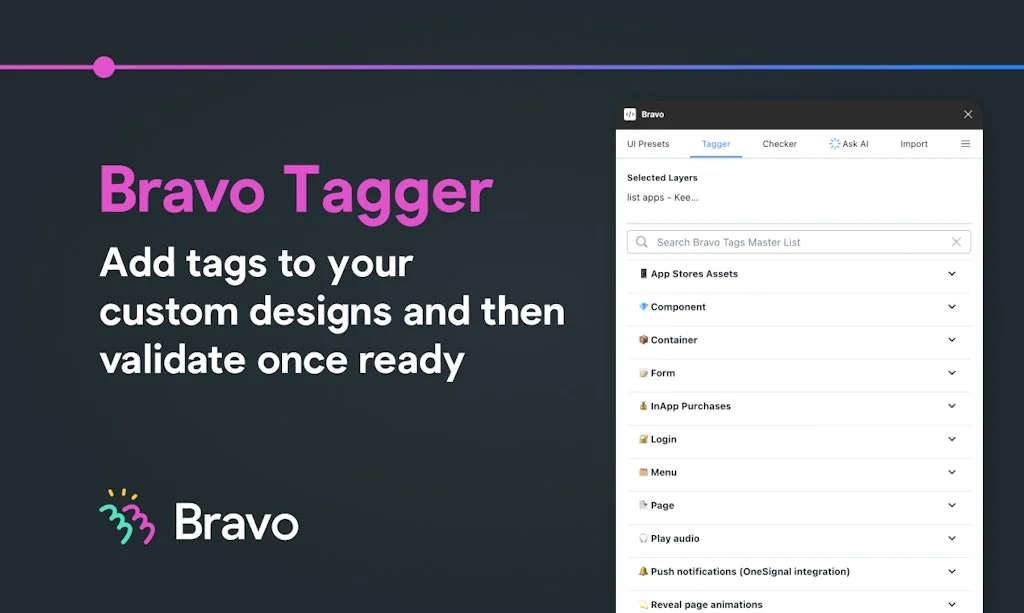
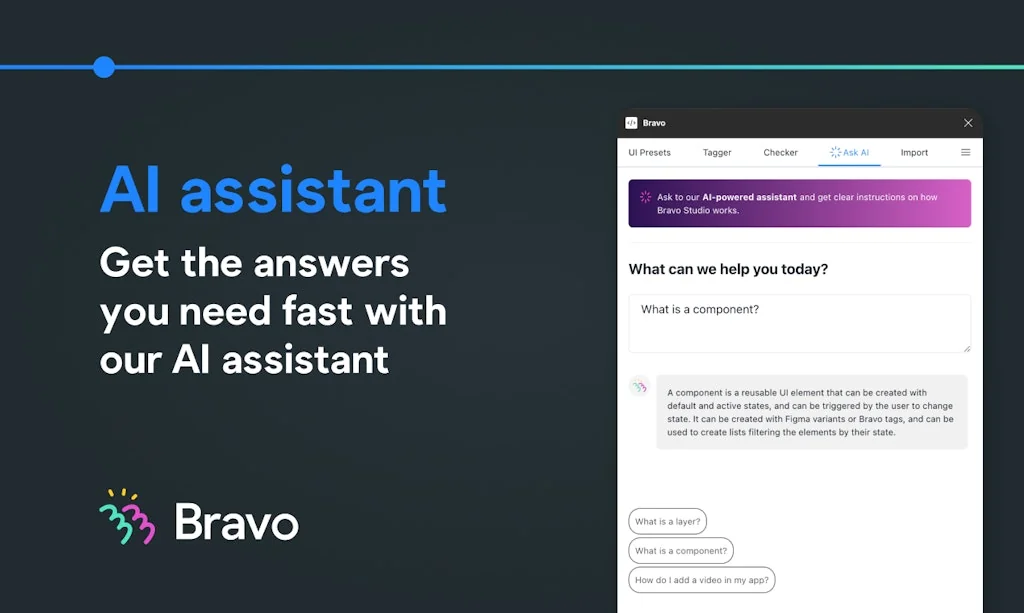
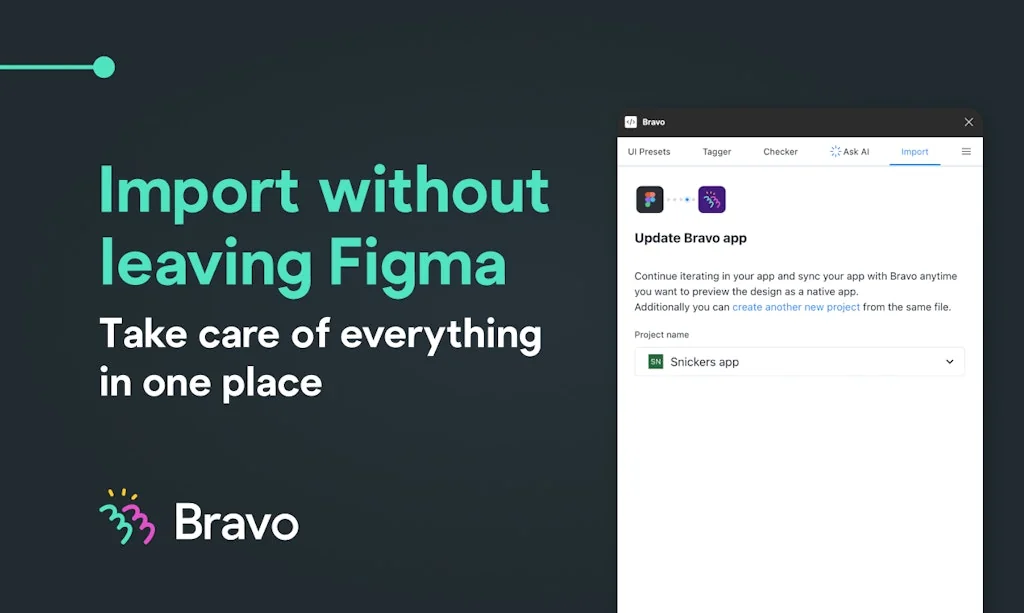
What is Bravo Studio?
Turn your app prototypes into native iOS and Android apps without coding, while using your favourite design tool.
Pros & Cons
Pros
- No-code platform
- Figma integration
- Airtable integration
- App store deployment
- Bravorizer plugin
- Design to code conversion
- Rapid prototyping
- API connectivity
- Community support
- Complex functionality
- Dynamic user experience
- Tally Forms integration
- Usability testing
Cons
- Complex setup
- High pricing
Tool Details
| Categories | Interface design tools, No-code Platforms, Figma Plugins |
|---|---|
| Website | www.bravostudio.app |
| Added | December 10, 2019 |
| Platforms | Web · iOS · Android |
| Social | Twitter · Instagram |
Recent Reviews (7)
The simplest way to create a mobile app - and a milestone in nocode tools for its easiness. You get your Figma file and bind elements with data on Airtable. That's it! You got mobile apps!
lets us design directly in Figma and ship to iOS/Android without heavy coding, giving us more creative freedom than other no-code app builders.
I've been following Bravo Studio for a while and have already published multiple apps using it. It's crazy how new and requested features just keep coming in. Keep it up!
We have been building our travel app with Bravo + Figma and it's been absolutely stellar using Bravo. I am all in on the no-code platform. If you use Figma for UX, then there is no other front-end platform other than Bravo to build mobile apps fast and with the least amount of $ investment. Great work @tobyoliver97 and Bravo team!
Having launched 2 apps to both app stores recently using Bravo Studio I only wish I had had the Bravorizer to make it even faster and easier but still, my client and I were more than happy with everything! Next project I'll use it from the start 😉 Good luck with the launch today @toby_oliver1 & co.!
Bravo Studio is a phenomenal solution! It has enabled me to take my designs and create a real working app with complex functionality and launch it to the app store. I'm not a developer, I can't code and this has opened up a whole world of possibilities for my work. LOVE IT!
Bravo is awesome. Been using it since day one and one of the most common problems is the "Bravorization" step. So this plugin is going to be game-changer. Kudos to all the team.
Frequently Asked Questions about Bravo Studio
When did Bravo Studio become popular?
Bravo Studio became popular around December 10, 2019.
What are the main advantages of using Bravo Studio?
The top advantages of Bravo Studio include: no-code platform, Figma integration, Airtable integration, app store deployment, Bravorizer plugin.
What are the disadvantages of Bravo Studio?
Some reported disadvantages of Bravo Studio include: complex setup, high pricing.
What is Bravo Studio's overall user rating?
Bravo Studio has an overall rating of 5.0/5 based on 12 user reviews.
Is Bravo Studio available on mobile devices?
Yes, Bravo Studio is available on iOS (App Store) & Android (Google Play).
What type of tool is Bravo Studio?
Bravo Studio belongs to the following categories: Interface design tools, No-code Platforms, Figma Plugins.
Related Interface design tools Tools

UI Inspector
A visual CSS editor for your browser

Shape Divider
Create fully responsive shape dividers for your next project

Litur
A color picker app for the world around you.

UI Colors
Tailwind CSS color generator & editing tool

Design Sight
The missing link between design and development

Source Wireframe Kit
Library of 537 blocks for desktop and mobile prototyping
Related No-code Platforms Tools

LeadCal
Lead Pricing Calculator for Framer

ToolJet
Open-source low-code platform to build internal tools

Zapier
Connect your apps and automate workflows

Breeew
Easily create and manage productized services

Fillout.com
Make any form in minutes

Duonut | Conversational AI survey.
Real-time Follow ups and Response Summary for your users.
Related Figma Plugins Tools

story.to.design
Keep your Figma components up to date with code

Tailwind Sync
Figma variables to Tailwind in one click
UI Faces
Avatars for design mockups

Unsplash for Figma
Millions of beautiful free images baked right into Figma 🖤

Sketch Manager
Manage Sketch symbols, text and layer styles easily

Free Palms Illustrations
43 free PNG hands to illustrate any idea
Compare Bravo Studio :




Don't Get Fooled by Fake Social Media Videos
The world's first fact checker for social media. Paste any link and get an instant credibility score with sources.
Try FactCheckTool Free