

Figma to Webflow plugin
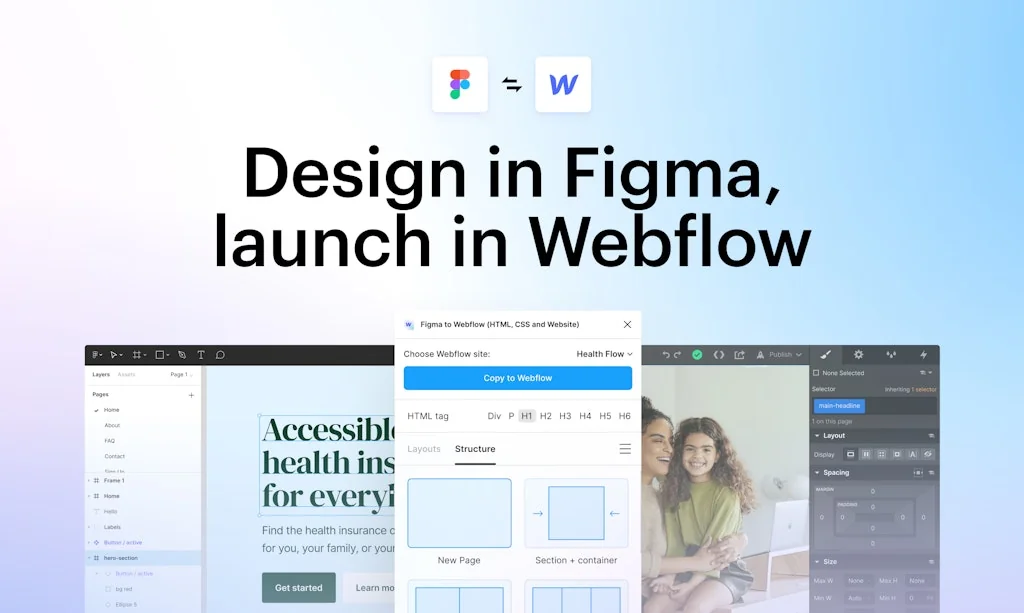
Design websites in Figma, launch in Webflow

What is Figma to Webflow plugin?
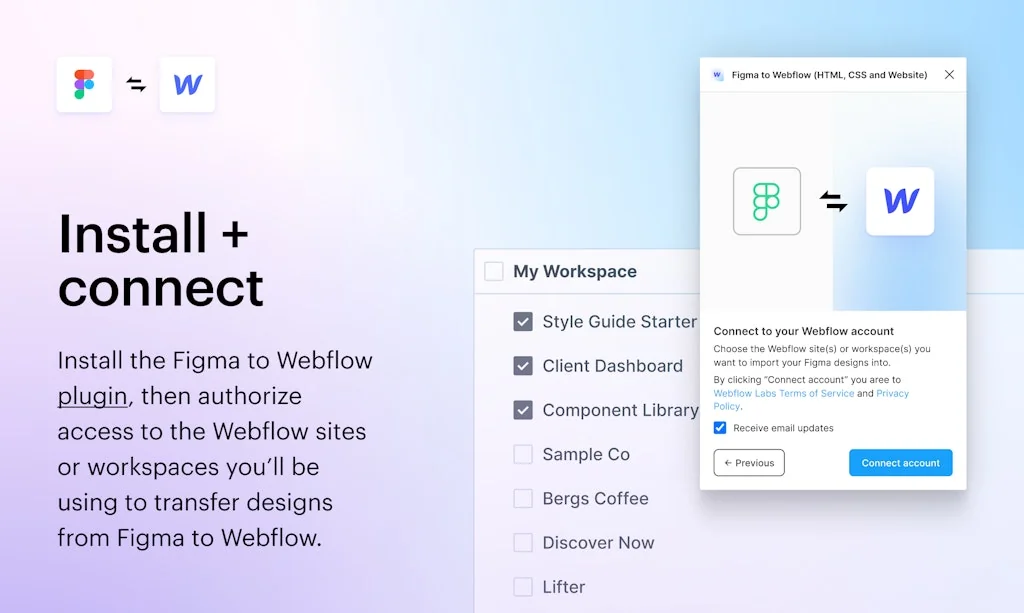
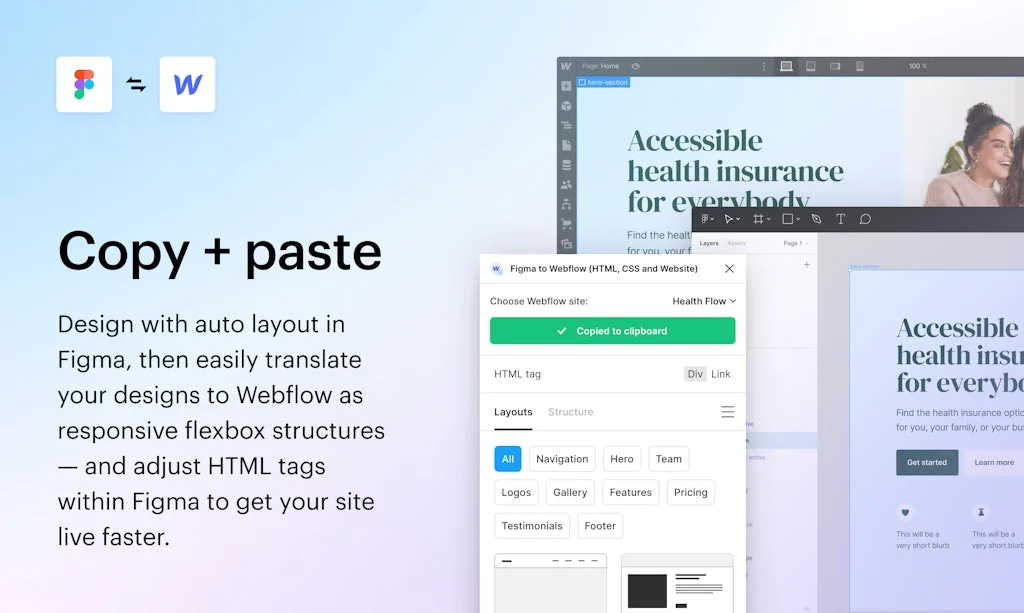
Convert and import your Figma designs to Webflow. The Webflow Figma plugin helps you transfer your Figma designs into production-ready Webflow HTML & CSS.
Pros & Cons
Pros
- Potential for new workflows
- Time saver
- Facilitates collaboration
- Production-ready HTML and CSS
- Supports MVP development
Cons
- Manual CSS refinement needed
- Class duplication
- Early beta limitations
- Lack of combo classes
- Limited to auto-layouts
Tool Details
| Categories | Interface design tools, Website builders, Figma Plugins |
|---|---|
| Website | www.figma.com |
| Added | February 2, 2023 |
| Platforms | Web |
| Social |
Recent Reviews (6)
This plugin saved my career in the early days! It was a bit tricky at first cause of the fixes I still had to do after pasting, but once I got the hang of it, it's been smooth sailing ever since. Thank you for this honestly!
Used this tool to quickly turn our Figma designs into new landing pages in Webflow.
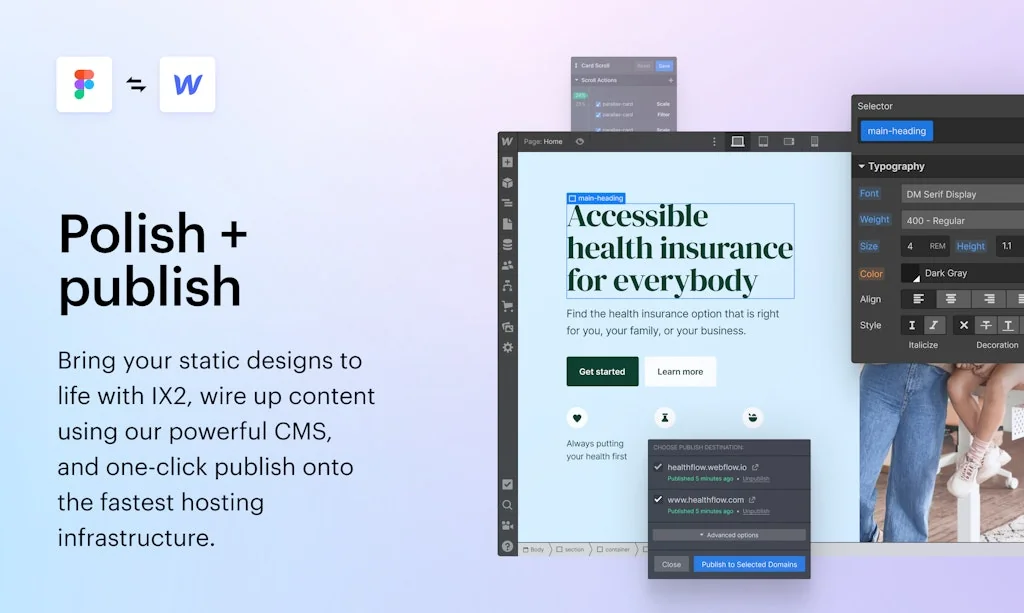
Simply Design in Figma and Launch in Webflow. The Figma to Webflow plugin, built by Webflow Labs, lets you turn your static designs into clean, production-ready Webflow HTML and CSS. Add Webflow Interactions and one-click publish.
“Figma to Webflow” is an amazing plugin by Webflow Labs team, and I truly see its amazing potential. However, it lacks three key features that are important to me as an advanced Webflow developer: 1. Only one class — it’s impossible to have combo classes with this plugin, hence it’s not effective at all. 2. Class duplication — breaks the point of the plugin completely since it creates a ton of classes such as “Button 42” or “Section Wrapper 228”. There’s an extension made by Relume Team for their Relume Library that solves class duplication issue in Webflow, but it doesn’t work with the plugin. 3. Only auto-layouts — which I really like because they are awesome, but we do not use flexbox all the time (grids and just static blocks with paddings/margins). Keep in mind it’s a very early beta, so I hope the plugin will evolve in a next-gen development assistance tool.
As usual I created my design in Figma, ran the plugin, literally pressed ‘Copy to Webflow’, then hit Command + V inside Webflow, and boom 🤯 the site design was ported across with everything in tact. As an MVP this is incredible! Excited to see where they expand the feature set in future…
Helps to create a leaner design process, but needs smoother integration with CSS styles, there is still a lot of manual work to refine a design in Webflow.
Frequently Asked Questions about Figma to Webflow plugin
When did Figma to Webflow plugin become popular?
Figma to Webflow plugin became popular around February 2, 2023.
What are the main advantages of using Figma to Webflow plugin?
The top advantages of Figma to Webflow plugin include: potential for new workflows, time saver, facilitates collaboration, production-ready HTML and CSS, supports MVP development.
What are the disadvantages of Figma to Webflow plugin?
Some reported disadvantages of Figma to Webflow plugin include: manual CSS refinement needed, class duplication, early beta limitations, lack of combo classes, limited to auto-layouts.
What is Figma to Webflow plugin's overall user rating?
Figma to Webflow plugin has an overall rating of 4.7/5 based on 9 user reviews.
What type of tool is Figma to Webflow plugin?
Figma to Webflow plugin belongs to the following categories: Interface design tools, Website builders, Figma Plugins.
Related Interface design tools Tools

ChatGPT Tailwind components
Create customized Tailwind CSS components

Liquid Glassifier
Bring liquid glass to your site with a single copy-paste

Trace AI
fastest way to build ios apps with AI

JSX.Design
The dev friendly no-code editor for React development

HTMLrev
Free HTML template library
Bootstrap Studio
The Web Design Tool for the Bootstrap Framework.
Related Website builders Tools

Taildoor
The essential developer tool for Tailwind CSS

Flowlance
Your new Creator Store - Sell digital products & services

Solo AI Website Creator
Beautiful, no-code websites for solopreneurs

BudCoder
v0 and CodeSandBox for WordPress

Dimer
Simplest way to write and publish beautiful docs

Weglot
The easiest way to translate a website
Related Figma Plugins Tools

Figma Logo Creator
Prebuilt logo collections & craft from shapes in Figma

Figma Academy
A program that teaches advanced product design

story.to.design
Keep your Figma components up to date with code

Paste with Frames
Smart, beautiful, interactive mockups📱

Pixelic
Design Collaboration for product teams.

Dualite
Agent to turn your idea into app
Compare Figma to Webflow plugin :





Don't Get Fooled by Fake Social Media Videos
The world's first fact checker for social media. Paste any link and get an instant credibility score with sources.
Try FactCheckTool Free