

Radix UI
Open-source UI components for building accessible web apps
What is Radix UI?
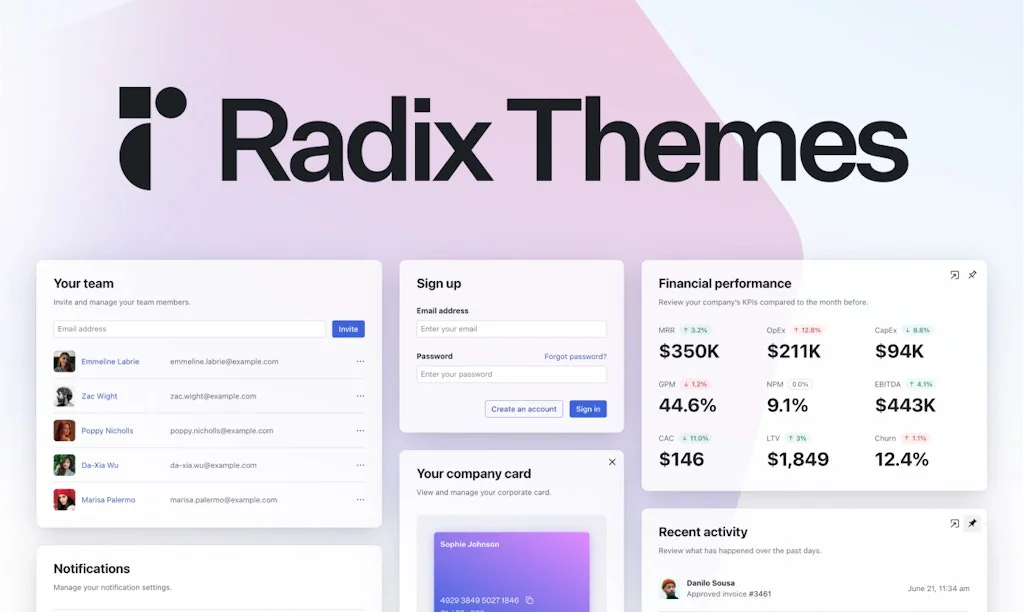
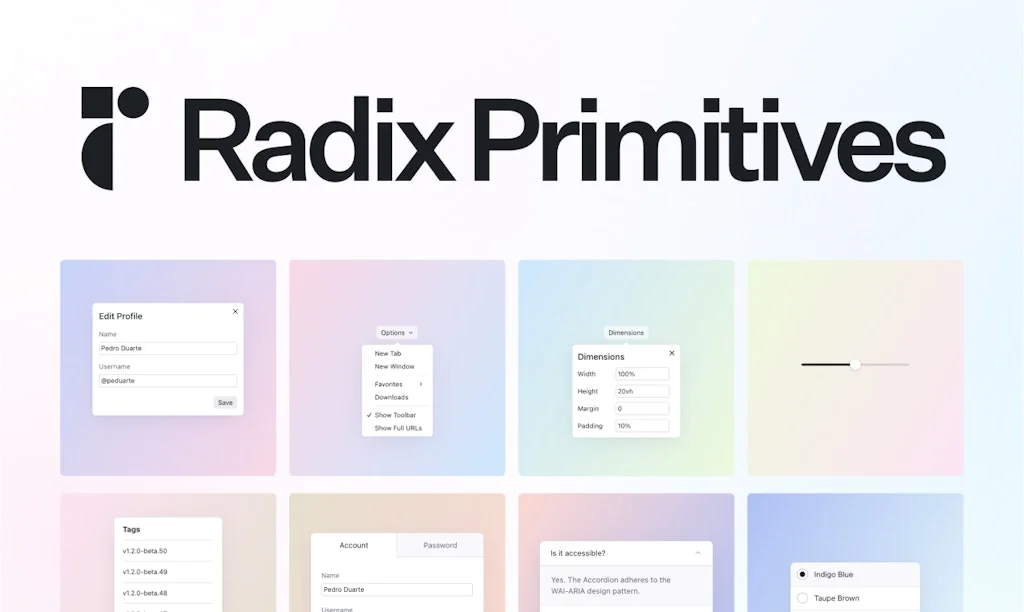
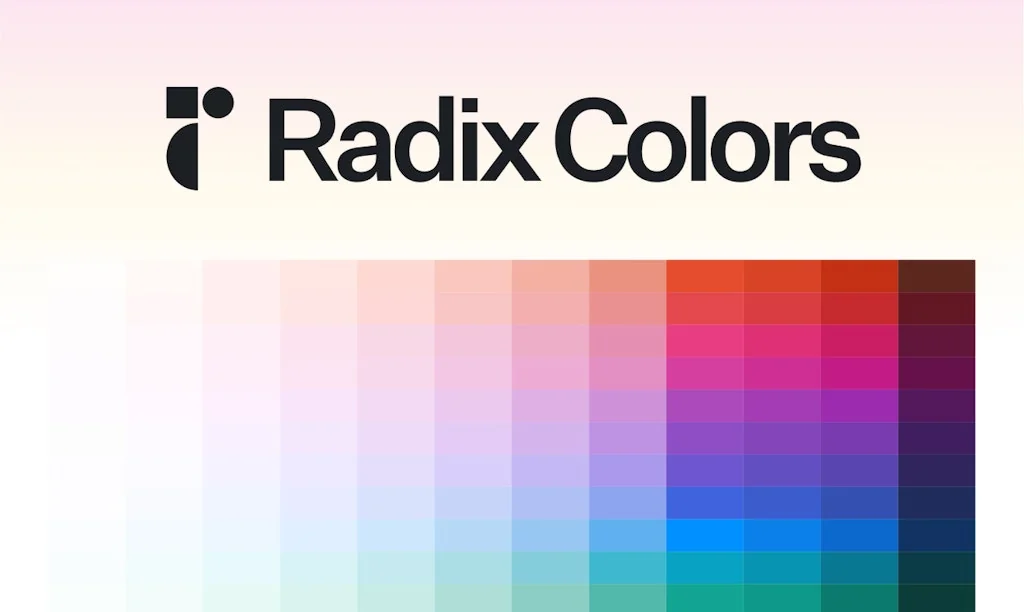
A suite of open-source projects for building high-quality, accessible web apps and design systems.
Pros & Cons
Pros
- Accessible UI components
- Developer experience
- Un-styled components
- React compatibility
- Community involvement
- Customizable
- Excellent documentation
- Fast performance
- Headless component library
- Theme component
Cons
- Customizable
- Limited built-in components
Tool Details
| Categories | Interface design tools, Engineering & Development, UI frameworks |
|---|---|
| Website | radix-ui.com |
| Added | December 17, 2020 |
| Platforms | Web |
| Social | Twitter · GitHub |
Recent Reviews (5)
Perfection! It really shows that you have thought about the DX and APIs all the way through, there are so many good and clever features here. I've always been a fan of Radix, but this is one level higher in abstraction, making it so easy to get up and going. The theme component is genius as well. As for feedback and questions, and I guess you guys already have a huge backlog, but, are you planning on porting over more of your primitives to the theme side, like the toast and form? Furthermore, components like pagination, editable, and even calendar/time-related components, would be such a blessing to have baked in. Also, modifiers for shadows, etc in the theme panel, cheers!
So many websites have buggy dropdowns and modals. With Radix, these primitives just work, i.e., pressing ESC just closes a modal as you'd expect. No customization needed. Would love for them to expose the underlying React Contexts of their components for easier modification.
As part of a larger effort to reduce complexity in our own codebase and increase accessibility of Strapi products, we've made the decision to migrate to Radix-UI primitives for many of our components
Radix UI rocks! I’ve been using it for a long time and it’s awesome for making cool and accessible UI components for React. It’s super easy to use, has great docs, and is fast. The best part is that it doesn’t have any styles, so you can make it look however you want. Radix UI has helped me a lot in building web apps and design systems that are both pretty and practical. If you’re looking for a high-quality web dev tool, you should definitely check it out. 😎
Such a well packaged toolkit, leaves all of the visual/styling configuration open while providing a well opinionated structure to the hierarchy of the components; accessibility batteries included ❤️
Frequently Asked Questions about Radix UI
When did Radix UI become popular?
Radix UI became popular around December 17, 2020.
What are the main advantages of using Radix UI?
The top advantages of Radix UI include: accessible UI components, developer experience, un-styled components, React compatibility, community involvement.
What are the disadvantages of Radix UI?
Some reported disadvantages of Radix UI include: customizable, limited built-in components.
What is Radix UI's overall user rating?
Radix UI has an overall rating of 5.0/5 based on 24 user reviews.
What type of tool is Radix UI?
Radix UI belongs to the following categories: Interface design tools, Engineering & Development, UI frameworks.
Related Interface design tools Tools

TeleportHQ
Create, Preview, Code, Release

Fonts Ninja
Try fonts discovered on websites in any design software

Iconduck
316,125 free open source icons & illustrations

Dank Mono
The coding typeface for aesthetes
TailAdmin
Open-Source Tailwind CSS Admin Dashboard Template

Design Resources
Download free design resources for Figma, Adobe XD etc
Related Engineering & Development Tools






Related UI frameworks Tools
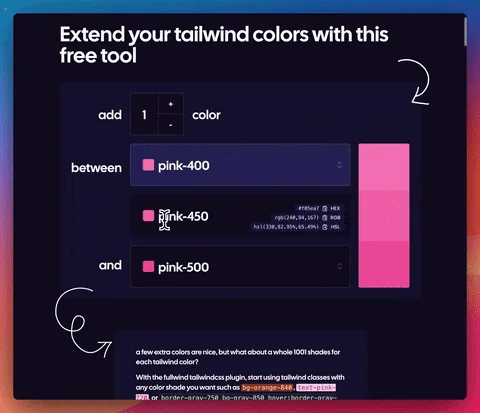
fullwindcss
extra color shades for tailwindcss

reactivesearch.io
Supercharge your search experience

Nice avatar
React component for generating avatars

LangUI
Open Source UI tailored for your LLM, AI & GPT projects.

TalkJS
Chat API with pre-built UI for web & mobile apps

Pttrns
iPhone and iPad user interface patterns
Compare Radix UI :





Don't Get Fooled by Fake Social Media Videos
The world's first fact checker for social media. Paste any link and get an instant credibility score with sources.
Try FactCheckTool Free