

Sentry
Application monitoring and error tracking software
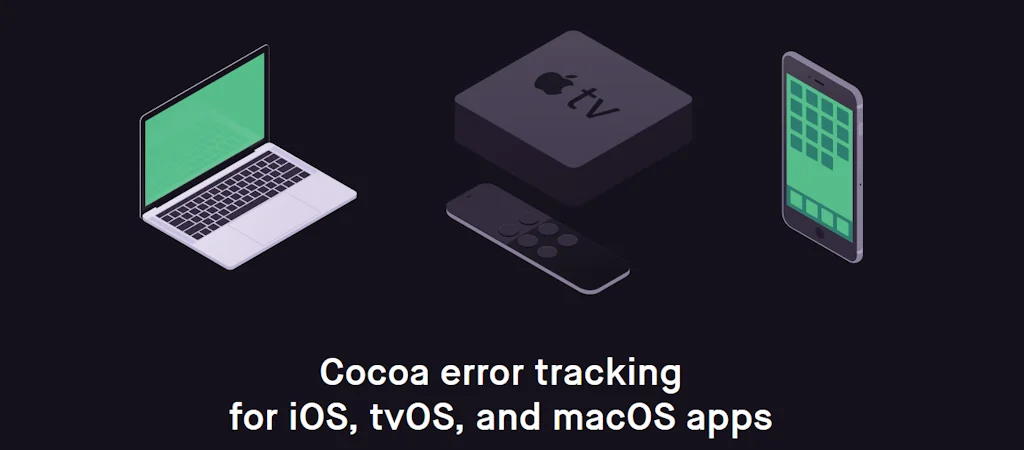
What is Sentry?
Self-hosted and cloud-based application monitoring that helps software teams see clearer, solve quicker, & learn continuously.
Pros & Cons
Pros
- Real-time error tracking
- Performance monitoring
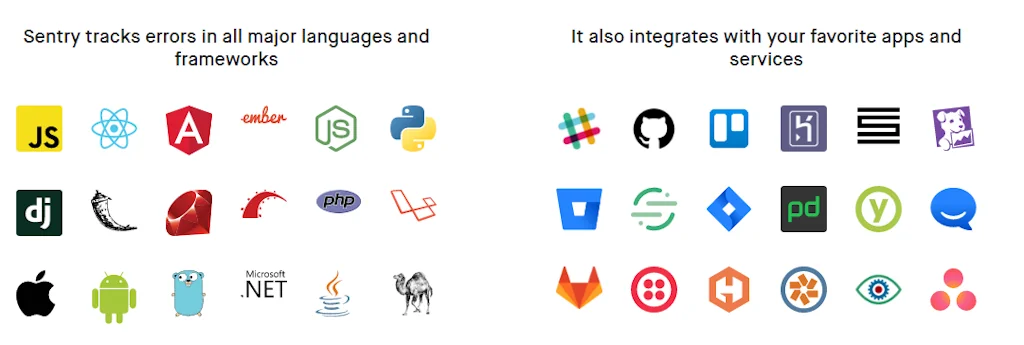
- Seamless integrations
- Detailed stack traces
- Error alerts
- Detailed diagnostics
- Dashboard usability
- Flexible setup
- Cloud-based option
- Cross-platform support
- High degree of personalization
- Self-hosted option
- User session replay
Cons
- Expensive pricing
- Complex integration for some frameworks
- Pricing issues with error limits
Tool Details
| Categories | Issue tracking software, Testing and QA software |
|---|---|
| Website | www.sentry.io |
| Added | March 28, 2015 |
| Platforms | Web |
| Social | Twitter · Instagram · GitHub |
Recent Reviews (8)
At "We Are Learning," Sentry has been a cornerstone for real-time error monitoring, significantly enhancing our debugging efficiency and system stability. Its real-time error capture, coupled with rich contextual data, has enabled us to identify and resolve issues with remarkable speed and accuracy. The seamless integration with our existing tech stack, including Microsoft Azure, ensures that our DevOps and development teams receive immediate notifications for prompt action. However, one area for improvement could be the inclusion of machine learning algorithms to predict potential system failures based on error patterns, which would allow for more proactive issue resolution. Overall, despite this room for enhancement, Sentry remains a crucial tool in our arsenal for maintaining a high level of service reliability and operational excellence.
Sentry is critical for Termdock and our backend services across error monitoring and performance tracing. Its issue grouping and release tracking let us map multi‑project, multi‑workspace events to the correct versions. Source Maps and Stack Traces speed up debugging, while Performance tracing visualizes slow transactions and bottlenecks. With alert rules and environment tags, we can quickly pinpoint issues in a terminal‑driven workflow and trace them back to the corresponding commit. We evaluated New Relic, Datadog, and Firebase Crashlytics. They excel at broad observability and mobile crash reporting, but we prioritize consistent frontend‑backend error context, fine‑grained release/environment segmentation, and a developer‑friendly debugging experience. As a result, we chose Sentry as the core to ensure stability, speed, and traceability when multiple projects run in parallel.
Sentry excels in error tracking and performance monitoring. Its real-time alerts, detailed stack traces, and integrations with popular frameworks (like Next.js) help me identify and resolve issues faster than competitors. The visual performance dashboards and user session replay features provide unmatched insights into application behavior.
While Sentry offers a strong set of integrations and has been valuable in our stack, we ran into challenges when it came to managing bug tracking across native mobile codebases and setting up browser extension support for web apps. Our team was also handling backend service monitoring and analyzing app store reviews—all of which had us relying on multiple tools like Instabug, Firebase Analytics, and AnecdoteAI alongside Sentry. FusionSuite.io offered us a more unified approach. It consolidated several of these capabilities into a single platform, which helped reduce complexity and overhead. The setup was smooth, and one of the practical benefits was the ability to define access roles and permissions tailored to Dev, QA, and Product team needs. That structure helped us stay aligned and better manage day-to-day execution across teams.
Sentry is a powerful error-tracking and performance-monitoring tool, available both self-hosted and in the cloud. It helps developers quickly detect, diagnose, and fix issues, improving application stability and efficiency. A must-have for seamless debugging
I like how app errors are collected and visible on the dashboard, grouping and filtering capabilities is very useful. I can monitor the issue and integrate it with all necessary platforms.
this is greate tool for debugging and error handling in my projects.
one of the amazing tools for exception handling
Frequently Asked Questions about Sentry
When did Sentry become popular?
Sentry became popular around March 28, 2015.
What are the main advantages of using Sentry?
The top advantages of Sentry include: real-time error tracking, performance monitoring, seamless integrations, detailed stack traces, error alerts.
What are the disadvantages of Sentry?
Some reported disadvantages of Sentry include: expensive pricing, complex integration for some frameworks, pricing issues with error limits.
What is Sentry's overall user rating?
Sentry has an overall rating of 4.9/5 based on 60 user reviews.
What type of tool is Sentry?
Sentry belongs to the following categories: Issue tracking software, Testing and QA software.
Related Issue tracking software Tools

GitKraken
Unleash Your Repos!

Usersnap
Guide your product journey with insights that matter

Shortcut
Project Management for Product Engineering Teams

Github Glimpse
Find most recent issues in popular open-source projects!

Superthread
Project management tool with integrated tasks, notes & docs.

ZeroPath
LLM-Powered Code Security
Related Testing and QA software Tools

Autoblocks
Improve the accuracy of LLM-based products

The Beta Family
We are a crowdtesting community

FakeData
Get your fake data in seconds

Hoppscotch
Open source API development ecosystem.

fixa
open-source voice agent testing and observability

Crawly
Uptime, Status Pages, SSL Certificate, Missing Links, etc.
Compare Sentry :




Don't Get Fooled by Fake Social Media Videos
The world's first fact checker for social media. Paste any link and get an instant credibility score with sources.
Try FactCheckTool Free