
What is Fathom?
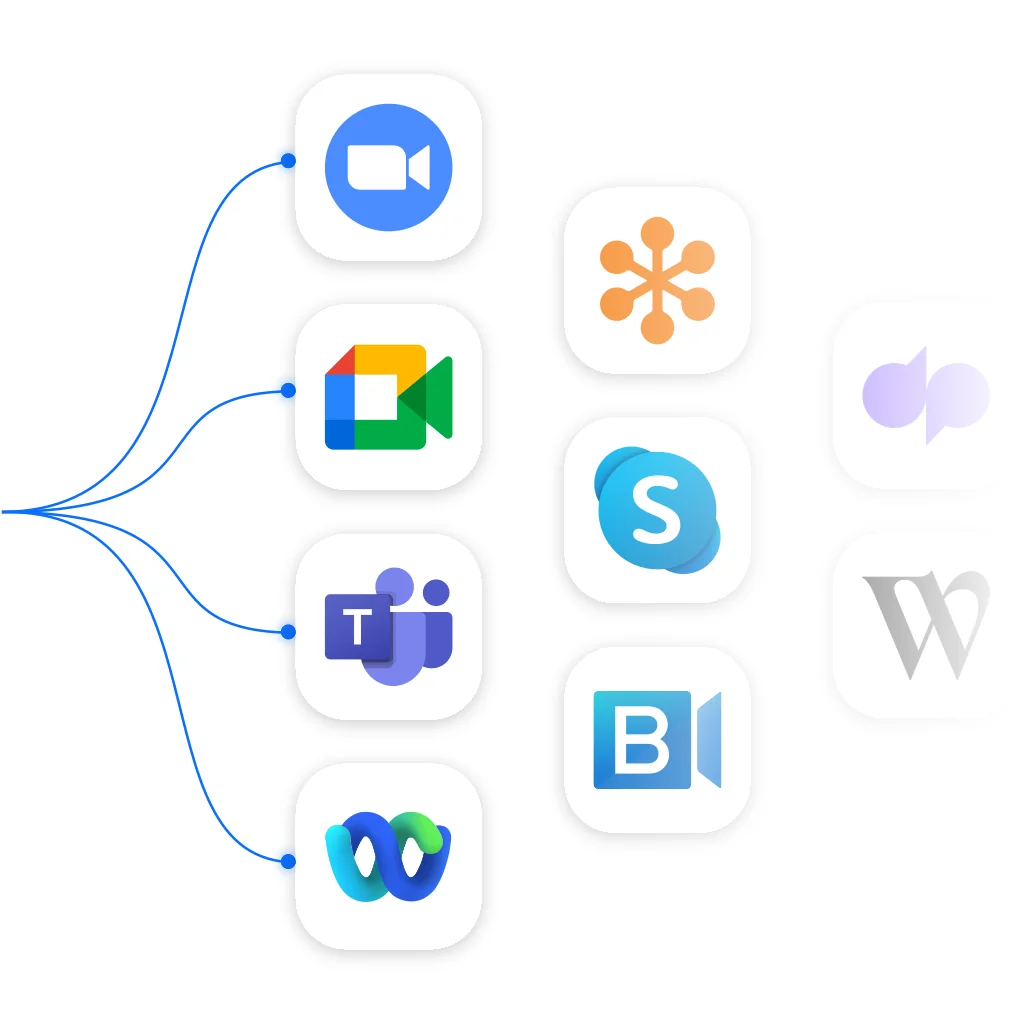
Fathom records, transcribes, and summarizes your meetings so you can focus on the conversation - #1 Rated AI Notetaker on G2 - Most installed AI Notetaker on Zoom and Hubspot marketplaces - Works with Zoom, Meet, and Microsoft Teams
Pros & Cons
Pros
- AI-generated summaries
- Meeting recording
- Automatic transcription
- Ease of use
- Action items
- Integration with Zoom
- Fast performance
- Integration with Google Meet
- Meeting highlights
- Ask Fathom feature
- Free tier
- Customer support
- CRM integration
- Language support
- Integration with Microsoft Teams
- Email summaries
- Context aware
Cons
- Limited free plan features
- Bot joining meetings
- Connectivity issues
- Ease of use
- Free tier
Tool Details
| Categories | Meeting software, AI notetakers |
|---|---|
| Website | www.fathom.ai |
| Added | December 8, 2021 |
| Platforms | Web |
| Social |
Recent Reviews (13)
The pro is really good - which you get for about 2 weeks, then you go down to the free plan and then the value diminishes greatly. I gave it 4 stars because I think the insights should be better in the free plan. After losing the Pro benefits, I was no longer finding value in the free version. In fact, I found it annoying that it would try and join all of my calls when I didn't get value from it. Since then I've bounced around to other note takers. There are other incentives to make me switch to Pro, like the team access. I think that's really helpful. I think if they had made the Free plan more indispensable, I would give this a higher review.
Me and Fathom are like Peanut Butter and Jelly. 🫶 I've used all the other AI / meeting recording note-takers before but when Fathom came along it was love at first recording. The process and software is great. I really love the Mac app that helps you quickly highlight and bookmark. I've always found the recording to be much better at the summaries and highlights. Overall the UX was much better than Otter or Fireflies and I've loved how both simple and powerful it is.
Fathom does a great job capturing strong meeting notes. I've used it to go through over a 100 sales call transcripts. I've also exported the transcripts (which isn't always easy to do in other solutions), and run them through ChatGPT to generate ICPs and Personas. So, I like it for what it can do for meetings, as well as making it easy for me to pull data out for different analyses elsewhere. Transcription seems very accurate, which is the key.
I love that Fathom is there for me if I miss anything in my meetings. I rest assured that my handy-dandy notetaker was there and I can go back, review the key takeways, notes, transcript, or even playback the video for more clarity if needed. Additionally, some of my other favorite features are that it keeps the Chat, so any comments or links I may have missed or need to go back to, I can. Ask Fathom Al is also another fantastic feature if I'm unable to quickly find something — I can just ask! Flippin brilliant! The only thing I've found challenging with Fathom was being unable to update my email address in my account settings. I had to reach out to the company, which they were very helpful and successful in doing! Fathom is transcribing, hosting and giving me summaries of my calls. Ensuring that I can go back and retrieve the necessary information I need, while I focus on the meeting and the people on the call.
To be honest, Fathom has made me feel like I have a real assistant during the meetings. I can highlight important points during a meeting, I can get good meeting summary and action points....all within a minute of the meeting ending. I had tried other notetakers and I think Fathom just gets it right. Premium all the way I am addicted to using it so much that if I sometimes forget (only because I didn't automate it to join al my meetings), I can feel the difference in the amount of work I have to do
Since I started using Fathom, I have found it to be indispensable. I signed up for the free Premium trial and I can say that once that trial ended, I signed up immediately on an annual basis. Why? Because the basic tier of note-taking not as good as premium. I consistently recommend the premium tier of this tool for freeing up your focus during calls, and for its excellent transcription, note-taking and recording features. The app is seamless to use and always works well, no matter which video-call platform you are using. I completely recommend this app!
Fathom is tremendous. I'd looked at ways to capture meetings and summarise the salient action points, and out of all them Fathom is by far the best - it is effortless, straightforward, and very clever. It even picks up everything from our team members who aren't native English speakers where I might have otherwise not heard correctly. Using Fathom I can now focus on being present in all my Teams and Zoom meetings and not worry about making notes. I have a trusted notetaker getting it all and keeping me on track. What's really nice too is the meeting summary and action items contain links to the video recording so you can go back and double-check anything if you need to.
I’ve always been a meticulous notetaker—almost to a fault. I hate missing details, but organizing notes and follow-ups used to eat up way too much time. I’m not one to share unsolicited reviews, but I’ve been talking about this tool so much lately, I had to share. About 3 months ago, after some nudging from a colleague, I started using Fathom AI and it has completely changed how I handle meetings. • Records Zoom calls automatically. • Creates clear, organized summaries. • Pushes tasks directly to HubSpot. • Outlines action items and deliverables. • Keeps me fully engaged in the meeting. • Never miss specific details or information. I seriously save 15–30 minutes after every meeting. Game-changer!
Fathom is the last App we incorporated into our company, and it has revolutionized the way we organize our tasks and appointments. Having the possibility to work in various languages (German, English, and Spanish, in our case) is great because it gives us the chance to work with stakeholders in different countries. In addition, I personally use it to connect personal tasks and follow-up duties with my patients due to its easy integration with HubSpot. In summary, it is an absolutely must-app for increasing the efficacy of our team.
Fathom does an awesome job of collecting the important points in a recorded meeting. I love using Fathom. It works great with Teams and Zoom. Just before the meeting I click on the icon, it knows when to start recording, takes notes, creates to-dos and at the end of the meeting I push a button and it sends to everyone in the meeting. I can also copy the link and send it to anyone who may have missed the meeting but would benefit from the recording or notes. Their customer service is always on point! I've tried a few other programs, but this is the best out there.
Fathom is outstanding. I've encountered many note taking tools, and Fathom ranks among the best. I appreciate how it summarizes meetings within the transcript. It effectively tracks how much you, as the host, are speaking, serving as a reminder for most of us to listen more than talk. Moreover, it's convenient to quickly press a button to share the recording with guests and easily retrieve your own recording. Recently, during a meeting, someone pointed out they couldn't pause their note taking tool. This feature is particularly useful if someone needs to step away or if there's a section of the meeting you prefer not to record. I have recommended Fathom multiple times, and one of its greatest advantages is that it's free.
My experience with Fathom AI has been overwhelmingly positive. As an architect and AI consultant, I have field-tested several note-taking AI solutions, including Sembly, Read AI, Zoom’s AI Companion, and Hi Note. Fathom stands out for its ability to keep notes short, relevant, and organized, with hyperlinks to specific video excerpts. This feature is particularly useful when dealing with external team members, as it allows for quick access to relevant parts of the meeting. One of the aspects I appreciate most about Fathom is its essential notes feature. It helps in maintaining concise and pertinent notes, which is crucial for effective communication and project management. However, I would like the option to toggle off hypertext links when working with external team members, as they can sometimes be distracting. Fathom's integration with other tools is another strong point. Although it currently does not integrate with Autodesk’s Construction Cloud (Build), I have suggested this feature to the Fathom team, and they have been receptive to the idea. This kind of responsiveness and willingness to consider user feedback is commendable. Overall, I have touted Fathom as a “best in class” solution to some of my external team members and look forward to following its evolution. The ability to provide a more detailed record of relevant discussions, similar to Zoom’s AI Companion, would be a valuable addition. I am excited to see how Fathom continues to improve and adapt to user needs.
Frequently Asked Questions about Fathom
When did Fathom become popular?
Fathom became popular around December 8, 2021.
What are the main advantages of using Fathom?
The top advantages of Fathom include: AI-generated summaries, meeting recording, automatic transcription, ease of use, action items.
What are the disadvantages of Fathom?
Some reported disadvantages of Fathom include: limited free plan features, bot joining meetings, connectivity issues, ease of use, free tier.
What is Fathom's overall user rating?
Fathom has an overall rating of 5.0/5 based on 284 user reviews.
What type of tool is Fathom?
Fathom belongs to the following categories: Meeting software, AI notetakers.
Related Meeting software Tools

Hugo
Make every meeting worth it

Multi Zone Sync Clock
Schedule meetings across timezones with ease!
Meetify
Find a time and place to meet. Calendly meets Google maps.

Jamie
Human-quality meeting summaries without a bot
JotMe
Real-time translation and multilingual meeting notes
IntelliMeet
Meeting companion that listens and can speak
Related AI notetakers Tools
Interviewell
AI Interview Assistant built for Busy Hiring Managers

Otter
Record and review in real time.

Grain
AI-powered meeting recording for everyone, not just sales.
Lingloop
Your AI English coach for everyday video calls.

Fieldy
Wearable AI note taker for in-person meetings

Voibe
A super fast dictation app designed for AI workflows.
Compare Fathom :

Don't Get Fooled by Fake Social Media Videos
The world's first fact checker for social media. Paste any link and get an instant credibility score with sources.
Try FactCheckTool Free