
Shadow
AI that sees, listens, and understands every meeting

What is Shadow?
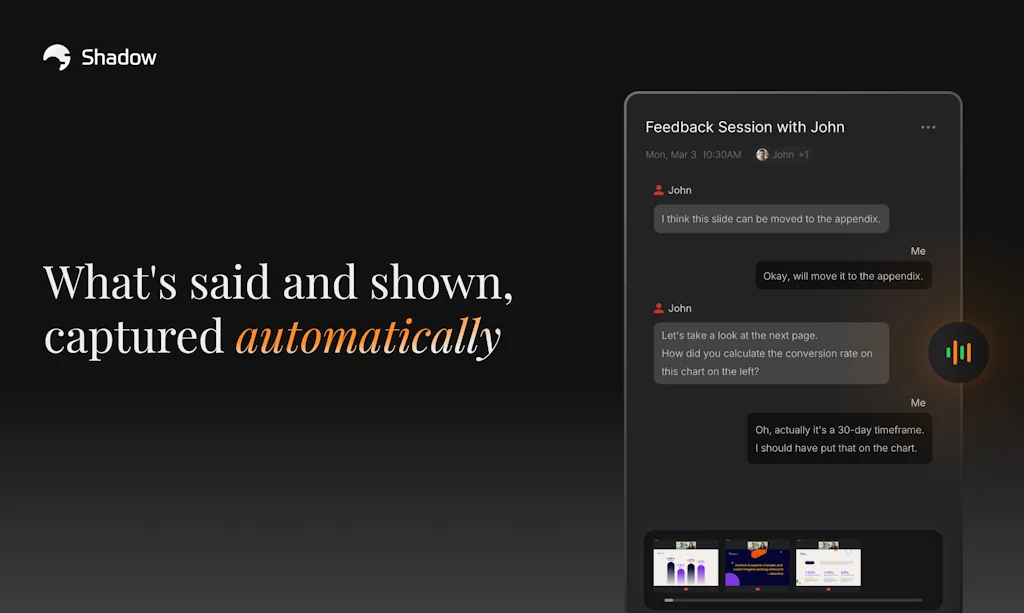
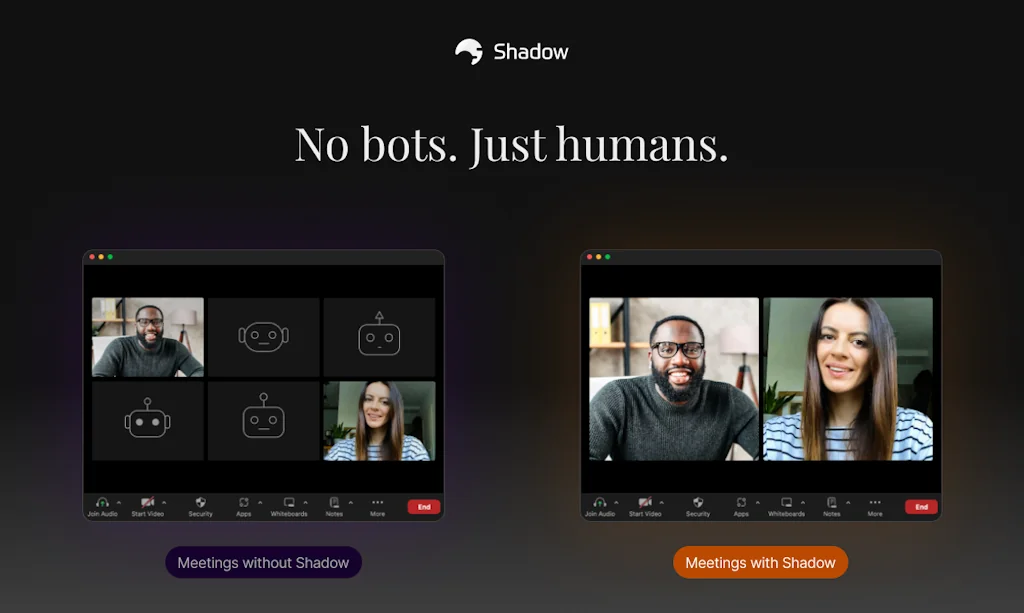
Half of every meeting happens on screen, but most AI tools miss it completely. Shadow captures both: what was said and what was shown. Every word, every slide, every screen—all without a bot joining your meeting.
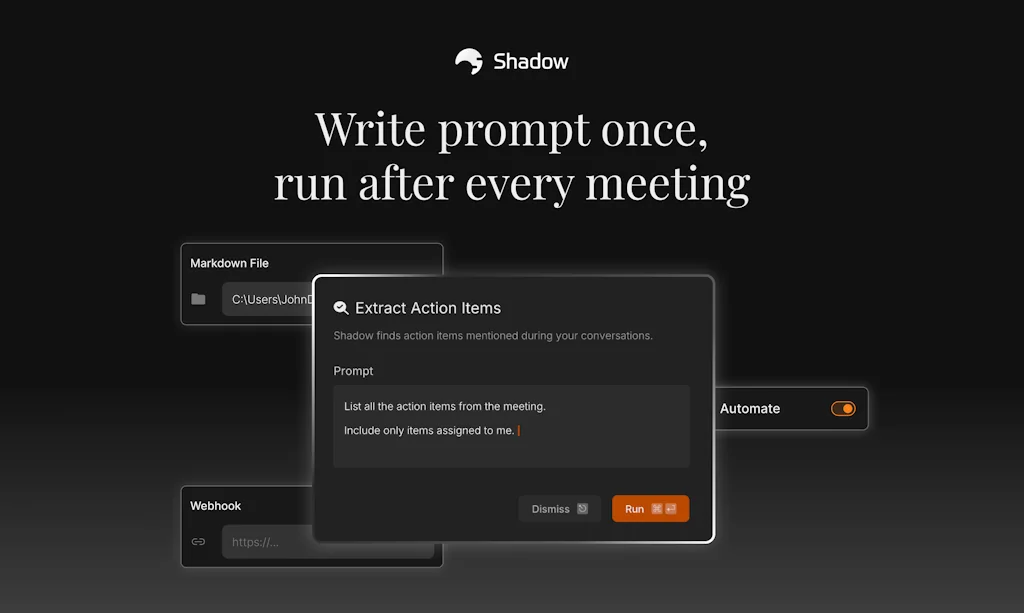
Shadow transforms that full context into real action. Write follow-up emails, extract action items, or create your own custom AI tasks. Never recap. Just move forward.
Pros & Cons
Pros
- Bot-free operation
- Meeting transcription
- Meeting summarization
- Non-invasive operation
- Task automation
- Responsive support team
- Accurate note-taking
- Post-meeting task management
- System-wide sound recording
- Customizable prompts
- Integration with desktop apps
- Interpretation services
- Local models
- Screen recording
- Templates feature
Cons
- Cross-platform compatibility
- Early stage development
- More accurate transcrition
- Speaker attribution
Tool Details
| Categories | Meeting software, AI notetakers, Transcription |
|---|---|
| Website | www.shadow.do |
| Added | July 15, 2024 |
| Platforms | Web |
| Social | Twitter · Instagram · LinkedIn |
Recent Reviews (13)
It has very intuitive design and easy to use.
Tested, really happy about the app
With Shadow, you can just set it and forget it. It does all the heavy lifting. It detects meetings reliably and does not need manual coercion like some of its alternatives. It runs very reliably as a background process and does not consume many resources. One of its biggest features is its ability to capture screenshots as it records and transcribes, providing additional context. I had not seen this since rewind.ai, which has now been acquired by Meta.
Because of the non-intrusiveness, low price and automatically starting when I begin a meeting.
Price is much better for Shadow than alternatives and I didn't want an agent represented "in the room"
I use both, just to be sure.
It's easy, reasonably priced, works well, and offeres more privacy than competitors
I wanted a bot-free notetaker that could work with multiple languages.
I love how Shadow focuses on the most important aspect of the meeting: that is, in my opinion, the primary goal of Shadow is to guide users to "get things done" by providing various well-planned tools. There are so many apps that categorize themselves as "AI Notetaker", and the main catch of most of them (if not all) is that it can save user's time tremendously by "summarizing only important parts of a meeting", "easily writing meeting notes", "taking notes during a meeting" and "organizing all meetings for easy retrieval later" so that the user can spend more time on "what really matters". I never found value in those apps. Some features, like archiving of all meetings, really are, but summarizing a meeting that I was present at, or automatically taking a note for me without knowing what's important to me .... not so much. Granola, Jamie, Fireflies, Otter, the list of other apps I've tried goes on but their features rarely diverge from what I said above. Their goal is to organize meetings into easily digestible, bite sized information that can be easily retrieved, and nothing more. On the other hand, Shadow focuses on "what needs to be done post-meeting". The "skills", which are actions that can be applied to any meeting after it ends, are clearly designed to provide insight that are specifically important to me. The feature focuses on what "I" should know or need to do so that I can plan next steps accordingly, instead of simply listing all related facts as mentioned during the meeting that may or may not be related to me, sometimes horrendously out of context. Shadow has a strong philosophy in that it somewhat forces you to follow their way of approaching any meeting. Their perspective is reflected in the overall product, some in subtle ways, others not so much. If this design doesn't bother you, I'm sure Shadow will provide you better results.
no bot, custom local modal, custom prompts, automation after recordings
Love this app, in my top 10 always running apps. It's not attached to browser or zoom app but instead it's system wide listener, non invasive and doesn't sit on the meetings as an extra "person". The skills feature is so cool, I can customize various prompts to manipulate the transcript however I want it. I recommend it to all my partners and clients. Thanks Shadow team, keep it up! 🚀
Frequently Asked Questions about Shadow
When did Shadow become popular?
Shadow became popular around July 15, 2024.
What are the main advantages of using Shadow?
The top advantages of Shadow include: bot-free operation, meeting transcription, meeting summarization, non-invasive operation, task automation.
What are the disadvantages of Shadow?
Some reported disadvantages of Shadow include: cross-platform compatibility, early stage development, more accurate transcrition, speaker attribution.
What is Shadow's overall user rating?
Shadow has an overall rating of 4.9/5 based on 23 user reviews.
What type of tool is Shadow?
Shadow belongs to the following categories: Meeting software, AI notetakers, Transcription.
Related Meeting software Tools
Verbally for Google Meet
Improve your meeting productivity in seconds

Offsite
Save time, money, and stress when planning team retreats.

Lyra
The meeting platform for high-performers.
Amy
Meeting preparation in seconds, straight to your calendar

Demodesk
The first entirely web-based online meeting platform.
Airbounce for Mac
One magic button for easier calls
Related AI notetakers Tools

Hera
Prepare, join, and run your meetings with automation

Chirp: AI for Apple Watch
The smarter assistant for your Apple Watch
MeetMinutes
Smarter Meetings. Structured Notes. Actionable Insights.

Grain
AI-powered meeting recording for everyone, not just sales.
Gubb
Notes, Todo
SlideScript
Transform slides into speaker notes in seconds
Related Transcription Tools
Voiser.net
Speech-to-Text and Text-to-Speech with AI Power

AssemblyAI
The best way to build Voice AI apps with one robust API
Typeless
AI voice dictation that's actually intelligent
Field Theory
Capture twice the context in half the steps
VoiceNotes
One tap record with live transcription + automatic cleanup
Recaply
Transform voice memos into actionable notes
Compare Shadow :


Don't Get Fooled by Fake Social Media Videos
The world's first fact checker for social media. Paste any link and get an instant credibility score with sources.
Try FactCheckTool Free